Overview
- Controller for train motors, brakes, and reverse. Can be used standalone without the Multiple-Unit system.
Two engine types
- The engine can be an ordinary medium motor or an infinite steam turbine. Controller works correctly if train has cars with both engine types.
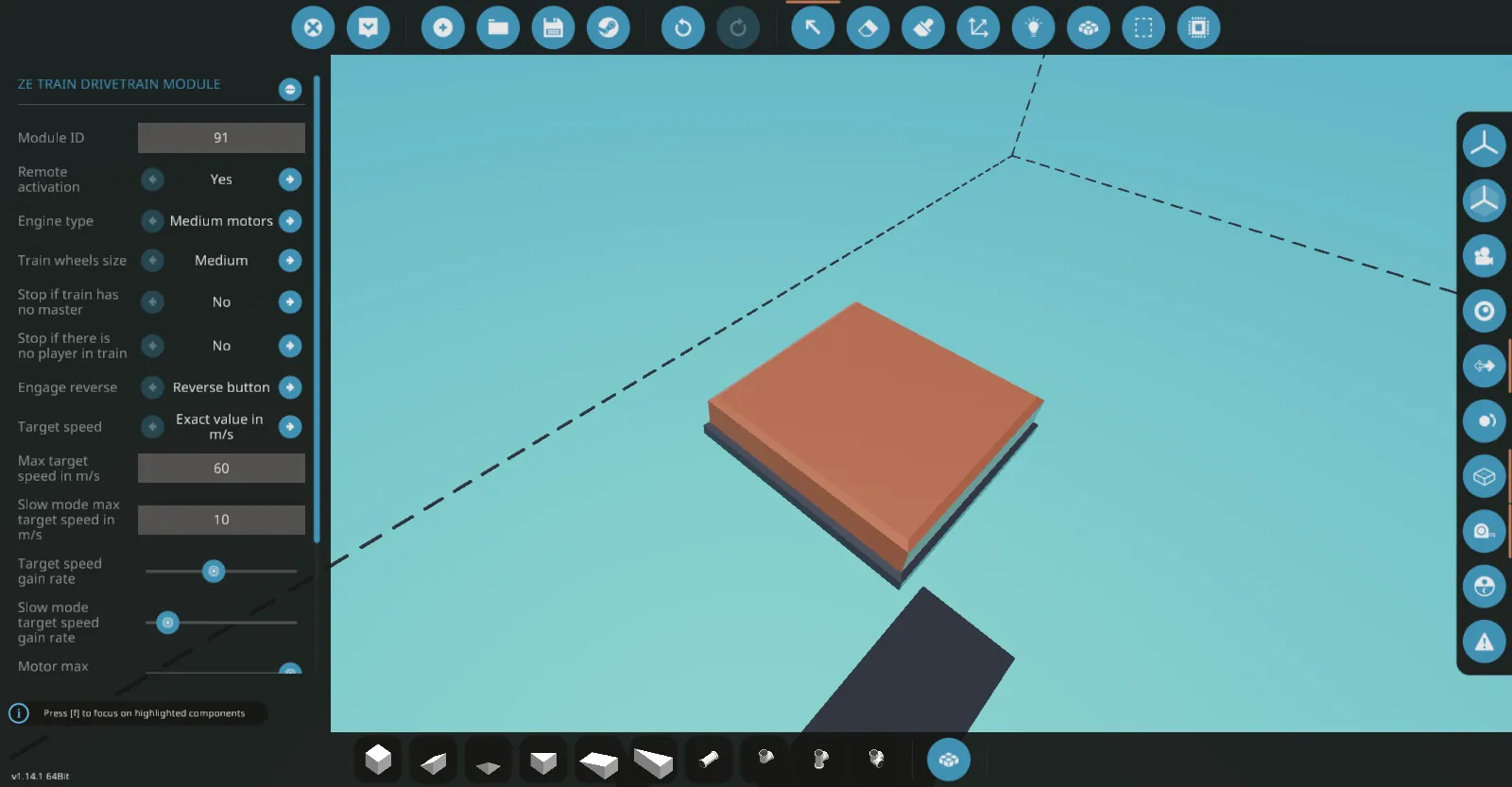
- The motors should be activated manually or remotely from the master car. You can disable remote activation in the controller properties.
Target speed
- Maintains the target speed, which can be set as exact value in m/s, or set with the seat axis. If you are using the seat axis, set its sensitivity to 100%. The target speed gain rate has an adjustable limit to prevent it from changing instantly when the master car is switched or if the brake is released.
- There is an antislip feature that lowers the motor throttle while accelerating depending on current train speed and wheels RPS. Reduce its slider in the controller properties if your train accelerates to slow.
Brake
- The value of applied brake depends on the current speed of the train to ensure a smooth stop. You can reduce its sensitivity in the controller properties to stop faster.
- Releasing the brake sets the target speed to the current speed, so it is the fastest way to reduce the target speed if your train is overly accelerated.
- After the train has stopped, the brake retains its maximum value and can be used as a parking brake. Also the brake can be applied automatically if the train has no master or if there is no player in all train cars for 5 seconds.
Emergency brake
- Can be requested from an inactive cab of the master car, or by passengers in any car with a timeout of 5 seconds, and can only be released from the master cab. Once a request is sent, there is an adjustable time limit to decline it from the master cab, otherwise the emergency brake will be applied.
- The emergency brake control panels are separate from the drivetrain control panels and do not use the switch controller for dual-cab cars.
Reverse
- Reverse can be engaged with the button on the control panel, or with the seat axis the same way as it sets the target speed. Reverse will engage or disengage only after the train has come to a complete stop.
- The reverse direction is indicated relative to the front cab of this car, taking into account whether this car is opposite the master car.
Slow mode
- Slow mode is an optional mode with different target speed maximum value and target speed gain rate. You can use it for slow and precise maneuvering, or vice versa as an alternative "fast mode" if the maximum target speed is set to be higher.
Composite channels
- Control panel:
Boolean push:
[list] - 11. Brake.
- 12. Slow mode.
- 13. Reverse.
Numeric:
- Target speed value in m/s, or seat axis value in range from -1 to 1.
[*] Indicator panel:
Boolean:
- Brake.
- Slow mode.
- Reverse relative to the front cab.
- Reverse relative to the rear cab.
- Activated.
- Remotely activated.
- Emergency brake.
- Emergency brake flashing indicator.
Numeric:
- Target speed in m/s.
- Brake value.
- Motor throttle value.
[/list]