Adds filters, sorting, collections, bulk enable/disable, and Unsubscribe button to the vanilla Mod Selector screen.
What it adds:
Extends Project Zomboid's existing mod list with quality-of-life features - nothing is replaced.
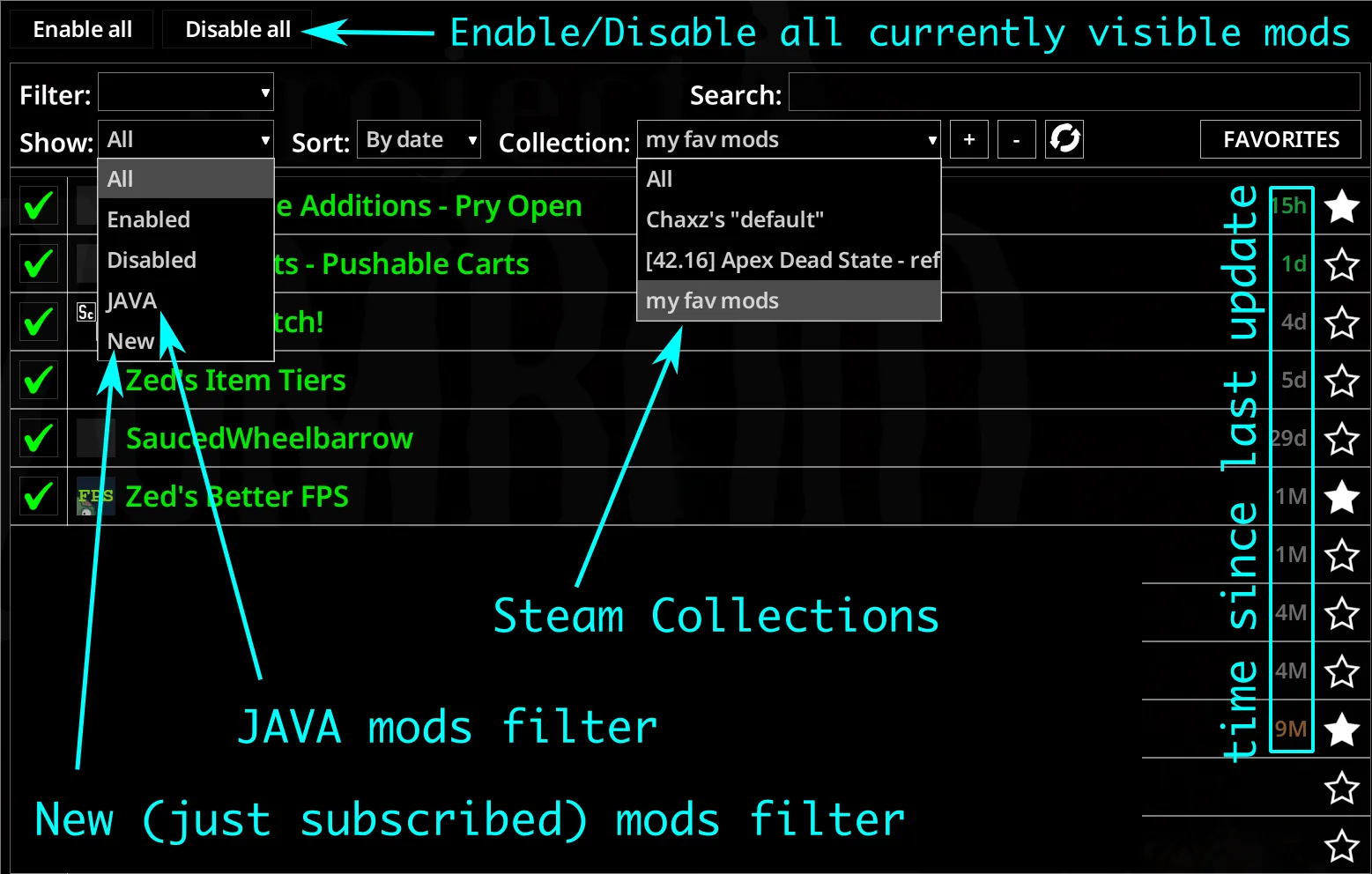
- Filter by: All / Enabled / Disabled / Java / New
- Sort by: Name or Date
- Steam Workshop Collections - add a collection by URL or ID and it appears in the Collection dropdown. Picking it filters the mod list to just that collection. Adding a collection also auto-subscribes to every item in it; new mods show up in the list as soon as Steam finishes downloading them, no restart required. Refresh re-fetches the collection's title and children; Remove drops it from the dropdown.
- Enable All / Disable All buttons at the top-left toggle every mod currently visible in the list. Mods are processed in dependency order (using require / loadModBefore / loadModAfter), reversed for disable, so a single click handles the whole chain correctly.
- Dependents row in the mod info panel - lists the mods that require the selected one (green = currently active). Click any entry to jump to that mod, just like vanilla Dependencies.
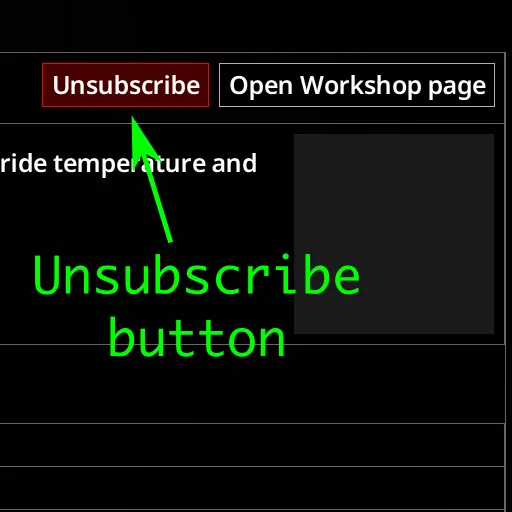
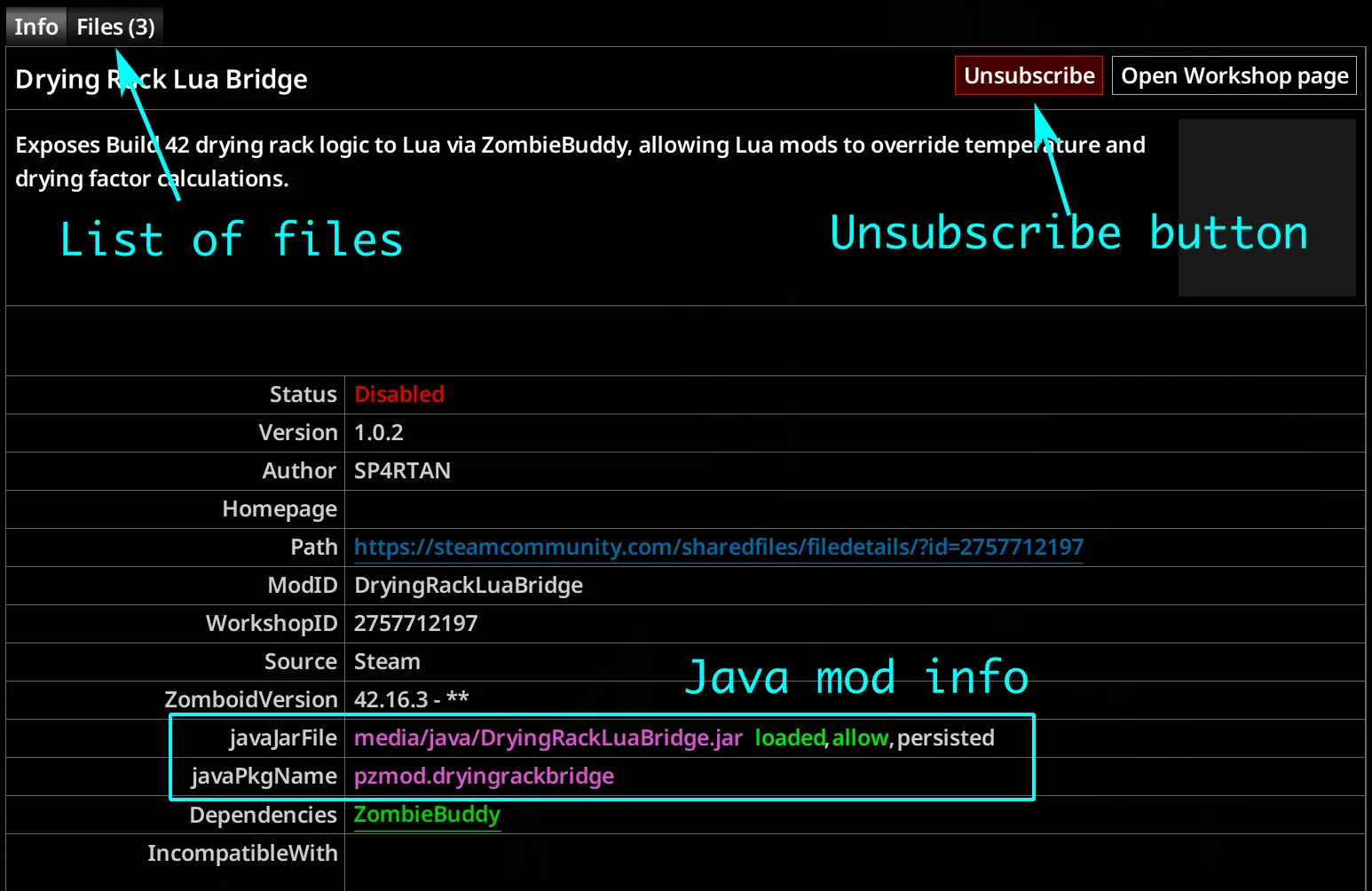
- Unsubscribe Workshop mods directly from the in-game list
- Workshop mods you unsubscribed this session are hidden without restarting the game
- Shows each Java mod's load status next to its JAR path - loaded / blocked, allow / deny, persisted / session - color-coded (green = good, red = bad) so you can see at a glance which JARs ZombieBuddy let through
FAQ
- Does it work on multiplayer?
Yes - it only affects the client-side mod selector UI.
- Save compatibility?
Safe to add or remove on existing saves.
- Supported game versions?
B42.12+
Links
GitHub Repository[github.com]
Support the Project
If you find this mod useful, consider supporting development: [ko-fi.com]
Workshop ID: 3709229404
Mod ID: ZBetterModList