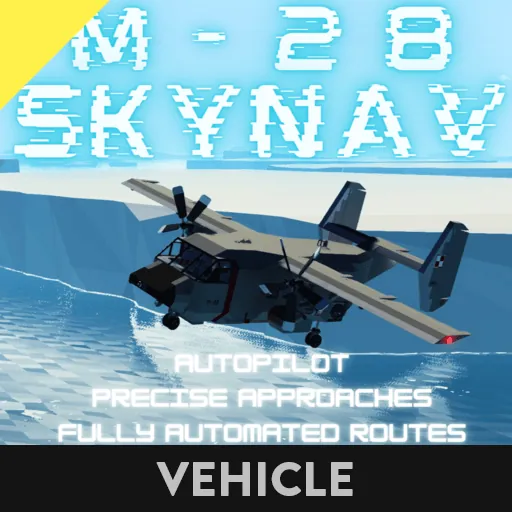
M-28 SkyNav
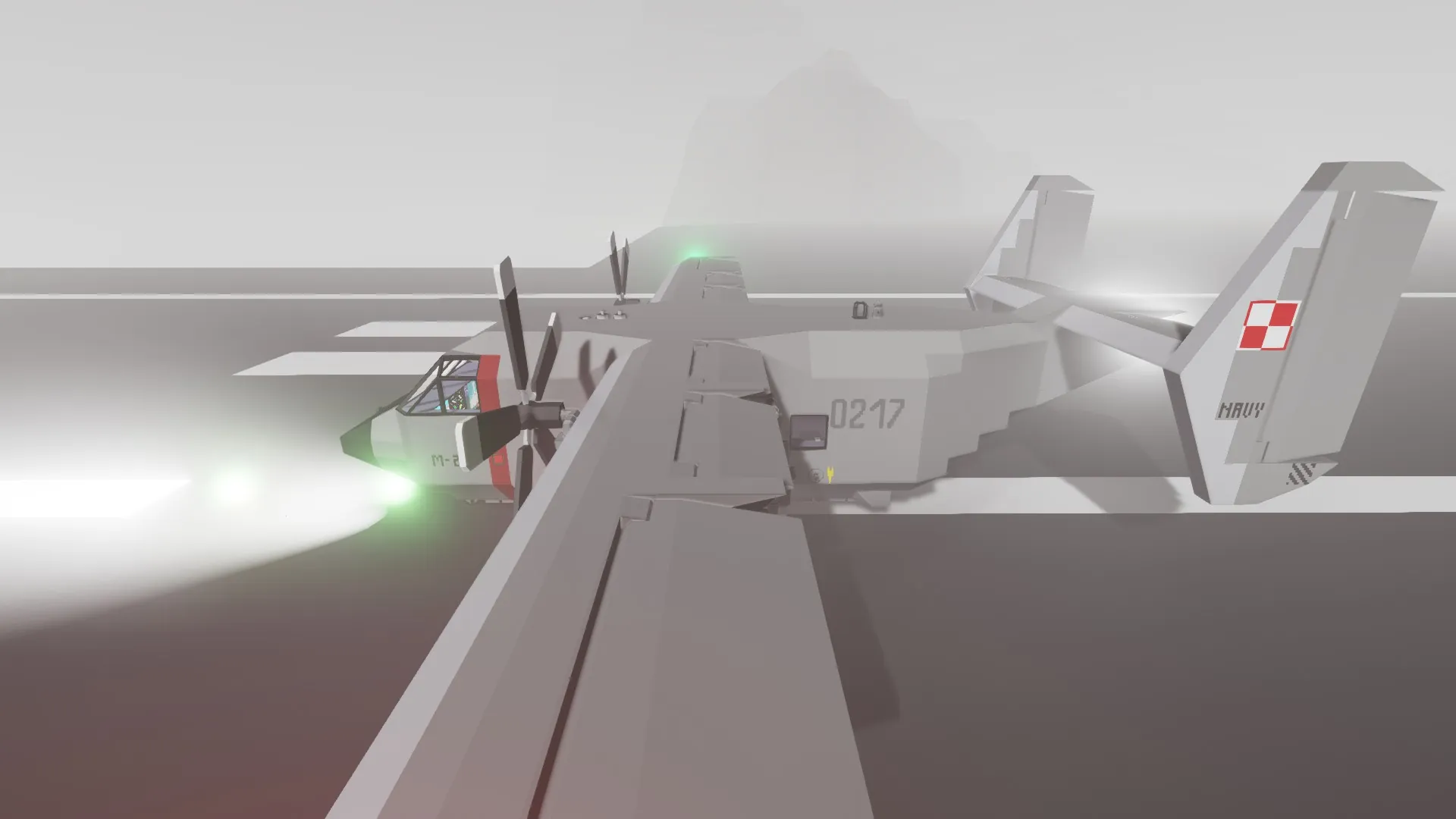
Hello, this light cargo airplane is focused on advanced navigation and approach possibilities with maximum automation available at the moment.
Features:
- LNAV and VNAV (lateral and vertical navigation)
- Advanced autopilot (Altitude,Heading, Navigation, Autoland)
- Approach indications (Localiser and Glideslope)
- Custom map supporting routes (autopilot capable)
- Refueling, de-tanking, charging
- Automatic landing system without mods
- Mutiple both visual and aural warnings
- Fuel management system
- And many many more
Short manual:
This is basics manual - if some things are not fully understandable visit Advanced Manual discussion.
1 - left doors
2 - cargo ramp
Space – brakes
WSAD – pitch/roll
Arrows UP/DOWN - throttle
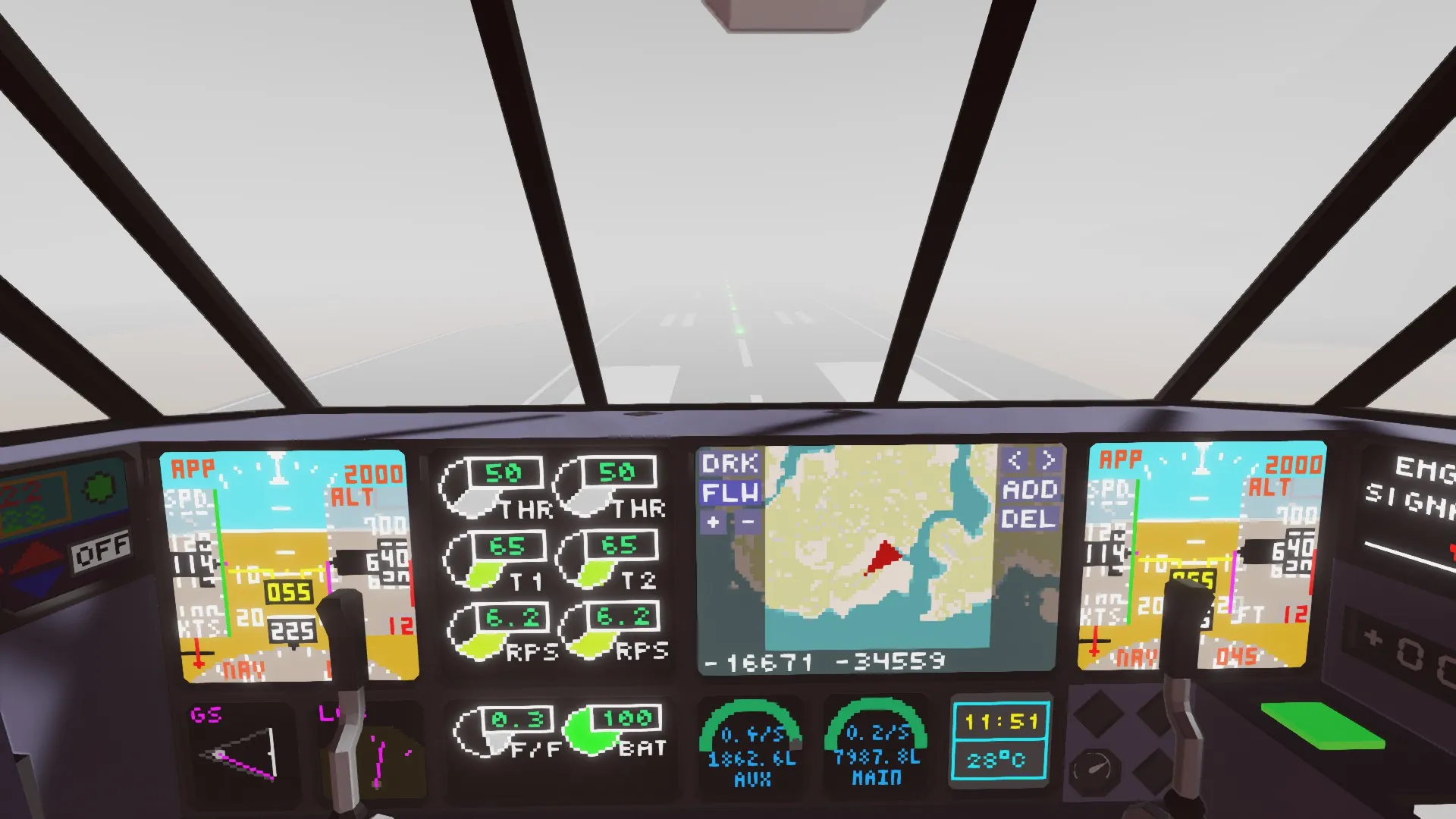
Tap PFD (main screen) to change screen camera options
Autopilot – navigation
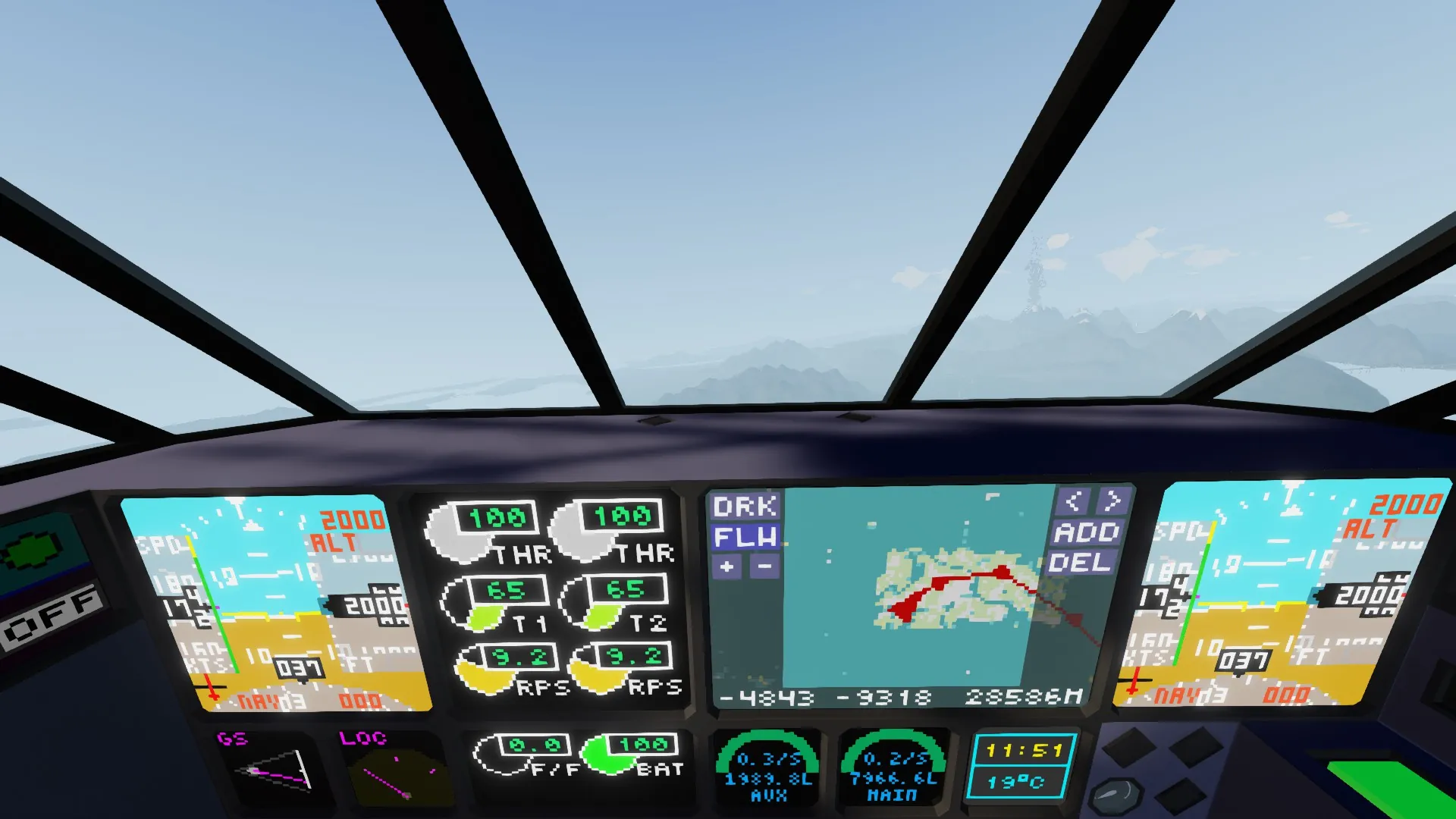
Add any waypoints on the map and turn AP NAV mode ON to make the aircraft follow your route. AP heading MUST be ON to make it work. AP alt is advised.
Autoland
Add waypoint on desired runway as shown on the photo. Select appropriate runway track (from 0° to 360° just like heading but its FROM runway, not to runway) and elevation in METERS to make it work (for main airports use Airport Data Helper button on right side as main airports are fixed). Turn autoland ON and wait for the aircraft to land by itself. AP ALT,HDG and NAV must be ON also. Using autoland in windy conditions in PROHIBITED . You can cancel approach anytime by turning off either autoland or ap alt and hdg systems. On the image you can see recommended position to turn on autoland. The bigger is your present track to the desired one the farther away you should be from airport to give it some time to catch it. See discussion panel Advanced Manual for flare throttle adjustment (optional) and more. Approach indications
Select runway waypoint on map, track and elevation the same way as above. Glideslope indication will show your vertical position above/below glidepath and localiser left/right of track. Maintain those by autoland or manually to proceed with stabilised approach even in no visibility conditions.
Warnings
Too low flaps – set at least 10° flaps or climb above safe altitude.
Terrain Terrain – warns about impending collision with terrain. Works only when you’re stabilised on approach to land.
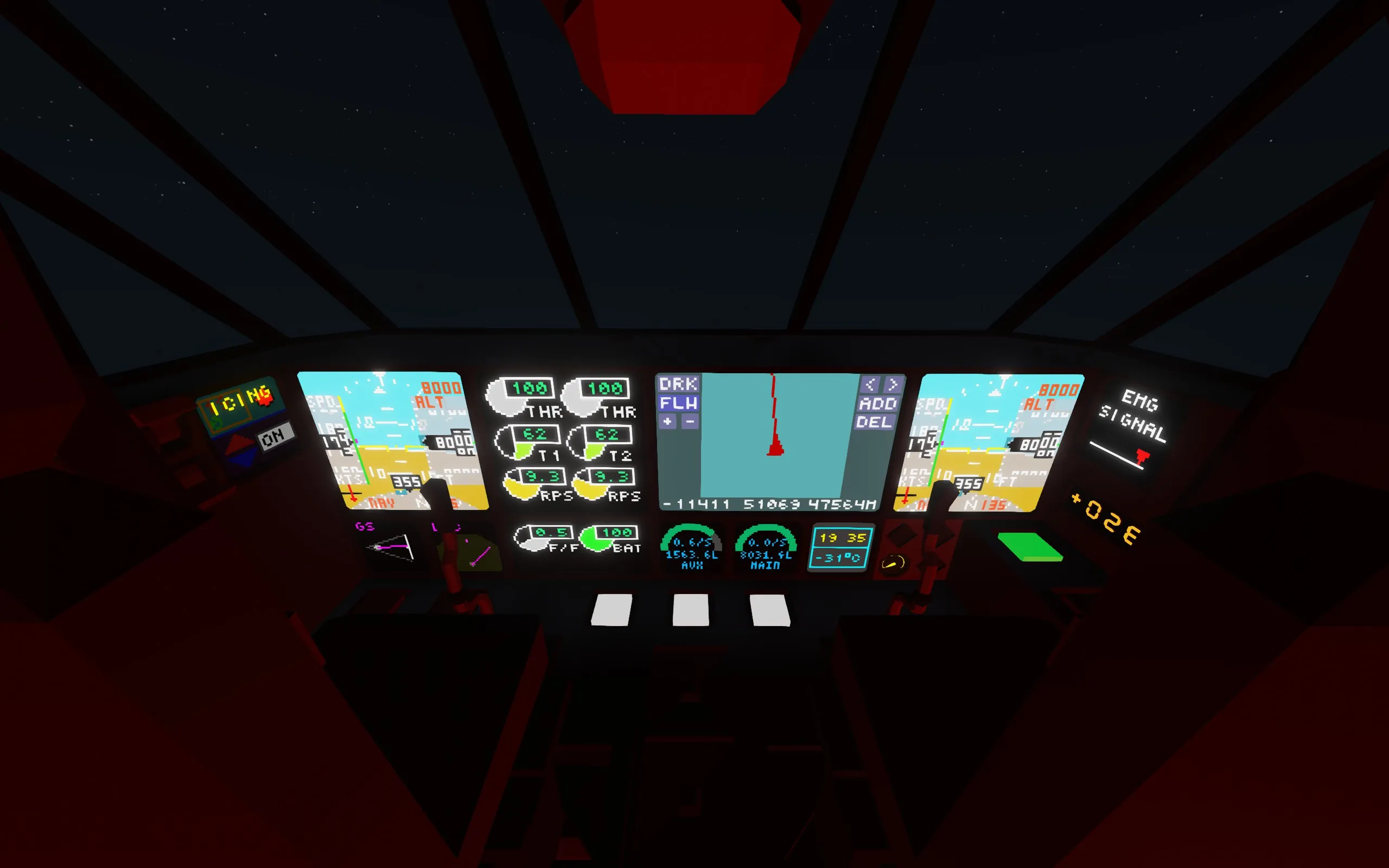
Icing – temperature in the aircraft is too low. Turn heating on or descend if its not sufficient (high altitude in freezing biome)
APP Fail - approach flight path was not intercepted in required time and this indicates abnormal situation. Autopilot will try further to intercept.
Any feedback is welcome, aircraft will be supported with updates. Please upvote if you enjoy it.
Thanks to:
Signal Locator
https://steamcommunity.com/sharedfiles/filedetails/?id=2433058760
Advanced Map with Waypoints
https://steamcommunity.com/sharedfiles/filedetails/?id=2834797065
LUA fule dial
https://steamcommunity.com/sharedfiles/filedetails/?id=2100156720
Gauge HA 1x1
https://steamcommunity.com/sharedfiles/filedetails/?id=2388141768
Touchscreen Fuel Consumption Calculator
https://steamcommunity.com/sharedfiles/filedetails/?id=2932024685
Customisable Radial Dial Module
https://steamcommunity.com/sharedfiles/filedetails/?id=1761878368
PFD V1.0.2
https://steamcommunity.com/sharedfiles/filedetails/?id=2396103325
the thermostat on lua
https://steamcommunity.com/sharedfiles/filedetails/?id=2113097230
1x1 Monitor Digital Clock with Temperature
https://steamcommunity.com/sharedfiles/filedetails/?id=2067998970
Keep in mind that here are used modified verions of items above.
Enjoy!