About
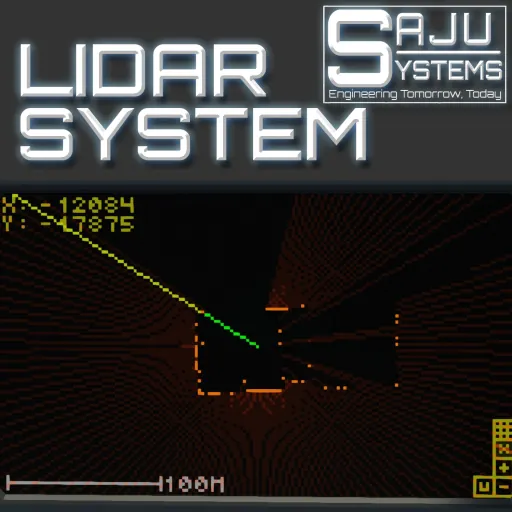
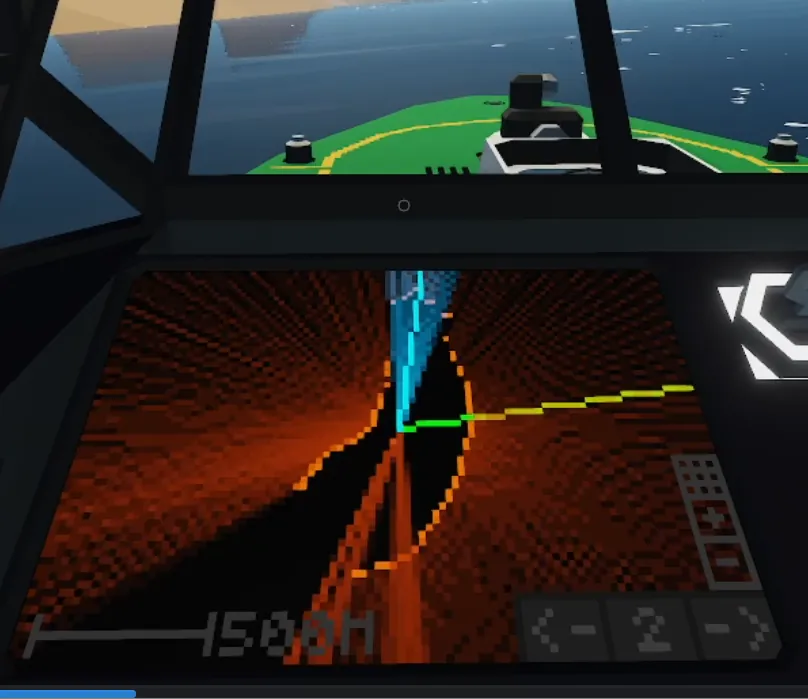
This is my first lidar system. It works as you would expect from a lidar. It renders forwards up and renders a shadow effect behind targets so you can easily see where the lidar can see.
One day I had a crazy idea. What if I could make a fully autonomous boat autopilot with only one spinning laser sensor. After a couple days of coding and fine tuning here it is! It is not perfect but it will navigate around most of the Stormworks world. Even in the rivers of Sawyer!
Features
- Simple 2d lidar image with shadow rendering for navigatio aid.
- Fully autonomous autopilot support when paired with the Saju Systems autopilot module!
- Integrated laser stabilation from tilt to composite lidar pivot
Usage
Installation
Look at the example setup to see how to install. Setup is not the simplest. Copy from the example vehicle.
- Install a laser to a velocity pivot with a compass and tilt sensor (same direction as the laser).
- Connect the laser, compass sensor and velocity pivot to the controller.
- If using full autopilot feature connect the two autopilot communication signals to the autopilot module.
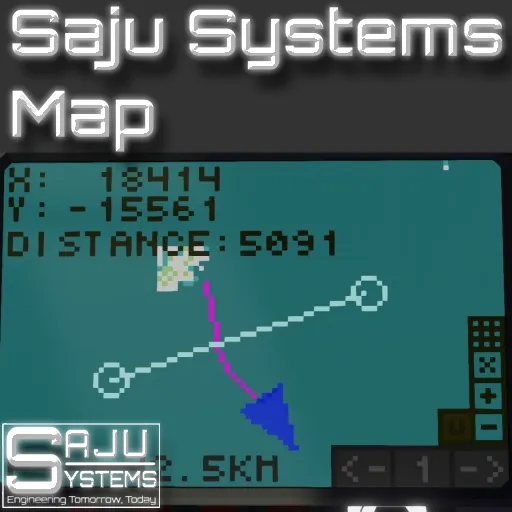
- Connect composite and one on/off signal to the Saju Systems Map.
- Disable Map Rendering from the Saju Systems Map. Disabling movable map is also recommended
Usage
Base Lidar Function
To use the lidar just turn on the system and see the results on the map. Note that the lidar needs time to calculate the duration of a full rotation to start rendering. The lidar does not support rendering on top of a map. The map rendering needs to be disabled from the Map Modules properties
Full autopilot
The system will listen to commands from the Sajus Systems Autopilot and correct the course given by the autopilot. You will interface with the autopilot like without the lidar module. The lidar module just intervenes when close to obstacles.
Notes:
The more waypoints you manually enter the system, the better the results will be. Best to use the autopilot like a correction tool for your route. Enter the rough lines of the route in manually.
Change Log
1.01 Version
- Added option to hide the autopilot heading line.
- Added option to hide the scan line.
- Added option to change the color for the options above.
- Added target shadow contrast slider.
- Fixed Lidar Deadzone slider not working.
NOTE! If you use this in your own vehicles please provide a link to this page in the description.
If you like the controller, Buy Me a Coffee![buymeacoffee.com]