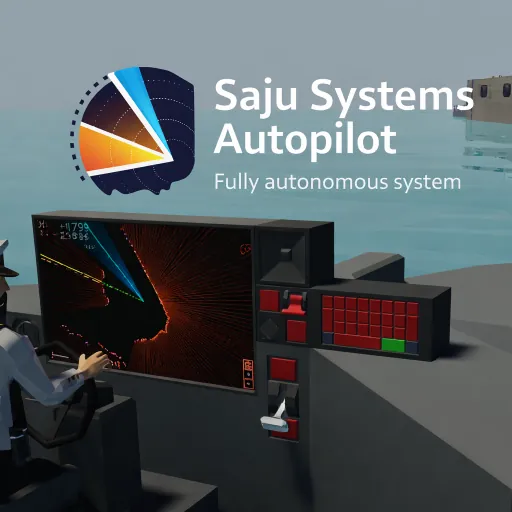
About
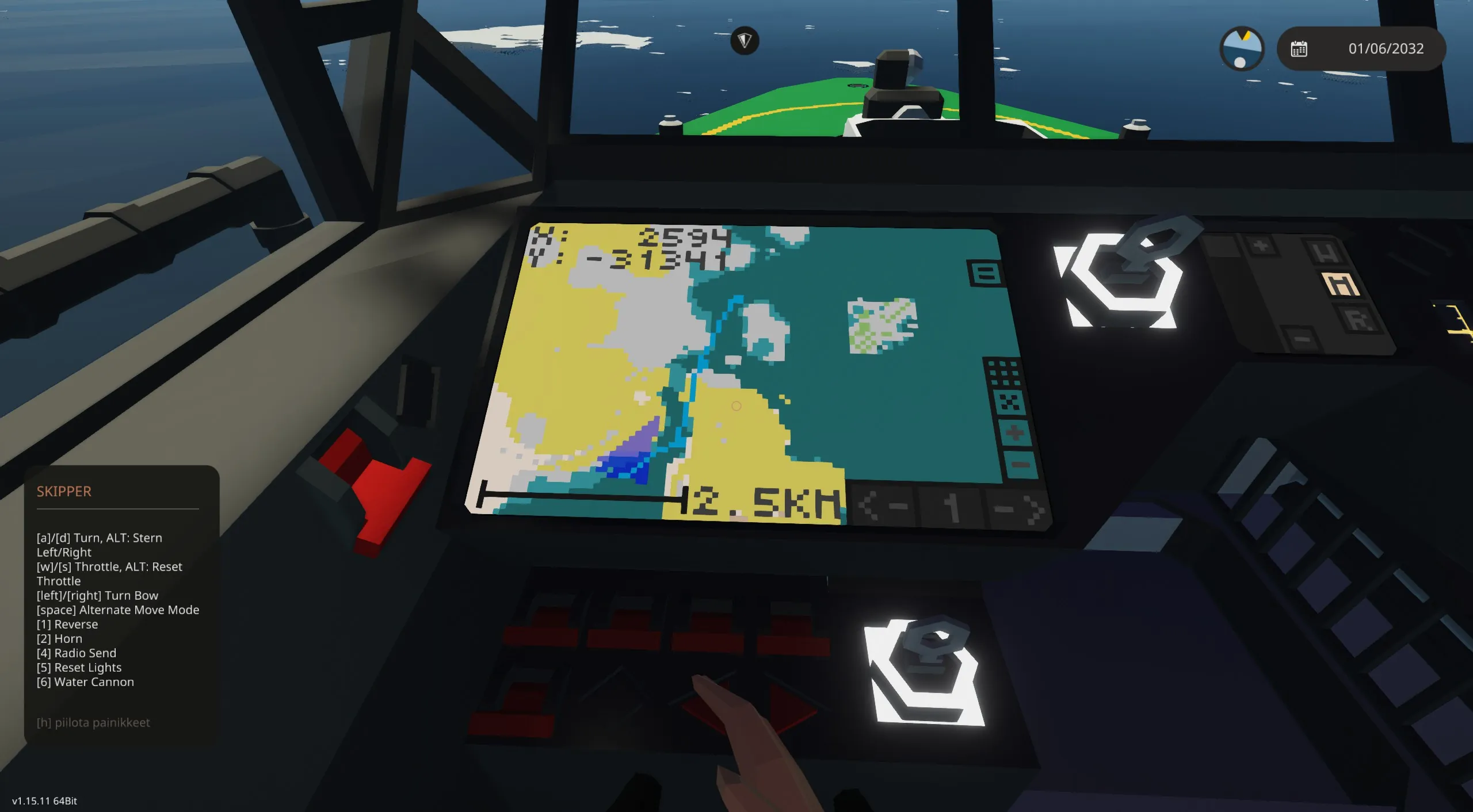
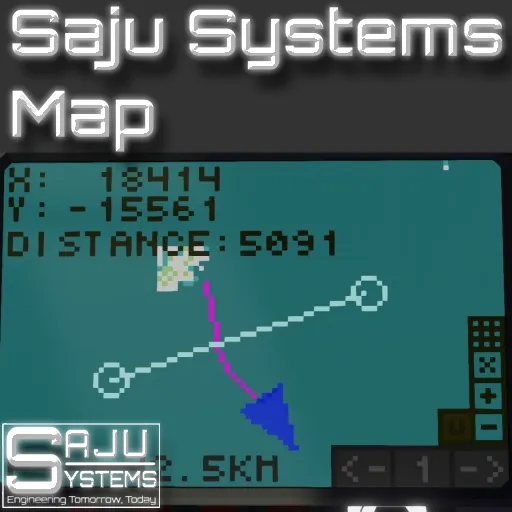
This is a user first autopilot system that follows waypoints provided by the user and can control the throttle automatically. This is my first autopilot that is 100% lua and under the Saju Systems brand. It has not limits on the number of waypoints like my previous autopilot system. This map uses the Saju Systems Map as a base to render the route on.
Features
- Unlimited amount of waypoints
- Draws your route on a map
- The system can control your throttle and stop automatically at the end
- Settings to adjust the system
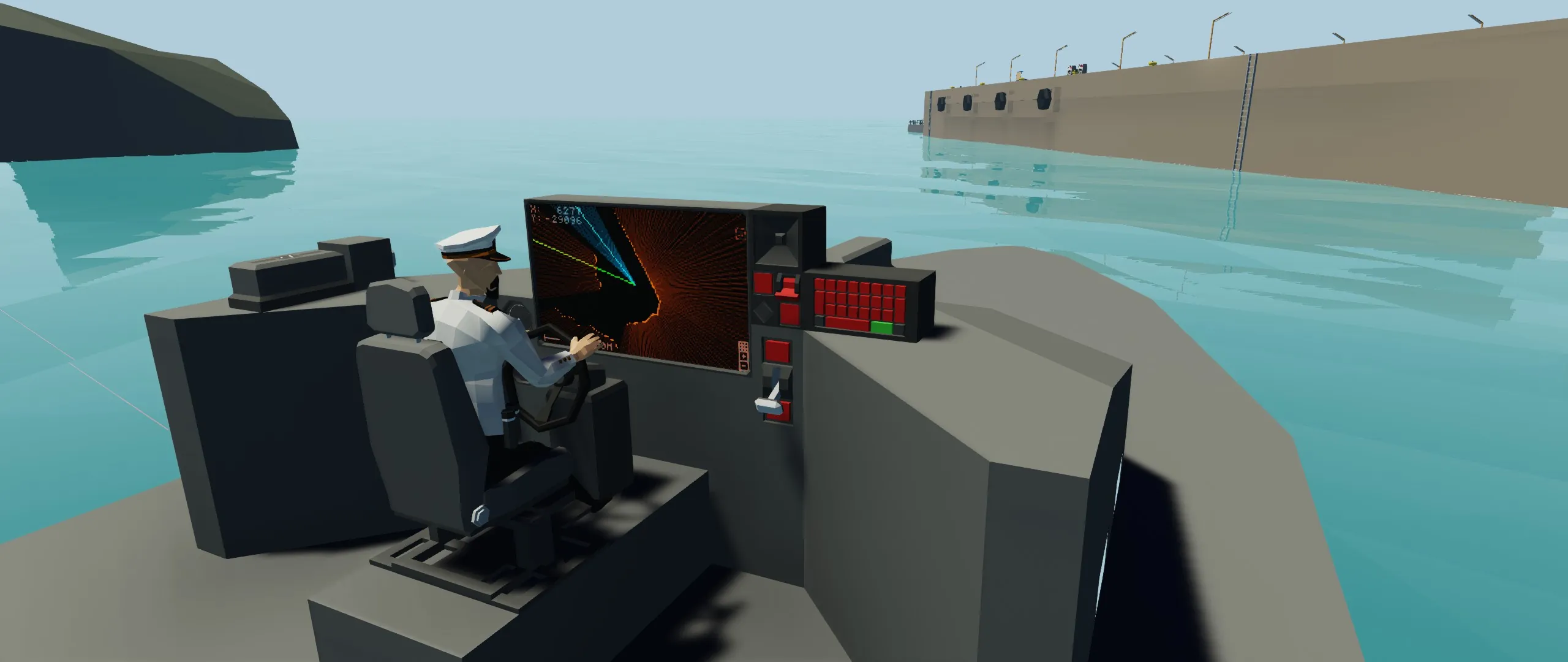
- Support for fully autonomous boat driving with Lidar Module
- Support for a tranponder locator system. / "LOCA" refer to this page.
Usage
Setup
Look at the example vehicle. Connect the video signal from the map and through the autopilot and lidar module to the screen. Connect a physics sensor and touch from the screen. If using a lidar module with the autopilot connect both controllers to each other. Remember to connect the on/number signals too.
Usage
When installed the system is very easy to use.
- When in the vehicle enter the waypoints you want with the keypad. This will automatically enter the waypoints in the autopilot memory.
- To activate the autopilot, press the first button on the instrument panel. The system has activated when the green light is lit.
- Remove the last waypoint using the push button.
- Throttle mode is mode that applies constant throttle when the autopilot is on. This mode stops automatically when the route has ended. You can set a default throttle value in the properties and adjust the value live the settings with the lua touch screen.
- Lua touch screen settings are behind the button in the upper right corner of the screen.
NOTE! If you use this in your own vehicles please provide a link to this page in the description.
If you like the controller, Buy Me a Coffee![buymeacoffee.com]