About
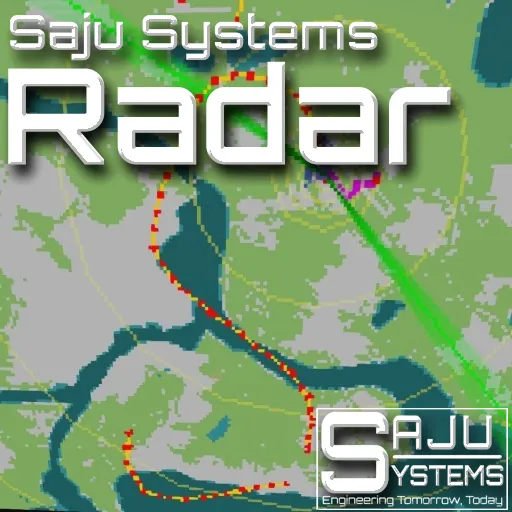
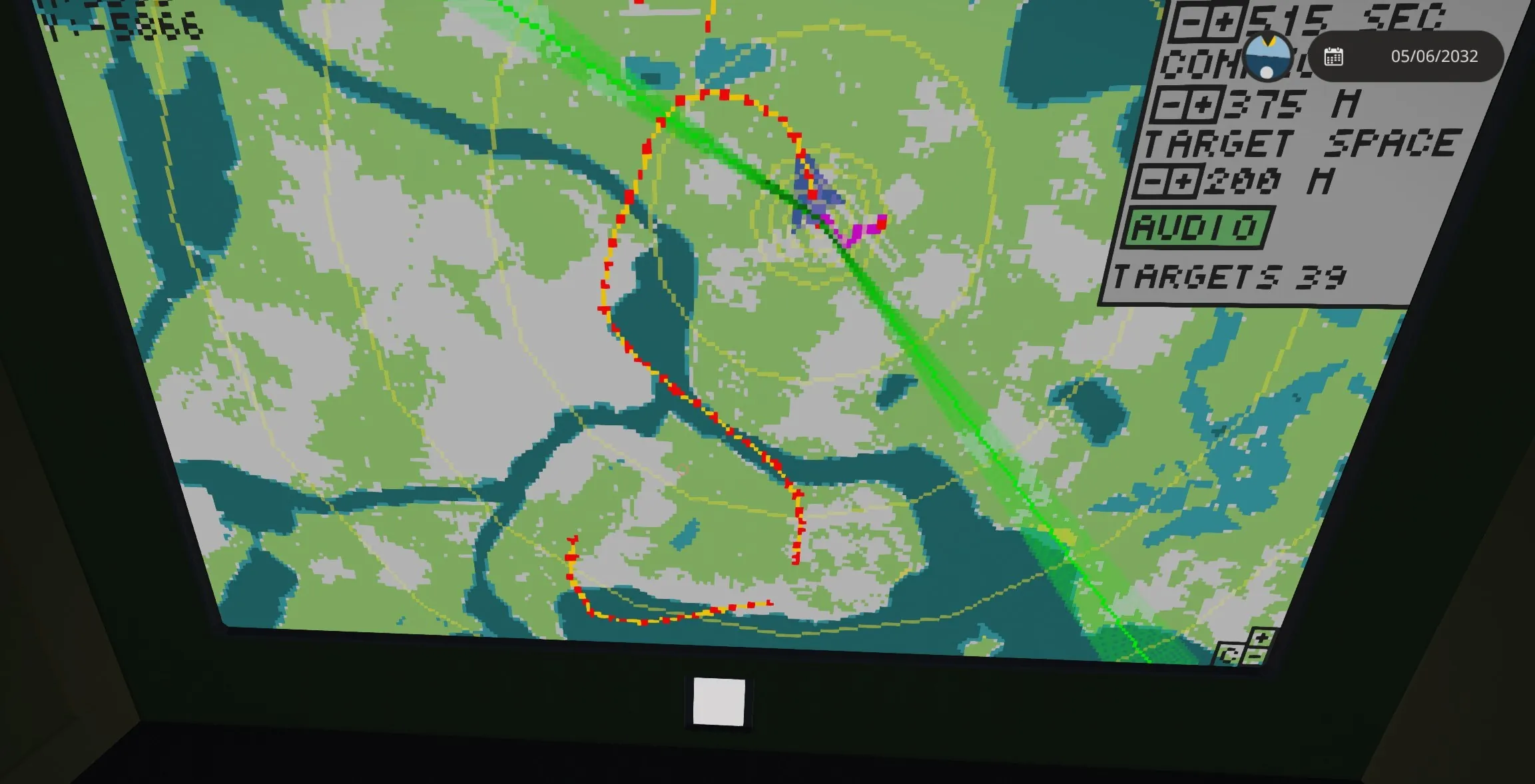
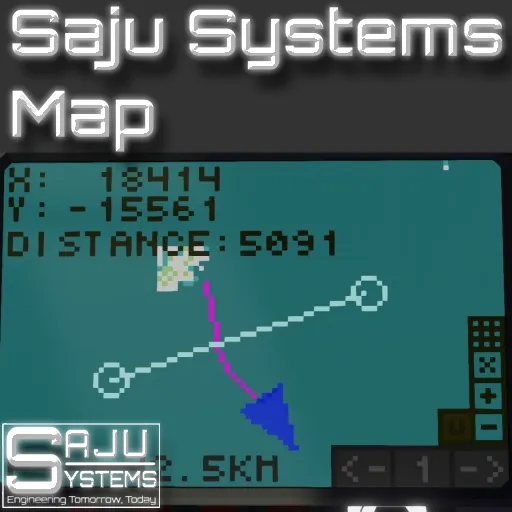
The Saju Systems Radar System, first radar controller made by me. This radar is a bit unconventional as its history is not based on the rotation. It is based on time passed since detection so the history can be much longer than one rotation of the radar. This radar controller has settings to customize its functionality in the property menu and in the lua system. It needs the Saju Systems map controller to function properly. The sound in produced when a new target is found or the a previous target has moved. All colors of the microcontroller can be adjusted. This radar can be used heading up (without a map) or north up (with a map). This setting can be configured from the Saju Systems Map controller.
Features
- Target trail based on previous location of the target
- Scan lines: fading or based on radar fov
- Range lines
- Radar sound
- Adjustable target history
- Easily customizable colors
- North up with a map or heading up modes
Usage
This controller supports my multifunction display system. There is a page number in the properties and a MFD compostite signal in the controller. Ignore those if not using the MFD system.
Setup
Connect the radar composite, rotation and the on/off signal from the radar to the controller
Connect the composite info and radar disable signal to the Saju Systems Map Controller.
Connect Touch and Video input/output. (NOTE! The video should go from the map module to the radar module. THIS IS IMPORTANT)
Usage
The radar is on by default. The system can be turned on/off from the Saju Systems Map settings (Top option of the buttons on the bottom right.). You can access the radar option from the top left button on the map screen.
Options
Properties
You can change every color of the microcontroller. R,G,B,A channels. Make sure to keep the commas between the values or it wont work.
You can disable the settings for an older feel to the system.
You can change the default values for settings.
Lua Options
These values are changed by the lua options menu.
You can adjust the minimum distance between targets. This greatly reduces the amount of false targets due to radar jitter but slows down the update frequency.
Connection distance is the distance that two targets are connected together with a line.
Sound toggle
Change Log
Version 1.01
- Reduced controller size.
- Target distance is now clamped to the radars max range.
- Added option to hide the scan line and moved the options to drop down.
- Added option for range ring count.
- Added option for default history length
Version 1.1
- Targets are now stored in groups.
- Improved target trail line rendering.
- Added altitude next to targets.
- Pitch/roll compensation
- Saju's Augmented Reality System support (upcoming system by Saju)
Links
If you like the controller, Buy Me a Coffee![buymeacoffee.com]
NOTE! If you use this in your own vehicles please provide a link to this page in the description.