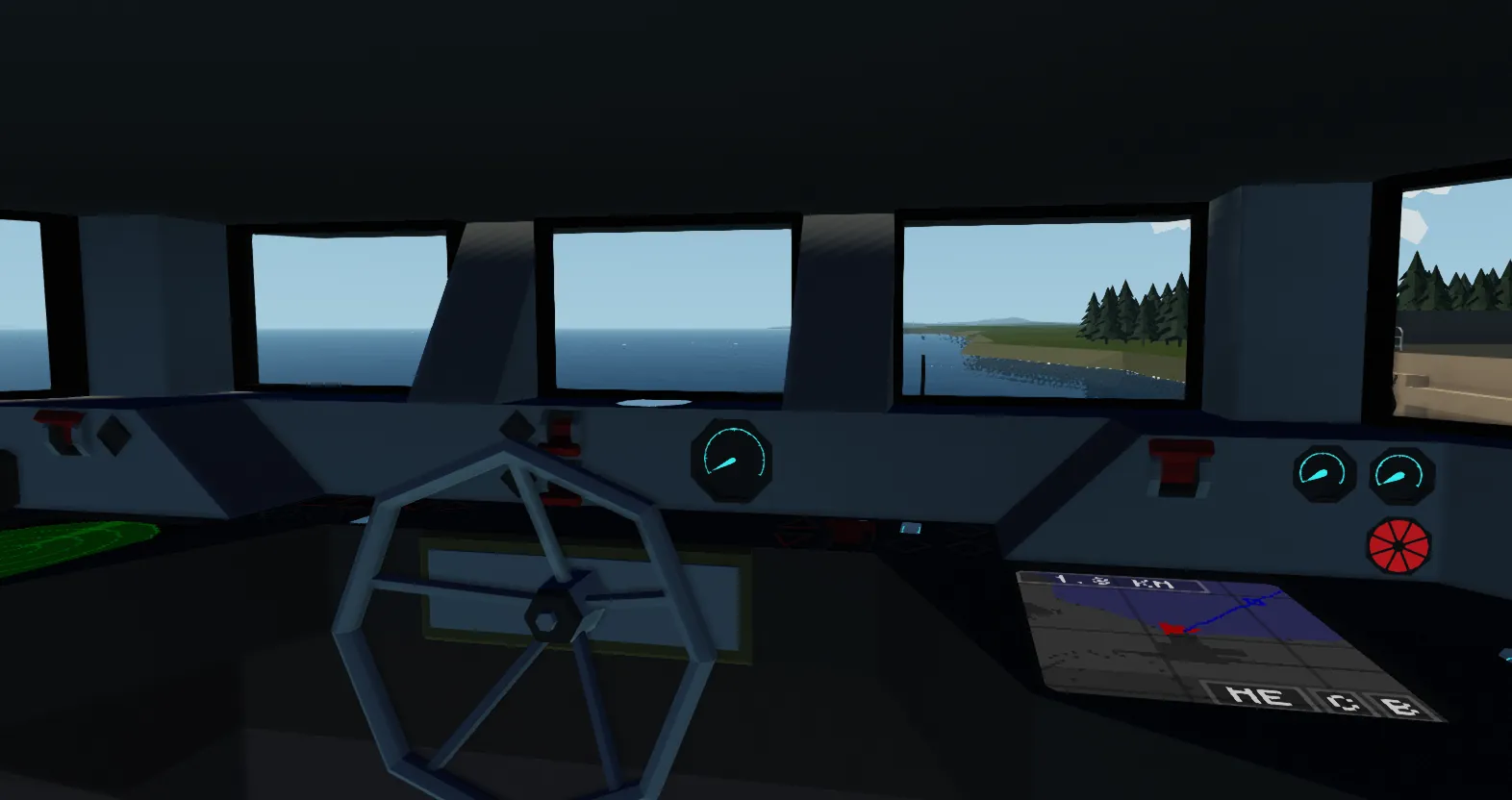
Waypoint autopilot with radar and route guidance system.
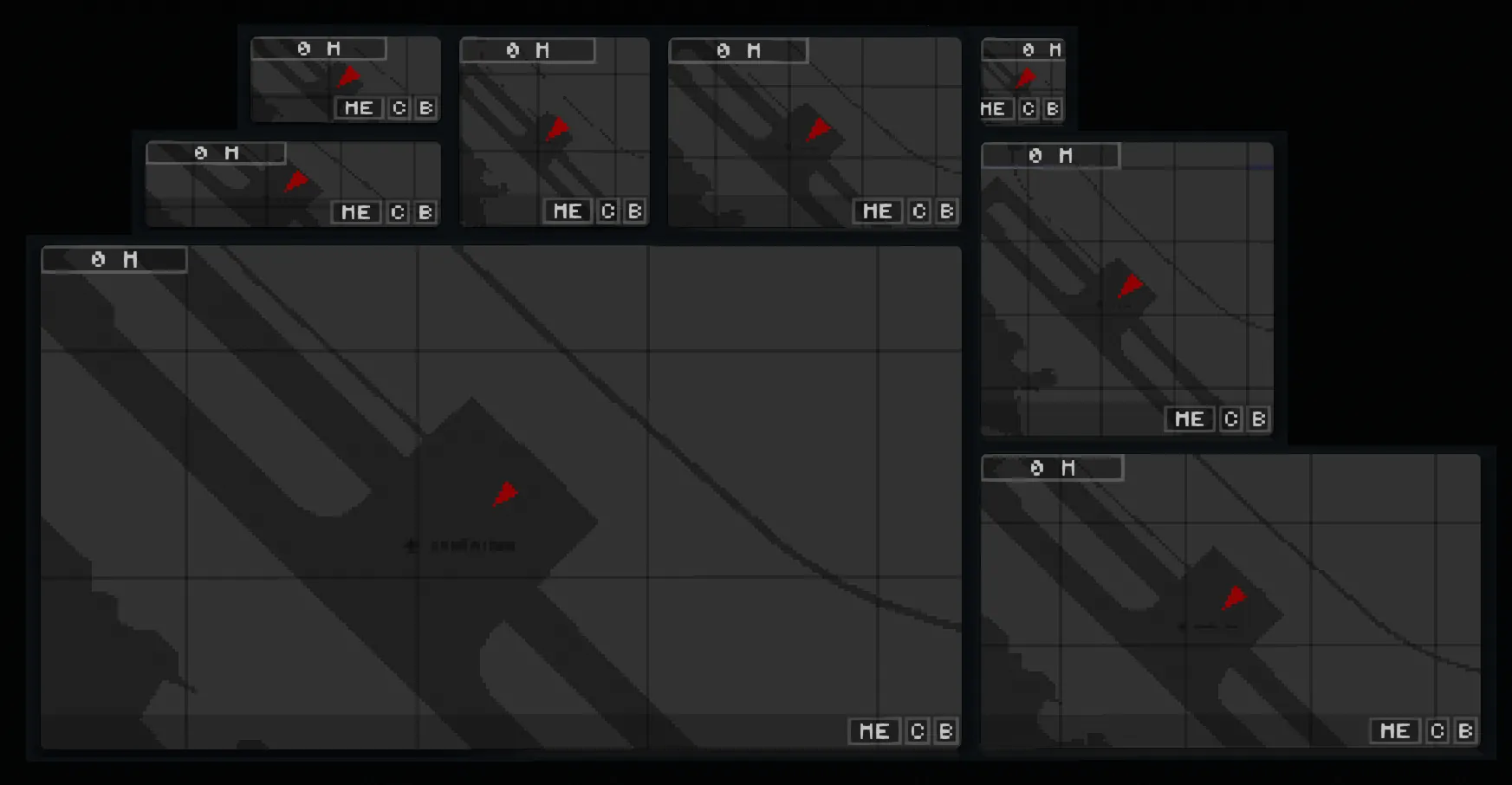
You can remove all the buttons from the screen and use the toolbar, or select only the item you need.
By default, zooming is performed by simultaneous pressing in different areas of the screen, and the greater the difference in the height of touch, the stronger the zoom. However, if you prefer on-screen buttons, this function is available in the controller settings.
You can also move the map by long-pressing the screen.
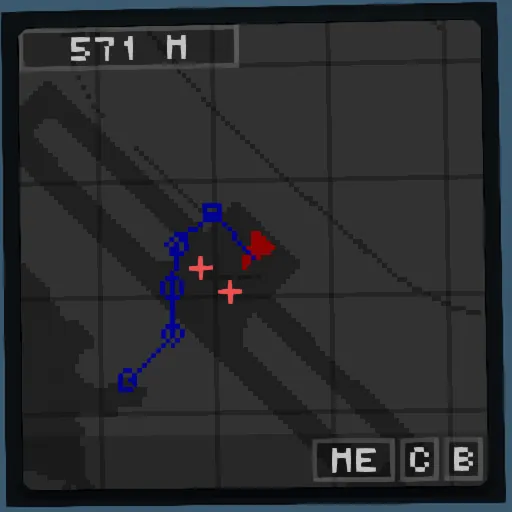
The main interface element consists of three buttons: 'B' deletes the last point, 'C' deletes the entire specified route, and 'ME' centers the map on your position.
(It is not recommended to remove this element unless you plan to add a duplicate dashboard; otherwise, it will be impossible to use the autopilot normally).
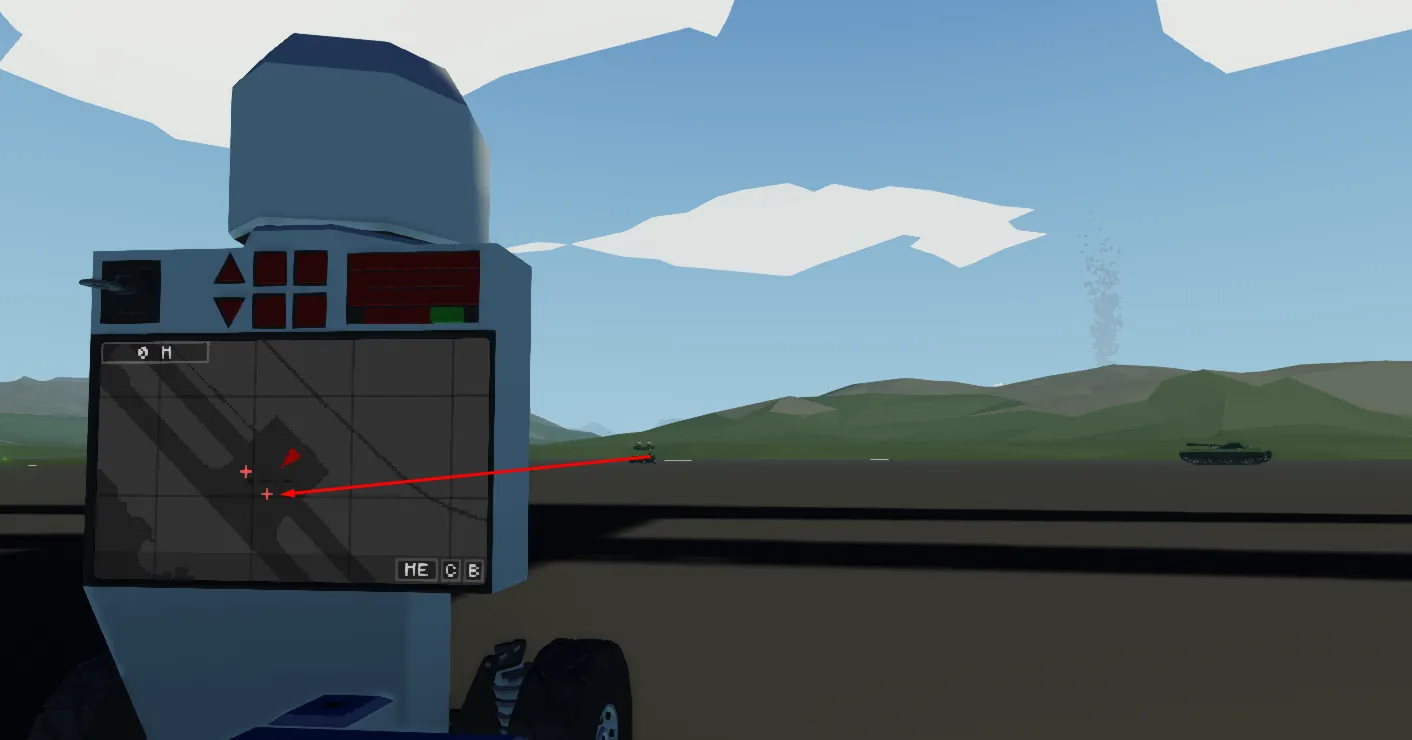
The radar illuminates targets on the screen and highlights them on the map. To keep the map clear of players on board your craft, there is a blind spot within 40 meters of the radar within which it ignores targets. You may also notice that some targets are highlighted not in red but with a blue cross, indicating that the target is above 100 meters and is likely flying.
If you do not need the radar, you can simply not connect it, and this function will not manifest itself in any way.
The toolbar not only duplicates the functions of the buttons on the screen but also has the ability to add a point using the keyboard.
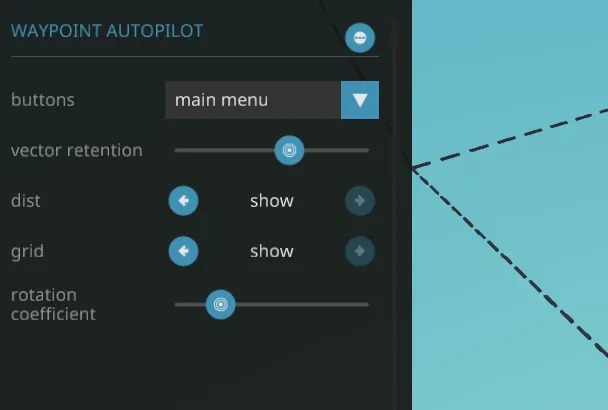
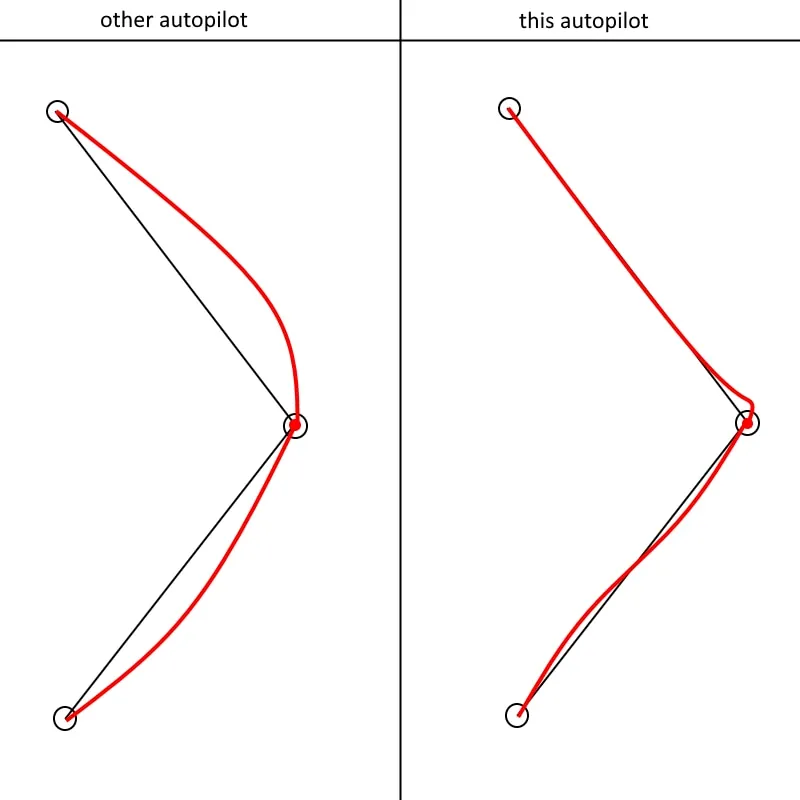
The vector retention parameter is responsible for how much the craft will try to maintain its course on the original vector. If you don't mind the craft being affected by the wind and following a completely different course, you can lower this parameter to 0. The rotation coefficient is responsible for how sharply it will try to change direction.
The stop output allows you to stop the craft automatically when it reaches the last point. For example, you can set it to decrease the throttle lever.
This is particularly useful for airplanes, thanks to the physics sensor, as it will work correctly even if the airplane is flying upside down.
example : https://steamcommunity.com/sharedfiles/filedetails/?id=3041190185
addon : https://steamcommunity.com/sharedfiles/filedetails/?id=3041191021