What's this?
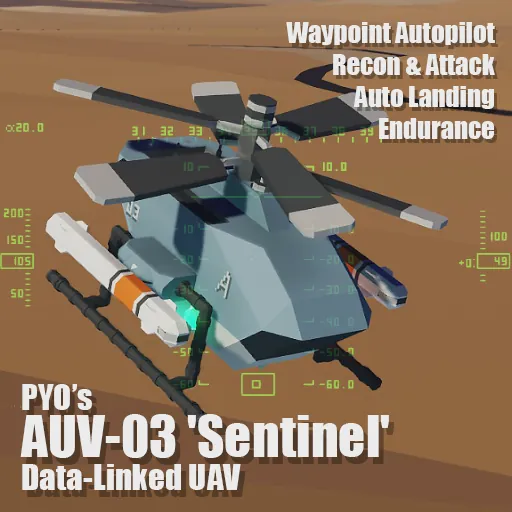
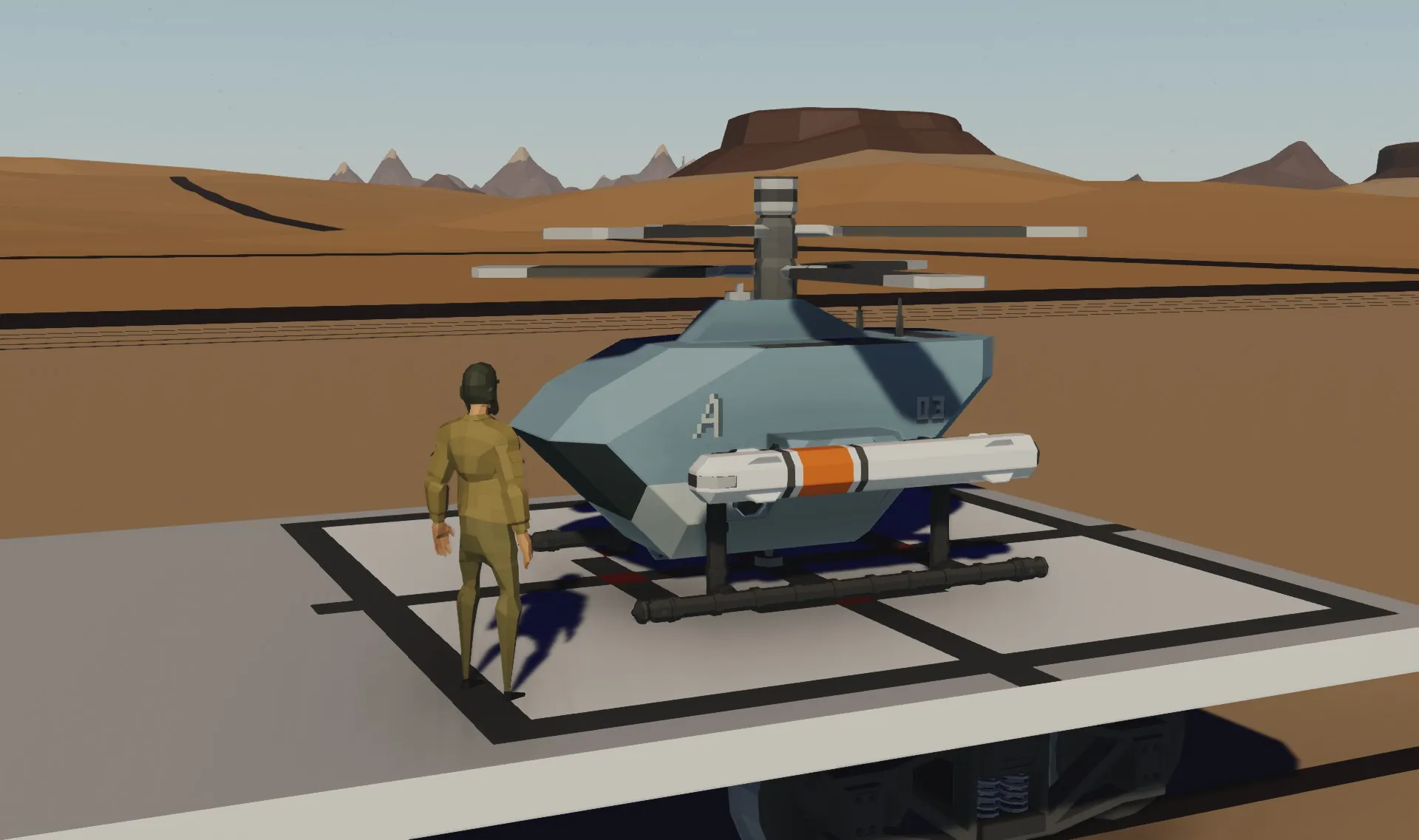
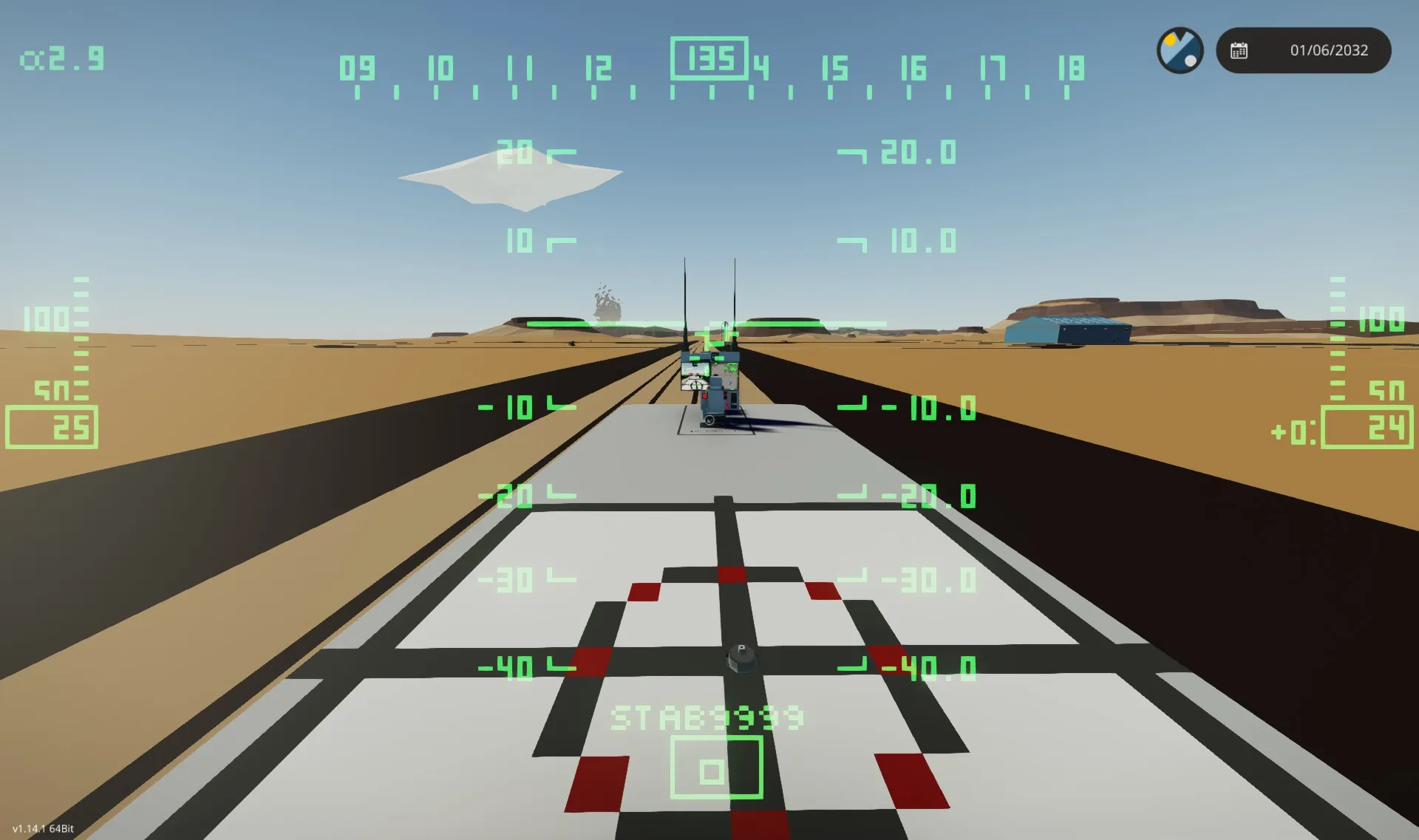
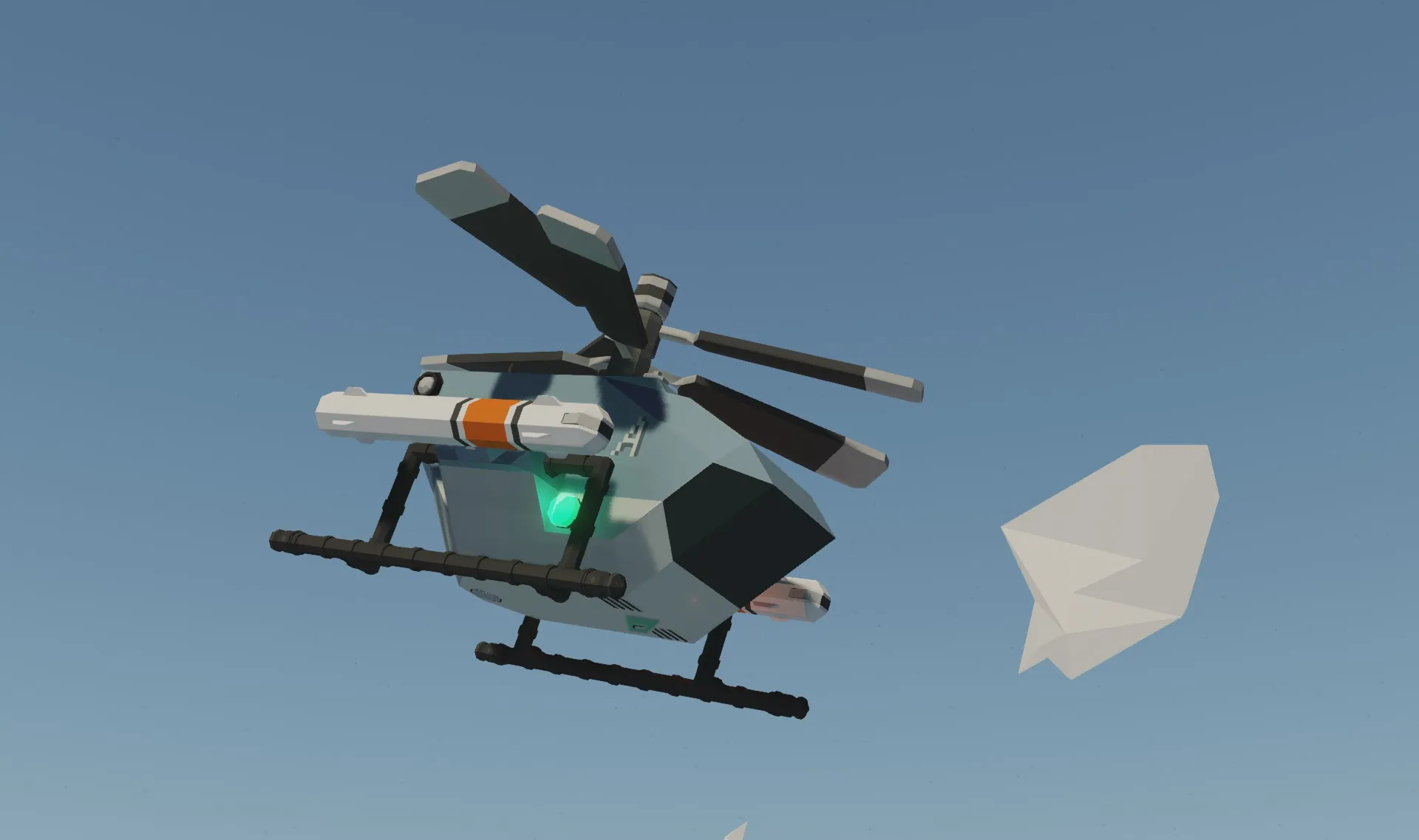
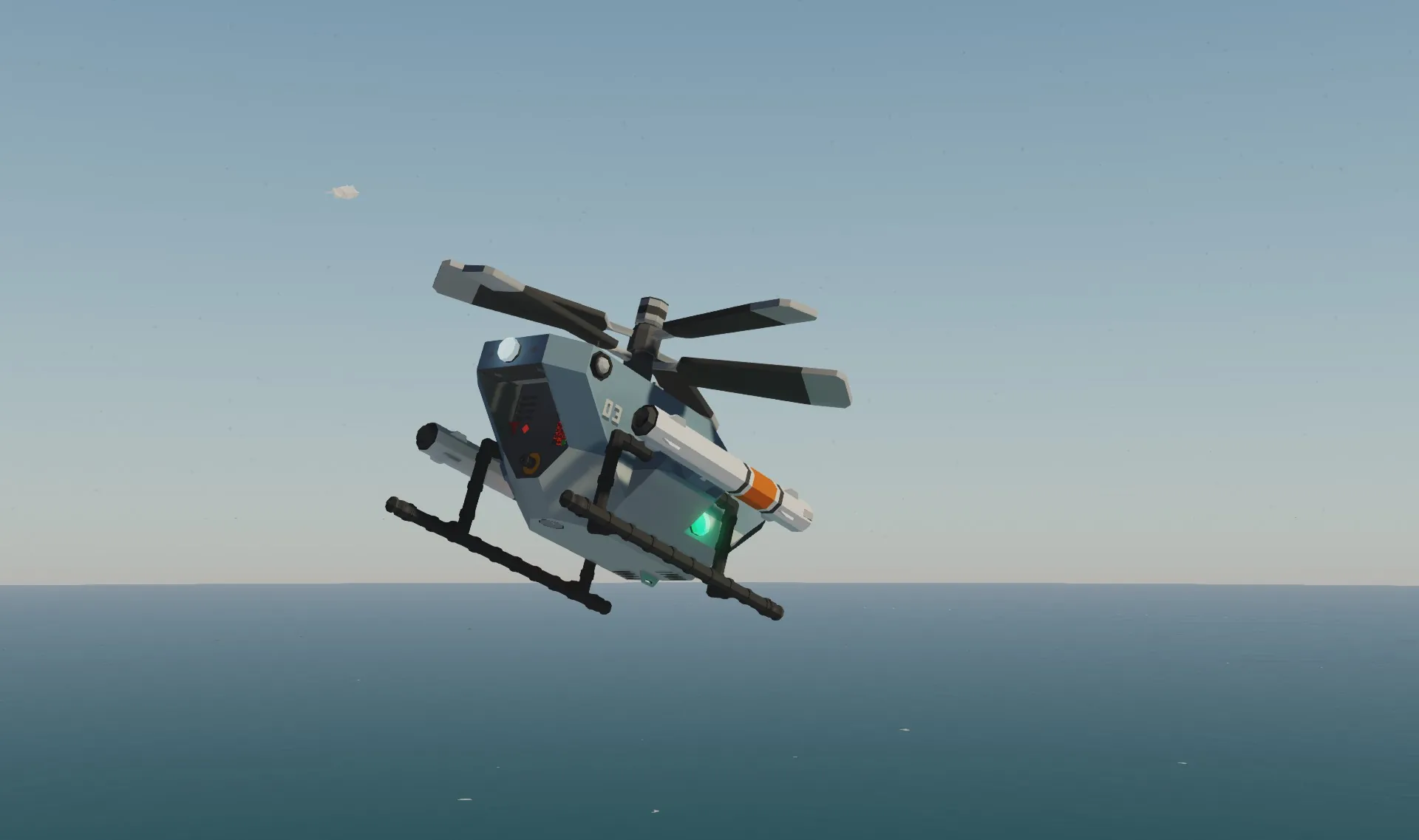
The PYO's AUV-03 'Sentinel' is a fully data-linked UAV with autonomous flight, target engagement, and real-time video feed.
Its compact radar and high-res HUD enable target tracking, while the diesel engine ensures long endurance and mission flexibility.
Designed for precision, it blends remote control and automation for peak efficiency.

How is this working?
Specifications or Features:
- Fully autonomous with waypoint navigation and Auto-landing.
- Executes attack commands and returns to preset path after mission.
Data Link System:
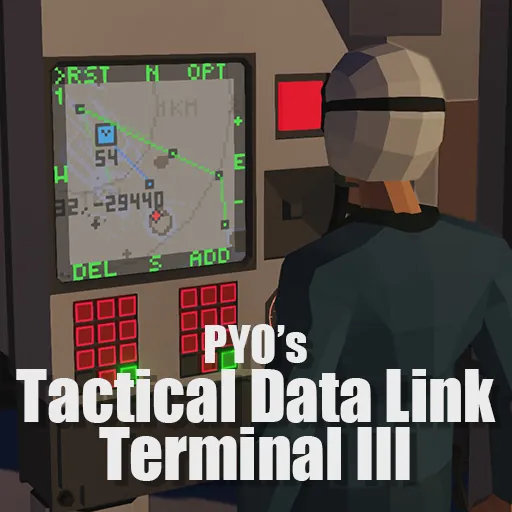
- Uses 'PYOs Tactical Data Link III' for real-time communication up to 20 km.
- Supports target designation, UAV control, and system integration.
- Includes 'AL' (Auto-Landing) for return to control terminal.
- 'LDN' (Land Now) enables immediate landing anywhere.
Remote Control:
- Operates via 'PYOs Tactical Data Link III' or remote camera control.
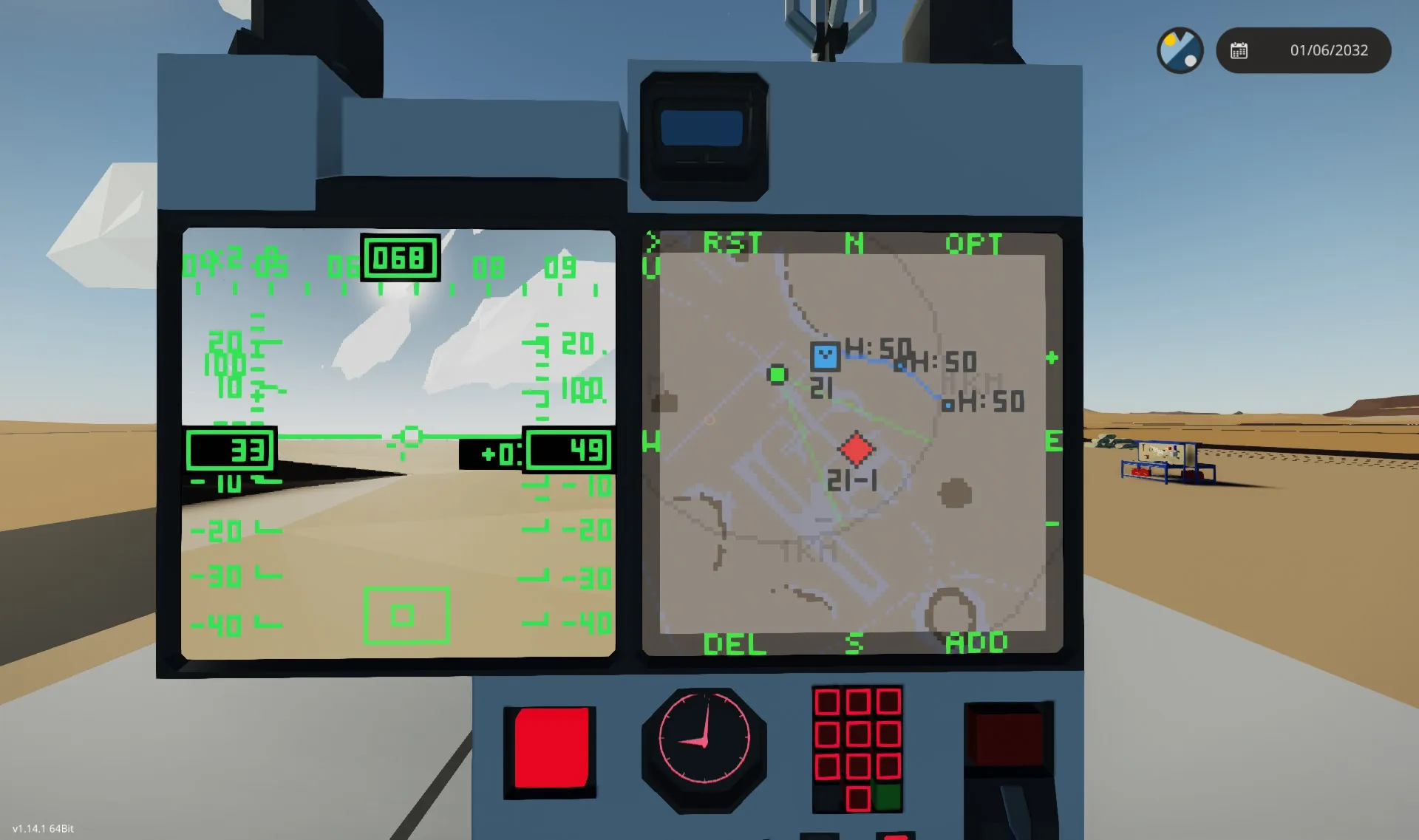
- Streams real-time high-res HUD with target and ally positions.
Radar & Targeting:
- Small radar, 14.4°x28.8° detection area (pitch -14.4°).
- Auto-detects and reports targets to connected terminals.
Camera & HUD:
- Stabilized zoom camera for precise observation.
- Advanced HUD showing real-time target and ally positions.
Fuel & Range:
- Diesel-powered, 180L tank, up to 50 km flight or long hovering.
- Max speed: 110 km/h.
Customization & Modularity:
- Carries two radar-guided missiles, fired together (due to mass balance).
- 800 kg max payload for mission-specific mods.
- Easily customized for roles like rescue, firefighting, and transport.
How to play?
Step by step.
- Start the UAV:
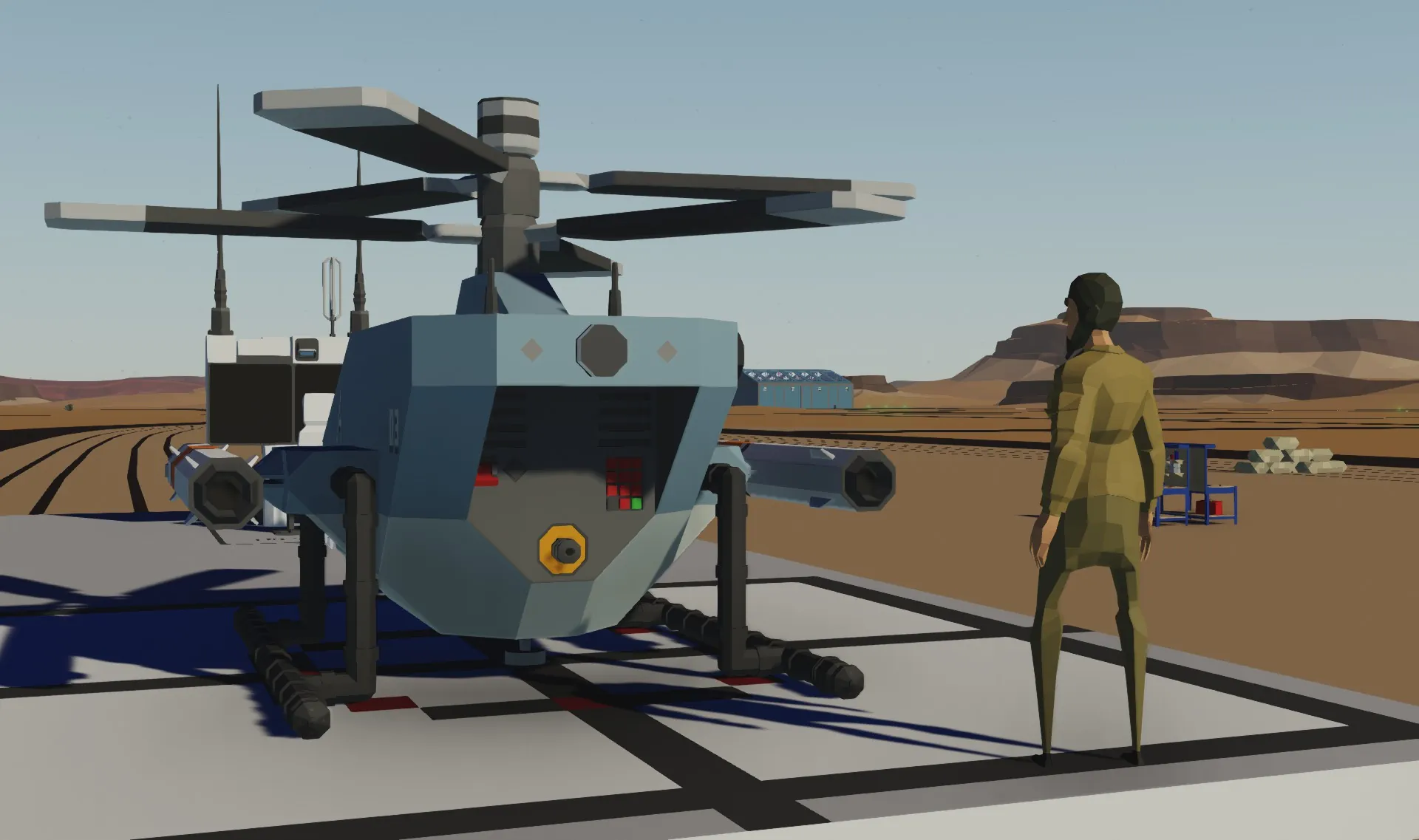
After spawning, turn on the system switch on the left rear panel. The UAV will auto-start and hover at low altitude, awaiting commands.
- Activate Data Link Terminal:
Flip the switch to power the Data Link terminal. Click the ‘>’ button (top left) to open the menu and select UAV for control.
- Click on the map to mark a coordinate.
- Click opt for options, adjust waypoint height with alt, then press add to create a waypoint.
- Waypoints are saved on the UAV, so they won't be lost if the link is interrupted.
- Targeting & Attack:
When the UAV detects a target, a red diamond appears on the map. Use the camera to confirm.
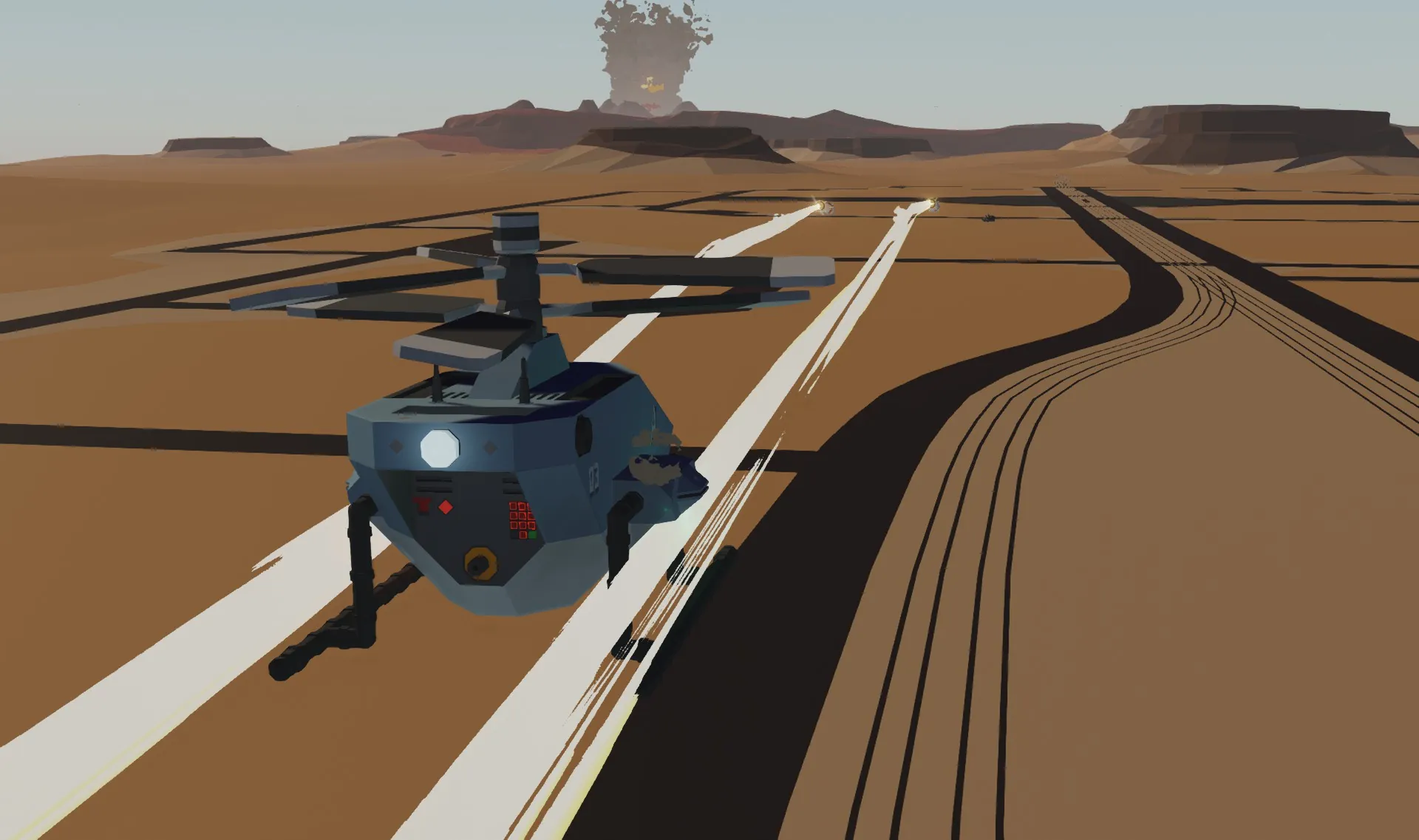
- To attack, select the target on the map and press atk. The UAV will plan a strike, attack, then return to waypoint mode.
- Return to Control Terminal:
To recall the UAV, add a waypoint a few hundred meters behind your deck and activate AL (Auto-Landing).
- Directly activating AL is possible but has a low return altitude, increasing the risk of collisions.
- More Tactical Data Link tutorial
Key Binding:
- W/S: Move the UAV forward/backward (when there are no active tasks).
- A/D: Rotate the UAV left/right (when there are no active tasks).
- Arrow Keys (Up/Down/Left/Right): Control the camera rotation.
- 1: Reset the camera to its default position.
- 2/3: Zoom the camera in and out.
- 4/5: Adjust the hover height (when there are no active tasks).
- 6: Toggle the camera stabilizer on/off.
- Space: Weapon Trigger Override.
Modification Guide:
- Adjust Weapon Range: Go to 'PYO's AUV03 Main' microcontroller and set atk range (meters).
- Change Weapon Elevation: Adjust aim offset vertical (circles) in 'PYO's AUV03 Main'.
- Disable Vertical Aiming: Toggle aim pit in 'PYO's AUV03 Main'.
- Faster Fire, Less Accuracy: Increase aim ready threshold (circles) in 'PYO's AUV03 Main'.
- More Attacks Per Run: Increase ammo in 'PYO's Drone'. Resets after AL (Auto-Landing).
- Auto-Scan While Idle: Toggle scan when idle in 'PYO's AUV03 Main'.
- Switch to GPS Missiles: Send attack coordinates from 'PYO's AUV03 Main' to hardpoints (Ch. 27-29).
- Fire Weapons Separately: Use Flare launcher passthrough for the second hardpoint. Set ammo to 2.
- Data Link Sensor Placement: Must be under the deck, at center or 0.5m forward.
- Other Customizations:
- Flight Control: 'PYO's AUV03 Main'
- Data Link: 'PYO's Data Link AUV03 Build'
- HUD: 'Pyo's HUD/HMD 2025 AUV03 Build'
- Engine: 'PYO's AUV03 Engine Control'
- Leave a comment for other questions.
Known Issues
- No Terrain Following or Obstacle Avoidance: Missing a laser distance sensor due to microcontroller size limits.
- No Fuel/Power Display: Microcontroller size constraints prevent fuel or power level indicators.
- Camera Stabilizer Limits: Lacks a forward laser distance sensor, so no true "coordinate anchor." Uses a fixed aiming point at 20m altitude instead.

Special thank FN-20 for Euler calculation, V.S.C & CVM for help with testing.
If you have any suggestions or found any bugs, tell me please.
Hope you all enjoy it.