Localizable developer actions and view settings
Dev In Your Language is mainly about exposing various dev tools which are untranslatable, like "Spawn Pawn", "Regenerate Map", etc.
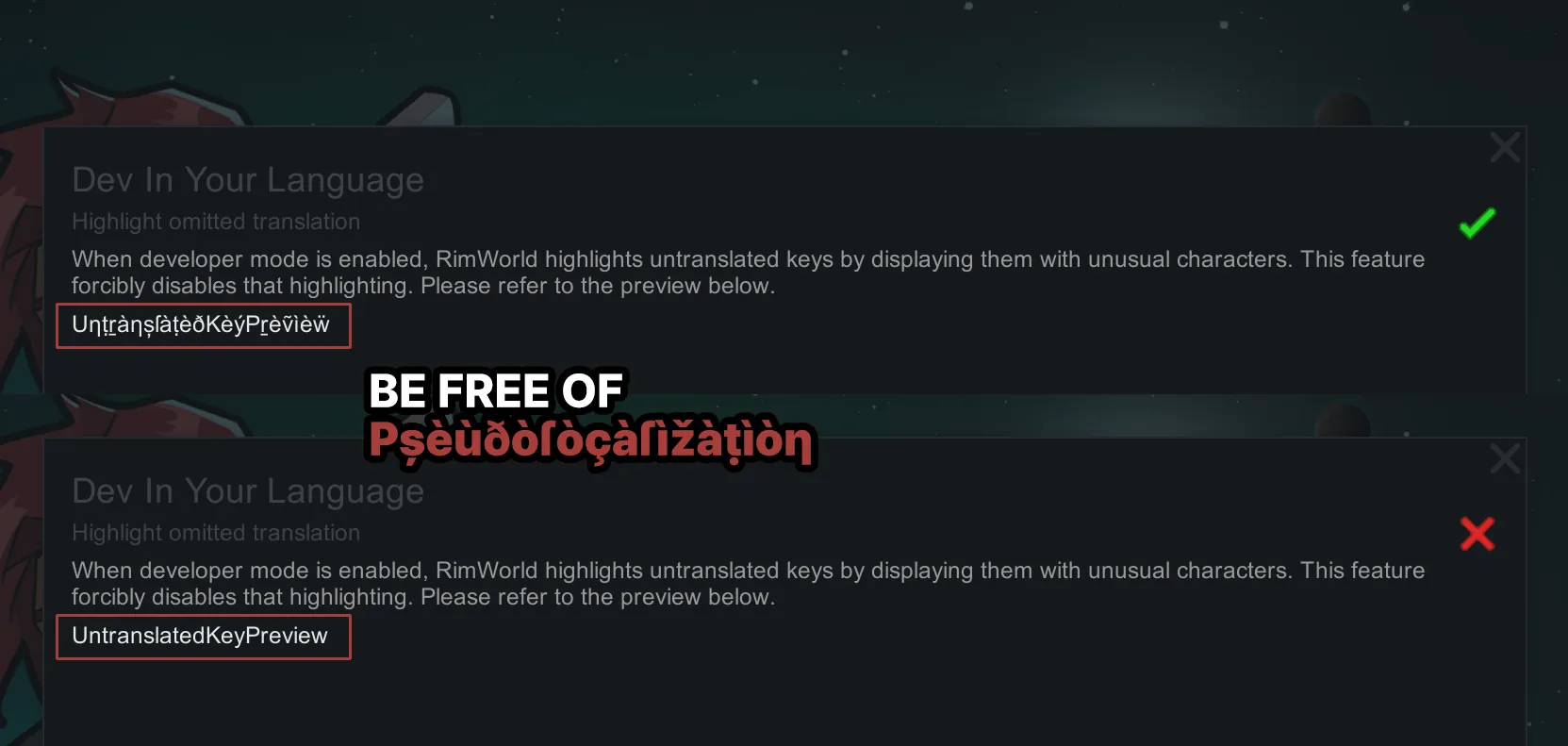
It also comes with a handy feature for mod-heavy users even for English users - you can turn off Pșèùðòſòçàſìžàṭìòƞ (See screenshot).
Why?
If you are an English user, not much other than for turning off the pseudolocalization.
If you are NOT an English user, it might help you beginning your mod making adventures. Or just for some fun with dev tools.
Adding a language
You can submit a pull request to the source repository: https://github.com/alattalatta/RW-DevInYourLanguage
Or, make a submod which contains the Keyed translations, and let me know its Workshop link.
I'm just one person so no, don't ask if your language will be supported. Please do it for me.
Supported languages
- Chinese
- English (included)
- Japanese (included), thanks to Proxyer
- Korean (included)
- Russian
- Ukrainian