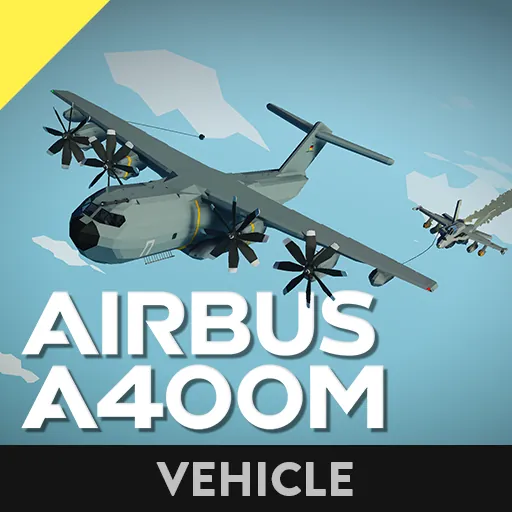
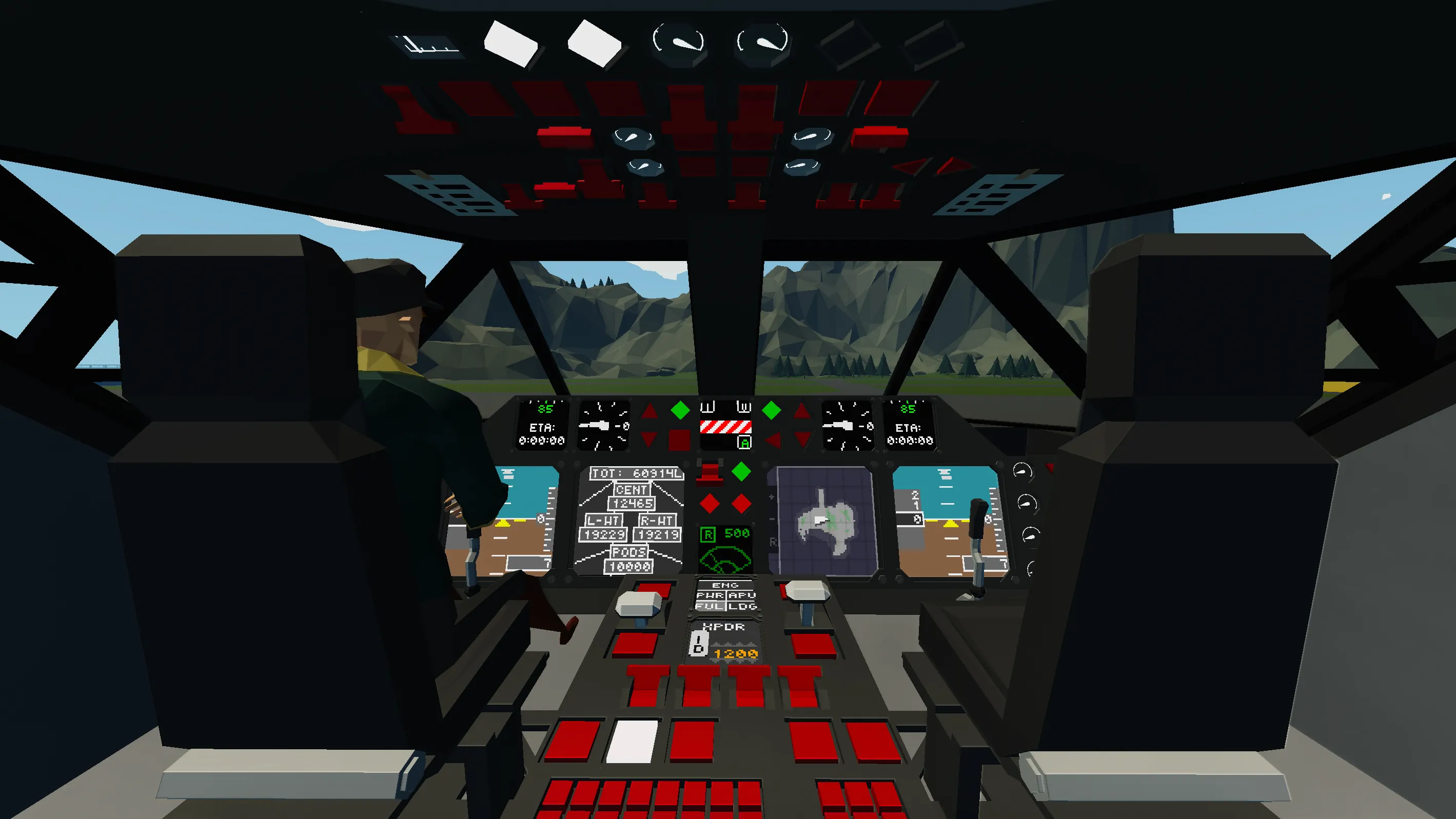
The Airbus A400M is a four-engine turboprop military cargo aircraft, designed for long range and heavy cargo capabilities.

Features:
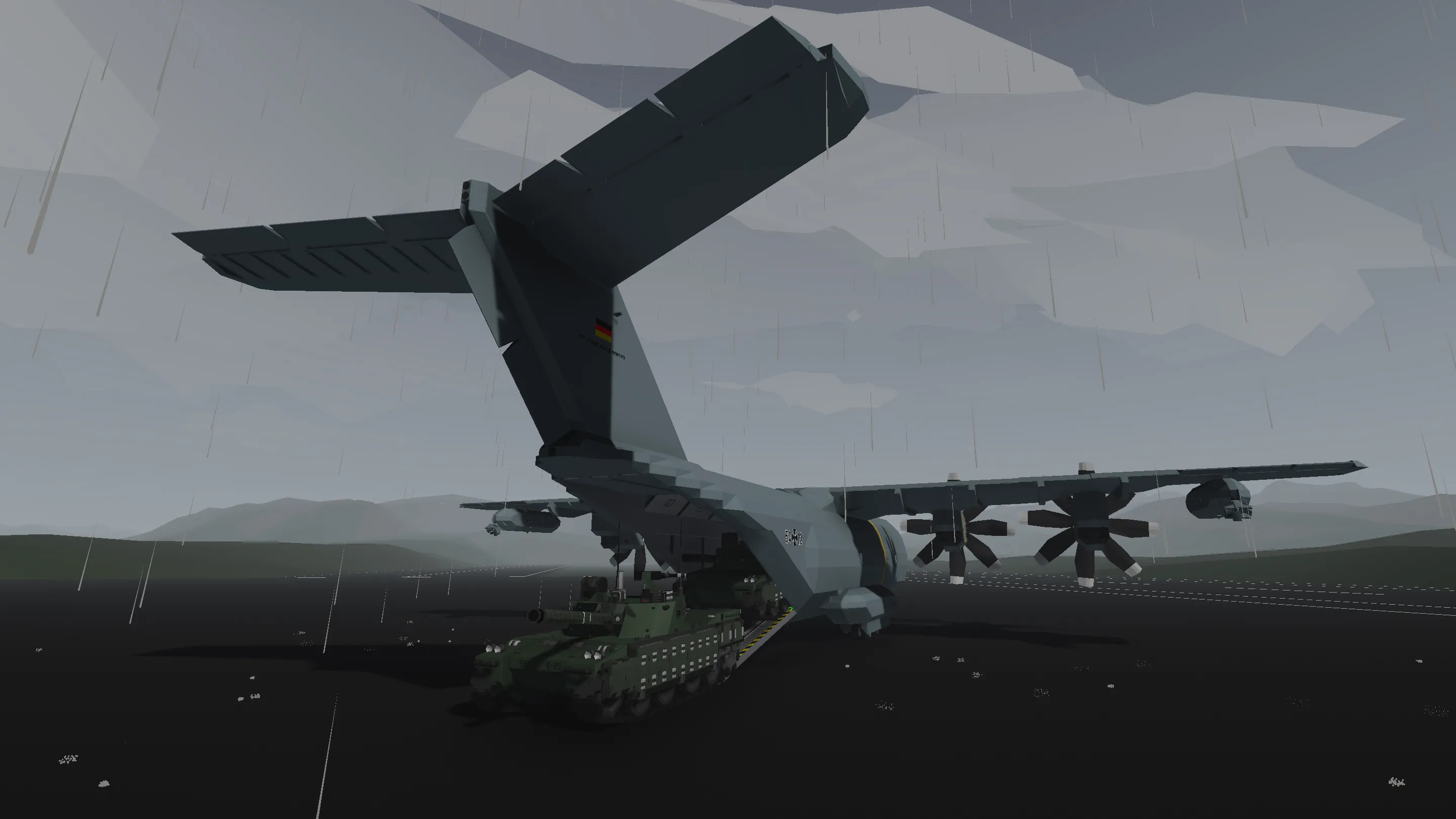
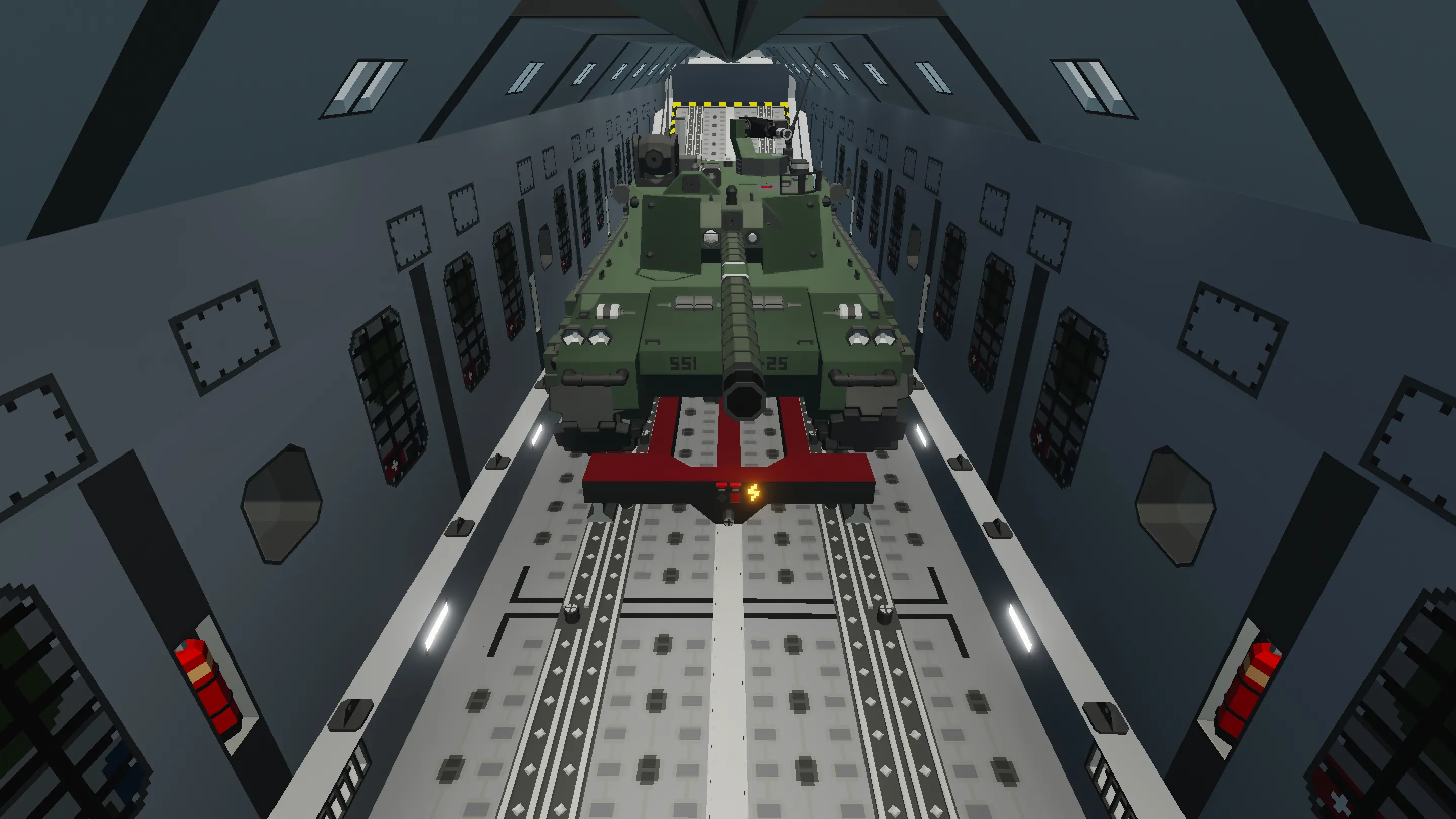
• Huge Cargo Bay (15Wx16Hx78L)
• Altitude Hold
• GPS Autopilot
• Stabiliser (roll + pitch)
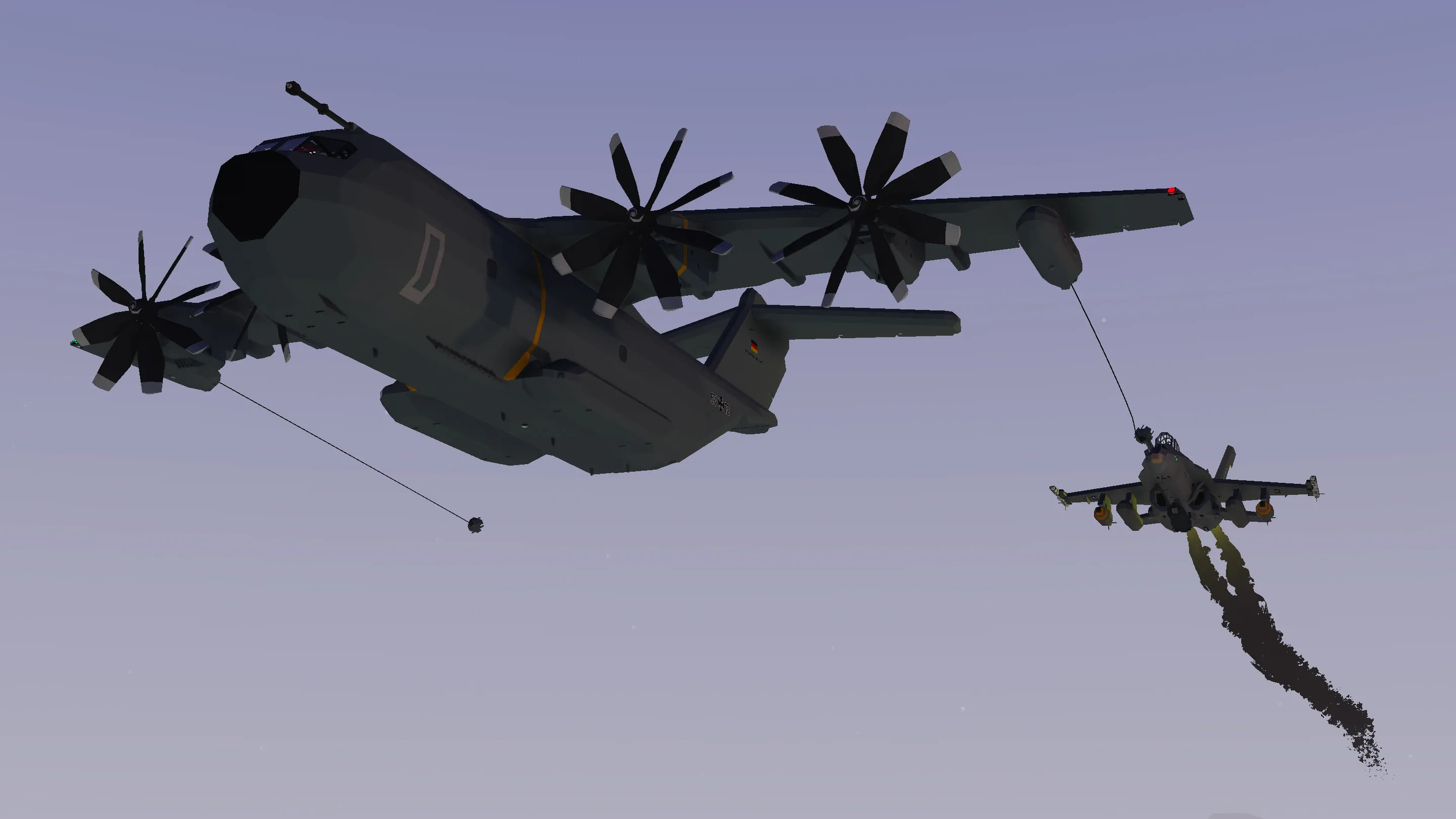
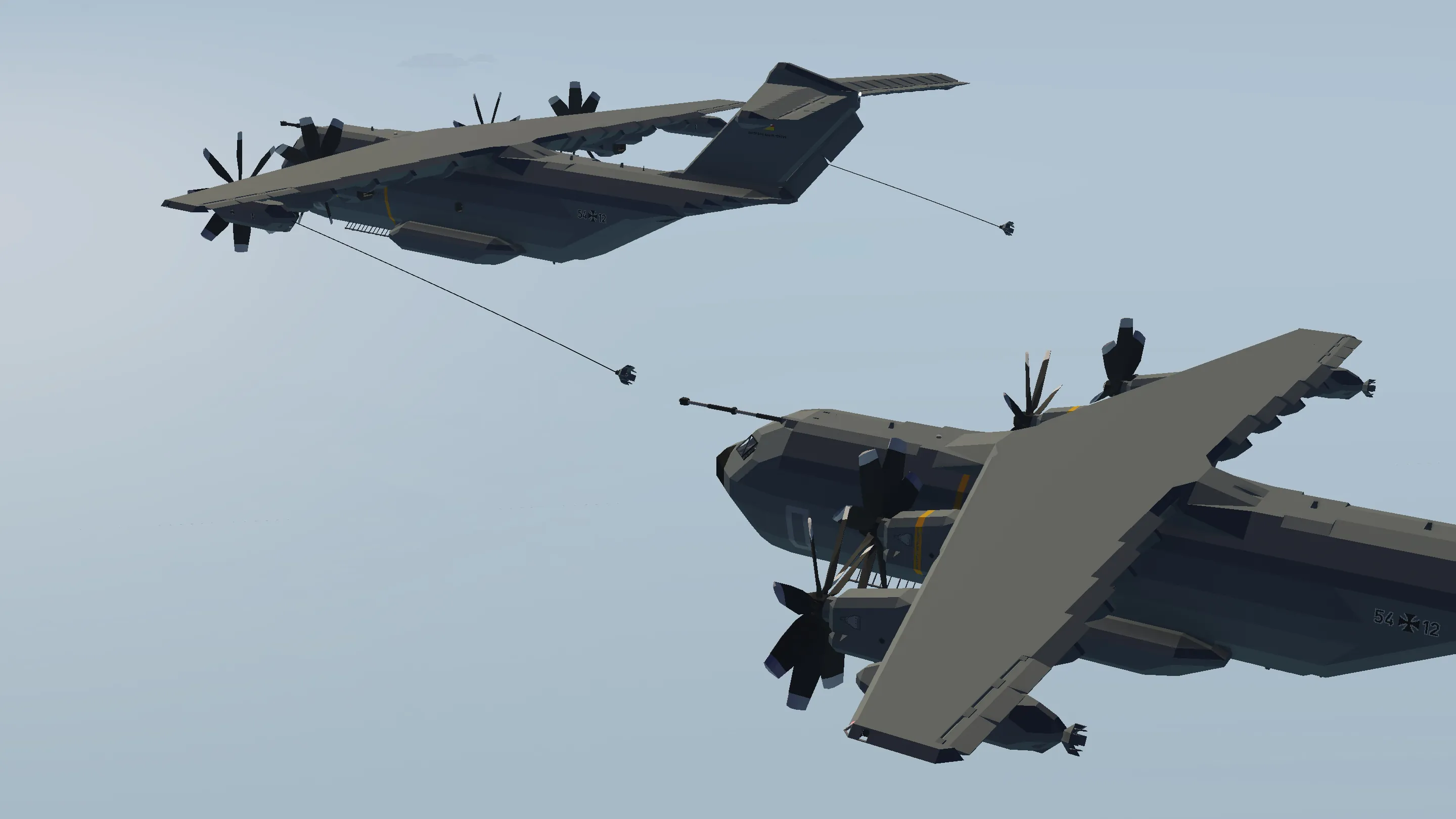
• Air-to-Air Refuelling (2 Drogue Chutes and 1 Refuelling Probe)
• Detachable Fuel Pods
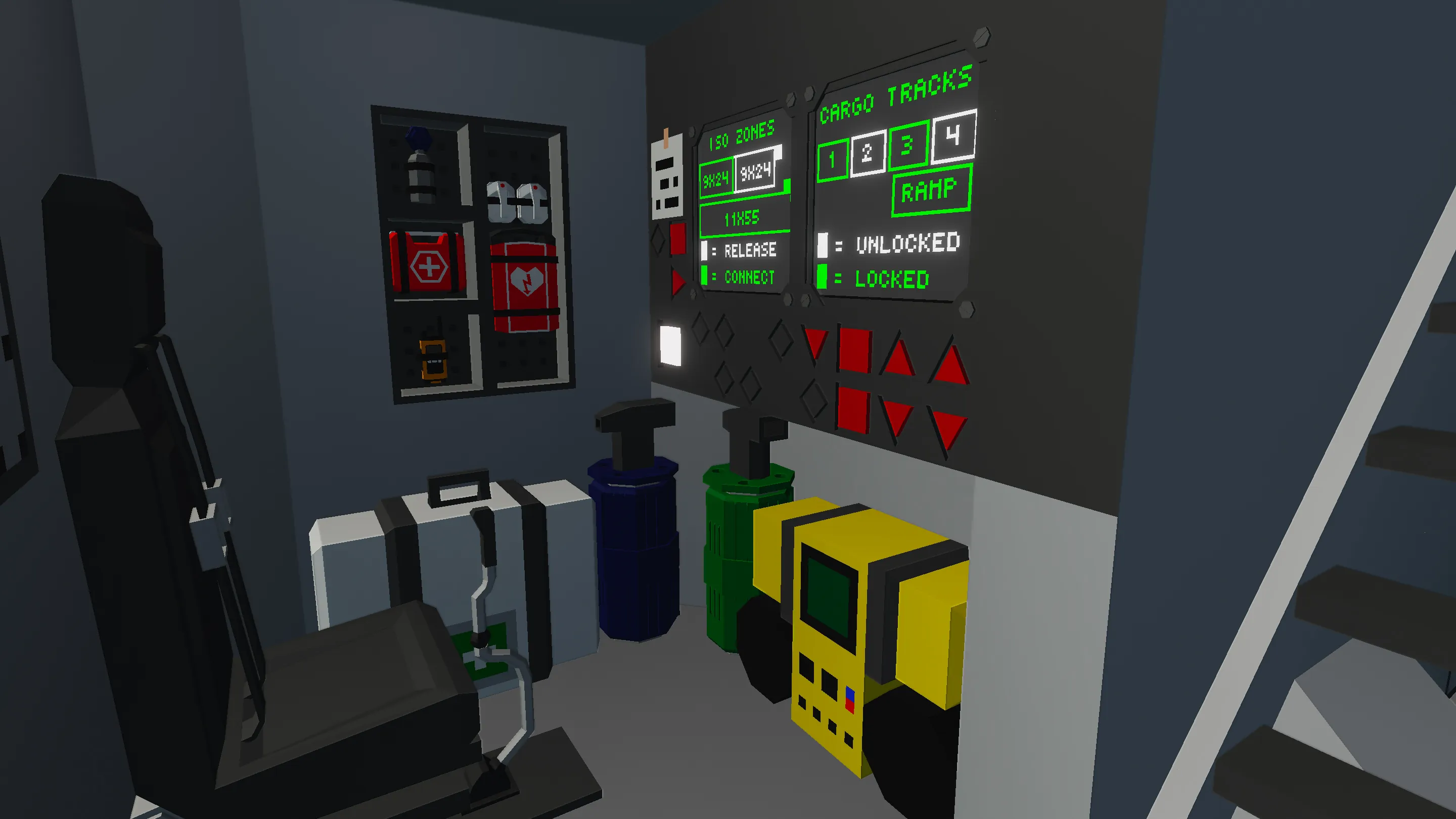
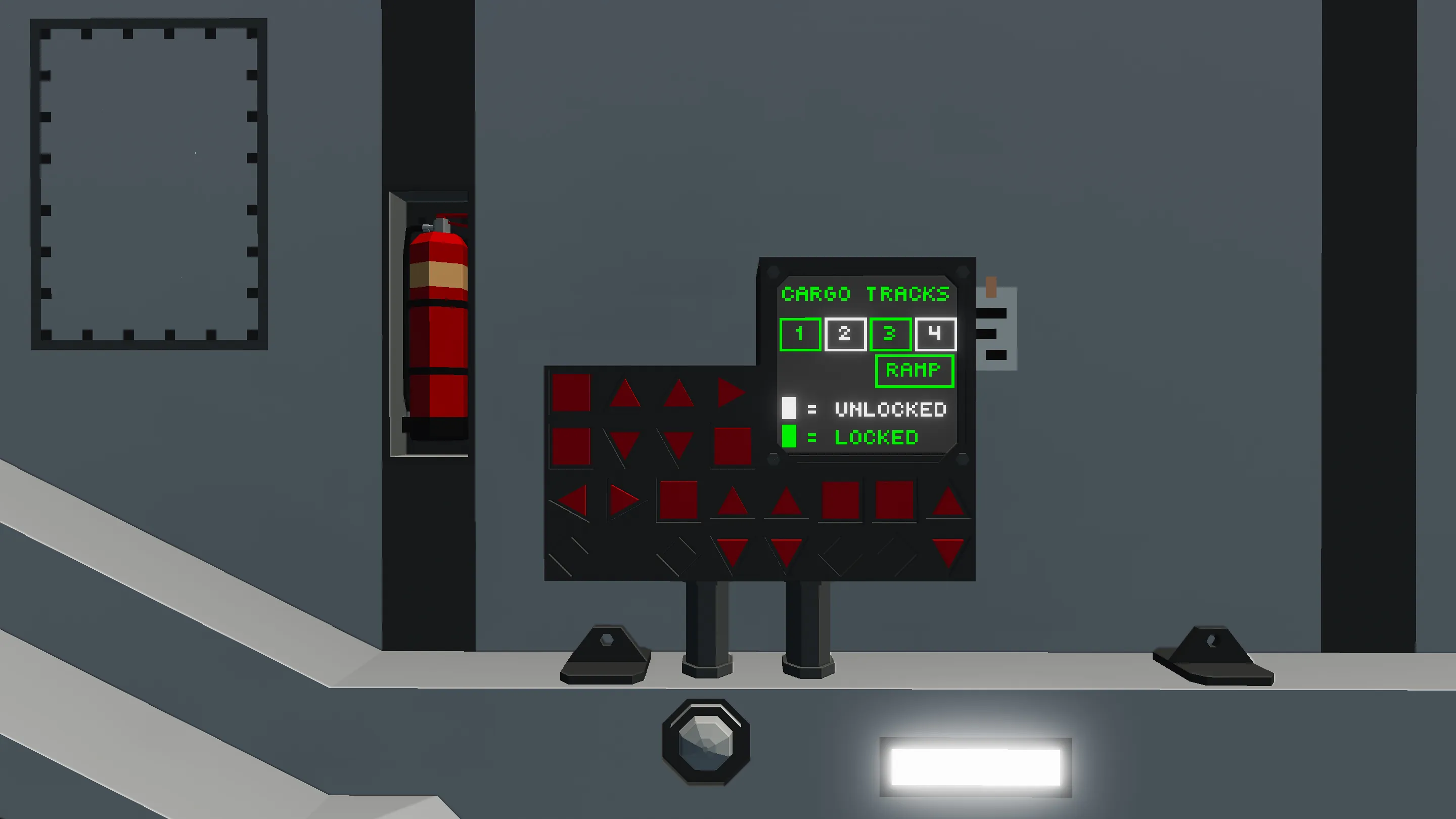
• Cargo Management Systems (Ceiling Crane with Camera, Winches, Lockable Cargo Tracks, ISO Connectors)
• Maintenance Hatch for refuelling and recharging
• Top Speed: 270knots
• Range: 280km+ (at max speed) / 600km+ (at 170knots)
• Fuel Capacity: 60 000L
Startup:
1. Turn on BAT 1 switch (overhead panel)
2. Set ENG 1,2,3,4 RUN/OFF switches (central pedestal) to RUN position
3. Set ENG IGN NORM/START switch (overhead panel) to START position, wait for RPS to level out
4. Set ENG IGN NORM/START switch to NORM position
5. Increase COLLECTIVE lever to 1 and taxi to runway
6. Increase THROTTLE lever to take off
The Startup Checklist and Instructions on how to use the various Systems are written on white notes around the plane.
For Landing, I suggest you approach the runway at around 130knots, with the Stabiliser ON. As soon as all the wheels are in contact with the ground, apply the Variable Brake (Hotkey 4).
Important Notes:
1. This plane can be spawned using an Edited Build Zone or a Mission; here are the tutorials for both of them:
Mission Tutorial (by MrNJersey)
Edited Build Zone Tutorial
If you prefer, here's a ready-to-use Mission to spawn it at the Creative Base or Harrison Airport
2. If you turn on the Altitude Hold without setting a desired altitude on the keypad, the plane will keep the current altitude
3. The Stabiliser's purpose is to facilitate delicate manoeuvres, like air-to-air refuelling and landing at low speeds. It's not meant to be used outside these circumstances.
4. The Autopilot and Stabiliser should not be active at the same time. To keep the plane at a constant altitude while using the Autopilot, use the Altitude Hold

Additional Equipment:
The great versatility of this plane stands in its ability to integrate with various Additional Equipment :
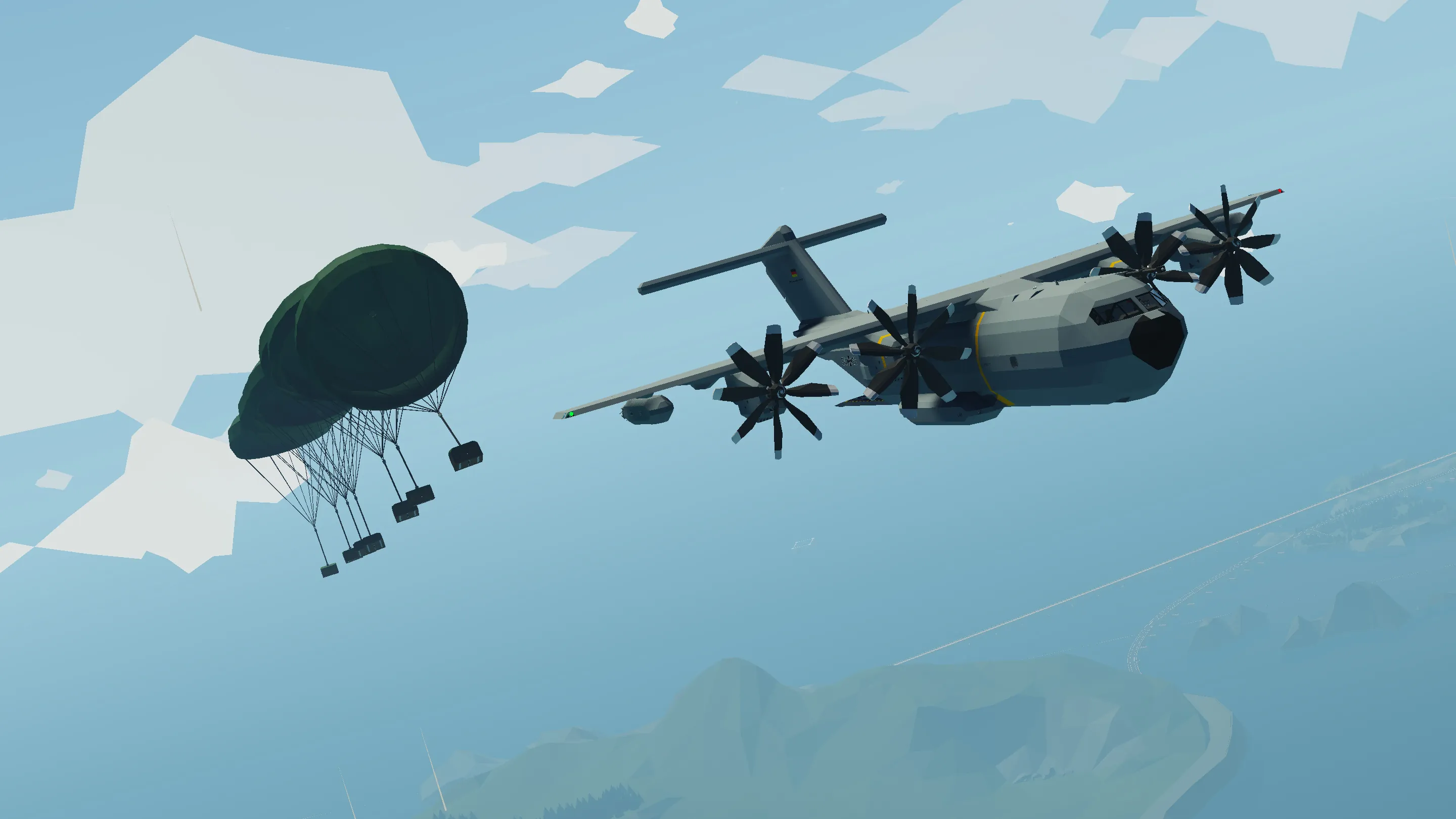
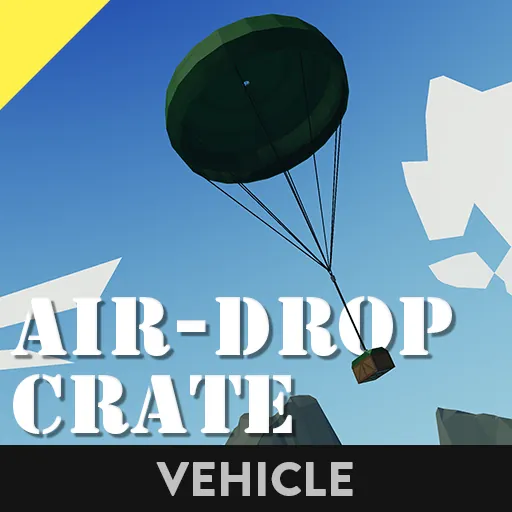
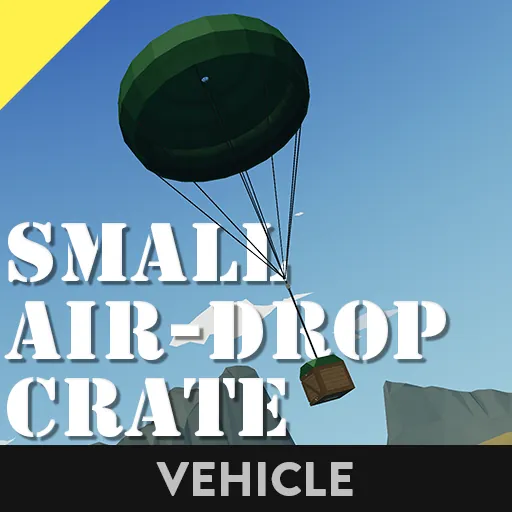
• Air-Drop Crates with parachute (for convenience, here's a version of the Plane with 6 Crates already loaded in)
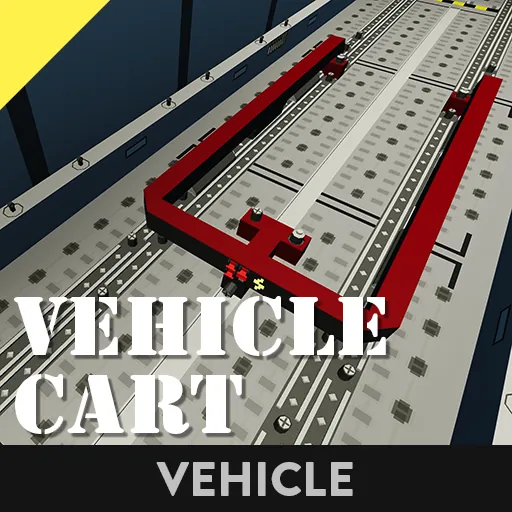
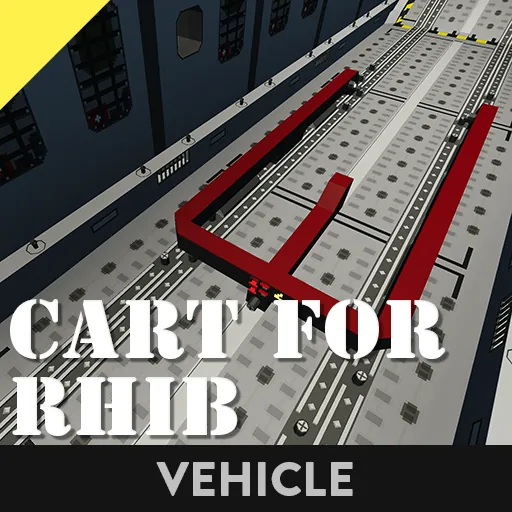
• Vehicle Cart to secure all sorts of Vehicles safely in the Cargo Bay during flight
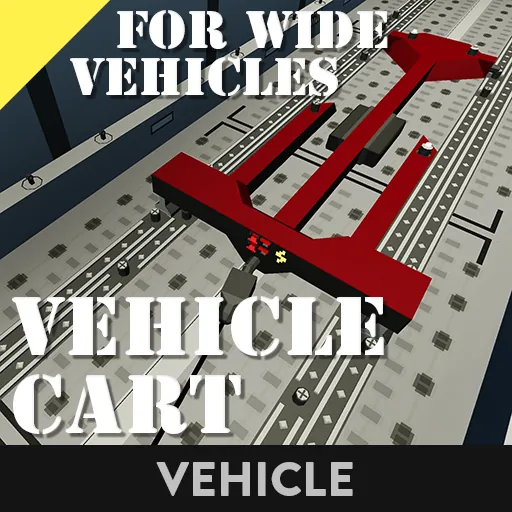
• Wide Vehicle Cart designed to fit Wide Vehicles, up to the maximum size of the Cargo Bay (15 blocks wide)
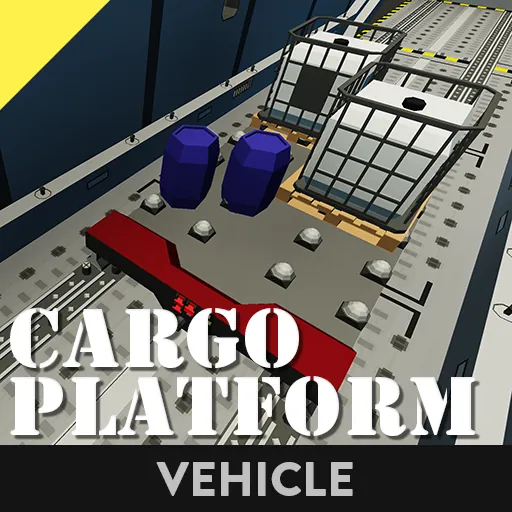
• Cargo Platform to secure any kind of Generic Cargo safely in the Cargo Bay
• AISO (11x12x27 & 11x12x55) and Standard ISO (9x9x24 & 9x9x48) Containers
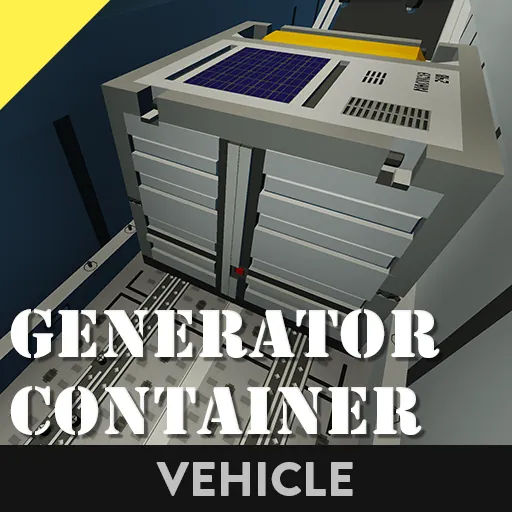
• Generator Container
• Fuel Tank Container [...] (WIP)
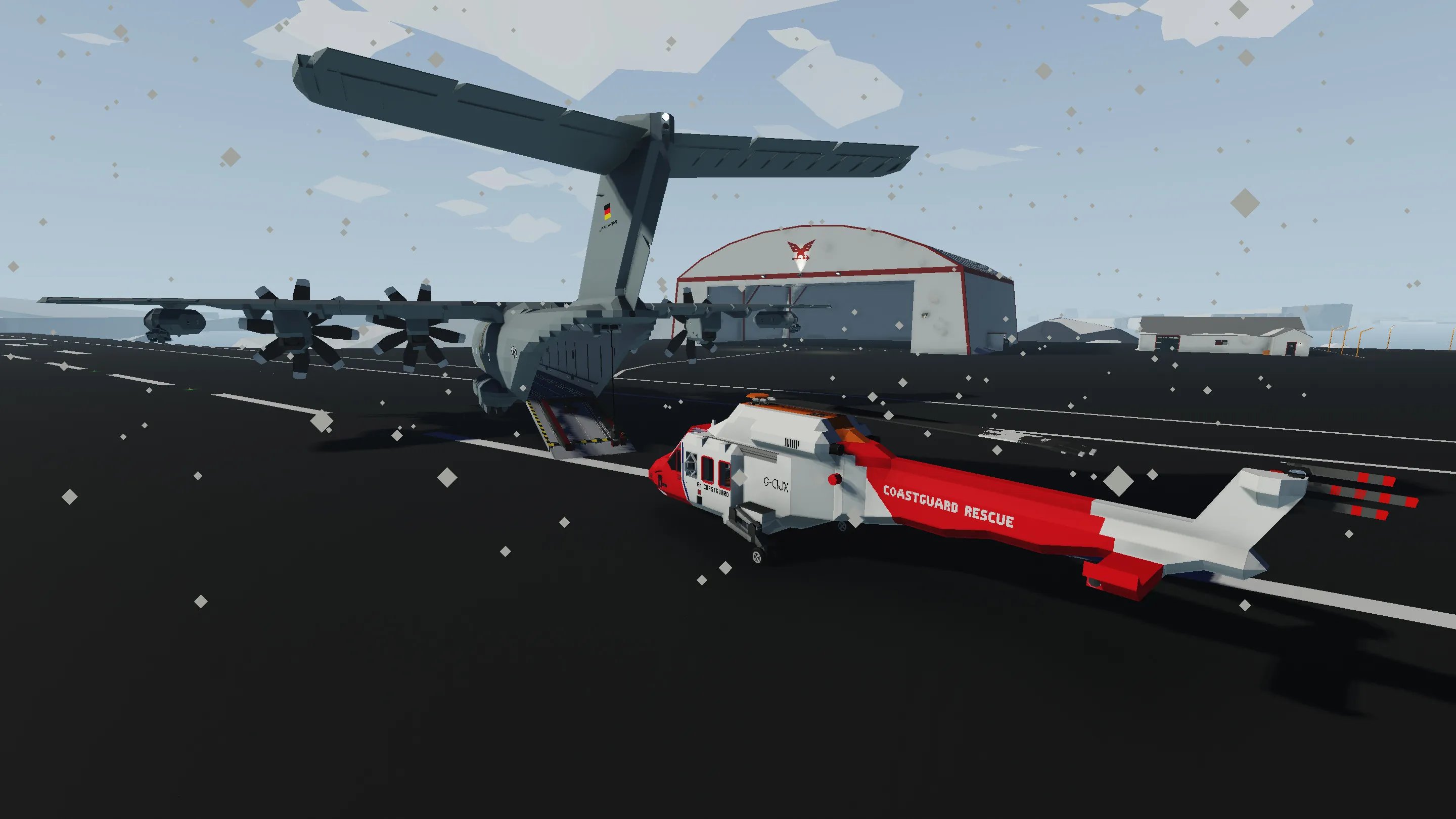
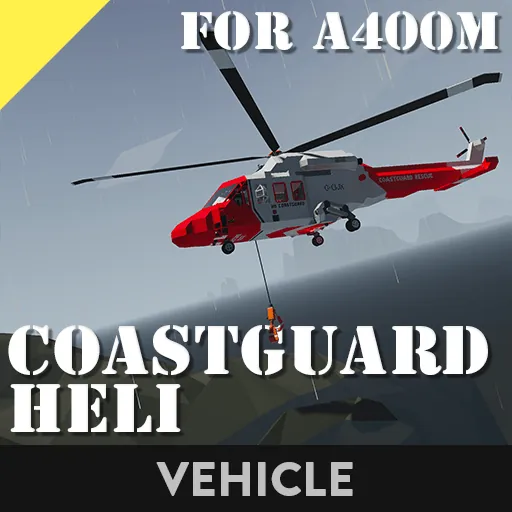
• Coastguard Heli
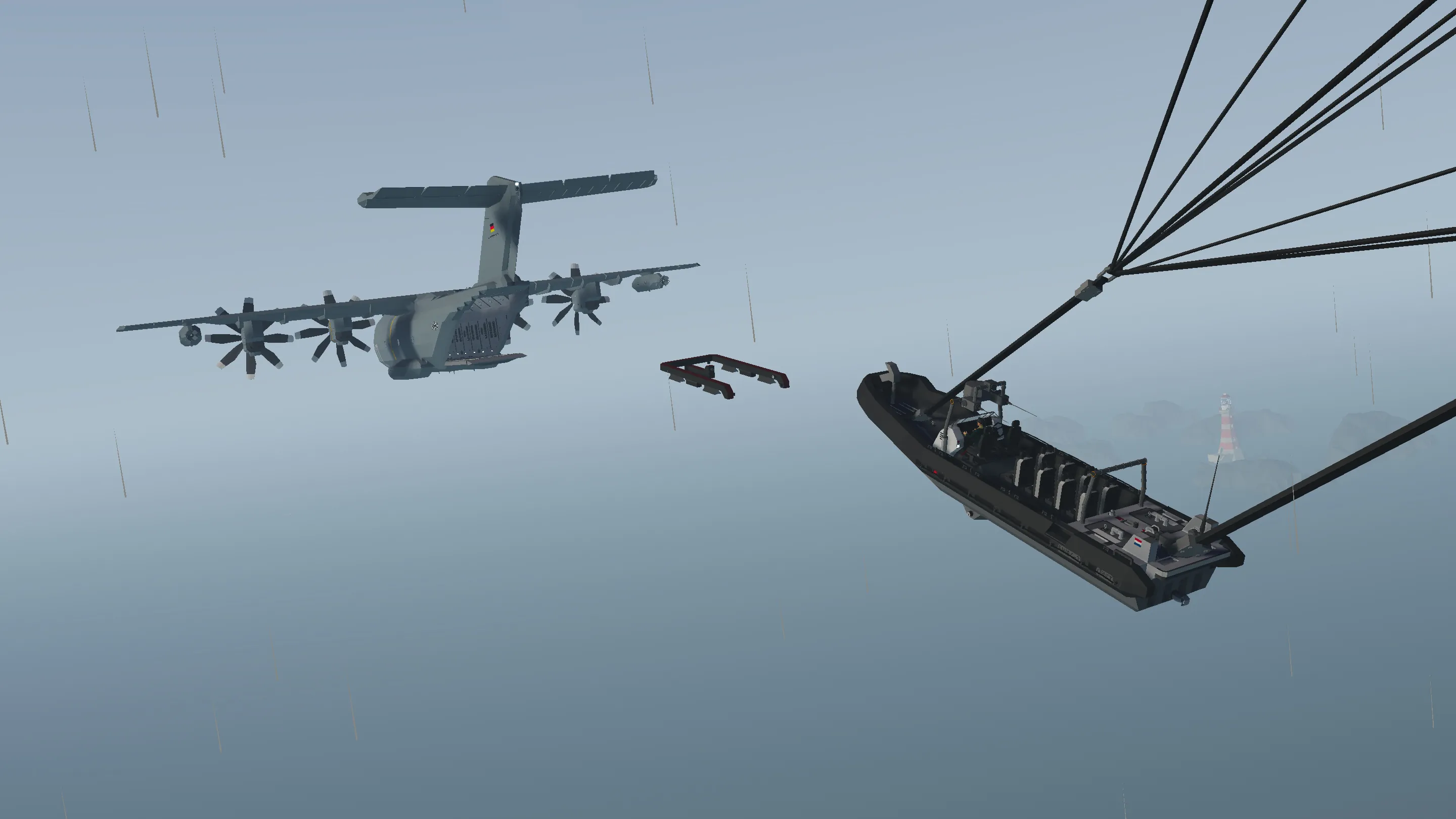
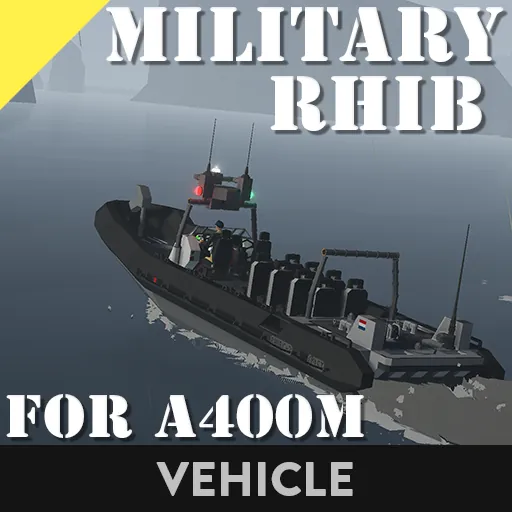
• Military RHIB
If you made it this far, congratulations! I'll reveal something to you: there's an EASTER EGG to keep you entertained during those long flights to the Arctic and back. Let’s see if you can find it!
Credits:
• jbaker, PenguinO, Sire ' Mi3ter ' VI, Bruno, SAKYamoney - various Cockpit Instruments
• Uran_Wind - Airplane Stabiliser
• Tajin - GPS Autopilot

Major Update #1 (v 4.19):
Now all Cargo Locking Systems (Cargo Tracks, ISO Zones) and Ramps can be Radio Controlled!
This means you can be ON the Vehicles (or Cargo) that you are air-dropping, and let the Plane fly away while you drive your air-dropped Vehicle.
Moreover, if you’re using the Air-Drop Crates v2.0 (or higher), you can now finally air-drop yourself!
To make a Vehicle compatible with this system, you just need to add a Radio, an Instrument Panel with 2 buttons, and this Microcontroller to it.
Major Update #2 (v 4.3):
Completely redesigned Air-Drop System.
New Electric Connectors have been added to the Cargo Bay of the Airbus A400M to store up to 14 Small Air-Drop Crates v2.0 or 7 Air-Drop Crates v3.0
These Electric Connectors allow to do Staggered Air-Drops (each Crate/Vehicle is slightly delayed from the previous one, see GIF), by adjusting the “Delay” Property Slider of the Air-Drop Microcontroller on each Crate (0.5 sec delay works well).
To start the Staggered Air-Drop just press the “Toggle Air-Drop Connectors” Push Button (in Cockpit, Loadmaster’s Station and Ramps Panel).
Important:
To connect the Crates/Carts to the new Air-Drop Connectors, remember to press the “Toggle Air-Drop Connectors” Push Button once as soon as you enter the Plane (it auto-activates for 20 sec upon spawning, then deactivates).
Moreover, all the ISO Electric Connectors can now be used to do Staggered Air-Drops as well (use the same Push Button to initiate the Staggered Air-Drop).
This means any Cargo you attach to these Connectors can be air-dropped with this new System: you just need to add this Microcontroller to control the Electric Connectors on your Cargo
Having the Air-Drop Crates secured with Electric Connectors in the Cargo Bay means you no longer have to stay below 180knots when flying with the Crates in the Plane (which was due to the limited braking power of the Cargo Grippers in the old system).
All the Carts have been updated to integrate the new Air-Drop System, so they can be used to perform Mixed Air-Drops (both Crates and Vehicles at the same time, see GIF).
Major Update #3 (v 4.4):
Added First Person Equipment
I’ve updated the A400M for Stormworks v1.0, and added a LOT of First Person Equipment throughout the plane.
Have fun with it! ;)
Enjoy! Please consider leaving a Rating and a Comment. Feel free to write any Suggestions or Issues you might have in the comments below.