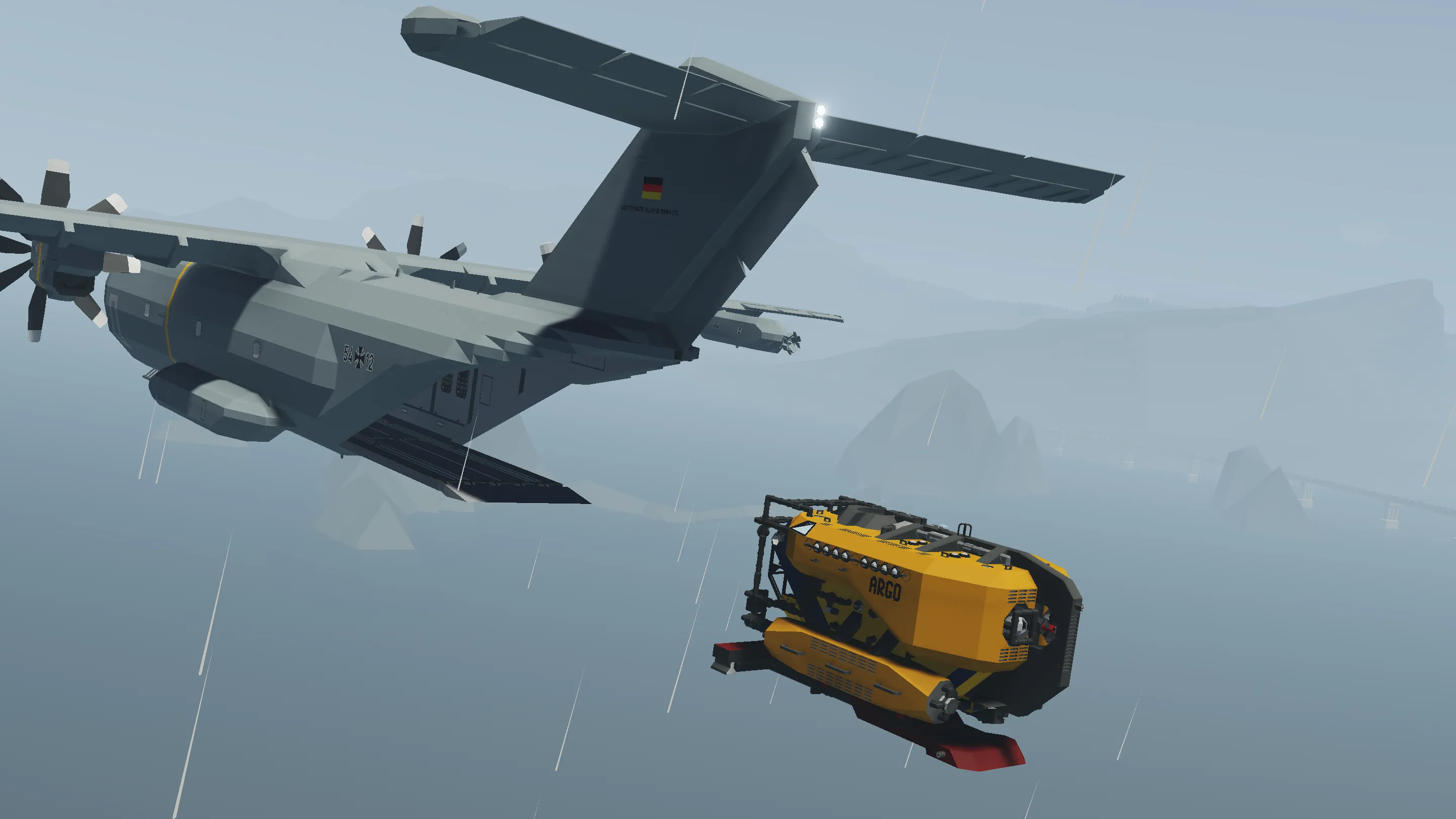
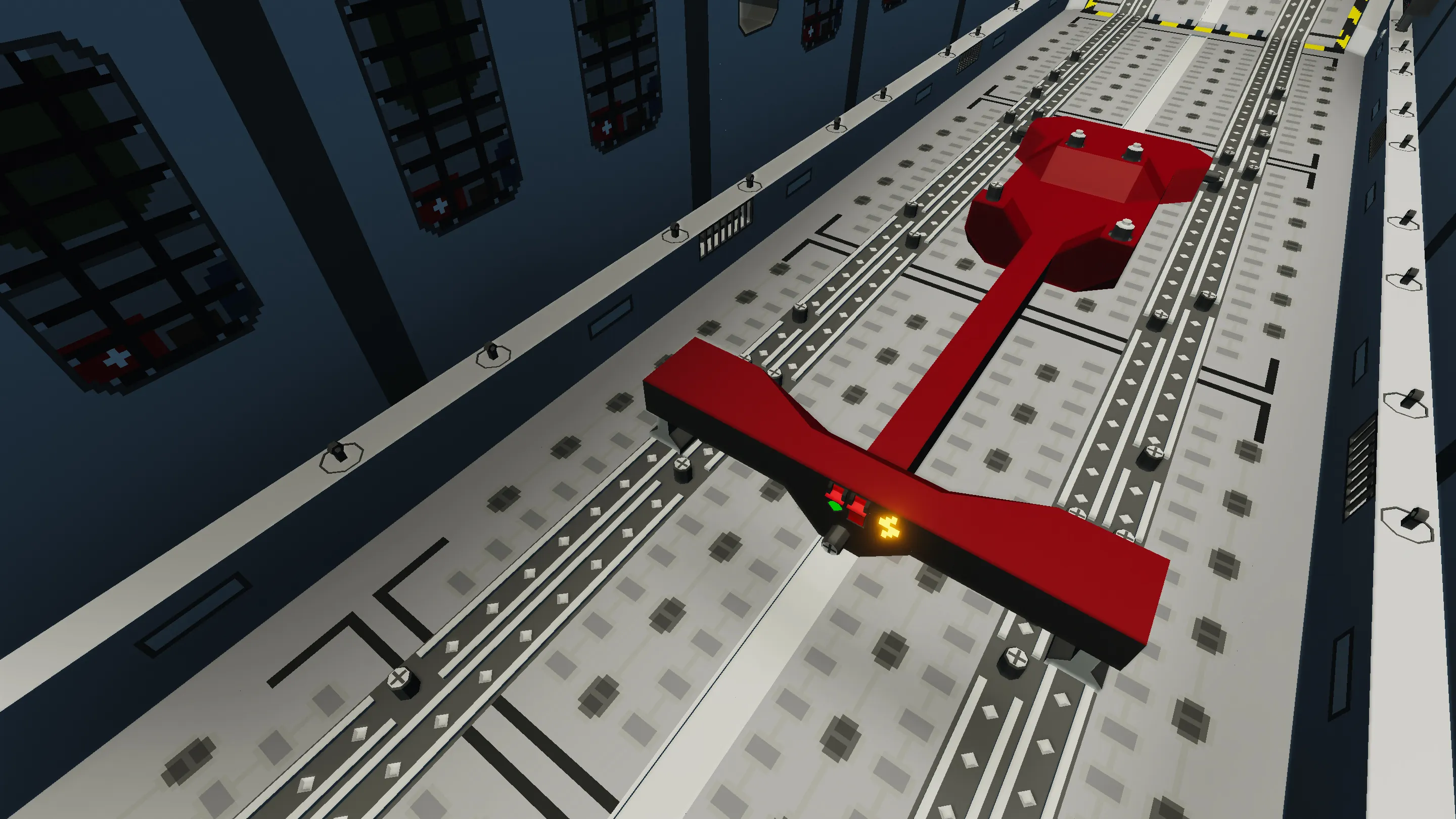
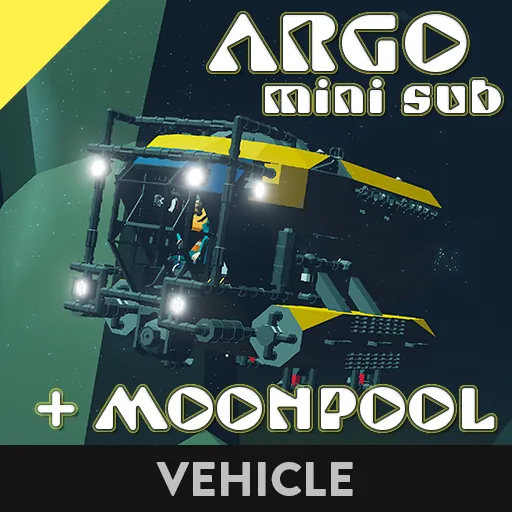
Versatile Vehicle Cart used to attach and secure the ARGO inside the Cargo Bay of my Airbus A400M Cargo Plane
Instructions:
1. Open the Lower Ramp and Upper Ramp of the A400M with their relative push buttons
2. Connect the Electric Connector on the Left Winch to the front of the Cart
3. Lower the Secondary Ramp (all the way down) and Lower Ramp (only a bit)
4. Activate the Docking Connectors on the ARGO with the button outside on the Left Side Tank, or with the button in the Cockpit
5. Bring the ARGO onto the Cart with the Ceiling Crane (attach the Magalls at the center of each Side Tank on the ARGO)
6. Activate the Connectors on the Cart with the relative flip switch, so that the ARGO is now locked to the Cart
7. Raise the Lower Ramp to horizontal position with its up arrow button
8. Pull the Cart into the Cargo Bay by retracting the Left Winch
9. Lock the Cart on either one of the 2 ISO9x24 Zones, by activating it on the Touch Screen and turning on the Cart's Bottom Connectors with the relative flip switch

Major Update #1 (v 1.0):
Completely redesigned Air-Drop System.
New Electric Connectors have been added to the Cargo Bay of the Airbus A400M.
These Electric Connectors allow to do Staggered Air-Drops (each Crate/Vehicle is slightly delayed from the previous one, see GIF), by adjusting the “Delay” Property Slider of the Air-Drop Microcontroller on each Crate/Vehicle Cart (0.5 sec delay works well).
To start the Staggered Air-Drop just press the “Toggle Air-Drop Connectors” Push Button (in Cockpit, Loadmaster’s Station and Ramps Panel).
Important:
To connect the Crates/Carts to the new Air-Drop Connectors, remember to press the “Toggle Air-Drop Connectors” Push Button once as soon as you enter the Plane (it auto-activates for 20 sec upon spawning, then deactivates).
Moreover, all the ISO Electric Connectors can now be used to do Staggered Air-Drops as well (use the same Push Button to initiate the Staggered Air-Drop).
This means any Cargo you attach to these Connectors can be air-dropped with this new System: you just need to add this Microcontroller to control the Electric Connectors on your Cargo
All the Carts (Vehicle Cart v2.0, Wide Vehicle Cart v2.0, Cart for RHIB v2.0, Cart for ARGO, Cargo Platform v2.0) have been updated to integrate the new Air-Drop System, so they can be used to perform Mixed Air-Drops (both Crates and Vehicles at the same time, see GIF).
Major Update #2 (v 2.0):
Added Rope Anchors and Rope Inventories.
You can now use the Ropes to secure the Cart to anything you want: be it the Cargo Bay of the Airbus A400M, or any other vehicle (Helicopters, Ships, Trains)!
Enjoy! Please consider leaving a Rating and a Comment. Feel free to write any Suggestions or Issues you might have in the comments below.