Medieval Overhaul is a legendary mod that makes so much of the game more interesting and I'd highly urge any readers to download it if they haven't already.
but...
MO can sometimes fail in terms of cohesion with base game norms and mechanics, as well as tending to be rather forceful some with it's implementation. The purpose of Modest Overhaul is to make Medieval Overhaul more palatable for people who want to appreciate Medieval Overhaul without forsaking a vanilla-like experience.
Cohesion changes:
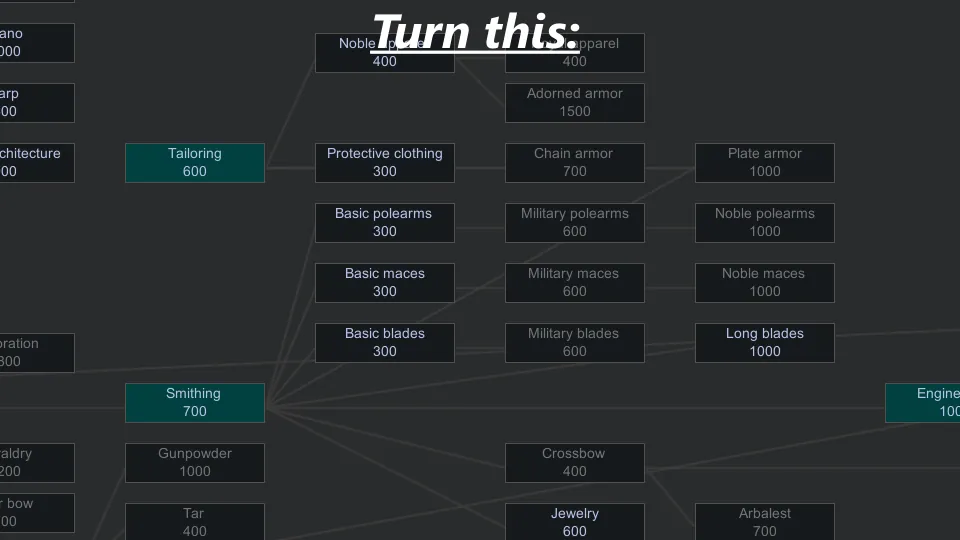
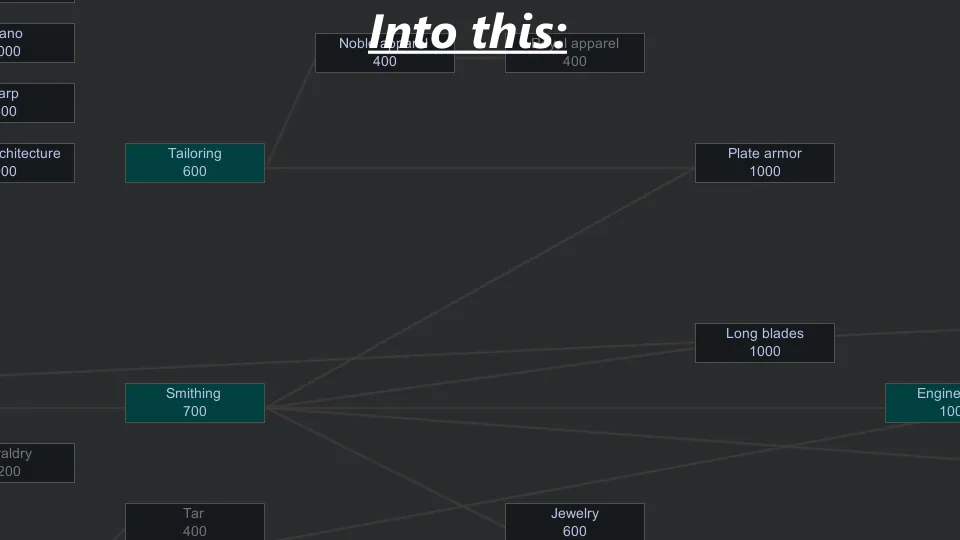
- Reverted long blades research requirement.
- Tallow is now part of candle making research instead of basic cooking.
- Bread no longer requires research to make, (flour still does).
- Random things no longer require furniture research.
- Milling is now separated from agriculture research.
- Deep scanners can no longer find ingots.
- Bone and dark wood can no longer compose ancient ruins.
- Tar, hornet nests, and strange rocks can now only be found in the dark forest biome.
- Reverted the constructed roof retexture to vanilla.
- Added factions are now disabled by default.
Most of these changes can be reverted in settings.
With Cherry Picker:
This mod adds several DefLists, which are premade lists of things that you can choose to remove with Cherry Picker. This is opt-in, so nothing will be removed by default, and each DefList has personal a recommendation to help you choose whether or not to toggle it.
Why do this? Because Medieval Overhaul can be overwhelming with how many extra things it adds, and some of the stuff may even be considered bloat. This addition allows players to conveniently remove some content that they're not interested in.
Cherry Picker instructions:
> Click "Options"
> Click "Mod Options"
> Find and click "Cherry Picker"
> Switch "All content packs" to "Reese's Modest Overhaul"
> Disable things defined as a "DefList" at your own discretion
Then you should see the things successfully removed when you reload.
Other recommended mods:
It would be silly of me to add certain features to this mod when someone else already made that sort of thing. That's why I recommend to you the Progression series to further improve MO without removing anything.
Progression: Kitchen for cooking-related changes.
Progression: Production for more production-related changes.
Progression: Agriculture for mod consistency.
Progression: Storage to declutter storage.
Progression: Aesthetics to declutter furniture.
Progression: Warfare for mod consistency.
I'm sorry I don't know why there's so many of them.