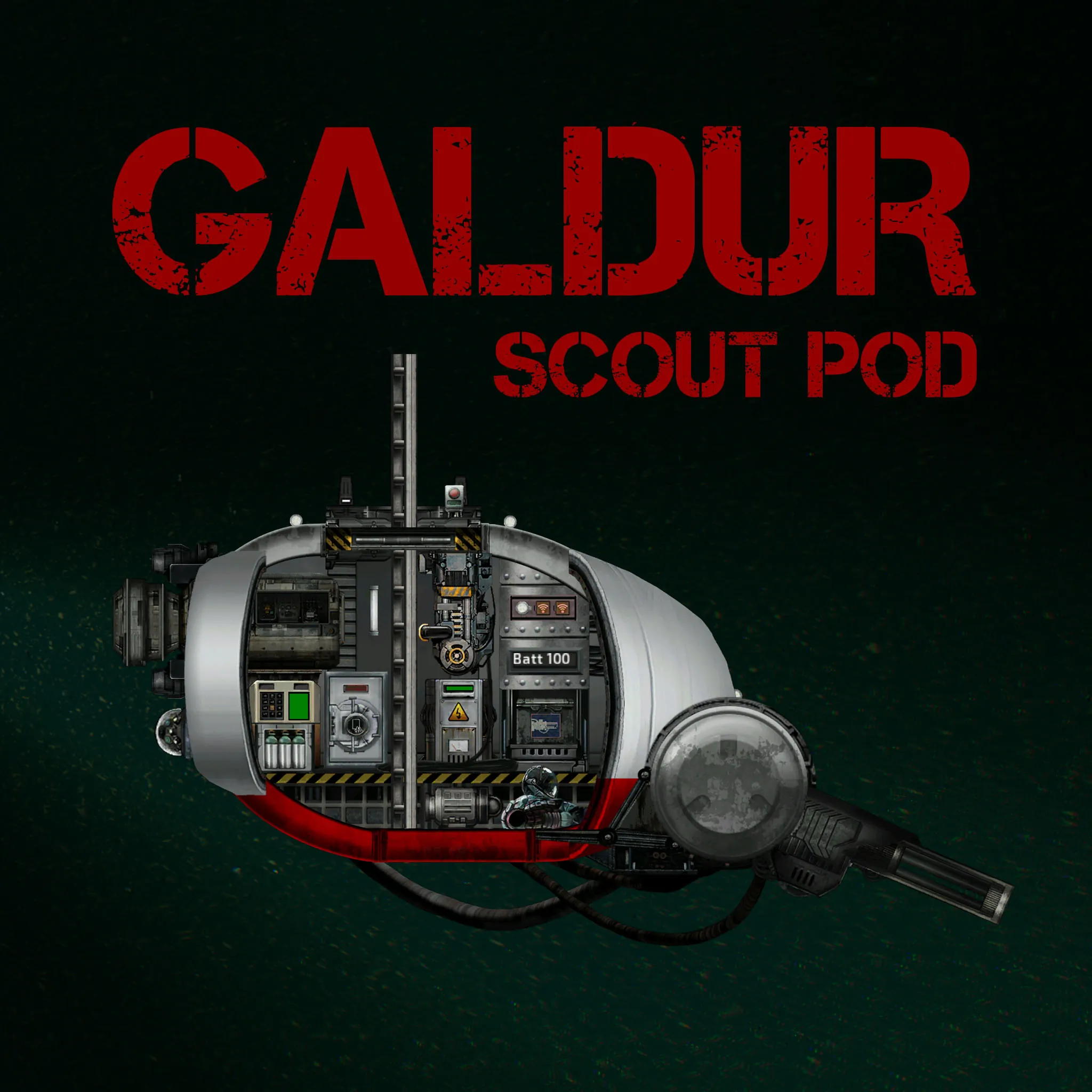
Galdur Scout Pod
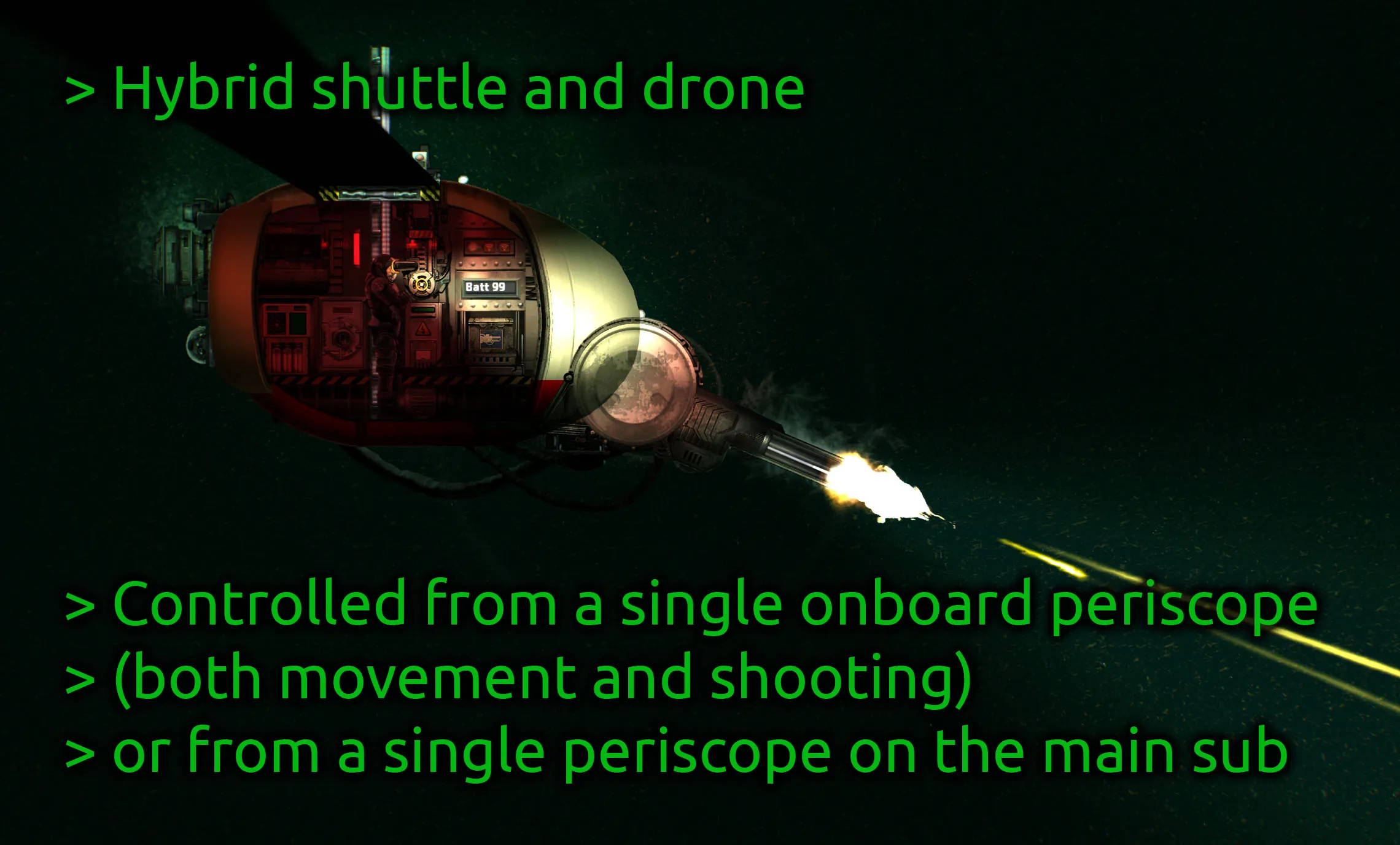
The Galdur Pod is both a shuttle and a drone (onboard or remote control). It's mainly intended to be added to other subs in the sub builder, but it's actually a lot of fun to drive around by itself on a mission! Or as a (very crowded) respawn shuttle. It's as easy to drive as a scooter, with great visibility all around.
Update: If you want to try the Galdur Pod on a vanilla sub, check out the Galdur Pod Vanilla Pack.
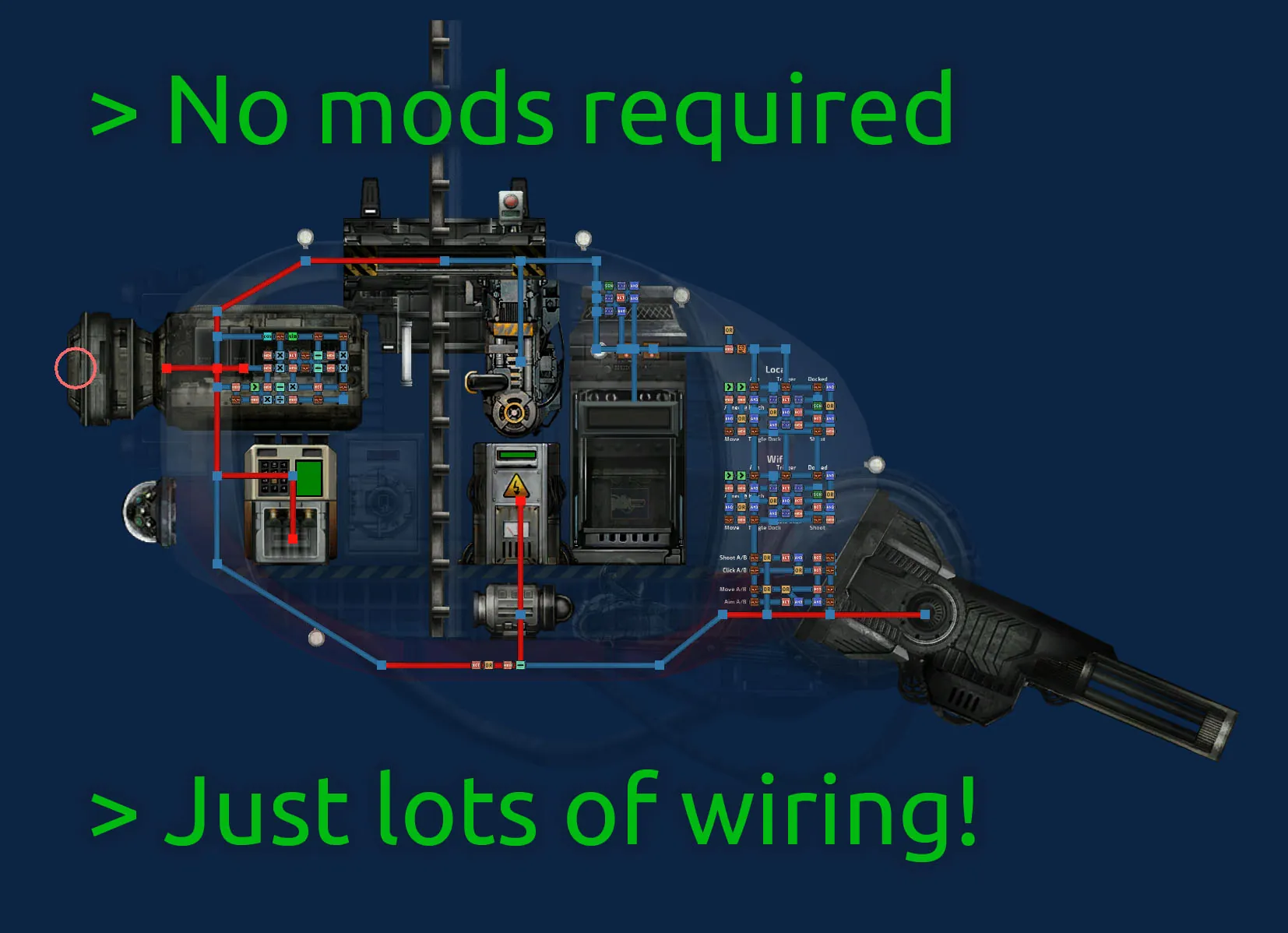
Most of the work was on the control system, which lets you control all operations from a single onboard periscope. There's no shuttle navigation terminal at all.
- Click and hold to move in the direction of the cursor. Release to auto-stop.
- Double click and hold to fire the chaingun.
- Double click on the hatch (or its shadow) to dock or undock.
- While docked, click to fire the chaingun like a normal turret.
The same controls also work from a remote periscope (wifi channels 711 and 712). The onboard and remote operators can even cooperate, with one piloting while the other handles the turret. Or you could drive it to a wreck, get out to explore inside the wreck, and the captain back on the main sub can take over the Galdur to provide fire support.
The chaingun has a huge firing arc (blind spot only in the top left) and the whole shuttle is made of transparent components, so you can see and fire in pretty much any direction. The hull is standard sub toughness, which is better than most shuttles, but that's still not much on such a tiny hull. It will sink quickly when attacked, but it's also quick to repair and can fight while stuck on the bottom.
There's no sonar, but with the visibility it has you really don't need it, and you can hold a handheld sonar while on the periscope that will still show waypoints (even though the sonar itself is scrambled inside the hull).
Safety tips: There's no oxygen generator onboard, so wear a diving suit! And when you need to get out during a mission, make sure you park the pod on the sea floor or some other surface first, because it will sink like a rock when you open the hatch. Also note that the cursor is relative to the turret, so if you want to move straight up or down, keep your cursor above or below the turret rather than the center of the shuttle.
If you have feedback on how the controls work or any questions about adding it to your sub, leave a comment!
General Stats
- Weapons: 1 Chaingun
- 5 x 3 m
- 17 km/h horizontal speed
- 15 km/h vertical speed