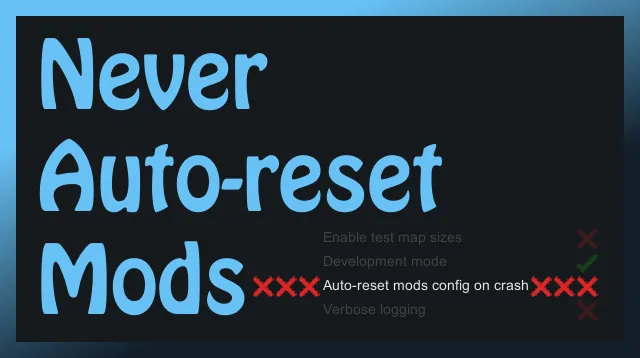
Completely disables the "Auto-reset mods config on crash" option.
More information
Playing RimWorld with lots of mods is tons of fun. But when RimWorld crashes, it automatically resets your modlist in an effort to help players recover. While this is great for new players, it can be aggravating for experienced players who are trying to actively build a new modlist.
If you go to Options and enable Dev Mode, you'll find a hidden setting that can disable this Auto-reset feature, but as soon as you disable Dev Mode, Auto-reset immediately becomes enabled again, and stays enabled even if you later turn Dev Mode back on.
This mod completely disables the Auto-reset feature so RimWorld will never reset your modlist.
WARNING
Because this mod disables a safety feature, it is now possible that a particularly bad mod conflict could leave you unable to launch RimWorld, or unable to access the RimWorld mods menu.
If you don't know how to manually reset your modlist by deleting your `ModsConfig.xml` file, you should probably not install this mod.
But if you did it anyway and you're back here looking for help...
How to recover if you actually DO need to reset your modlist
You'll need to rename or delete your ModsConfig.xml file. This resets your modlist, and the next time RimWorld starts, it will do so with no mods, just as if auto-reset was enabled.
Windows:
`C:\Users\USERNAME\AppData\LocalLow\Ludeon Studios\RimWorld by Ludeon Studios\Config\ModsConfig.xml`
Mac:
`~/Library/Application Support/RimWorld/Config/ModsConfig.xml`
Linux:
`~/.config/unity3d/Ludeon Studios/RimWorld by Ludeon Studios/Config/ModsConfig.xml`
If you get stuck and need help, go to the #troubleshooting channel on the RimWorld Discord and ask for help resetting ModsConfig.xml.
Compatibility
- Compatible with RimWorld v1.1 and v1.2 (including the Royalty DLC).
- No known incompatibilities.
Notes
- Does not affect gameplay or savefiles at all.
- Can be placed anywhere in the mod list after Harmony.
- Fun fact: this description is three times longer than the mod code.
- Please feel free to make technical suggestions or otherwise critique the code.
GitHub
- Bug reports[github.com]
- Manual download[github.com]