Overview
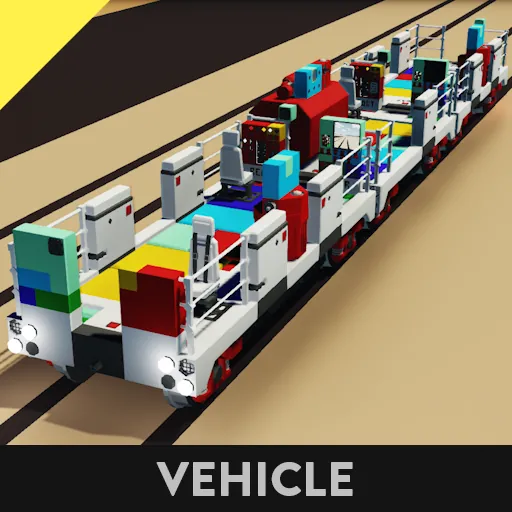
- Advanced modular master-slave system for centralized control of train functions. Among all train cars, one is selected as the "master" car that controls other "slave" cars. This controller should be installed on each train car and functional modules should be connected to it. The master car transmits data from all its modules to all train slave cars and receives limited feedback from the matching modules on them.
- For the dual-cab cars, the master cab can be switched between the front and rear. If your car has only one cab, ignore the nodes for the rear cab.
- Not compatible with TCP-like master-slave systems, but does not use their reserved composite channels on coupler connectors: 1, 2, 3, 31, 32.
- Not compatible with previous non-modular version of the system. You can connect your controllers for previous version to the module template adapter, which will convert them into a single module.
- The system works if the train has dummy cars which have their couplers cross-connected with composite links, although those cars will be counted incorrectly.
Modules
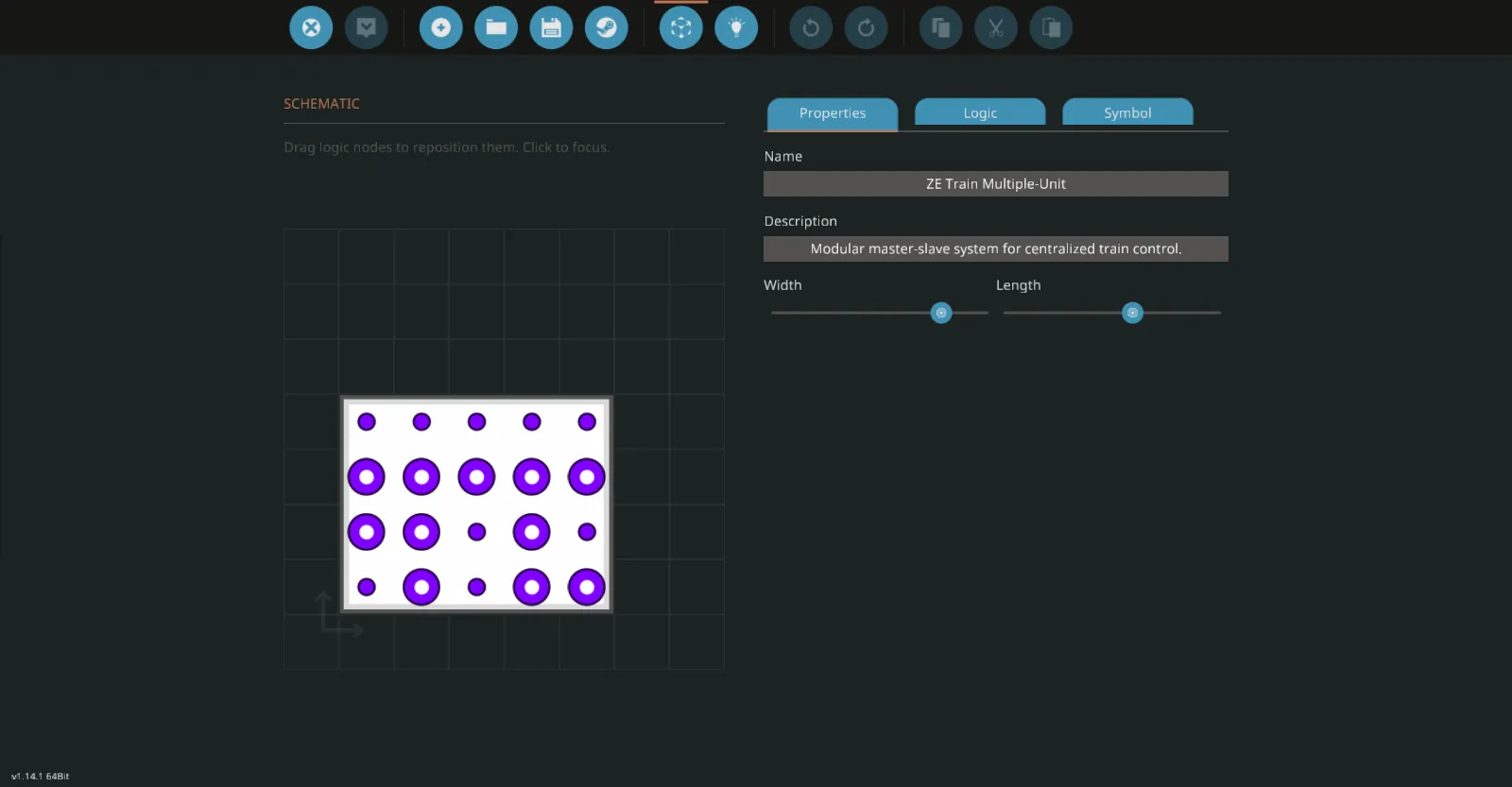
- The modules send and receive their specific functional data through the multiple-unit controller. There are slots for 6 modules, but you can remove unused slot nodes and reduce the controller size. Every module should be connected to the slot nodes for input and output, and to the multiple-unit data node. The same modules can be connected to different slots on different cars.
- Every module should have an ID, which is an arbitrary number in range from 1 to 90. A module on the master car with a given ID communicates with all slave car modules that have the same ID. Slave-only version of the module should have the same ID as the master-capable one. IDs in range from 91 to 99 are reserved for ZE train modules, change their ID only if you make a modified incompatible version of that modules.
- If you want to make a custom module, use the module template controller and see the mini-guide on its page.
Multiple-Unit control
- Any train car can get the master status by claiming it on the multiple-unit control panel, and the current master car automatically releases it. Current master can lock its status to prevent other car from claiming it.
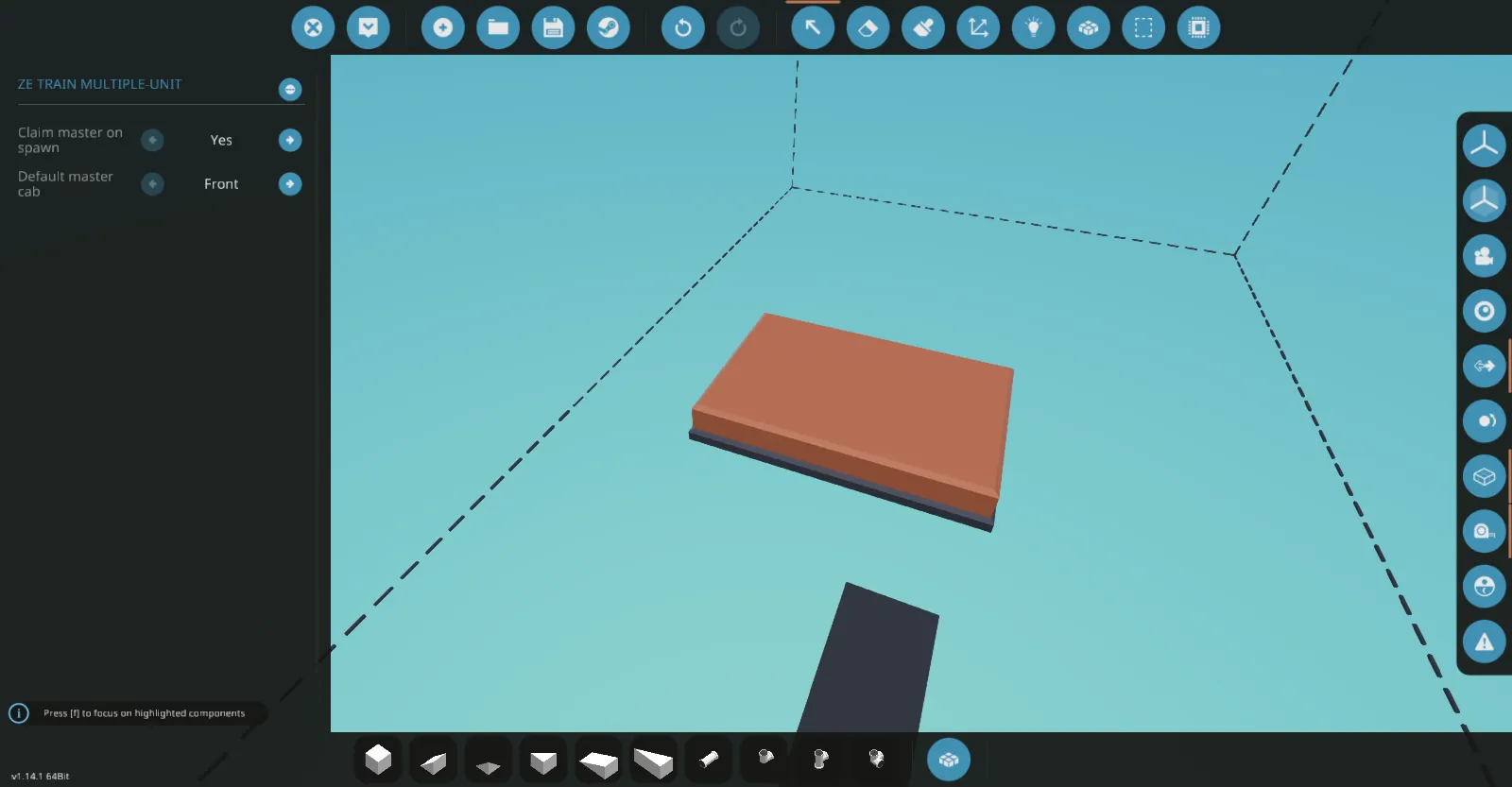
- By default, the controller claims master for the front cab on spawn automatically, but you can disable it or change the cab to rear in the properties.
- Panel composite channels:
Boolean push:
[list] - Claim master.
- Lock master.
[/list]
Multiple-Unit data
- The system collects information about the train and makes it available to use by all modules of every car.
- Node composite channels:
Boolean:
[list] - This car is master.
- Train has master - either this or other car is master.
- Opposite to master - this car is facing opposite to the master car front direction.
- Master locked - either this or other car locked the master.
- Master ahead - master car is ahead relative to the front direction of this car.
- Master behind - master car is behind relative to the front direction of this car.
- Front cab is master.
- Rear cab is master.
- Multiple masters detected - all train cars become slaves.
- No compatible cars - no connected cars with multiple-unit system.
- No valid modules - no connected modules with valid ID.
- Duplicated modules - connected two or more modules with the same ID.
- No matching modules - no matching module IDs with the IDs of the master car.
Numeric:
- Car count - total number of connected cars.
- Master position - master car position relative to the master car front direction.
- This car position - this car position relative to the master car front direction.
[/list]
Master priority (optional feature)
- When merging or splitting trains, the new master car can be reselected automatically depending on the highest car priority. When merging trains, if there are two or more masters with same priority, they will all become slaves and remain inactive until a new master is claimed manually or until coupled to other train that has its own master.
- You can increase the priority for preferred cars by locking the master or setting it as a backup master. The slave car set as the backup master will become the new master if the old master is decoupled. The current master car, set as the backup master, will become the new master if it is coupled to other train that has its own master.
- Car priority in descending order:
[list] - Master, locked, backup
- Master, locked
- Master, backup
- Master
- Slave, backup
[/list]