Original Mod: Defensive Positions
WARNING
This mod is not a hop-in replacement for the other one, there were mayor changes in how things are handled by code. If you started a colony with the original, you probably should finish your colony with it.
Changes
- Removed HugsLib dependency.
- Changed graphics.
- Removed Multiplayer Support (I deleted the class with most issues in multiplayer, so maybe it works on multiplayer right out of the bat, I don't know, I don't use that mod).
- Integrated with GearUpAndGo.
- Bugfixes.
Description
Allows your colonists to remember their position during base defense. You can send off your colonists to their positions with a single click.
How to use
Set defensive positions for colonists
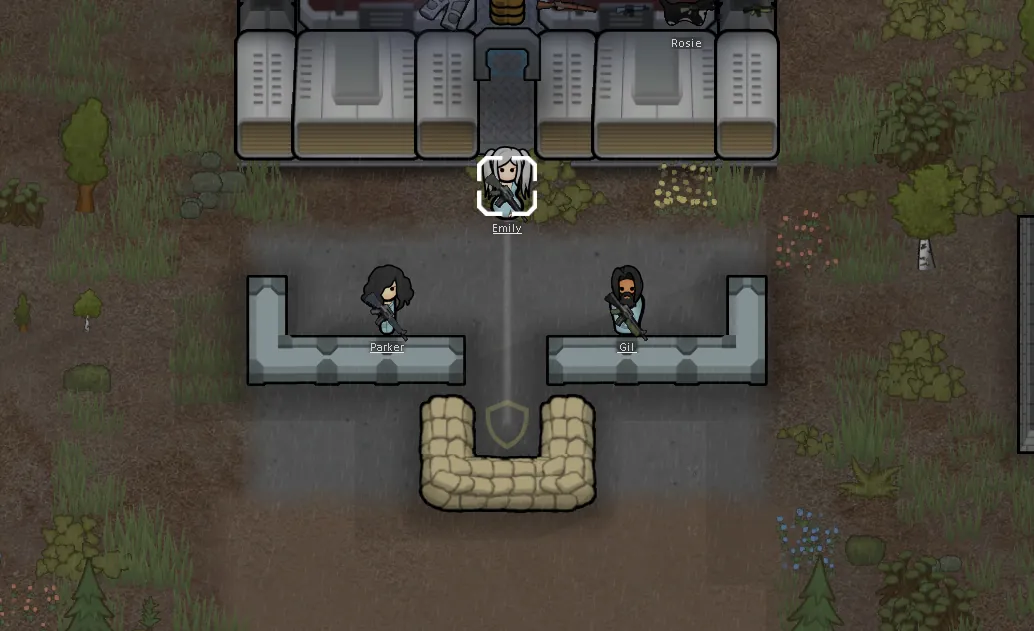
1) Draft your defenders and place them where you want them.
2) With your defenders selected, right-click the Defensive position button and select "Save defensive position".
Done. The selected colonists will remember their held positions.
Send colonists to saved positions
1) Select your defenders.
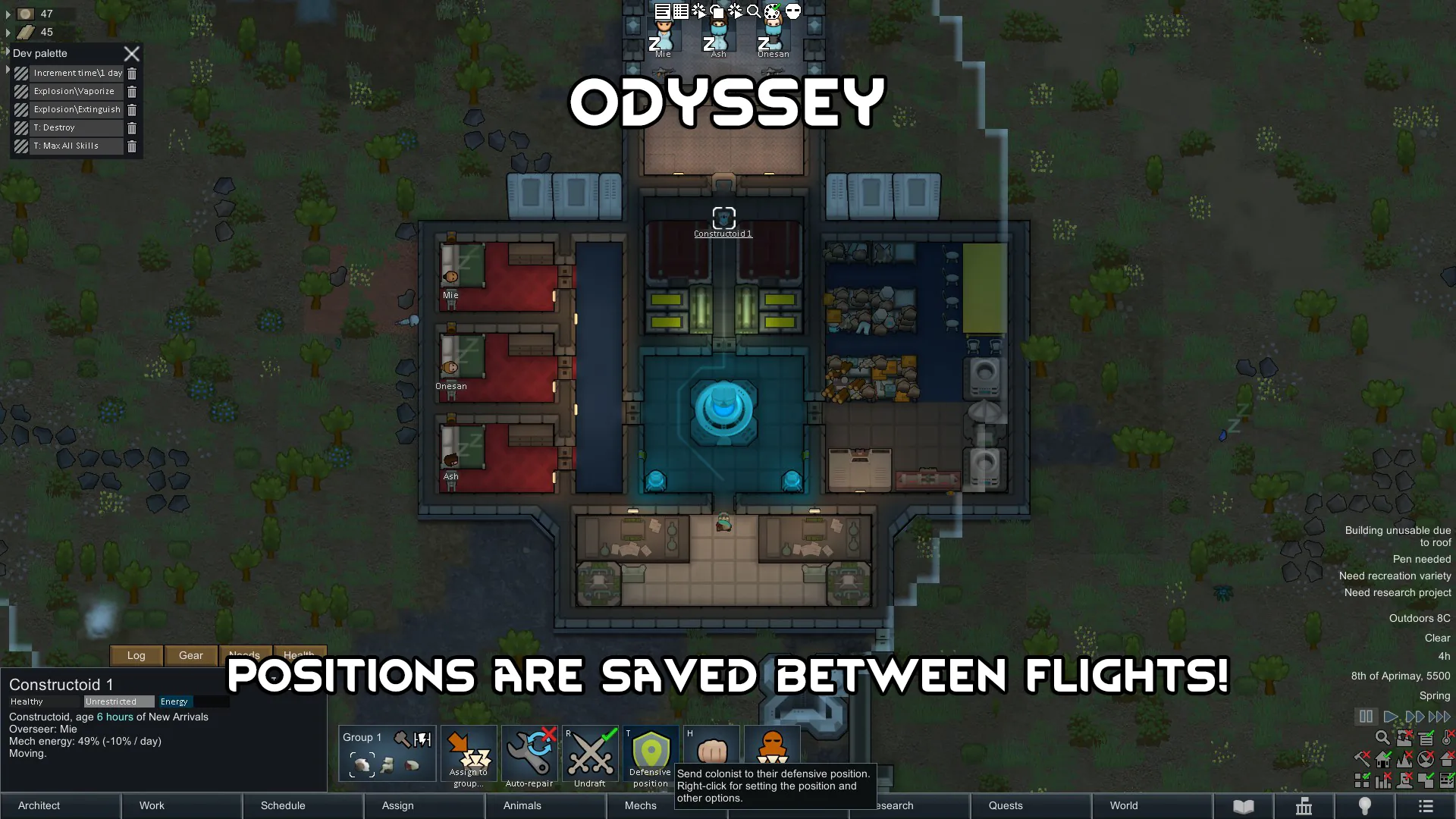
2) Click the Defensive position button (or press T).
Your defenders will be drafted and will run to their saved positions.
Advanced mode
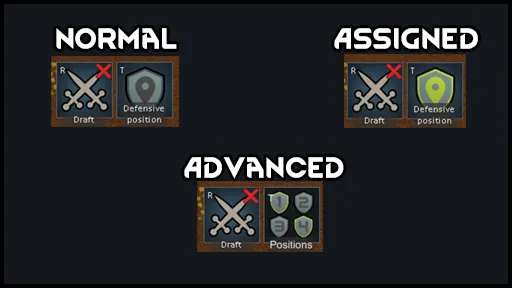
Hold the Alt key and click the Defensive position button to switch between basic and advanced mode.
Advanced mode works exactly like Basic, but you have 4 positions to work with. Save a position using the right-click menu, then click the slot to send the selected colonists to the position they have been assigned under that number.
Pressing T is the same as clicking the first slot.
Squad hotkeys
Colonists can be assigned to squads for easier selection. To assign, hold the Ctrl key and press 1-9 on the numeric keypad to assign the squad to that key. Press the numeric key of a squad to select the squad members, press again to focus on the squad location.
Utility hotkeys
There are three other keys on the keypad for quick colonist management: press period to select all colonists on the map, undraft everyone by pressing divide, and press zero to send all colonists to their assigned defensive position.
In the Options > Mod Options window you can switch the Shift key from saving positions to queuing movement orders.
Special Thanks
Symbolic (a.k.a. UnlimitedHugs) - For the original code.
Captain ♥♥♥♥♥♥♥♥ - For a fix in the code.
License
Equally to the original version, this is a free and unencumbered software release into the public domain.
Anyone is free to copy, modify, publish, use, compile, sell, or
distribute this software, either in source code form or as a compiled
binary, for any purpose, commercial or non-commercial, and by any means.
You can check the source code on My Github Repository[github.com]