Have you ever said "I wish my boat would stop moving so much." No. Just me? Oh well, I fixed it anyway.
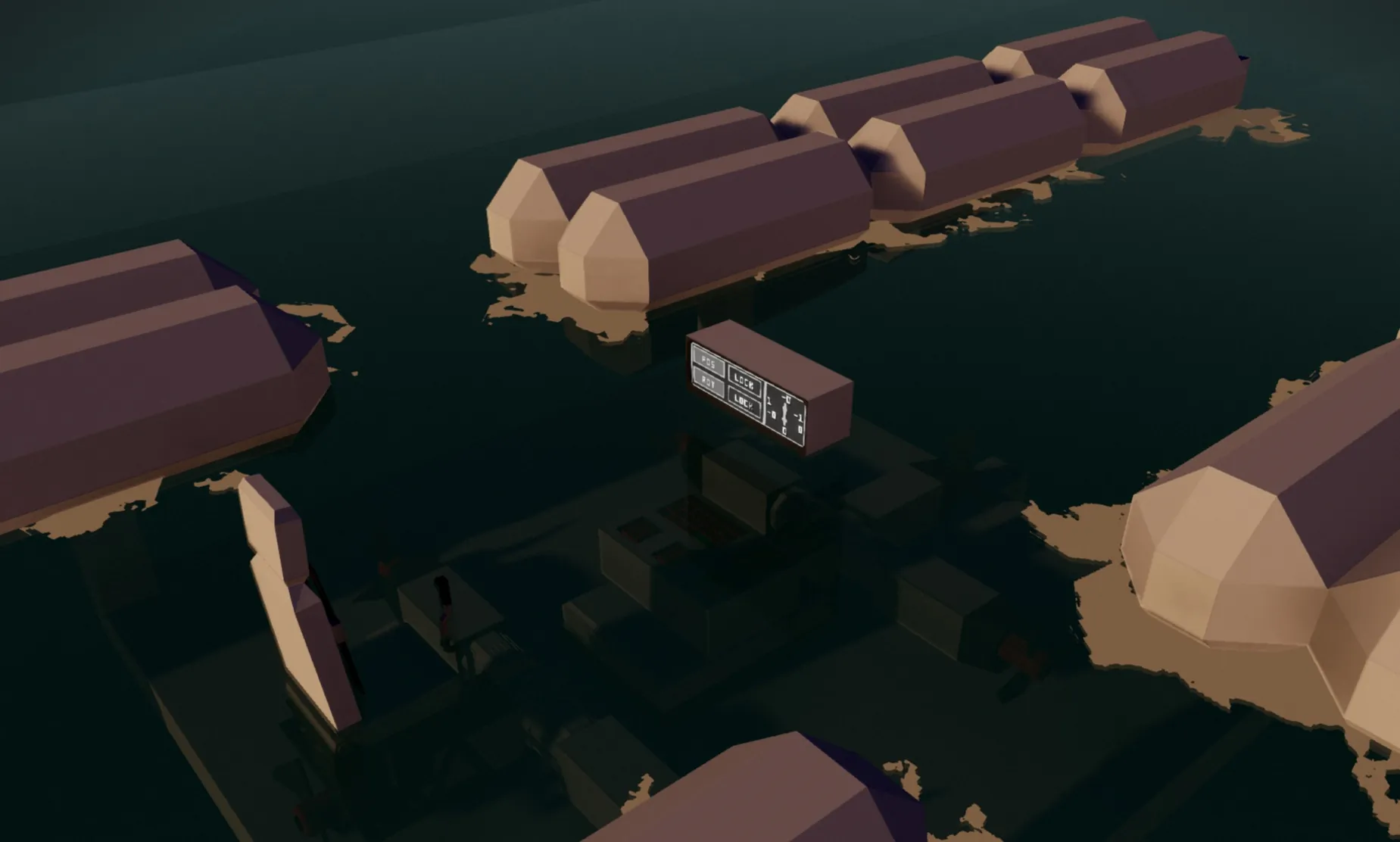
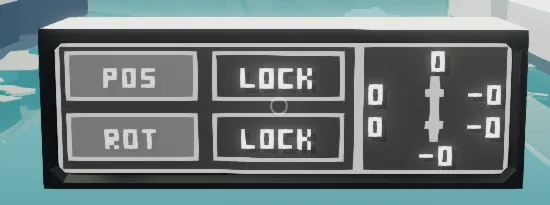
This is a microcontroller that counteracts drifting and rotating for ships. Unlike all other position locks I've tried, it only requires 3-6 fixed thruster (No weird rotating azimuth thrusters). It was designed to be as simple to use and understand as possible. It has three different input methods: touchscreens, instrument panels or full size buttons. The touchscreen UI is customizable. The PIDs are customizable. And I labeled everything inside the microcontroller, as best as I could, so it's possible to reverse engineer.
It's designed for large boats and ships, but will work for any floating vessel. It's designed for 2 propellers on each side plus 1 on the front and 1 on the back; it only needs 1 on either the front or back and only needs 2 total on the sides.
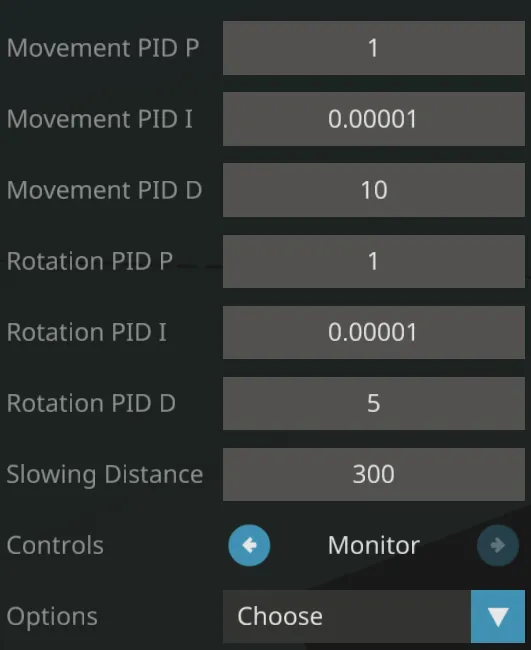
Here's a complete list of the settings and what they do:
Name
Function
Movement PID P
Movement P*
Movement PID I
Movement I*
Movement PID D
Movement D*
Rotation PID P
Rotation P*
Rotation PID I
Rotation I*
Rotation PID D
Rotation D*
Slowing Distance
How far away from your destination (in meters) to start slowing down
Controls
Which input method to use (Touchscreen, Instrument Panel, Full size buttons)
Options
How to calculate where you want to go**
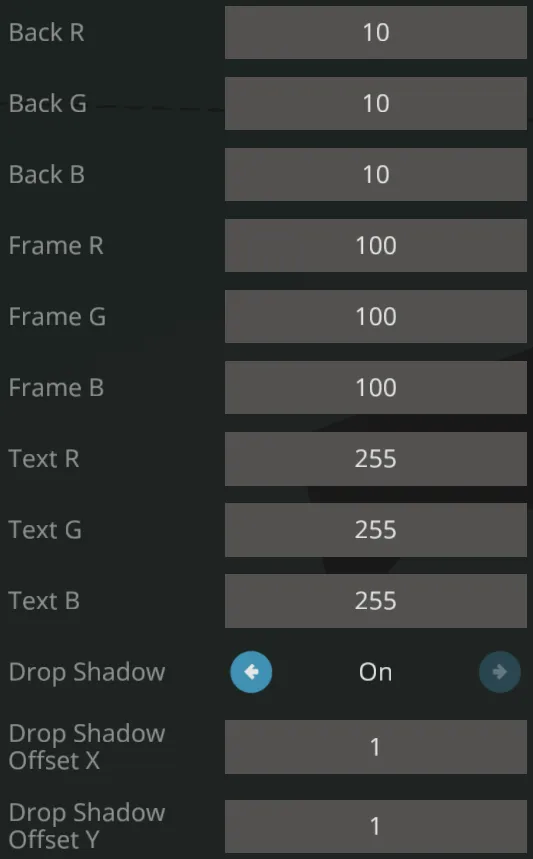
Back (R,G,B)
Touchscreen background color
Frame (R,G,B)
Frame (around buttons and edges of display) color
Text (R,G,B)
Text color
Drop Shadow
Toggles drop shadow for button and text
Drop Shadow Offset (X,Y)
Direction of drop shadow in pixels
*If you don't know how PIDs work I would recommend this guide
**Either input or lock
Any other things I can think of:
- There's 6 nodes on the MC that are hidden if you feel like it you can switch the Lua script to the manual one (it's labeled and right next to the main Lua script) so you can do some real-time PID tuning
- This is a vehicle and includes a demo vehicle, if you have any question I would love to answer them, or you could look at how that's set up
- There are two input modes: lock and inputs; the difference is that lock will use your current position and rotation as your desired location; inputs just goes to whatever you input through the keypads
- DO NOT USE WITH A KEEL; my original test vehicle had a keel and it made the system break
- It has a manual mode; so if you wanna use your thruster like usual you can
- This is not an autopilot; it can function as one, but it would really suck
Credits:
Zizo's ECU... actually just the PID and clamp functions in the ECU
Otacon's 3x5 font
I wrote everything else
No AI, just real human time and effort
My policies:
If you wanna use this MC in your own creation that's cool, and I would really appreciate it if you give me credit. I spent 10+ hours troubleshooting, cleaning up code, adding features and testing.
If you make a significant change (such as making it work with submarines, making it work with an autopilot, etc.) then feel free to upload that.
If you make a small change (such as adding more instrument panel IO, making it compatible with all monitor sizes etc.) I ask that you comment the changed code, and I'll add it.
If you don't make any changes and want to re-upload it... don't.