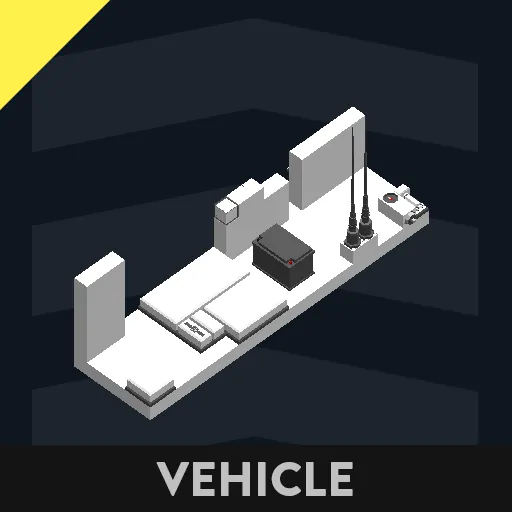
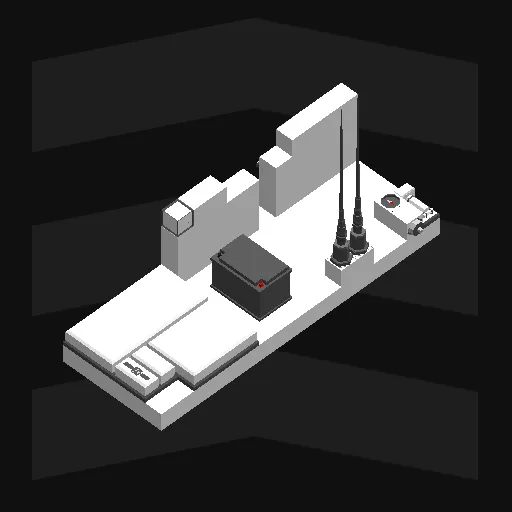
This is an integrated and upgraded tool of AmoMap and AmoLink, which I previously uploaded.
Place the displays and input components anywhere on your ship.
Be sure the linear speed sensor is put toward your ship's bow.
Connect power to your ship's battery.
This is all you need to use the tool.
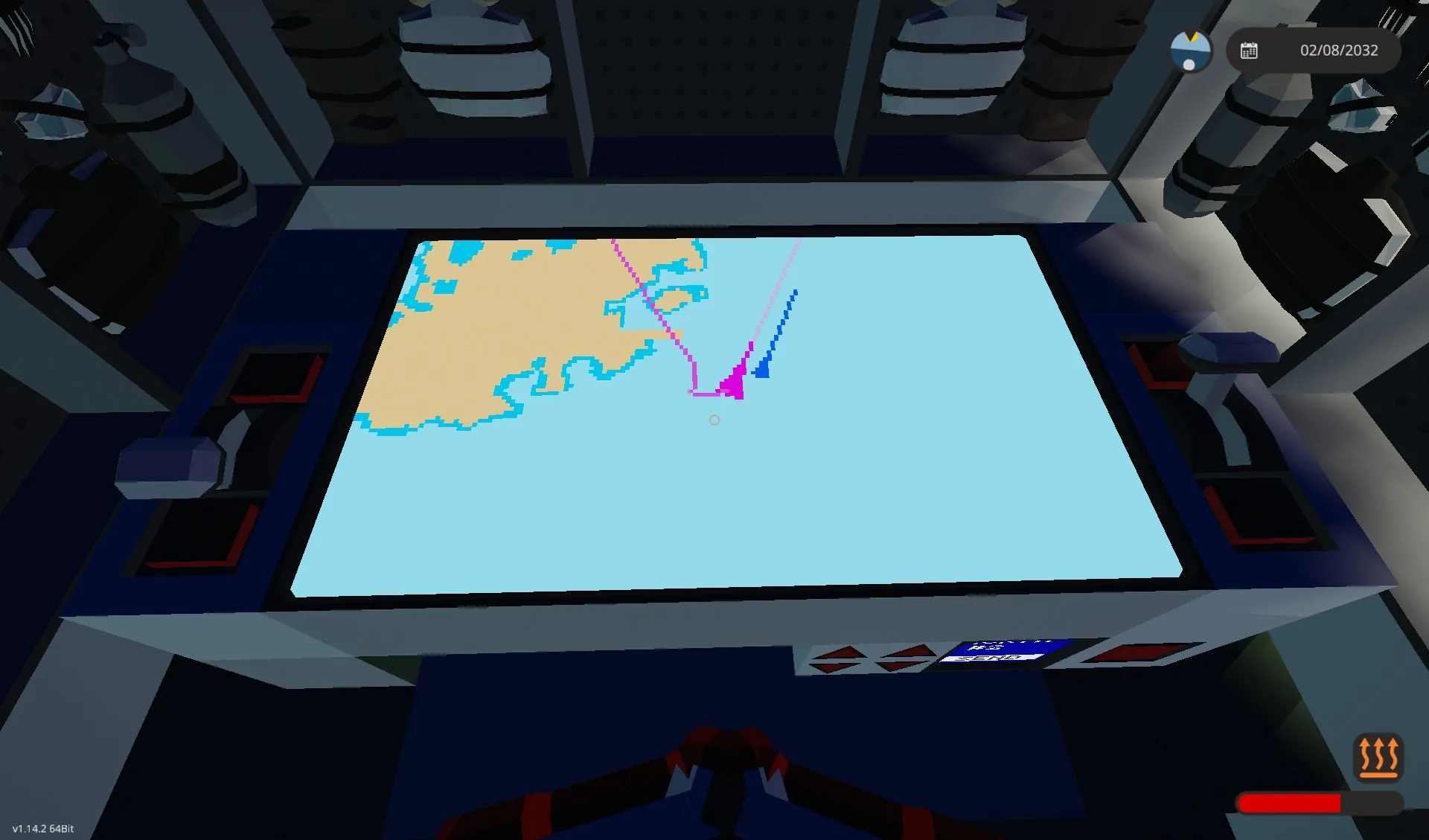
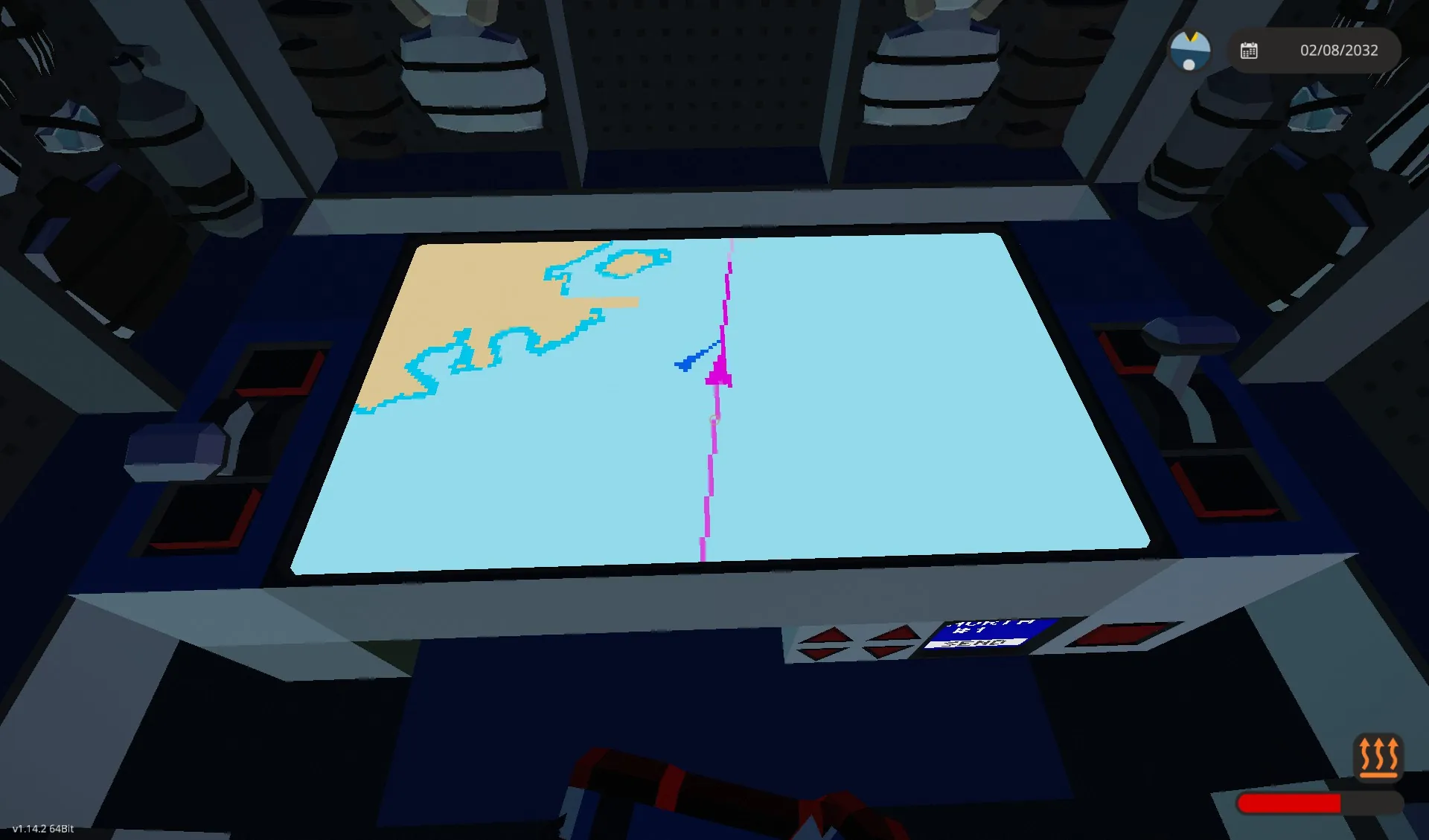
When spawned, the track line(purple) points at 0,0 (starter base). Wait for some seconds, and set the refresh rate by the throttle lever as you like (e.g. 60 secs) when the line disappears. The default value is 5 seconds.
The vivid purple line on the azimuth line(grey) shows the distance your ship sails for 5 minute(can be edited with the property on the microcontroller).
Map zoom and refresh rate are input by throttles in this package, but you can replace them with keypads.
For multiplayer or multi-vessel, you can share your ship's location and info(azimuth and speed).
how to use:
1, Set the flip switch of your team(north or south) up.
2, Set your ship number by the arrow buttons. I recommend not using #0
3, touch a 1*1 display, then your location is submitted continuously.
4, you can receive your teammates' locations while you submit your own.
Received data is also shown on the map.
You can also hide them with the toggle button.
Delete the display which shows numbers if you don't need it.
*You can use the received location data from the composite nodes labelled "teammate locations, Teammate Info 2" for your original map.
Read AmoLink's description page for more details.
This tool is compatible with Amolink, but the shared ship's triangle will be fixed facing north.
it also should be compatible with tools developed based on Amolink since the node positions have only been added and not changed.
24/4/2025 Updated:
You can register and submit your ship's code using three letters (the alphabet, numbers, and limited symbols).
A collision or too-close warning shows on the map display and outputs On/Off to the "Collision" node. Make sure that you registered the ship's code to avoid detecting your ship.
If you have been using previous versions or Amolink, I recommend replacing all components.
以前アップロードしたあもマップとあもリンクを統合・アップグレードしたツールです。
ディスプレイと入力コンポーネントを船の任意の場所に配置してください。
リニアスピードセンサーが船首に向くように注意して設置してください。
電力をあなたの船のバッテリーに繋いでください。
これだけで使用することができます。
スポーンすると、経路の線(紫色)はスポーン時には0,0(スターターベース)を指します。数秒待って、線が消えたらリフレッシュレートをお好きな値(たとえば60秒)に設定してください。デフォルトは5秒になっています。
針路の線(灰色)の上に表示される白い線は、船が5分で進む距離を示します(マイコンのプロパティから変更可能)。
マップのズームと更新間隔は、このパッケージではスロットルで入力しますが、キーパッドで入力することもできます。
マルチプレイヤーまたは複数の船舶の場合、船の位置と情報(方位と速度)を共有できます。
使い方
1, 自分のチーム(North/South)のフリップスイッチをオンにしてください。
2, 矢印ボタンで自分の艦番号を設定してください。0は使用しないことを推奨します。
3, その後1×1ディスプレイをタッチすると、自分の位置が継続的に送信されます。
4, 送信中、自分の友軍の位置を受け取ることができます。
受信したデータはマップ上に表示されます。
トグルボタンで非表示にすることもできます。
数字が表示されているディスプレイは不要であれば削除してください。
※「Teammate Locations, Teammate Info 2」と書かれているコンポジットノードから、受け取っている位置データをご自分の自作のマップなどで利用することができます。詳細はあもリンクの説明ページをご覧ください。
あもリンクとは互換性がありますが、船の三角形が北向き固定になります。
ノードの位置は追加のみで変更していないので、あもリンクで開発されたツールとも互換性があるはずです。
2025/04/24 アップデート
船舶コードを3文字(アルファベット、数字、および一部の記号)で登録・送信できます。
衝突または接近警告がマップ画面に表示され、「Collision」ノードにオン/オフが出力されます。自船の検出を回避するため、船舶コードが登録されていることを確認してください。
以前のバージョンまたはAmolinkをご利用されていた場合は、すべてのコンポーネントを交換することをお勧めします。