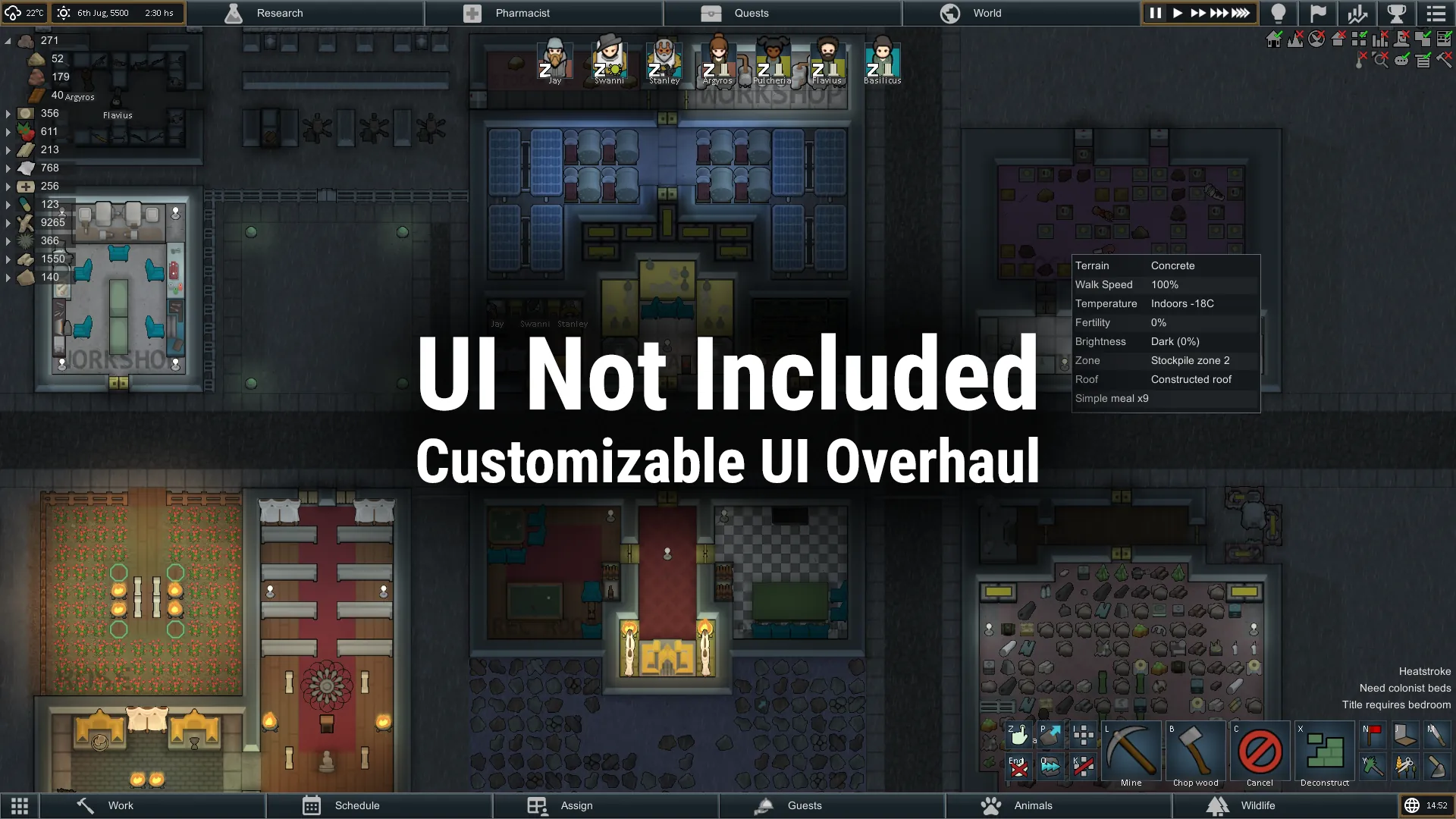
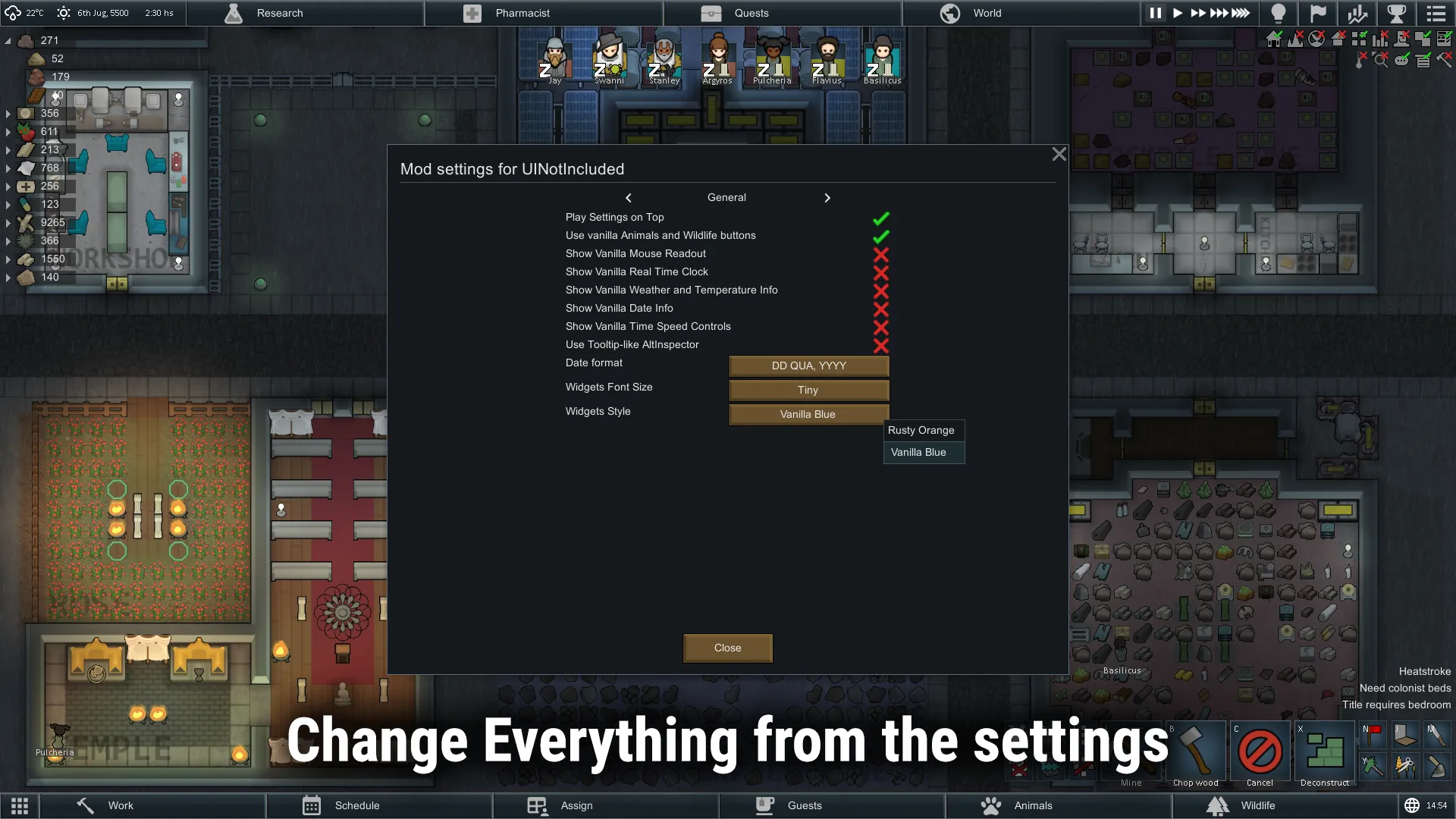
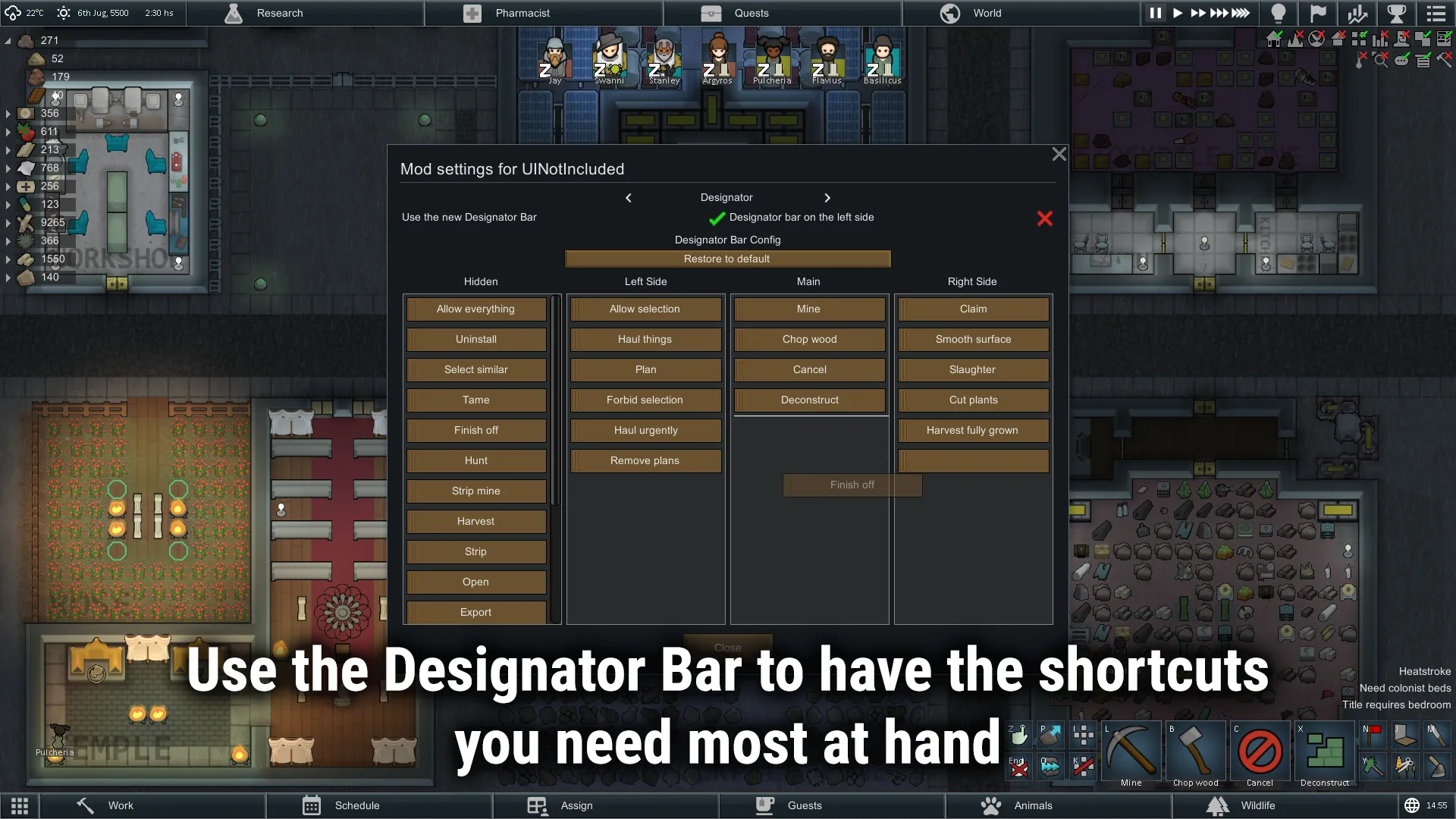
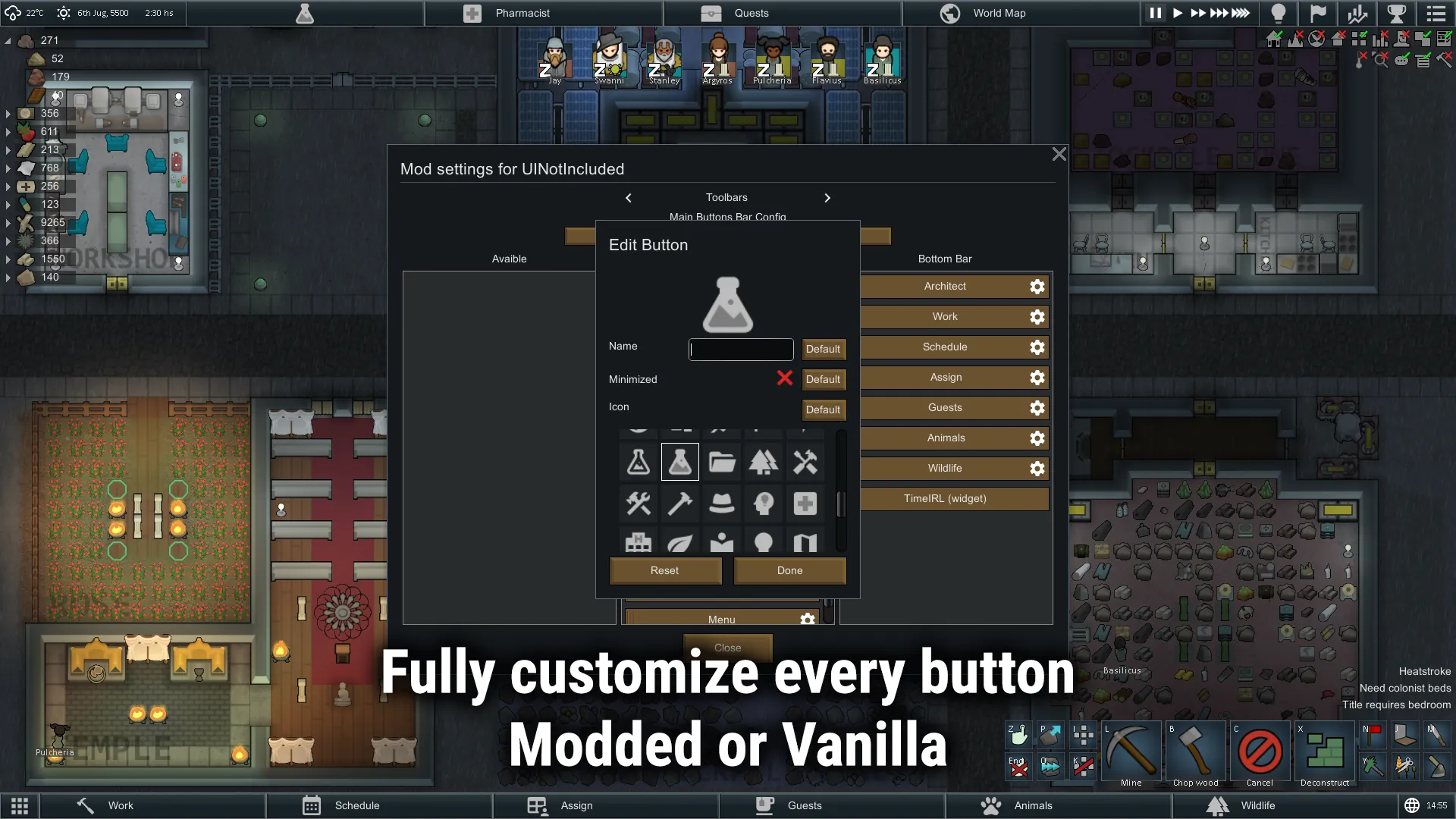
Interface Overhaul slightly inspired by Oxygen Not Included UI on the begining, but ended up more focuses on the tabs bar, and its customization. It was designed to reduce clutter on the screen, keeping the information needed at hand. It's highly customizable, so you can get as much or as less as you want from it.
This mod should be pretty secure to add or remove mid game, since does not store anything on the SaveFiles.


 Compatible
- SmartSpeed - The Time Speed widget will use the SmartSpeed buttons.
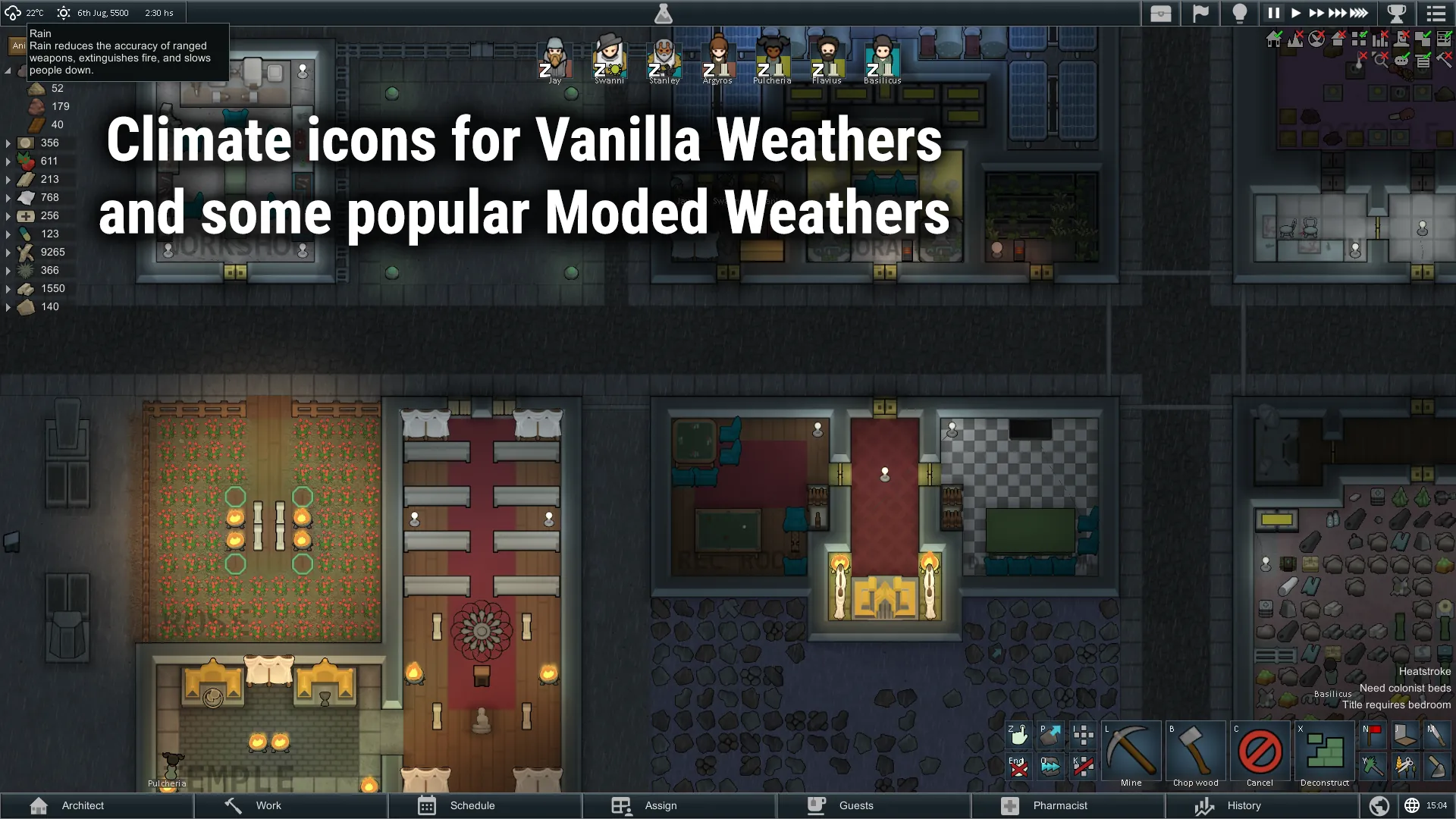
- ReGrowth: Core and Framework - Custom icons for its weather on the weather widget.
- Vanilla Textures Expanded - Both mods adds the possibility of having tabs with icons AND labels. But UI Not Included overwrites the behaviour of VTE. Icons added by VTE are used by default.
Partially-compatible
- RIMMSqol - Both mods can edit the Main Buttons, so some strange behaviours may arise if both mods touch the same button. Please, do not edit the Main Buttons with this mod.
- Performance Optimizer: It have an option to hide UI elements until the mouse is over them. However, it does not have in account that with this mod you can have one Bar on Top. So, with this option enabled, you wouldn't be able to use the bar on the top.
Incompatible
- Visual Exceptions - This mod add a tab in a non-standard way. This means, it would not appear as an option while modifying the tabs.
 Character Editor tab works in a non-standard way, so it can't be saved and it will be restarted on every startup.
If you're updating from a pre-dropdown version, and you were using the Numbers addon, you have to make sure to have the addon also updated. Otherwise, the mod will break. Erasing the settings will solve this issue.
If you want to stop using any addon (like the numbers addon), you should remove it from the bar before uninstalling the addon.
If you encounter another bug, please report it in Bug Reports.

- Numbers - Numbers is a mod that let you create custom information presets about most things: Animals, Colonist, Enemies, etc.. This addon let you add those presets as buttons to the Tab Bar or to any Dropdown.