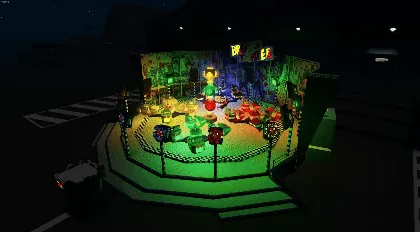
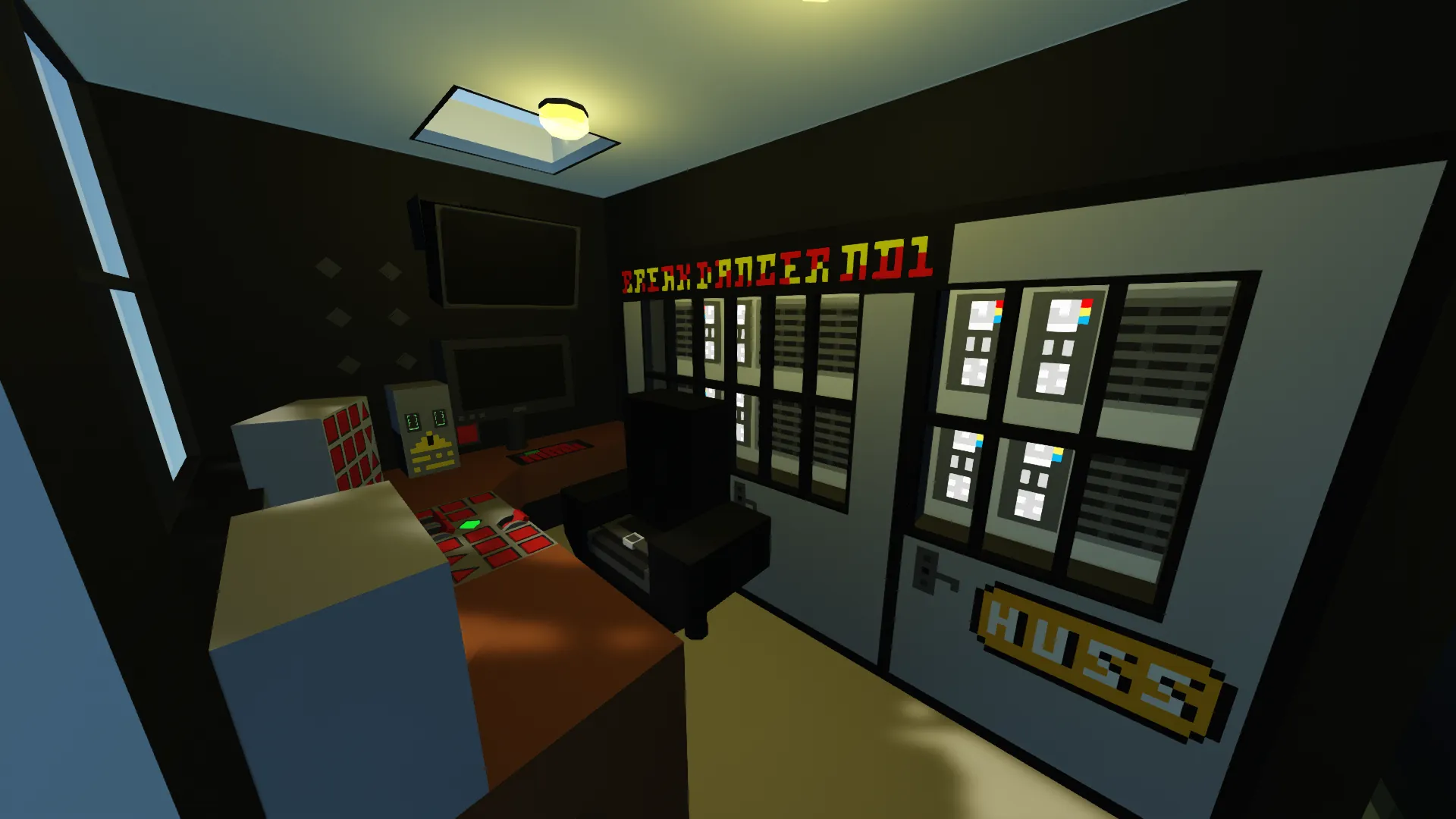
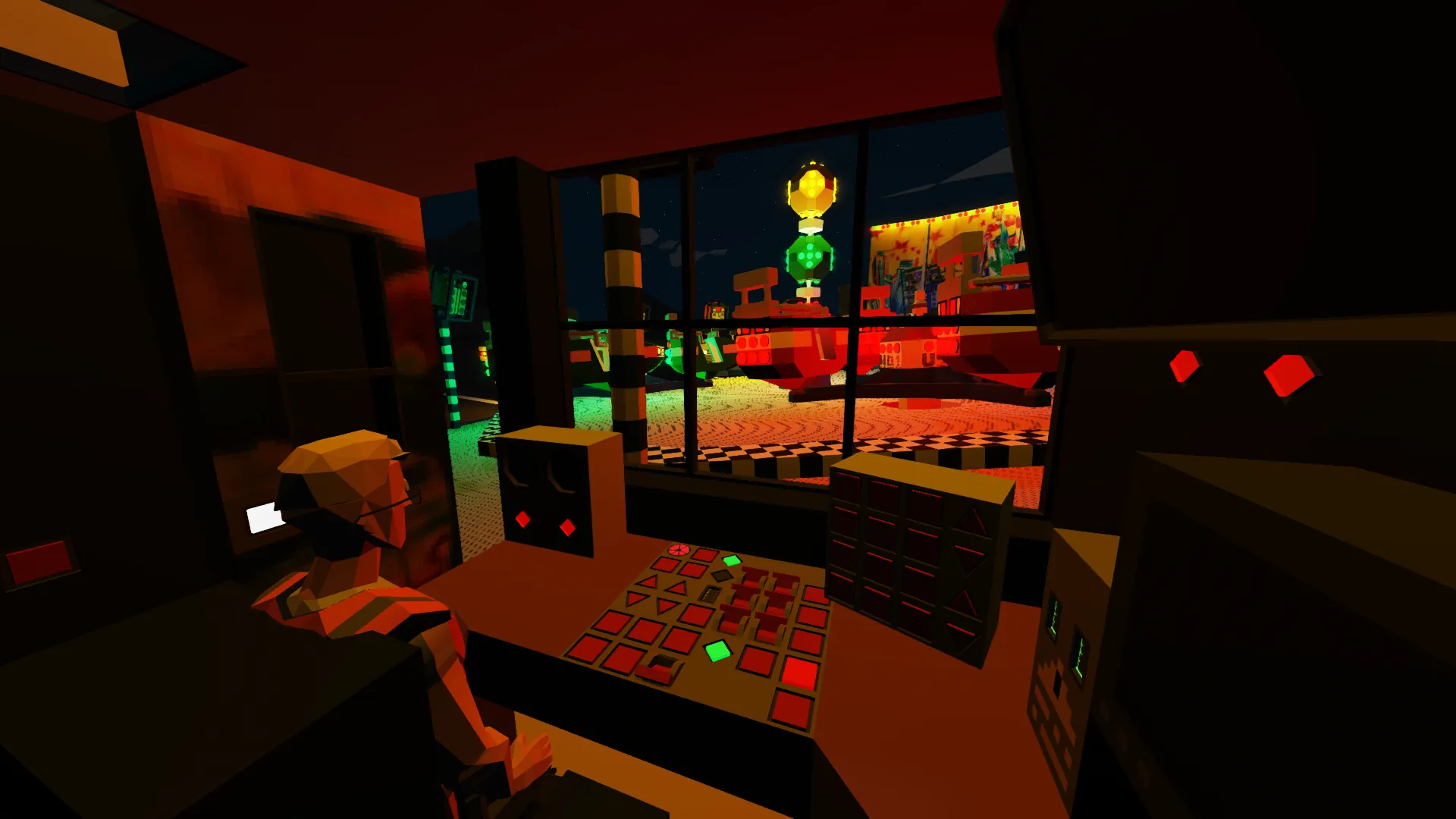
Warning! This creation was made and will probably only work using Infinite Fuel, Electric, etc. It will likely also require either a modded workbench or addon/mission spawn!
Credits:
A lot of microcontroller work, scripting, and a few other resources:
Shark_has_crash, (and many thanks for the control panel microcontroller in particular!) [https://steamcommunity.com/id/sharkhascrash/], and
SGT_Thurston [https://steamcommunity.com/id/Powerboats4life]
Brief introduction:
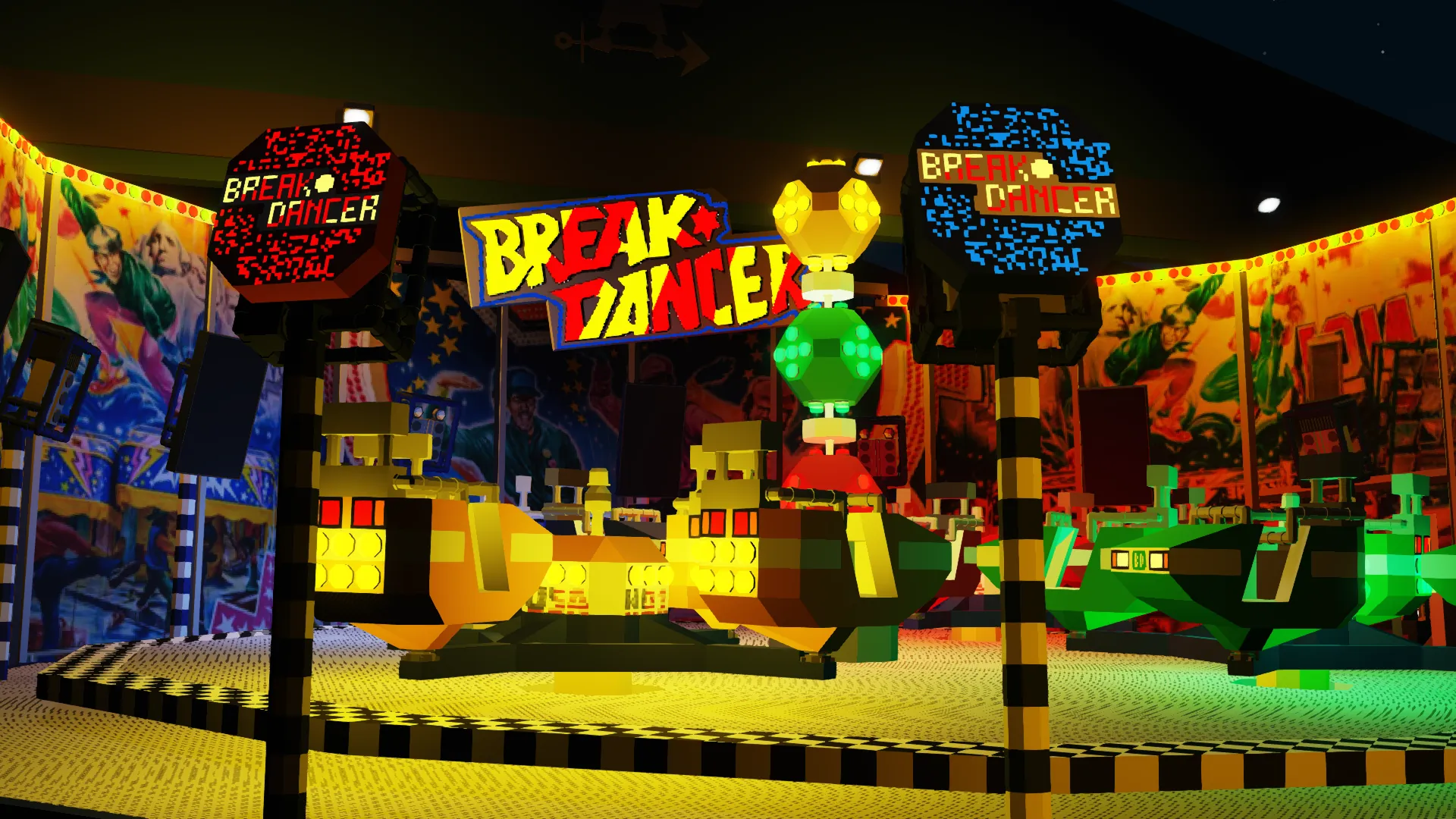
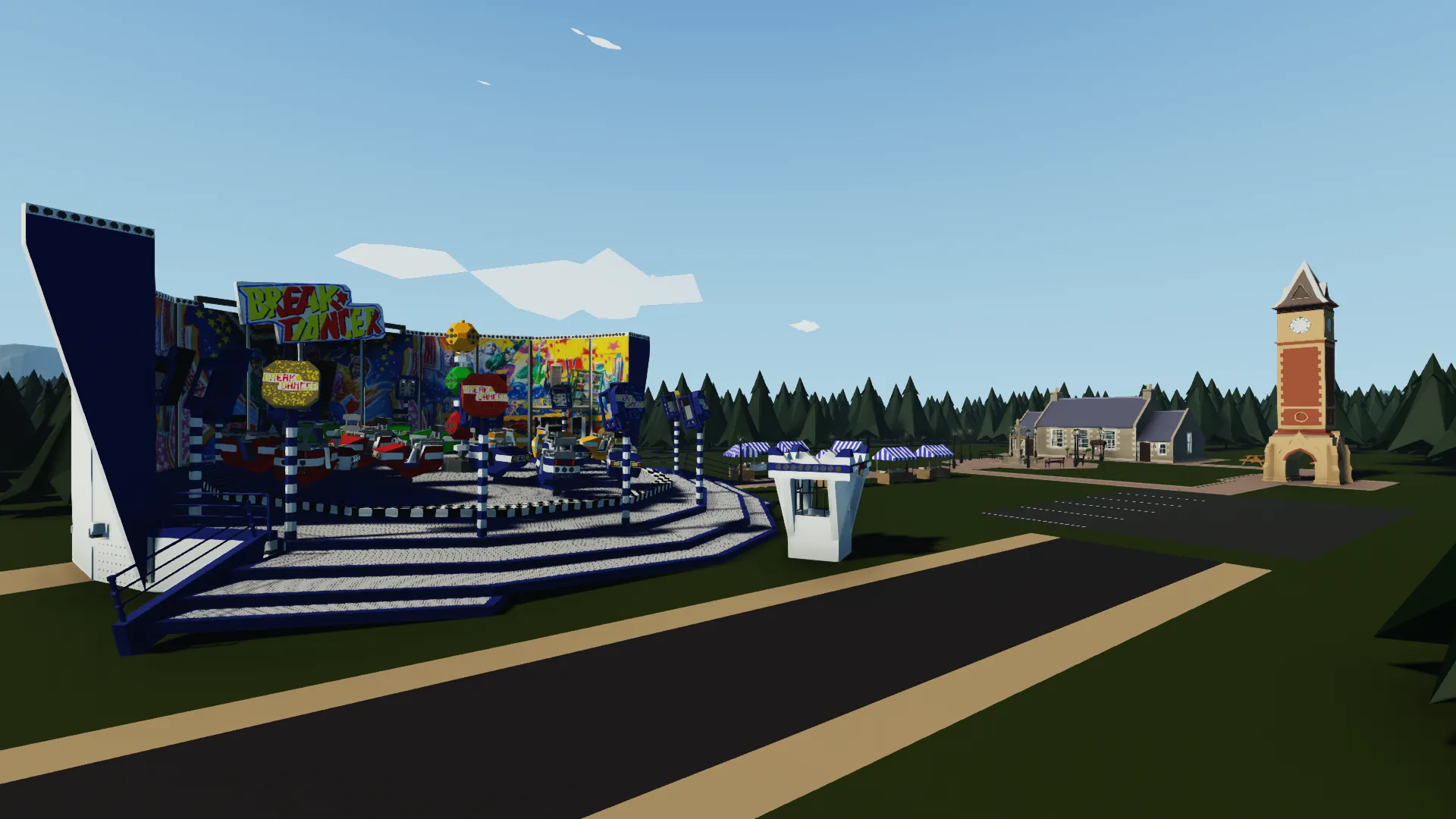
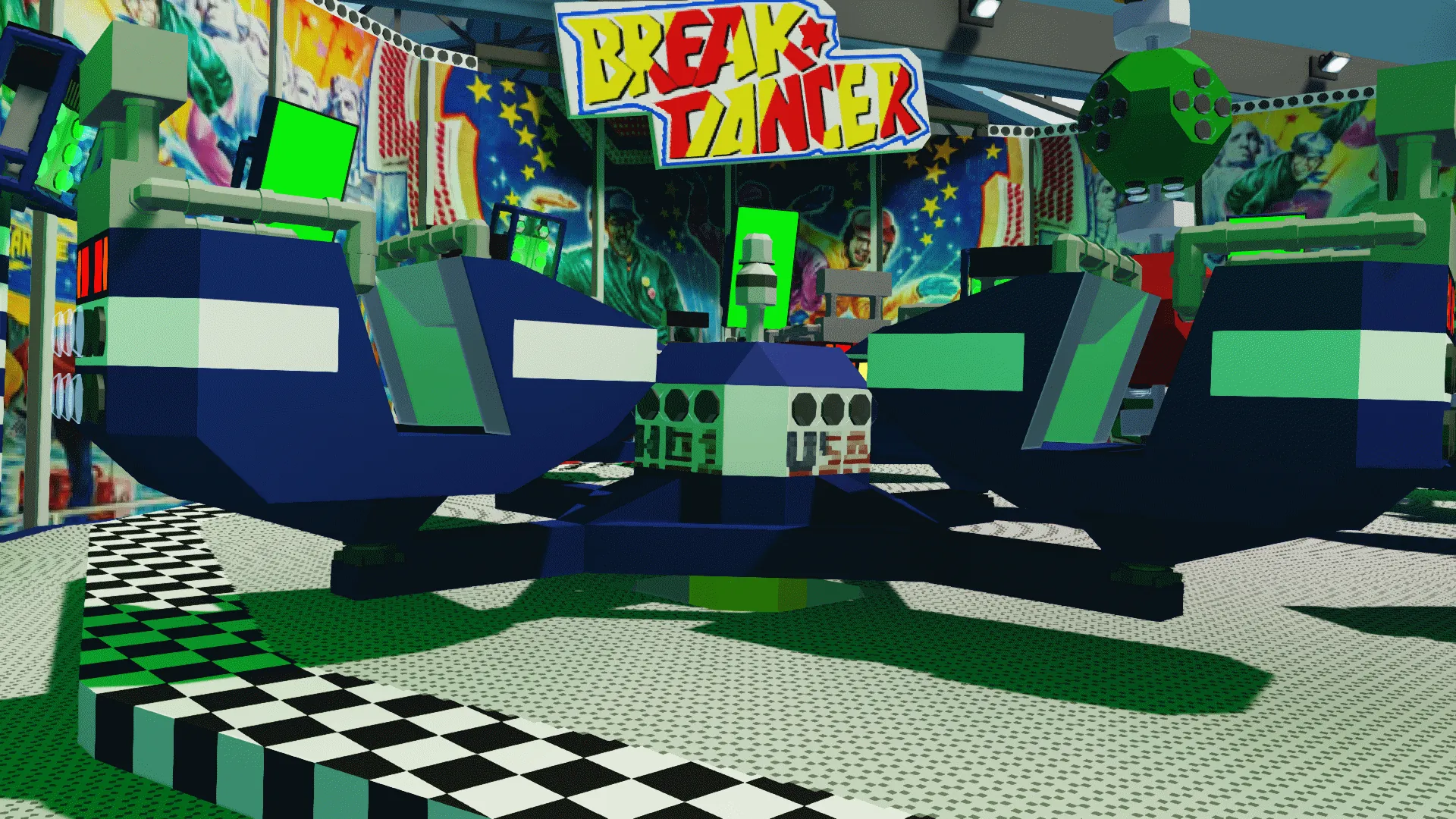
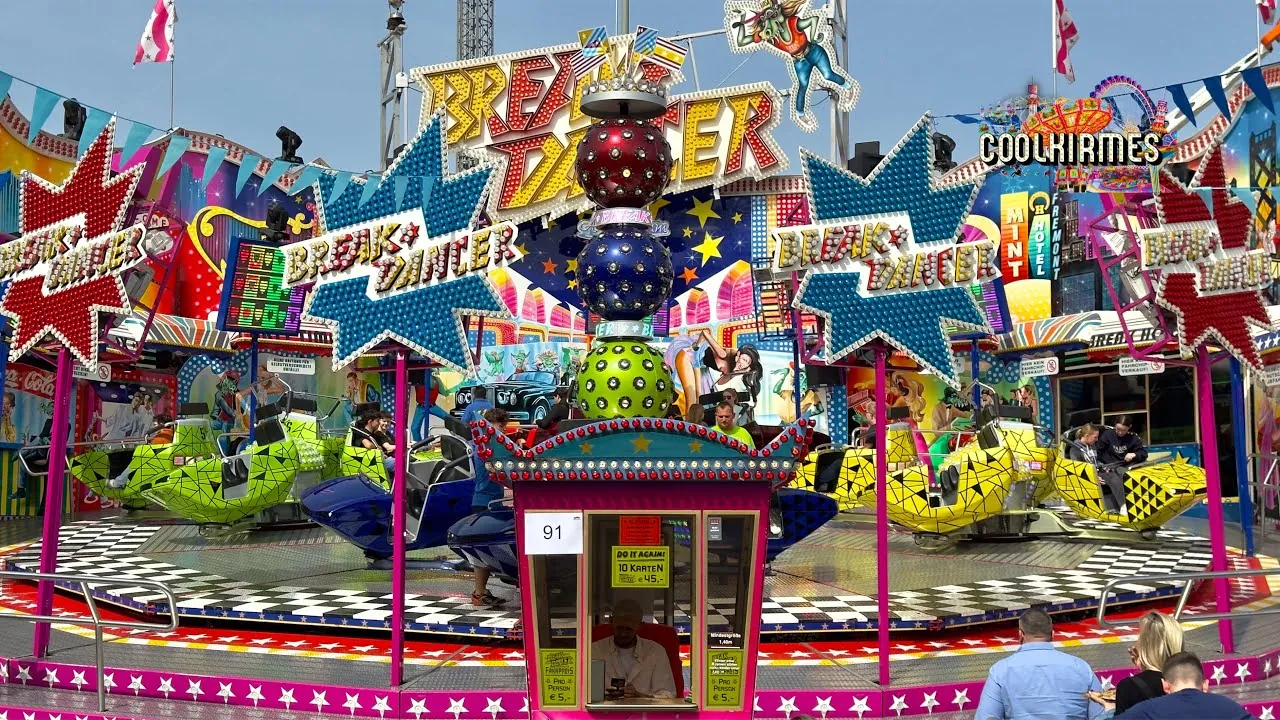
Break Dance No.1 is one of the most popular fairground attractions, manufactured by HUSS Maschinenfabrik (Bremen, Germany), first introduced in 1985. With over 110 examples of the Break Dancer series built, and many still traveling, it remains one of the most popular attractions. With BreakDance No.1 as the original and most popular version of the BreakDancer series, it quickly became a staple at traveling funfairs across Europe and beyond. It can also be found as non-traveling version in amusement parks and theme parks.
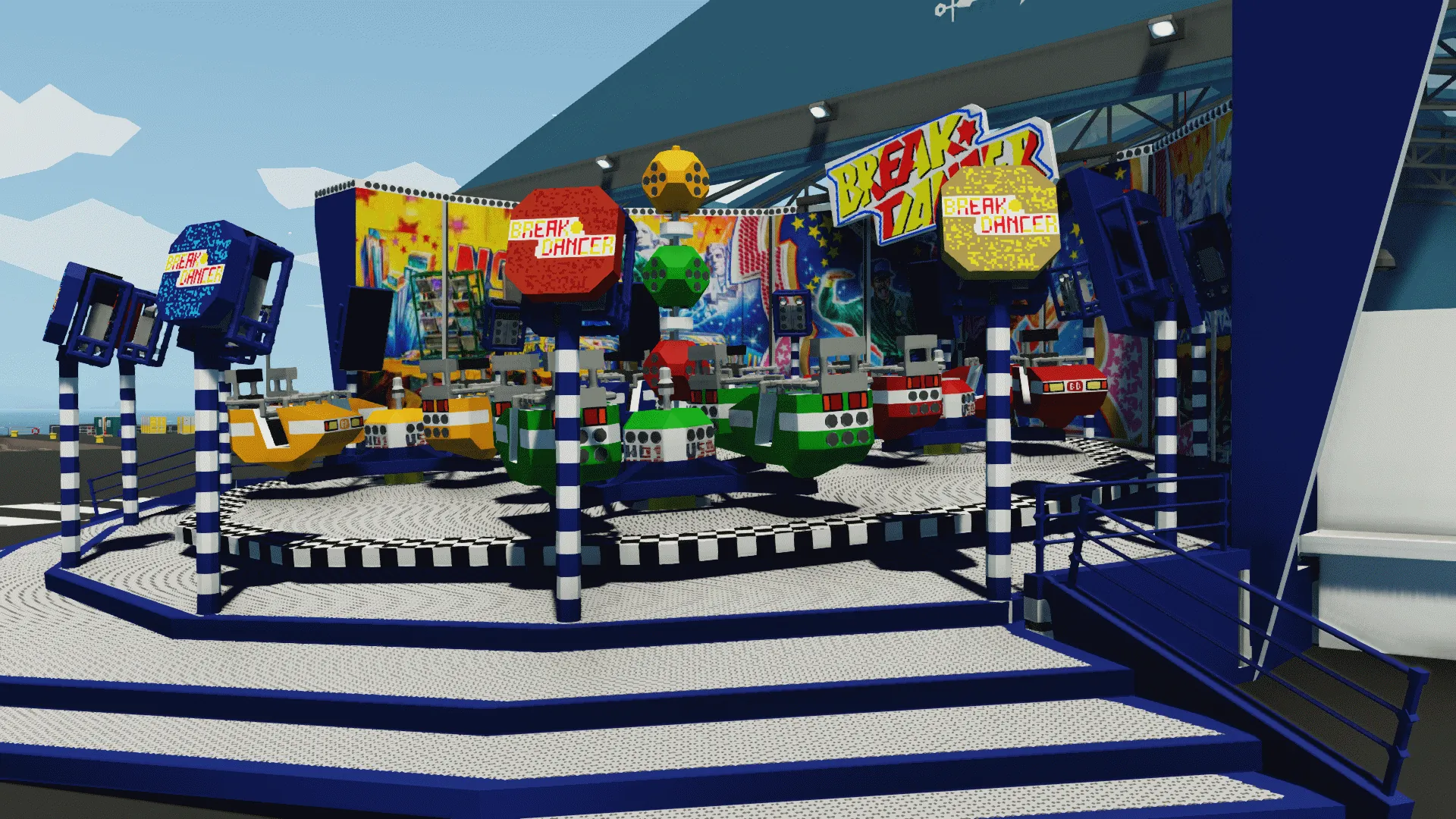
The ride consists of a platform with 4 crosses, that mount 4 gondolas each (making a total of 16 gondolas) The gondolas move freely and the crosses rotate opposite of the platform.
The ride can be fully dismantled and packed on two or more transports if it is a traveling fair ride model.
Operating the ride:
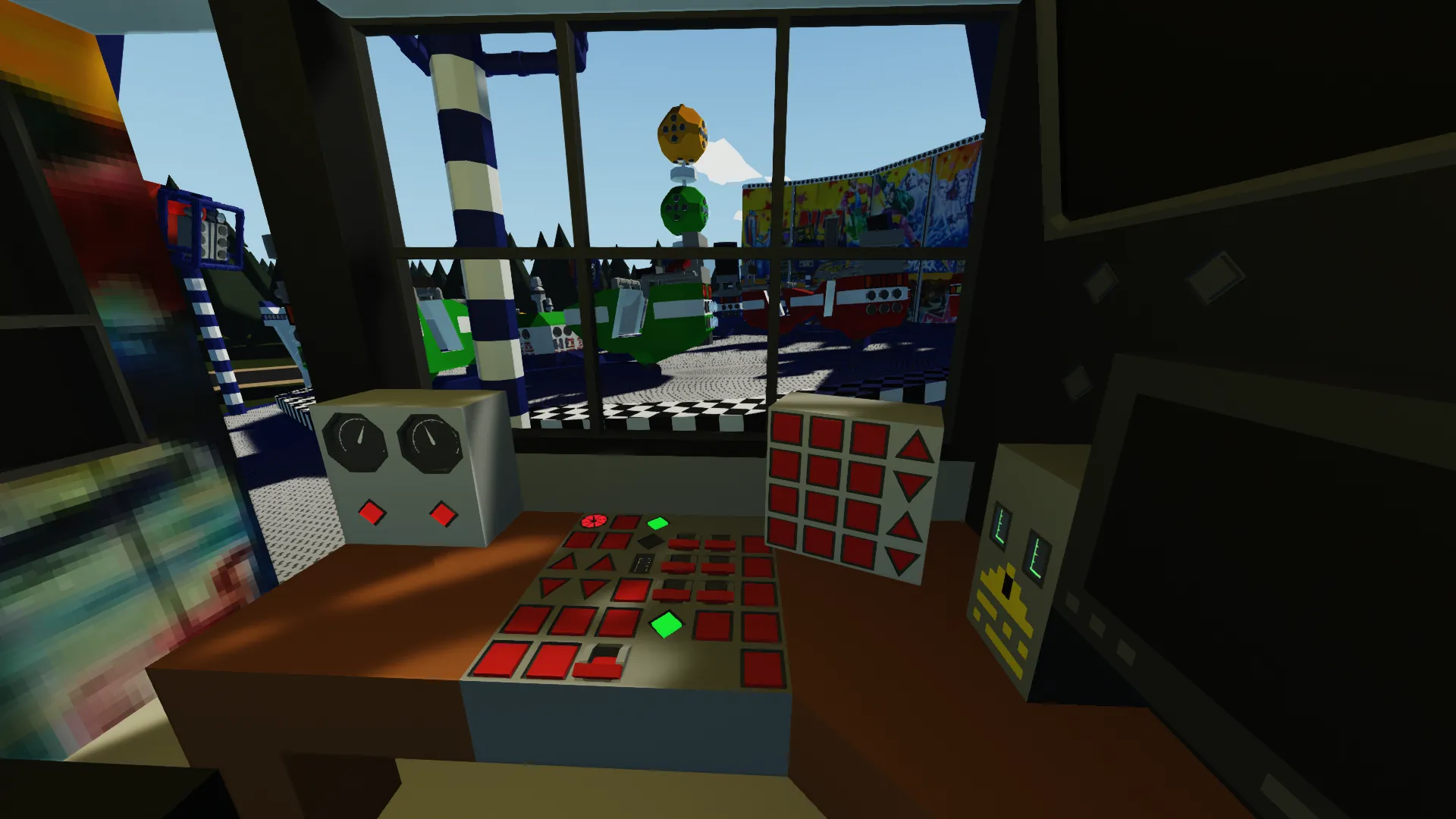
- First, turn both motors on (they are located on the top left), the Fault indicator on the right should come off, and both No Fault indicators should come on.
- Now either use the manual speed controls (up and down arrow keys under the motor controls), or
- Enable the automatic mode, this can be done by using the 'Automatic Program (On/Cycle)' button, pressing it once will enable the first mode, pressing it multiple times will cycle through the modes, when a mode is finished, it will return to mode 1 and automatically turn off, you can also turn off automatic modes mid-cycle by simply pressing the 'Automatic Program (Off)' button.
[hr]
Stopping the ride/using the Brake/Preturn functions: - On the bottom left, two buttons can be found to stop the plate and crosses, and two buttons to either brake or preturn them.
- The 'Cross Stop' and 'Plate Stop' buttons do exactly that- they stop any and all movement when they are being manually operated.
- The 'Turn Plate Slowly/Brake' and 'Turn Crosses Slowly/Brake' buttons have two functions- they either act as a brake during operation (for example: your cross and plate are turning at full speed, but you want the plate to slow down a little temporarily, you could use the brake. After releasing the brake again, it will return to the speed it was set at.)
When the motors are enabled, but the ride is not in motion, you can use the same buttons to 'preturn', this was introduced as a function to be able to load and unload riders easily, by using this function you can turn the plate and crosses towards the front of the ride
[hr]
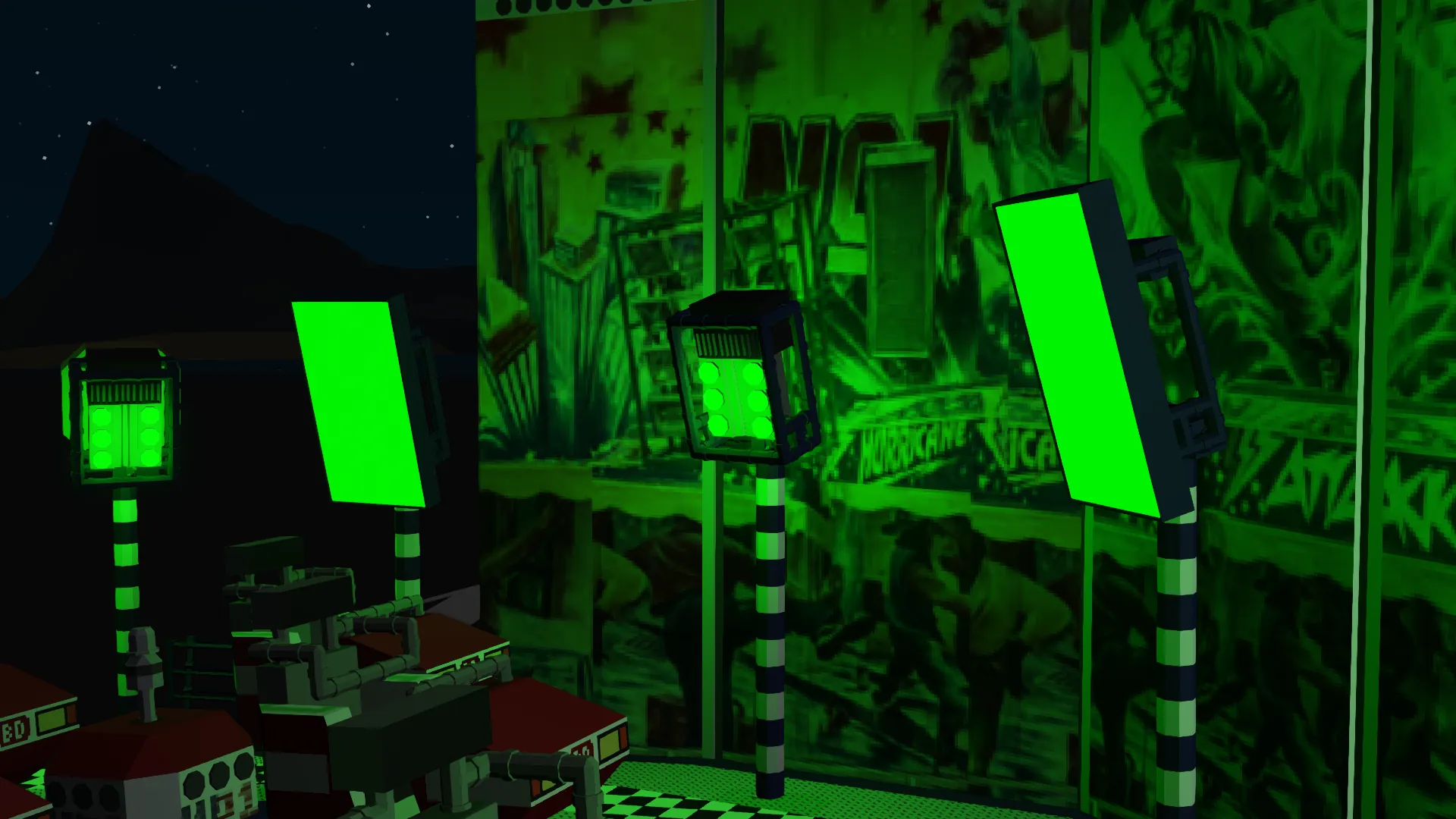
This ride comes with a full set of lights, and custom RGB Spots, here is how to use them:
Lights and RGB Spots: - Operating the lights of the ride itself is simple, all of the flip switches on the right side of the panel operate a set of lights each.
- On the panel, on the right next to the flip switches is a row of buttons, the lower half includes a button for the Backwall lighting, as well as a 'Blackout' and 'Stroboscope' Function, the Blackout button kills all of the lights enabled through the flip switches, the Stroboscrope still works during Blackout
- The RGB Spot controller is a separate module and can be found on the right of the main control panel, it has all of the controls for the RGB Spots, I will let you fiddle around with the functions, but it is pretty self-explanatory