This is a small patch mod that makes the "Dialogue Input Window" and "Reply Mode Toggling" in RimTalk slightly more convenient to use.
🌟 Features
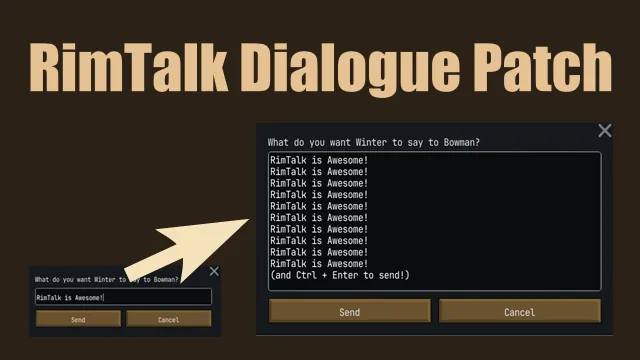
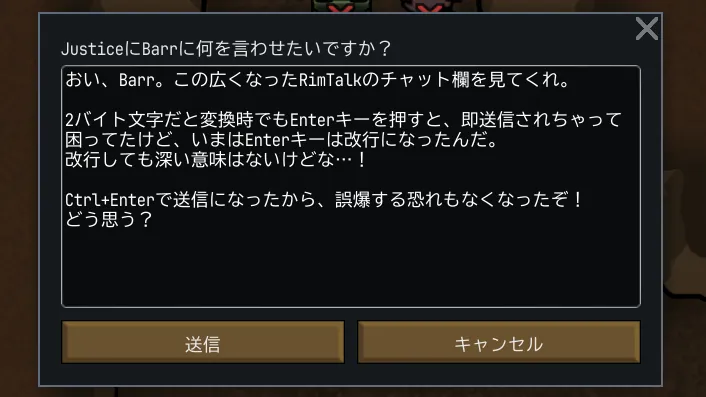
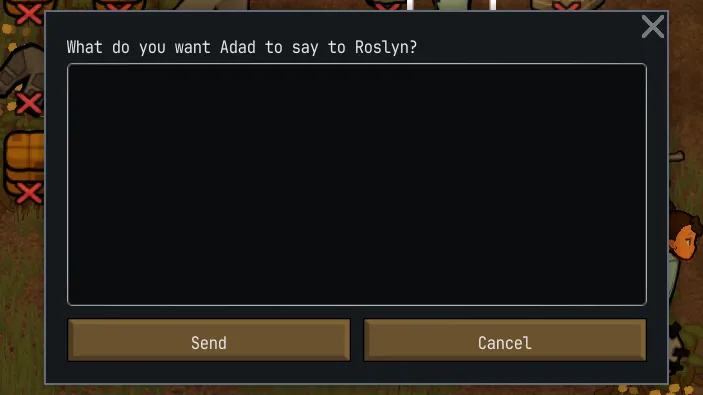
- Expanded Text Area: The text input field in the dialogue window is expanded, making it easier to see what you are typing.
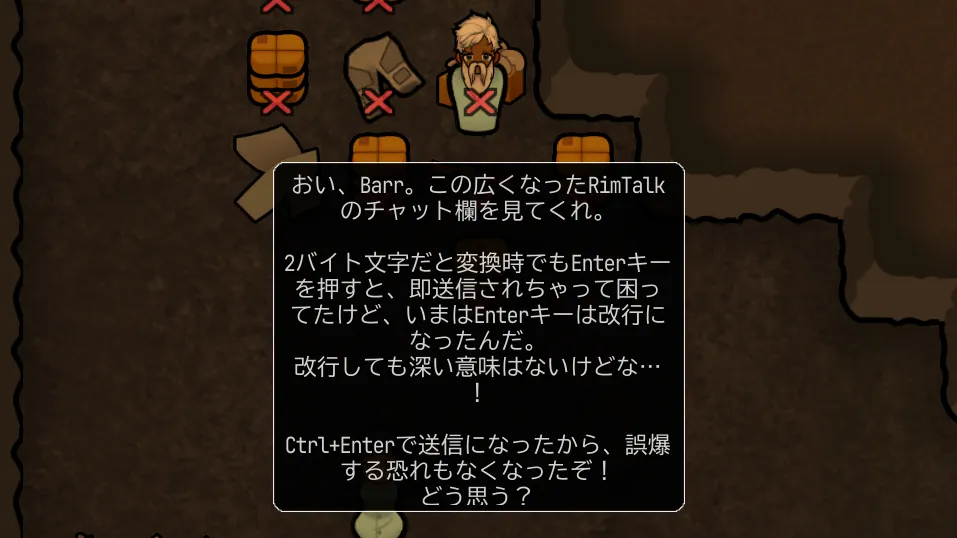
- Prevent Accidental Sending: In 2-byte languages (like Japanese), pressing the Enter key to confirm text conversion often causes the message to be sent prematurely. This mod changes the behavior so pressing Enter creates a new line instead. You can send messages by pressing Ctrl + Enter or clicking the Send button.
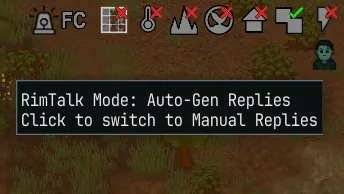
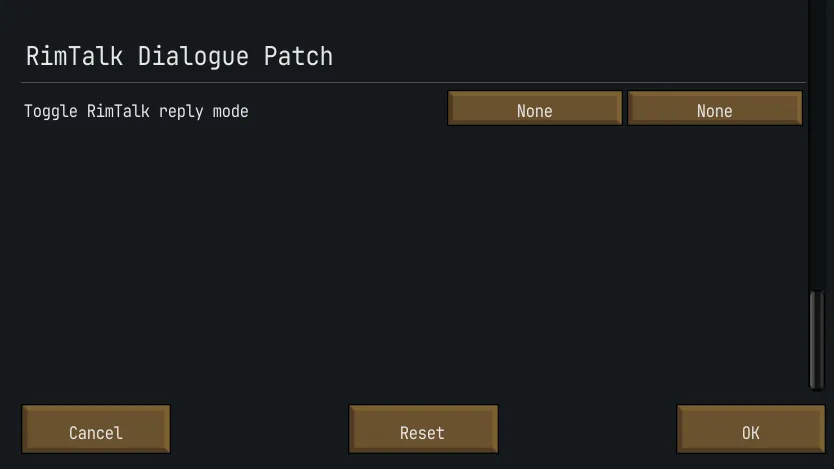
- Reply Mode Toggle: Added a button to the bottom-right overlay to switch RimTalk's reply mode between "Auto-Gen Replies" and "Manual Replies". If you don't need the toggle button, you can turn it off in the Mod Options. It also supports switching via keyboard shortcuts. This allows you to instantly switch between modes without opening the RimTalk settings menu.
🚀 How to Use
- Sending Messages: Press Ctrl + Enter inside the dialogue window or click the Send Button.
- Switching Reply Modes: Click the toggle icon in the bottom-right of the screen, or use the shortcut key configurable via Options > Keyboard configuration.
💾 Installation
- Safe to add to or remove from existing save data.
- Load Order: Please place this mod below the original RimTalk mod.
💖 Credits
- RimTalk (Original Mod Author): Juicy
- Special thanks to Juicy for creating the amazing RimTalk mod.
このModは、RimTalkの「会話入力ウィンドウ」と「会話返信モードの切り替え」を少し使いやすくする、小さなパッチModです。
🌟 機能
- テキストエリアの拡大:会話ウィンドウのテキスト入力欄が広がり、入力した文字が見やすくなります。
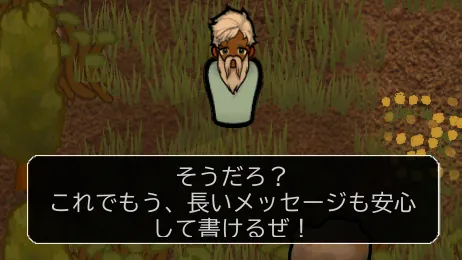
- 入力時の誤送信の防止:2バイト言語(日本語など)では変換を確定するEnterキーで、メッセージが途中送信されてしまいます。なので Enterキー を押しても送信は行わず、改行するようにしました。メッセージの送信は Ctrl + Enter を押すか、送信ボタンの押下で行えます。
- 返信モード切替機能:画面右下のオーバーレイトグルにボタンを追加し、RimTalkの会話返信モードの「自動生成返信」と「手動返信」を切り替えられるようにしました。トグルボタンが不要な場合は、オプションのMod設定からオフにできます。また、ショートカットキーでの切り替えにも対応しています。これにより、RimTalkの設定画面を開くことなく、「自動生成返信」と「手動返信」モードを瞬時に切り替えることができます。
🚀 使い方
- メッセージの送信: 会話ウィンドウで Ctrl + Enter を押すか、送信ボタン を押してください。
- 会話返信モードの切り替え: 画面右下のトグルアイコンをクリックするか、オプション画面を開き、操作 > キーボード設定 から指定できるショートカットキーを使用してください。
💾 導入と削除について
- 既存のセーブデータに途中から導入・削除しても問題ありません。
- ロードオーダー:RimTalk 本体の下に設置してください。
💖 Credits:
- RimTalk (Original Mod Author):Juicy
- RimTalkという素晴らしいModを作ってくださった Juicyさん に感謝します。