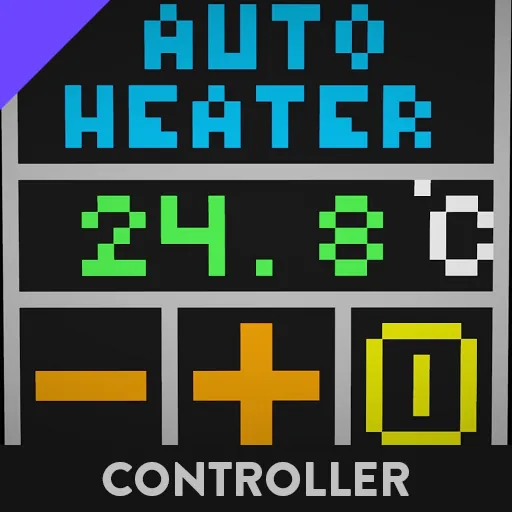
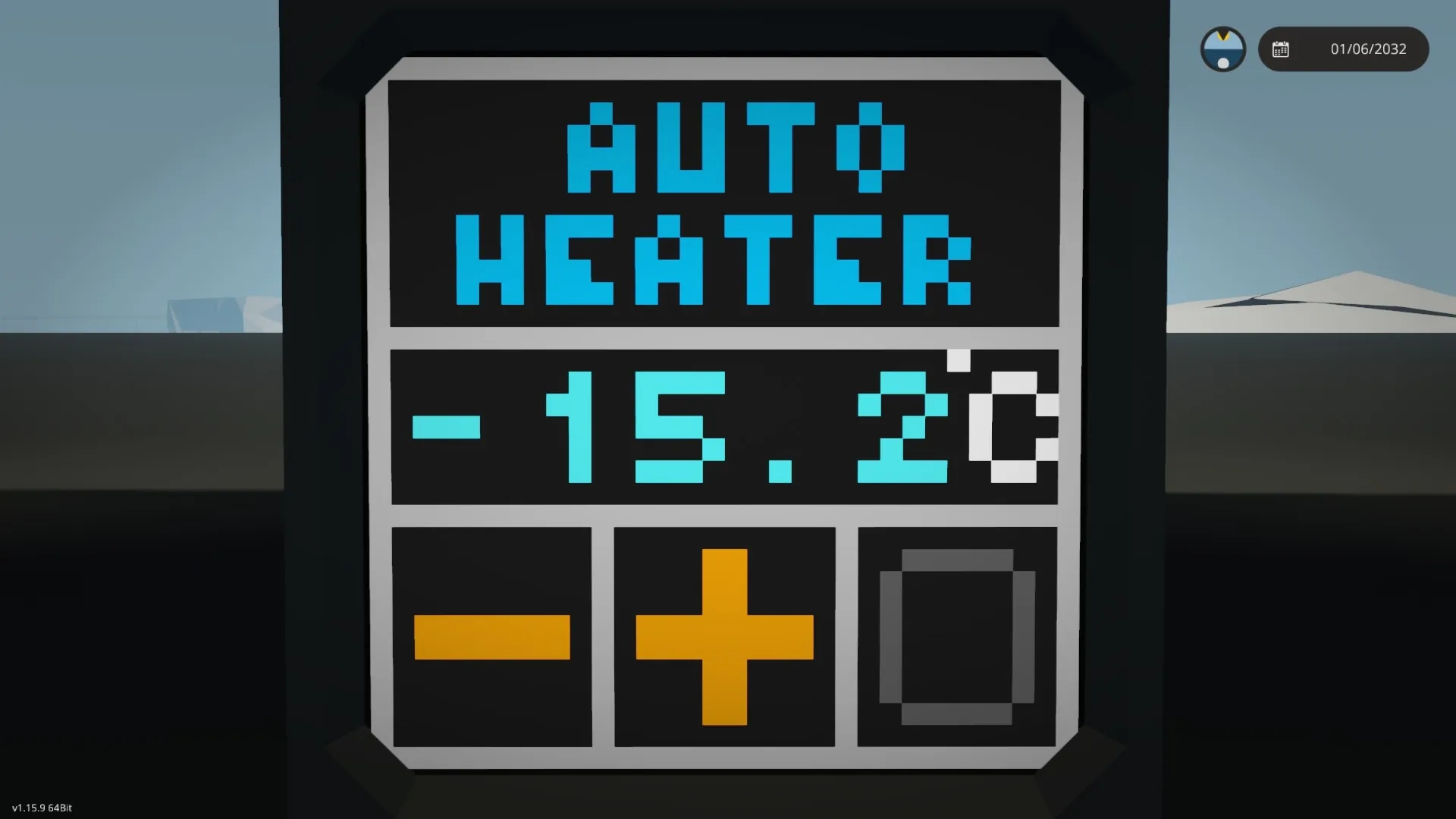
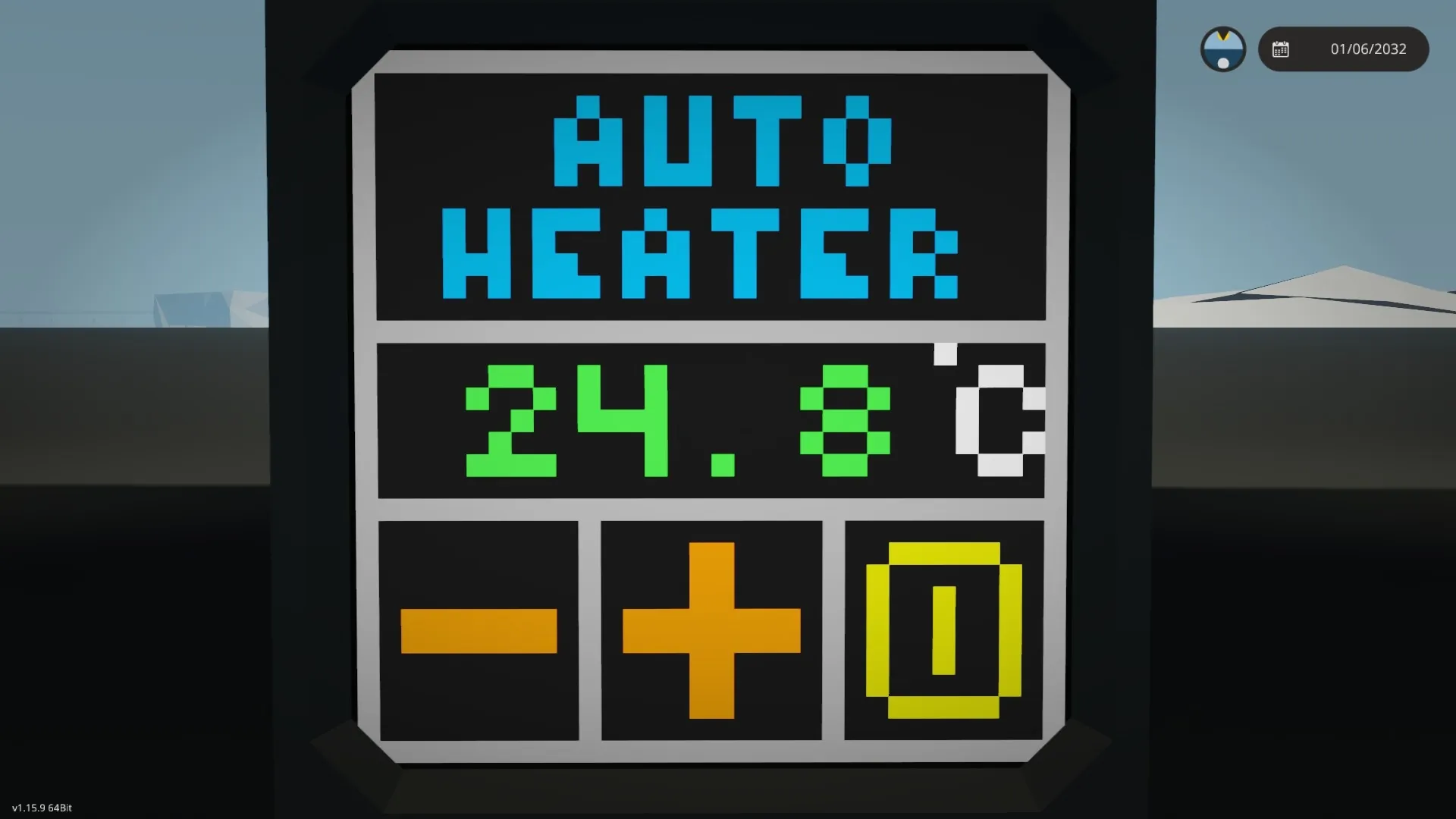
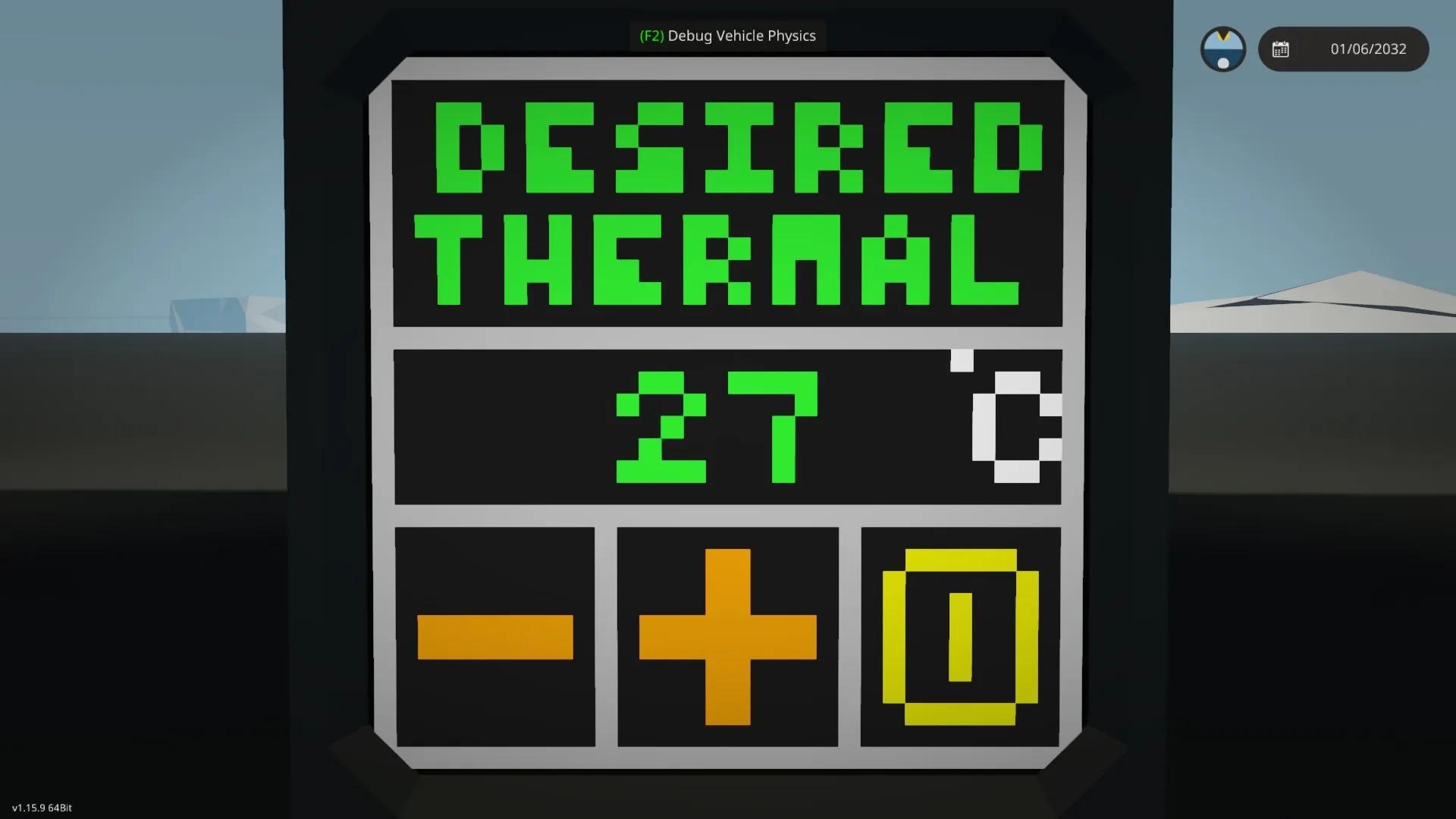
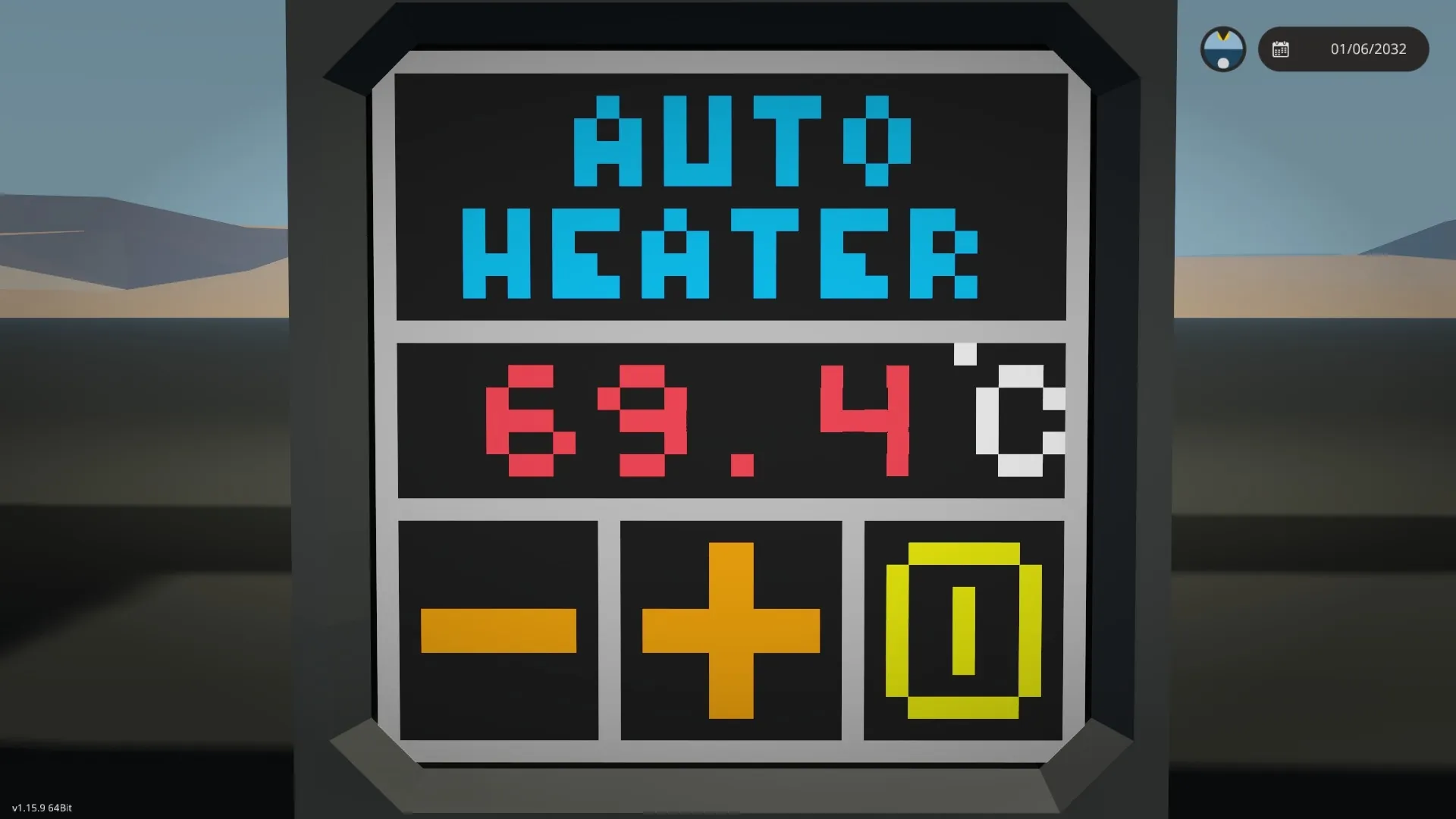
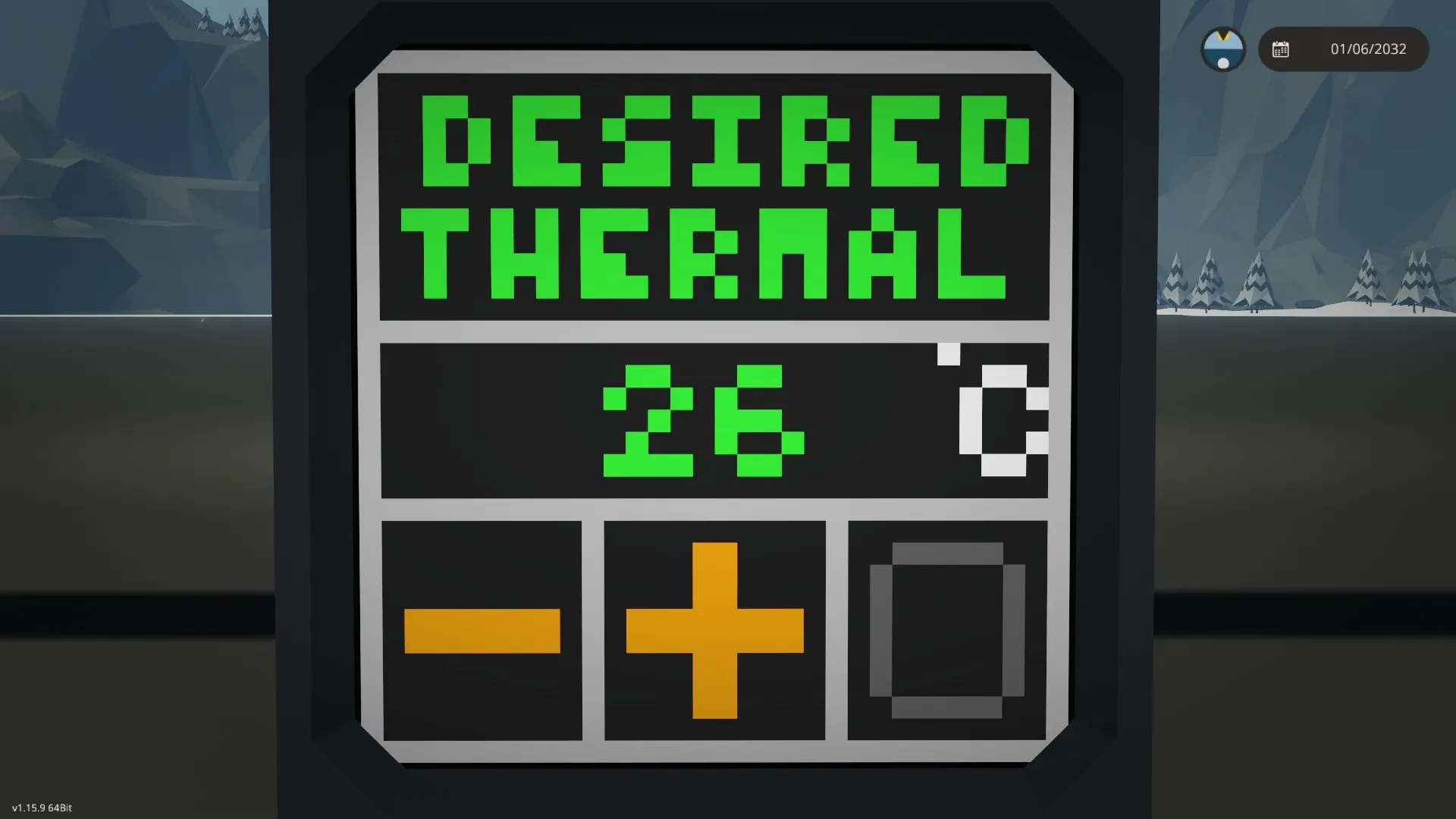
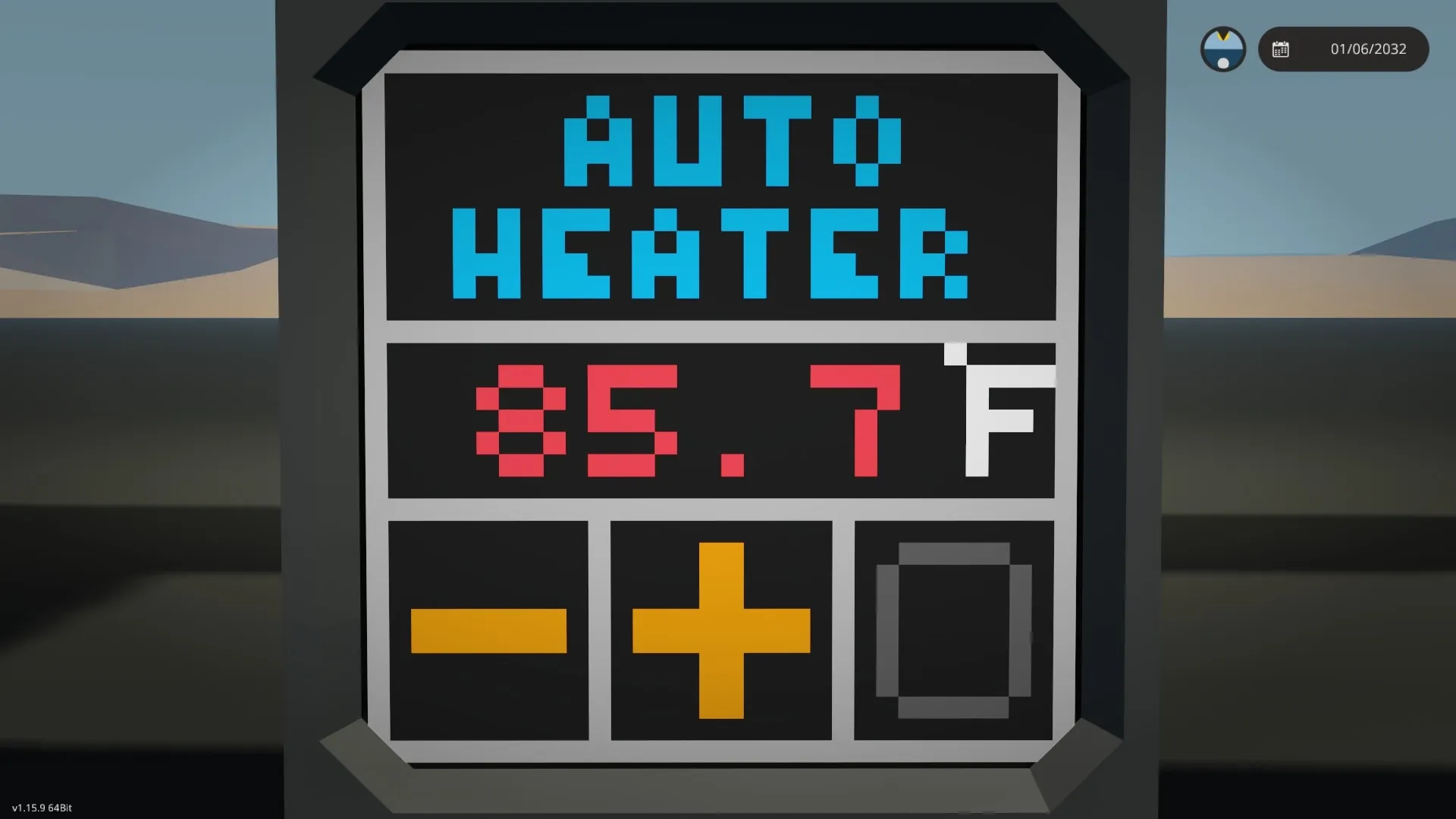
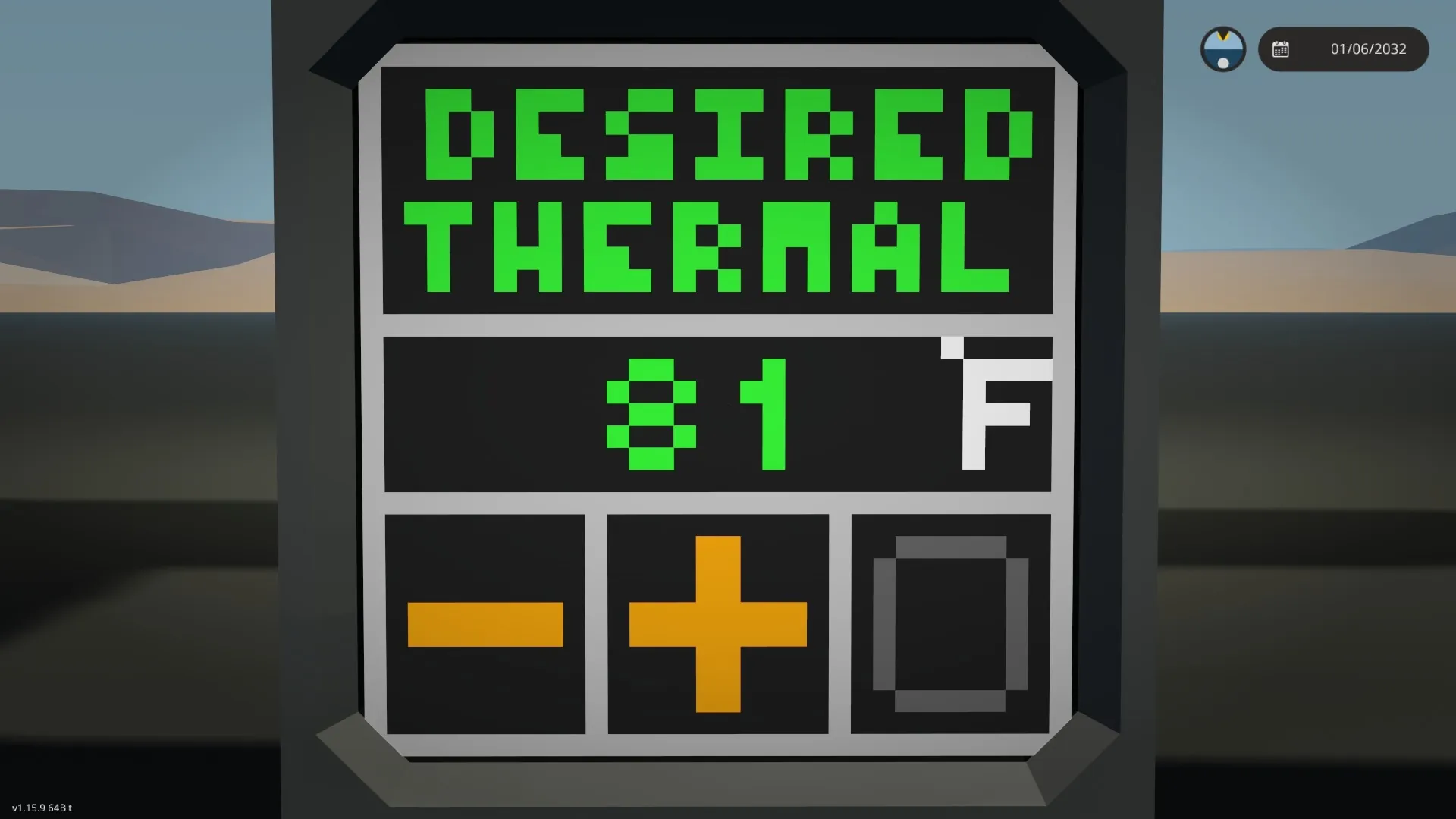
The controller maintains the required temperature using one or more heaters. The adjustable range is from 19 to 70 degrees Celsius. You can also enable temperature readings in degrees Fahrenheit in the settings. If you need heating immediately after starting the craft, you can enable this option in the settings. To turn on the controller, there is a button at the bottom of the screen, which looks like a gray circle when turned off. To change the temperature from the default to another, click on the orange plus or minus buttons at the bottom of the monitor (1x1). To find out the current adjustable temperature, you need to click on the area with the heading "Auto heater" and then the heading "Desired heater" and the adjustable temperature (in green) will appear. The temperature from the sensor is displayed in three colors: blue - below 22 ° C, green - from 22 ° C to 28 ° C, red from 28 ° C to 50 ° C.
Update: Fixed the calculation of degrees Fahrenheit when the default temperature is displayed (which can be changed using the + and - push buttons on the monitor)!
Update 2: Fixed a jamb in the display mode of degrees in Fahrenheit - the heater did not turn on! Now if you turn on the display of degrees Fahrenheit, the controller maintains the set temperature (in Fahrenheit)!
Please do not modify or reupload without permission. When using it in your crafts and publishing in the workshop, please provide a link to my controller.
Контроллер поддерживает необходимую температуру, с помощью одного или нескольких обогревателей. Регулируемый диапазон составляет от 19 до 70 градусов Цельсия. Также в настройках можно включить показания температуры в градусах Фаренгейта. Если требуется обогрев сразу после запуска крафта, можно включить эту опцию в настройках. Для включения контроллера в нижней части экрана имеется кнопка, которая в выключенном состоянии имеет вид серого круга. Чтобы изменить температуру с дефолтной на другую, нажимайте на оранжевые кнопки плюс или минус в нижней части монитора (1х1). Чтобы узнать текущую регулируемую температуру, нужно нажать на область с заголовок "Auto heater" и тогда появится заголовок "Desired heater" и регулируемая температура (в зеленом цвете). Температура с датчика выводится в трех цветах: голубой - ниже 22 °С, зеленый - от 22 °С до 28 °С, красный от 28 °С и до 50 °С.
Обновление: Исправил вычисление градусов Фаренгейта в момент показа дефолтной температуры (которую можно изменять кнопками + и - на мониторе)!
Обновление 2: Исправил косяк в режиме показа градусов в Фаренгейтах - не включался обогреватель! Теперь если включить отображение градусов Фаренгейтах, то контроллер поддерживает заданную температуру (в Фаренгейтах)!
Пожалуйста, не изменяйте и не загружайте повторно без разрешения. При использовании в своих крафтах и публикации в мастерской, пожалуйста указывайте ссылку на мой контроллер.
Tags: Controller, Heater, Thermostat, Monitor, Screen, 1x1.