hardpoint_controller
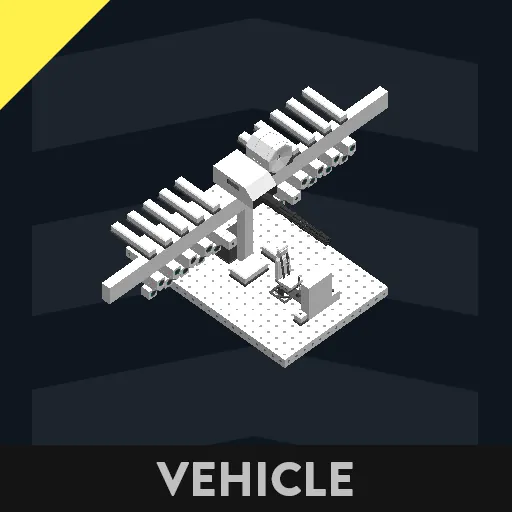
This is a controller for managing hardpoints through a display interface.
This microcontroller is the master unit, and requires the included slave unit to function.
Connect everything according to the node labels and it will work.
• Required Microcontrollers
Master unit (this one)
Slave unit co-hardpoint_controller
• Controls
(Pilot seat keys are recommended to be set to "Push" mode)
1 Key - Select special button (intended for guns)
2 Key - Move selection left
3 Key - Move selection right
Space - Fire / Confirm
• Hardpoint Numbering
Hardpoints are assigned from left to right on the display as:
1, 2, 3 ...
Set the corresponding numbers the same in the slave unit.
The number of hardpoints can be changed in the microcontroller properties.
• Hatch System
This controller is designed with the assumption that the two center hardpoints are stored internally.
The center hardpoints will not appear until the hatch is opened.
• How to Open the Hatch
Select HATCH on the display
Press Space
A signal will then be output from the bool output "hatch".
• Color Coding
Hardpoint types are identified by color:
Orange - Add tanks
Red - Missiles
Yellow - Bombs
Blue - Rockets
Green - Torpedoes / Special Weapons
Silver - Utility / Other
*Colors change depending on weapon type input.
• Usage
Free to use
Free to modify
Redistribution allowed
If you modify or reuse it, I would appreciate it if you share the Workshop URL.