THIS MOD WAS CREATED USING ARTIFICIAL INTELLIGENCE.
THIS WAS CREATED FOR PERSONAL USE, SO IT COMES WITH NO GUARANTEES.
✨ Features - ALL CONFIGURABLE
Features
Description
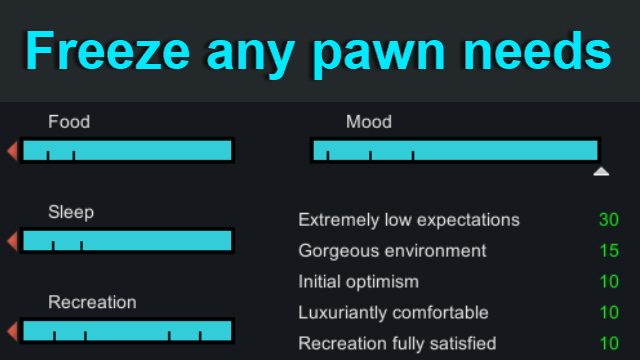
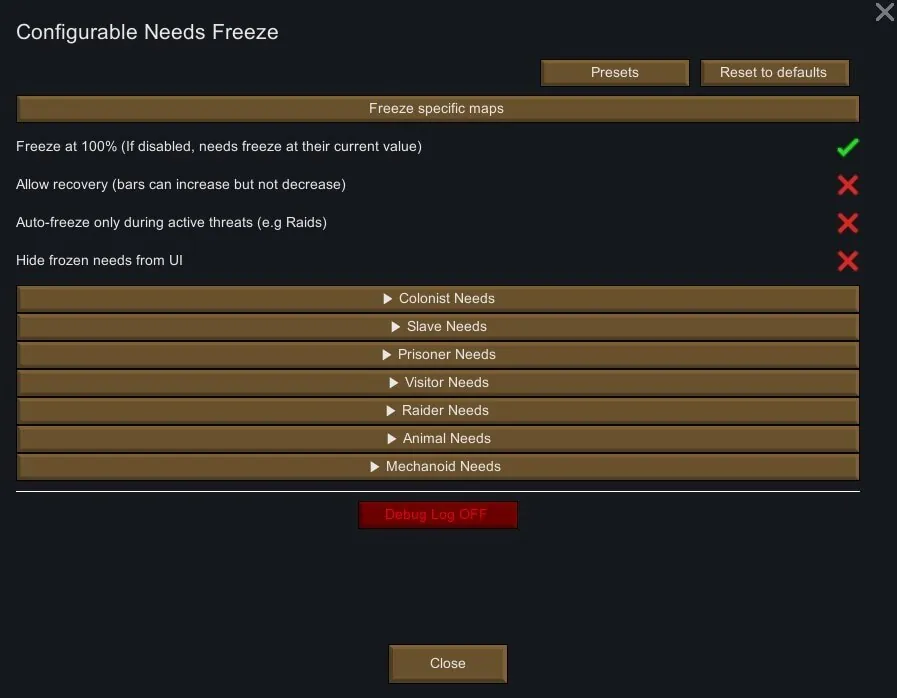
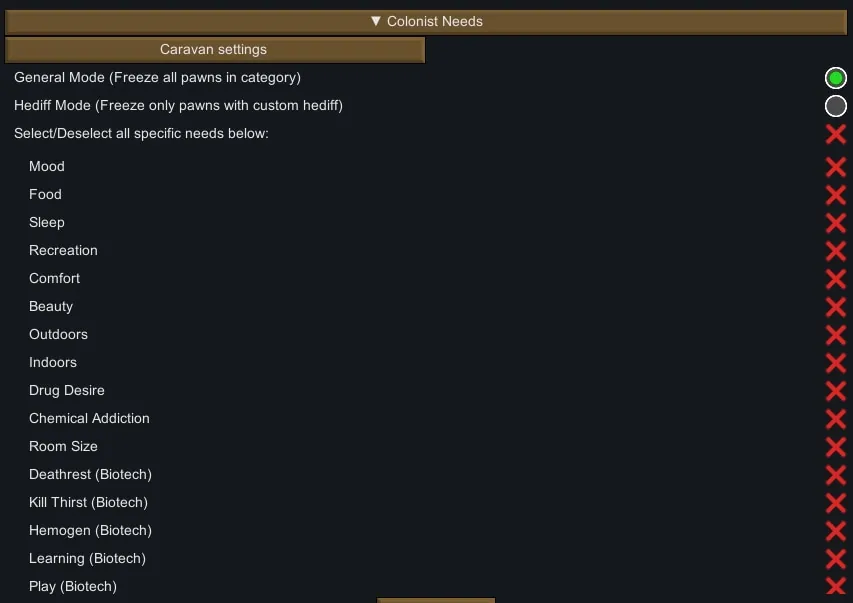
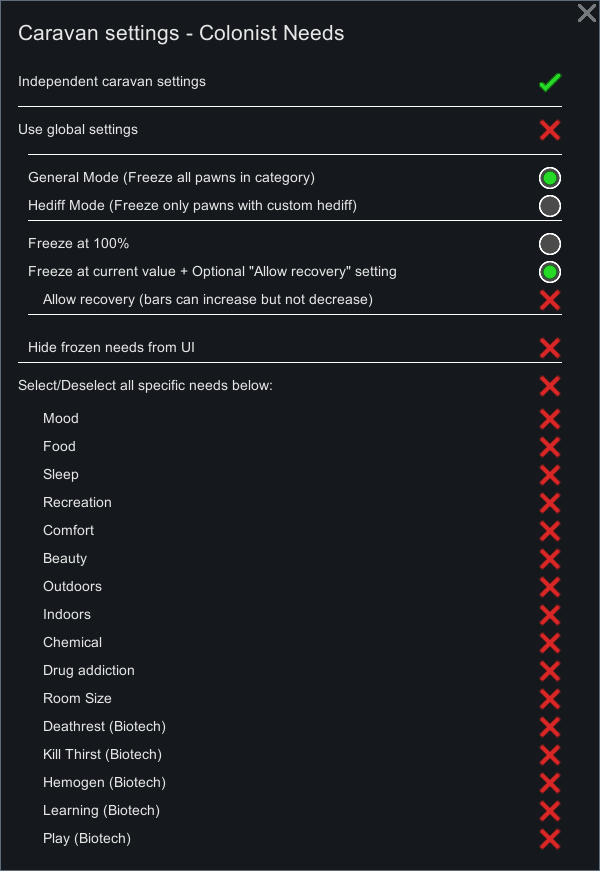
❄️ Individually freezing any need/needs
- At a 100% need level
OR
- At their current need level
🚫 Hiding frozen needs from UI
- If the function is enabled - needs will only be hidden, but not deleted, as this is done in other mods.
- This should allow to avoid most red errors.
⚔️ Auto-freeze only during active threats
- When this function is enabled, the mod will automatically activate only during threats (e.g., raids) and deactivate when there are no more threats.
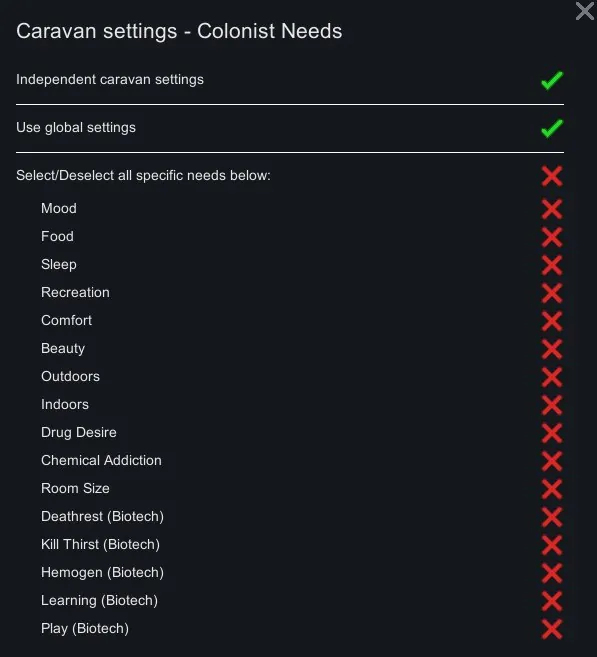
⛺ Caravan Needs Freezing
- Independent caravan settings
[list]
- While this function is disabled, caravan needs will be frozen according to the main mod settings.
- Once enabled, you can configure needs for caravans, and they will take priority over the main mod settings.
[*] Use global settings
- If enabled, settings such as "Allow recovery," "Freeze at 100%," as well as "General" and "Hediff mode" settings will be taken from the main mod settings.
- If disabled, the same settings within the caravan settings will take priority over the main mod settings.
[/list]
➕ Custom hediffs
Can be assigned to any pawn individually to freeze their needs according to the mod settings.
- GeneralFreezeNeeds — Freezes needs on both maps and caravans.
- FreezeMapNeeds — Freezes needs exclusively on maps.
- FreezeCaravanNeeds — Freezes needs exclusively in caravans.
All hediffs are subject to the mod's settings.
🗺️ Map Filter
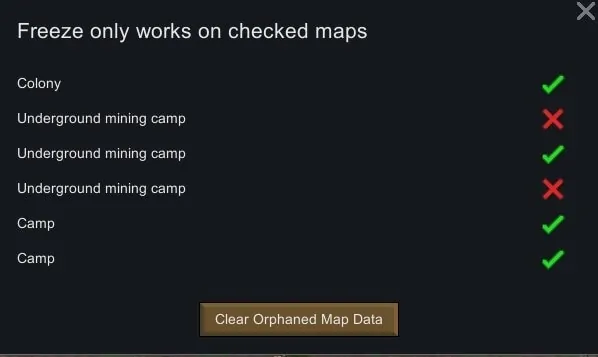
- The mod will work only on maps that you select in the settings (by default — ALL MAPS).
- "Clear Orphaned Map Data" button — removes saved non-existent maps from the save file.
📈 Needs can only increase but not decrease
- May be needed if you freeze needs at their current value.
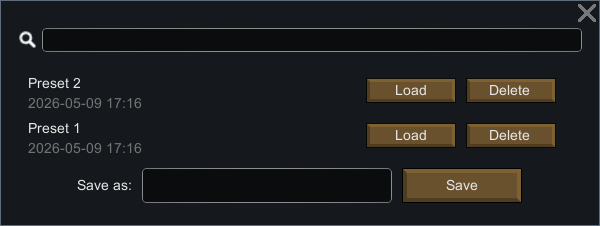
💾 Presets
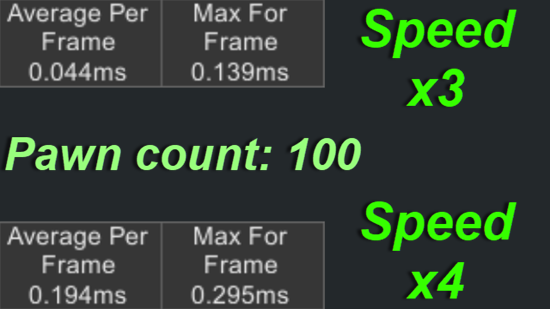
🚀 Performance

🐛 Bugs
Since the mod was made by artificial intelligence, despite the fact that I try to carefully double-check everything it does, and I also try to test all new features, I may miss something — but overall the mod works stably.
🧩 Support for Modded Needs
I may occasionally add needs from other mods if someone needs them, but if you do not want to wait, you can add them yourself by following the instructions below.
📖 Guide for adding new needs from third-party mods yourself
1. Open the folder of the mod from which you want to add a need.
2. Find the Defs folder, and inside it the xml file with the desired need (It is usually named something like NeedDef.xml), open the xml and copy the defName of that need, for example Hygiene (Dubs Bad Hygiene).
<defName>Hygiene</defName>
3. Go to the folder of my mod and find the following xml "\Defs\FreezeNeedDefs\FreezeNeedDefs.xml"
You can copy any need from the file and paste it at the end of the file, then replace the contents of the need. Here are explanations for each field:
XML Tag
Explanation
<ConfigurableNeedsFreeze.FreezeNeedDef></ConfigurableNeedsFreeze.FreezeNeedDef>
Just leave it as it is for the other needs.
<defName>Hygiene</defName>
Here you must insert the defName of the need from the mod.
<displayOrder>99</displayOrder>
This is simply the display order of the need in the mod interface.
<translationKey>ConfigurableNeedsFreeze.Need.Hygiene</translationKey>
This is the translation key, which you can place in the file "\Languages\YOUR LANGUAGE\Keyed\TRANSLATION FILE NAME.xml" and set what will be displayed as the name in the mod settings.
<requiredPackageIds>
<li>Dubwise.DubsBadHygiene</li>
</requiredPackageIds>
This tag affects which needs will be hidden if the mod or DLC specified here is not installed.
PackageId can be found in mod folder: \About\About.xml.
4. Go to the folder of my mod and find the following XML — "\Defs\FreezePawnCategoryDefs\FreezePawnCategoryDefs.xml".
In it, you do not need to create or delete anything, just enter the defName of your need here for those pawn categories where you want this need to be visible in the mod settings.
This XML defines which needs will be shown in the settings for which pawn categories.
<needs>
<li>Hygiene</li>
</needs>
🤝 Inspired by
Disable Needs 禁用需求
Inspired by the idea of allowing individual control over the needs of each pawn category. Disable Raid Needs
Inspired by the idea of freezing needs during active threats, as well as the function that allows needs to only increase but not decrease.
+ Fixed an issue with non-aggressive Insectoids that I encountered while using this mod.