This outdated version. It will no longer be updated. Use the new version of the mod: WorldEdit2.0
Create your own world!
Here you can see Guide
Templates --> THIS
Have you ever dreamed of playing on an extremely deserted or extremely cold planet? Or maybe you wanted a system of islands?
You can create the desired world.
Opportunities:
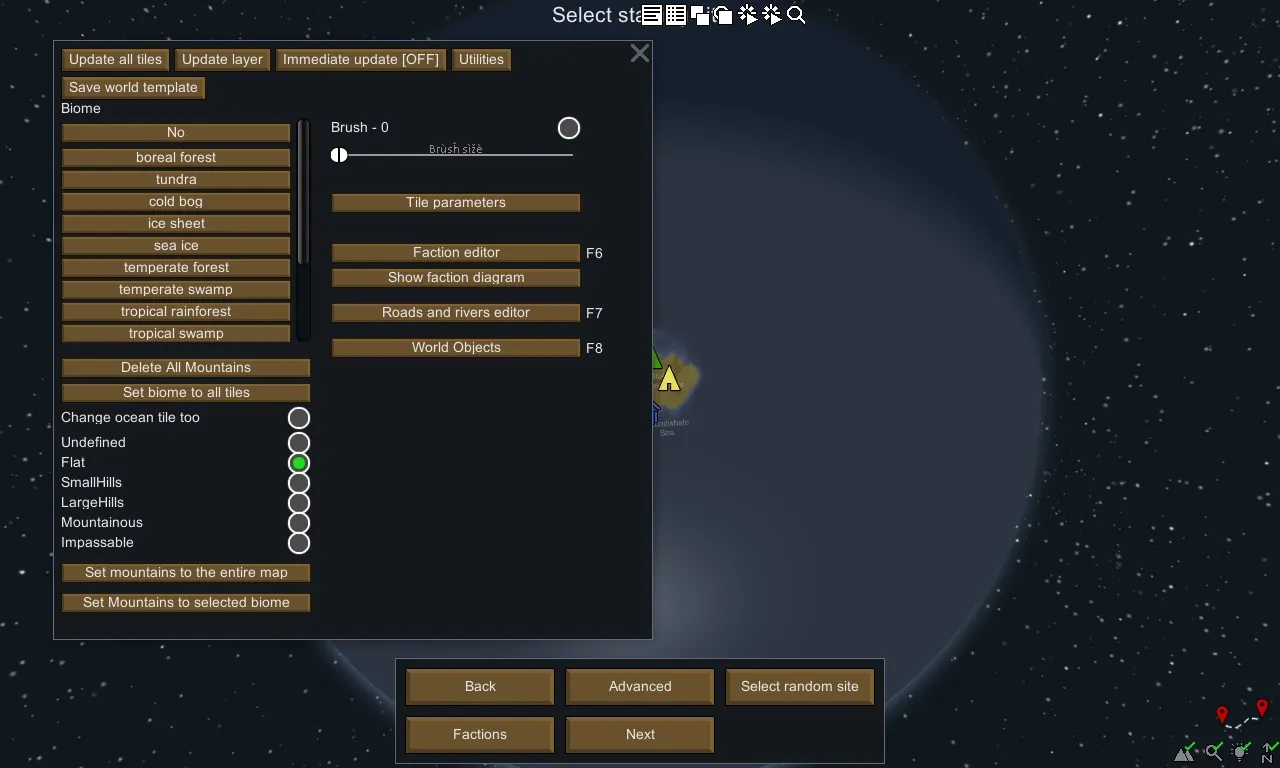
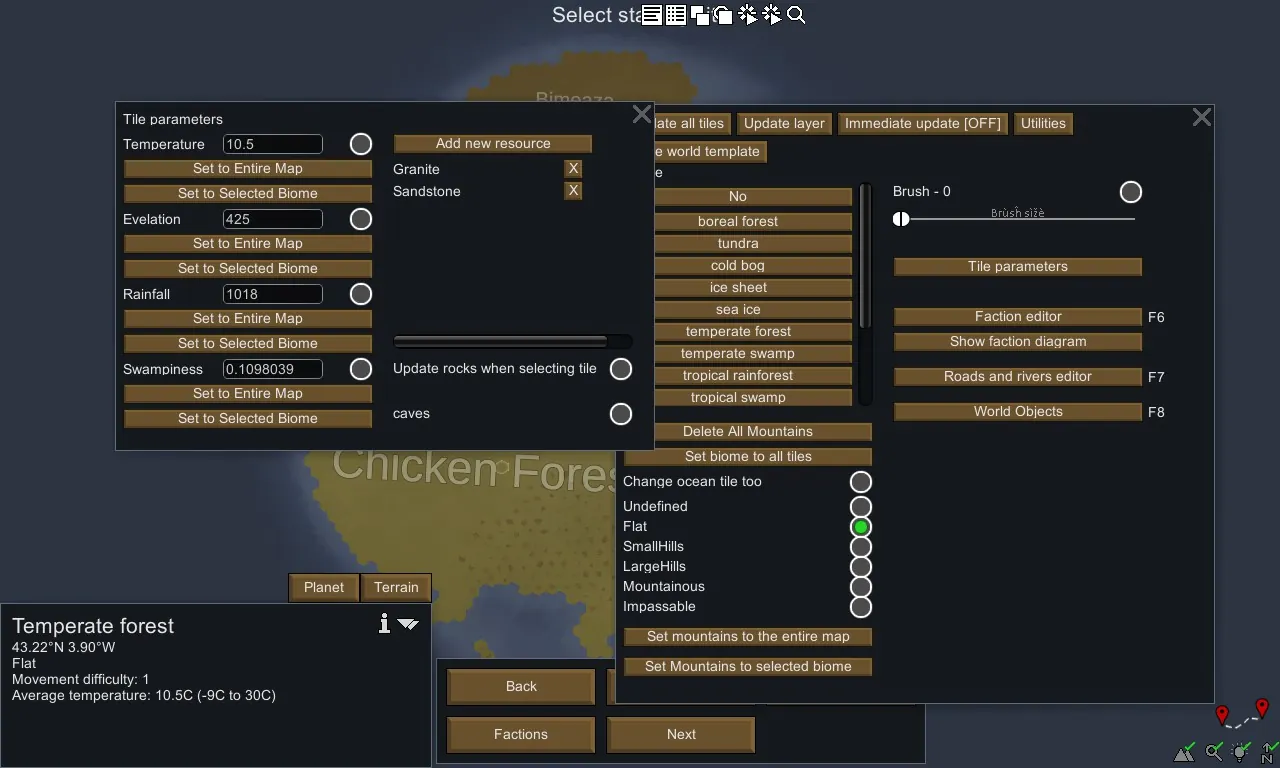
- Tile editor (biome): change the biome of any tile. Automatically picks up biomes from mods if you add them.
- Changing the parameters of tiles: change the temperature, height, precipitation of each tile.
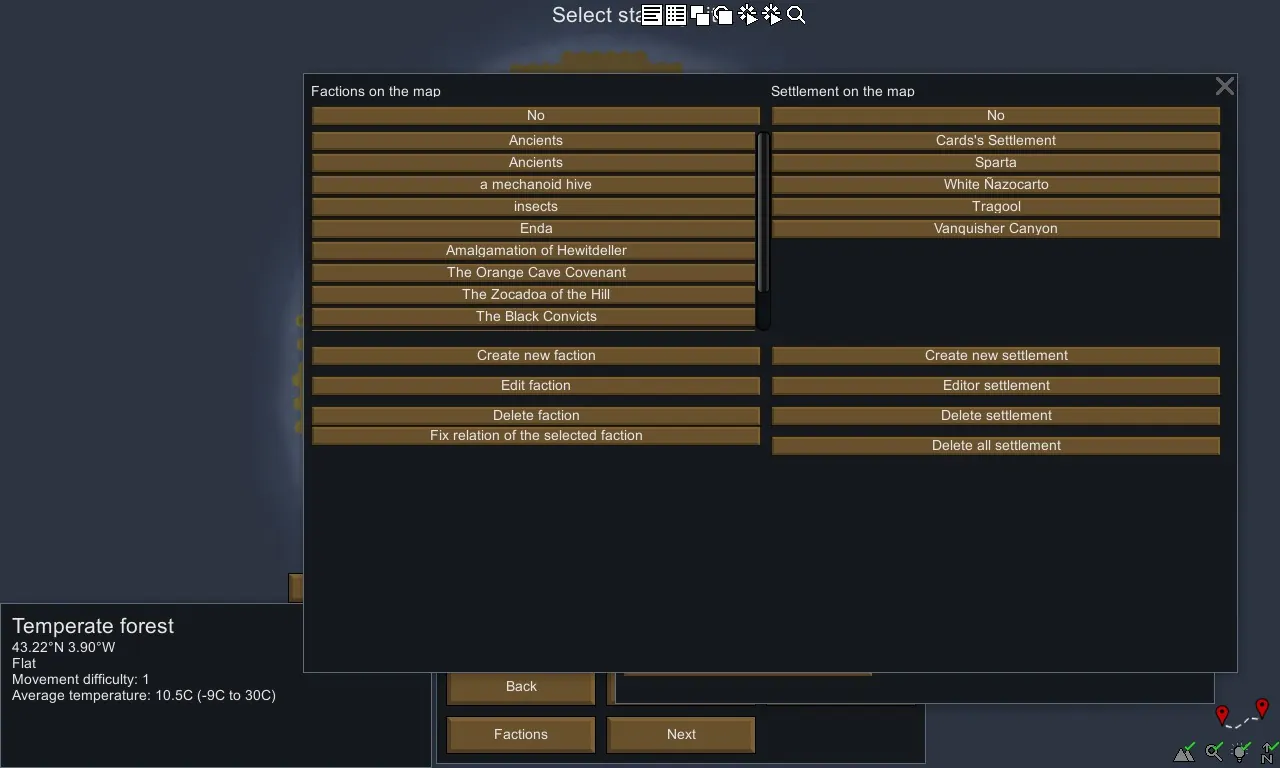
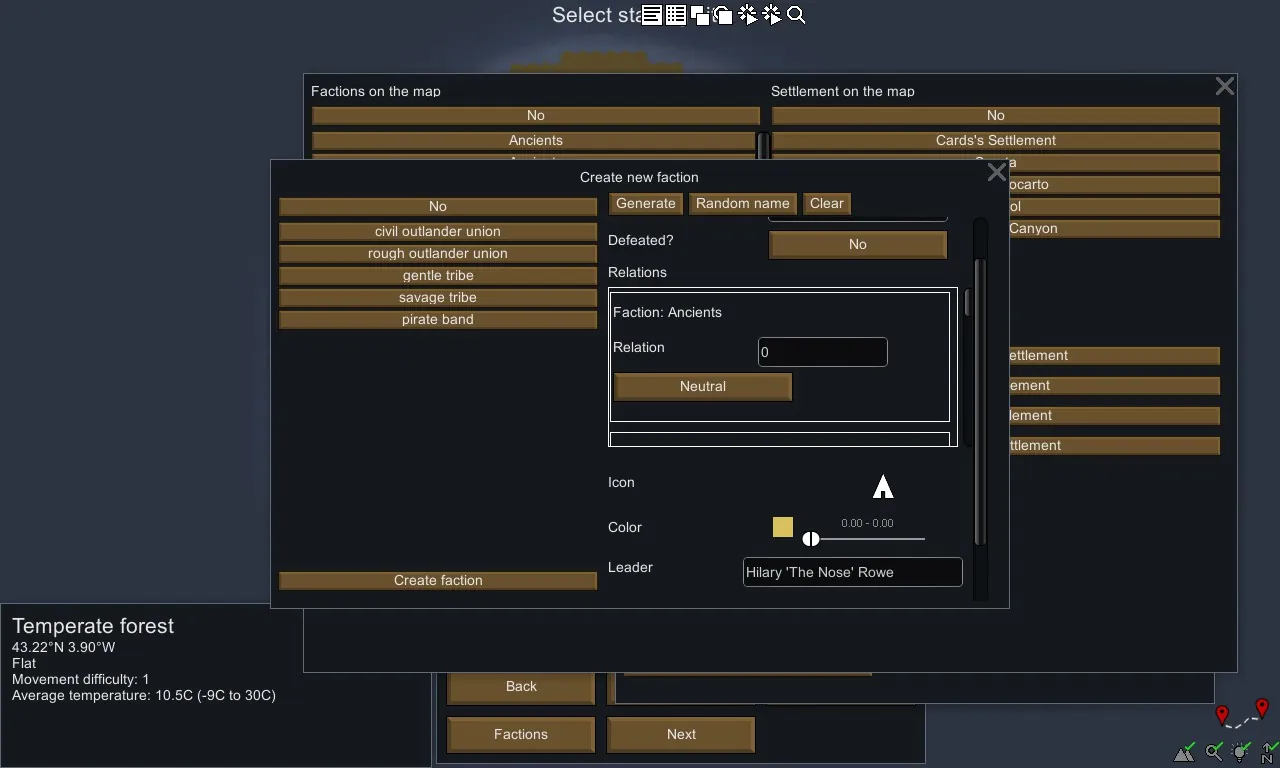
- Faction editor: you can create your own faction, with your name, leader, customize relationships and even color!
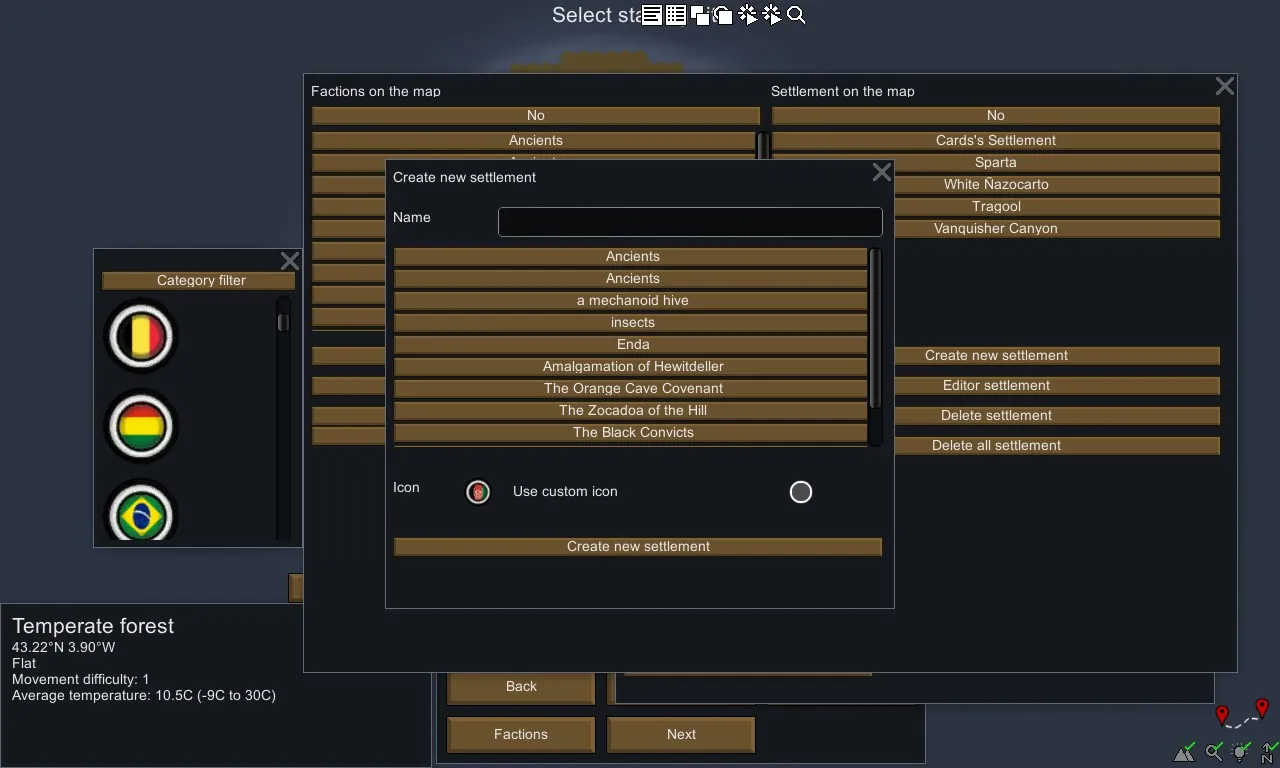
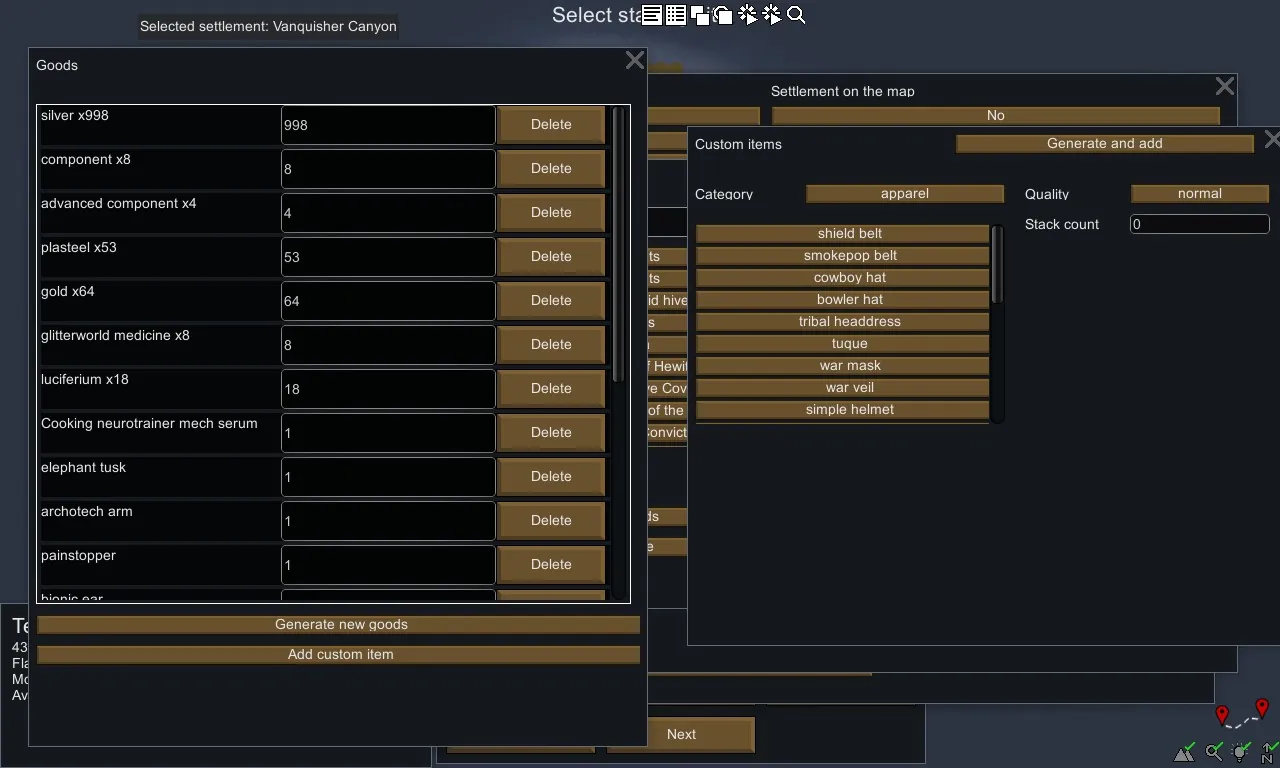
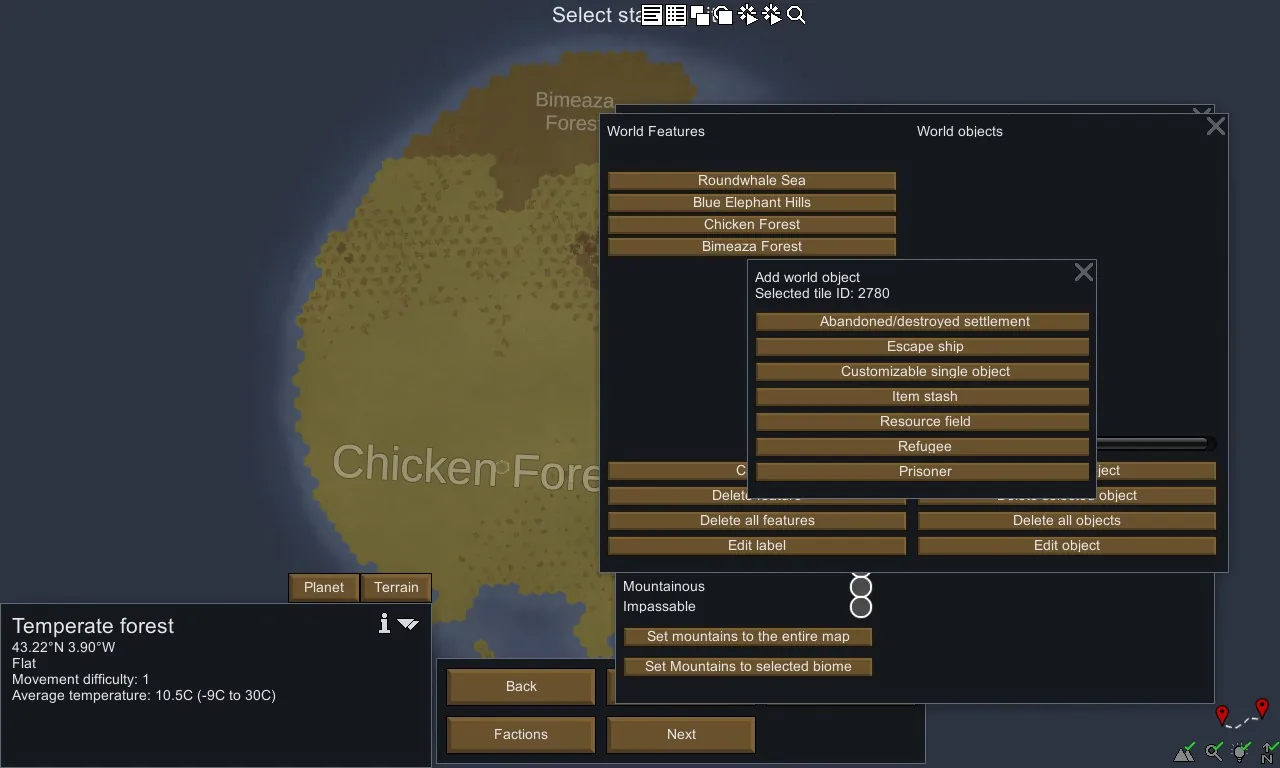
- Editor of the settlements: create or modify settlements. You can place them anywhere, any number, and even customize sellers of goods!
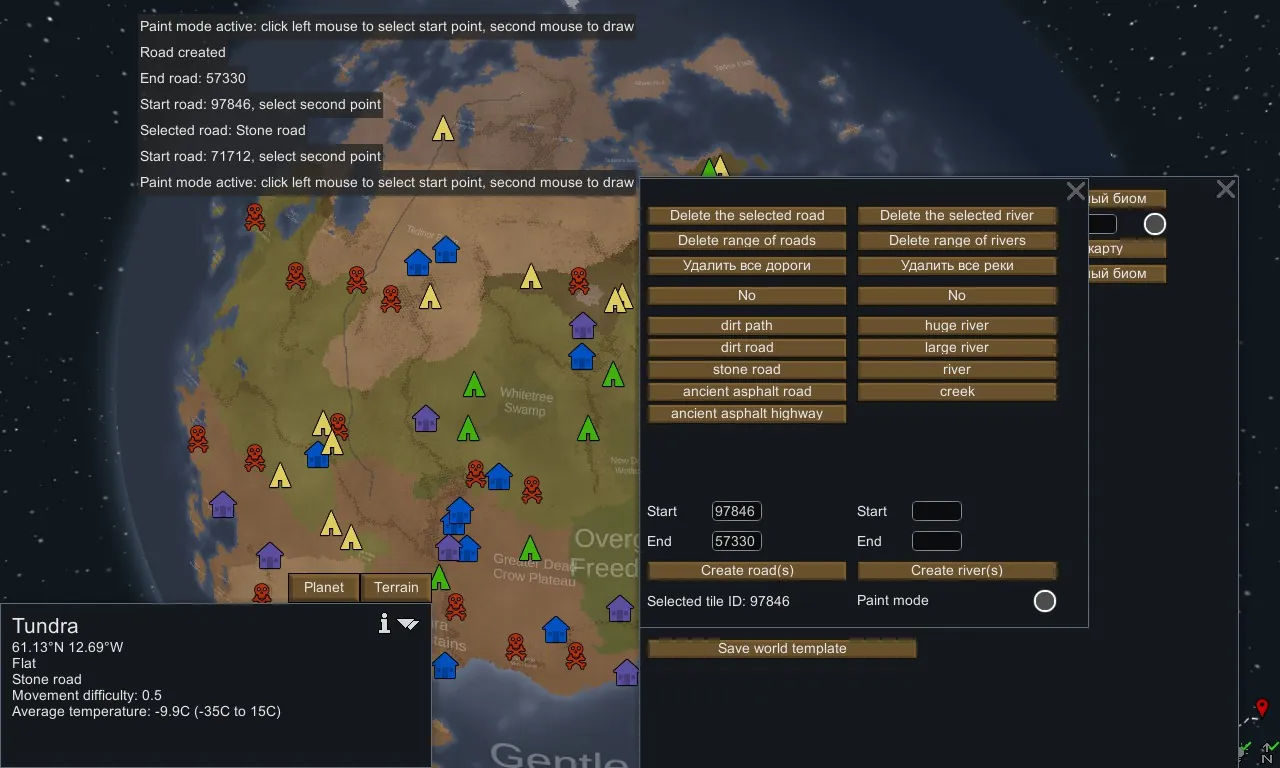
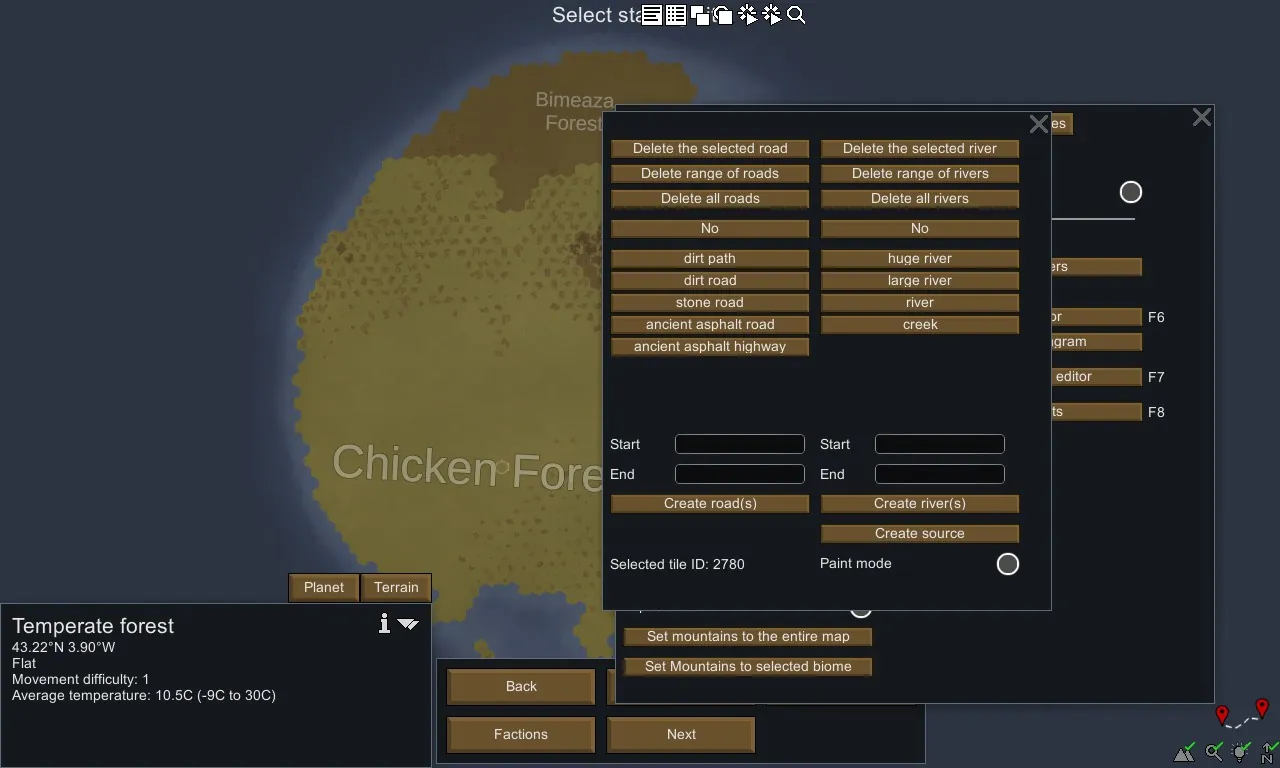
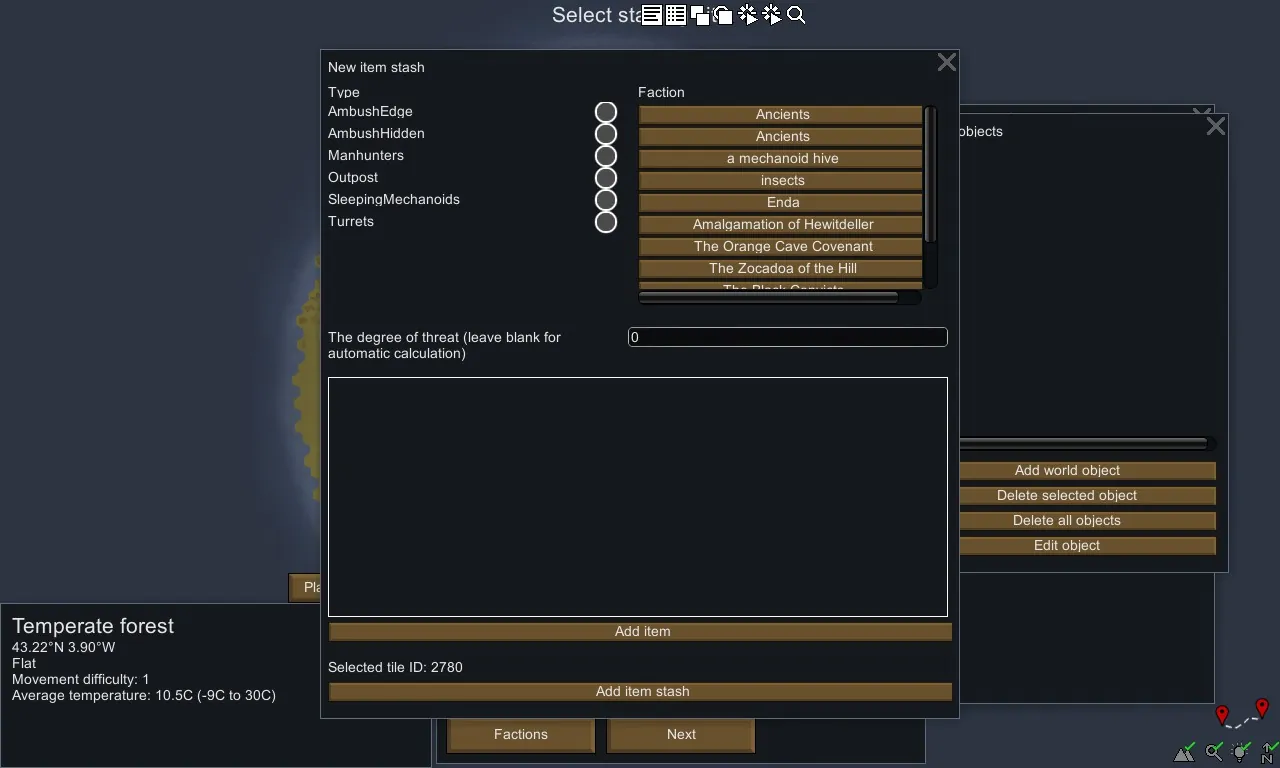
- Editor of roads and rivers: draw rivers and roads on the map. The system allows you to create ramifications of any complexity.
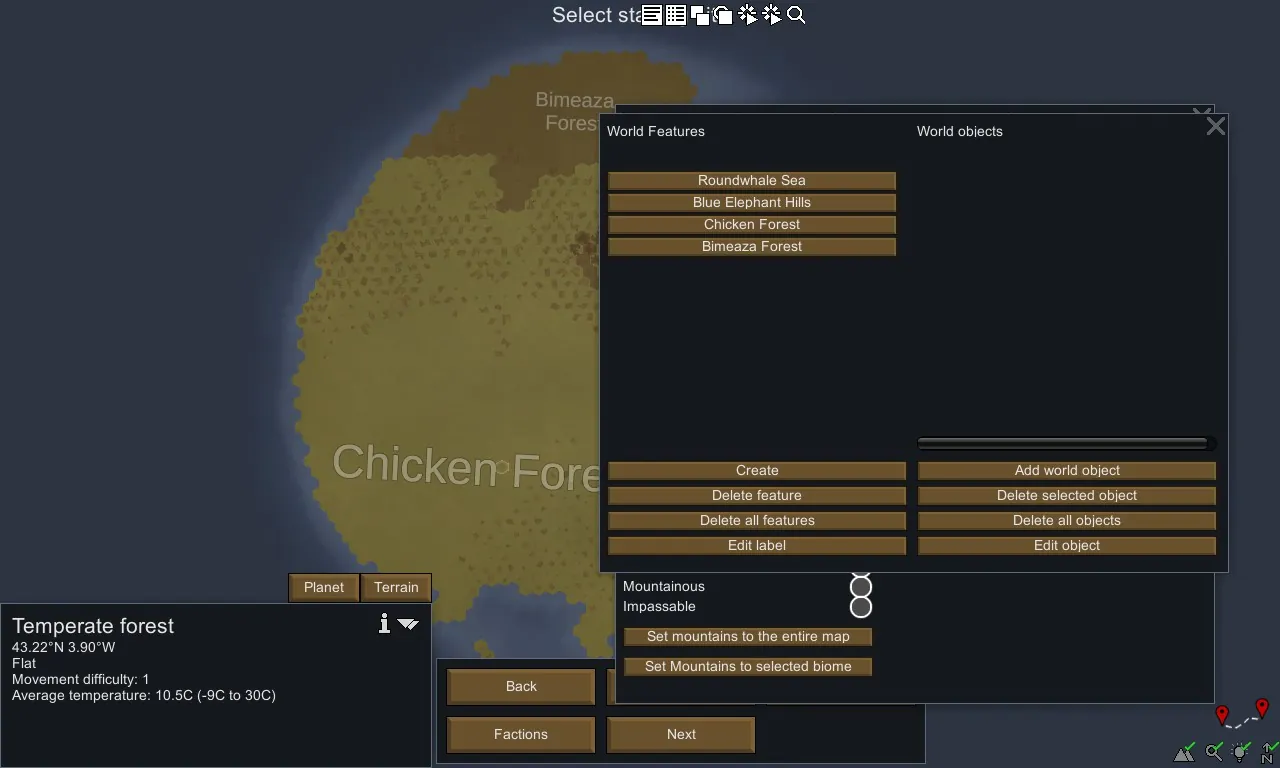
- The editor of inscriptions: delete, change the inscriptions on the map. You can choose the size, rotation angle, position and end text.
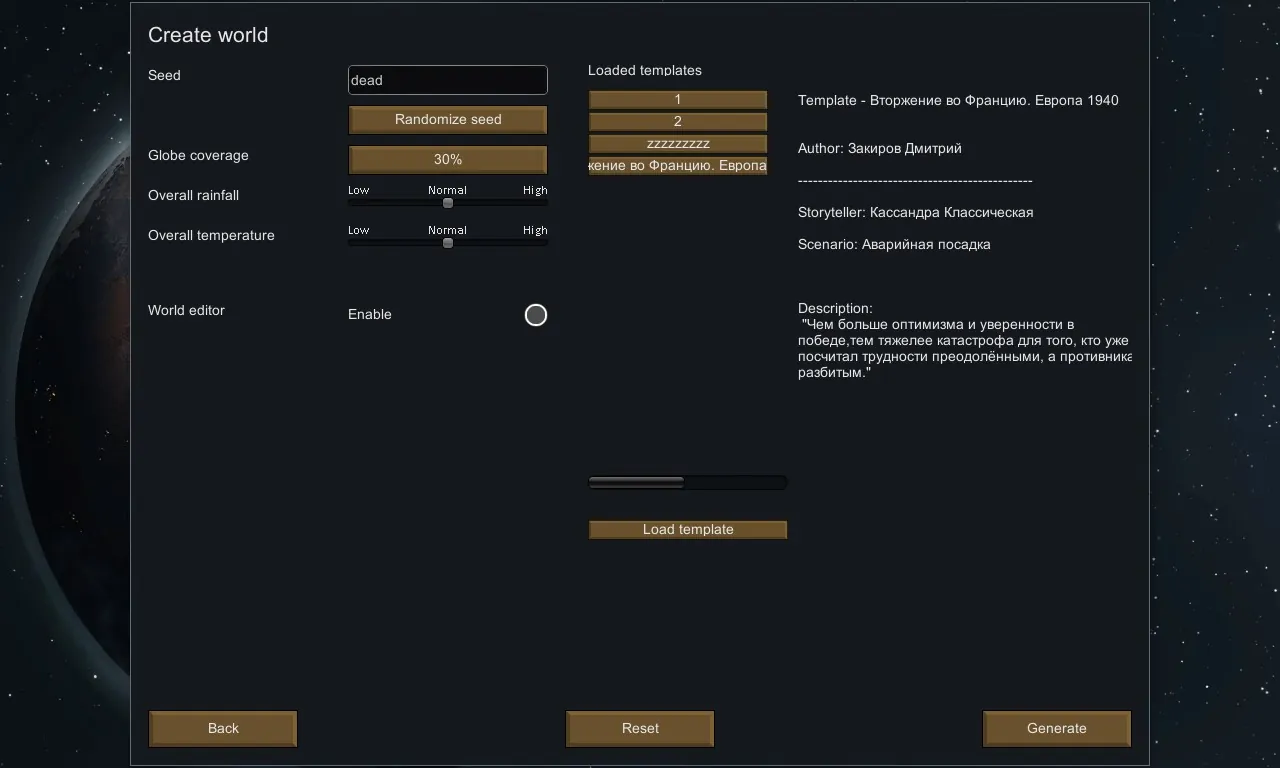
- Template system: share the created worlds with other players or set yourself their creations.
Answers on questions:
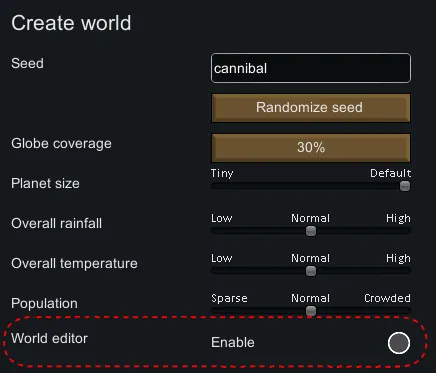
Q: How can i open editor?
A: Press F5
Q: I cant edit stone types
A: Thanks @Overquoted: It's a mod conflict with KV's Configurable Maps. Disabling that mod allowed me to edit stone types where I previously was not able. Load order was irrelevant. Tested using Core > Hugslib > World Edit > Configurable Maps.
The other mod conflict I found was minor and could be corrected in the other mod's settings. I mentioned it in your Bugs thread (Prepare Landing, for anyone curious).
Compatible mods:
- Realistic planets;
- Edb Prepare carefull
Translation:
- RUS
- ENG
- French
- Japanese: https://steamcommunity.com/sharedfiles/filedetails/?id=1740744941 (Thanks @Proxye)
- Chinese: https://steamcommunity.com/sharedfiles/filedetails/?id=1781409162 (Thanks @leafzxg)
Wiki [github.com]