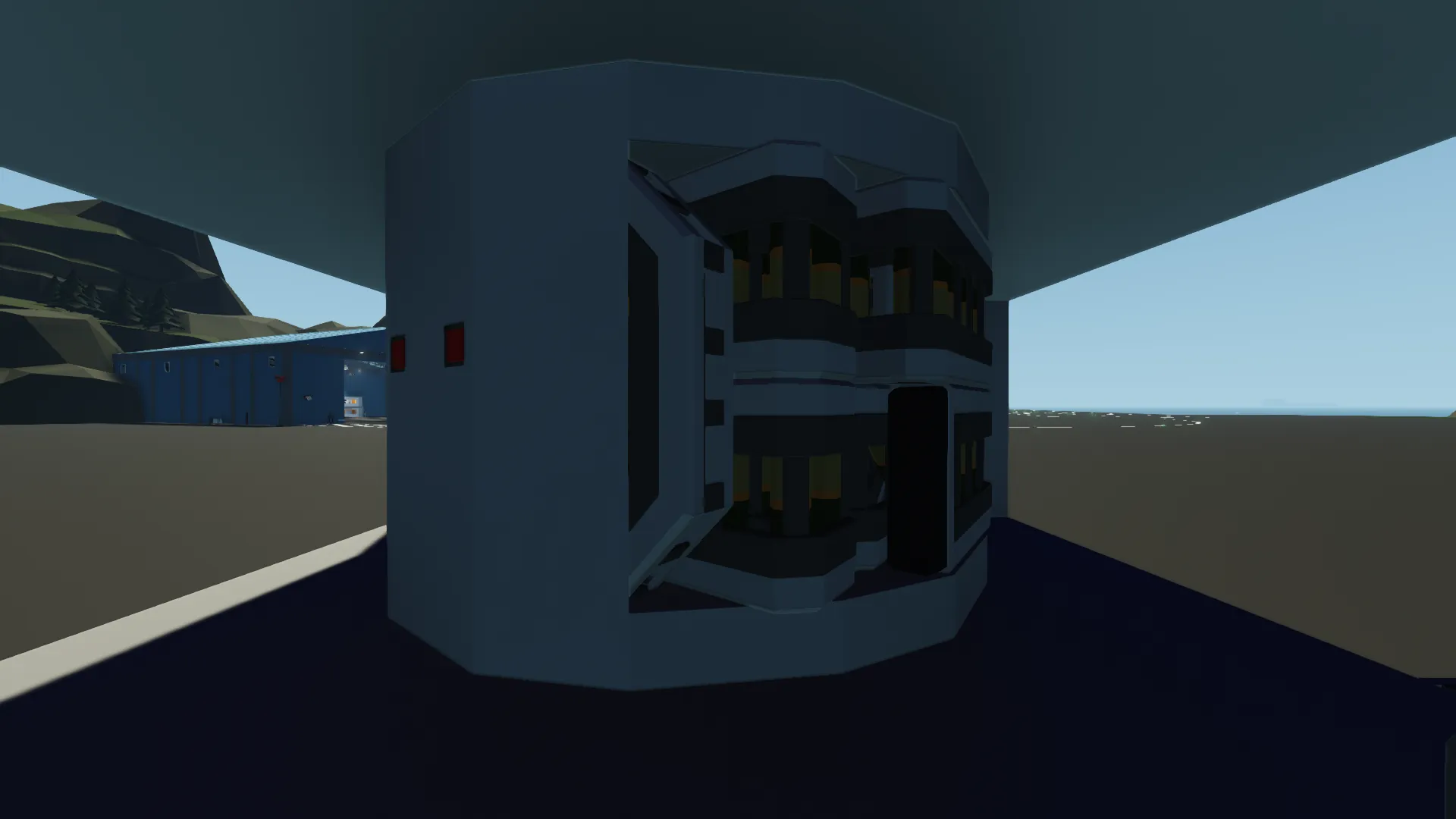
Mark 38 5-inch/38 caliber twin gun mount (1:1)
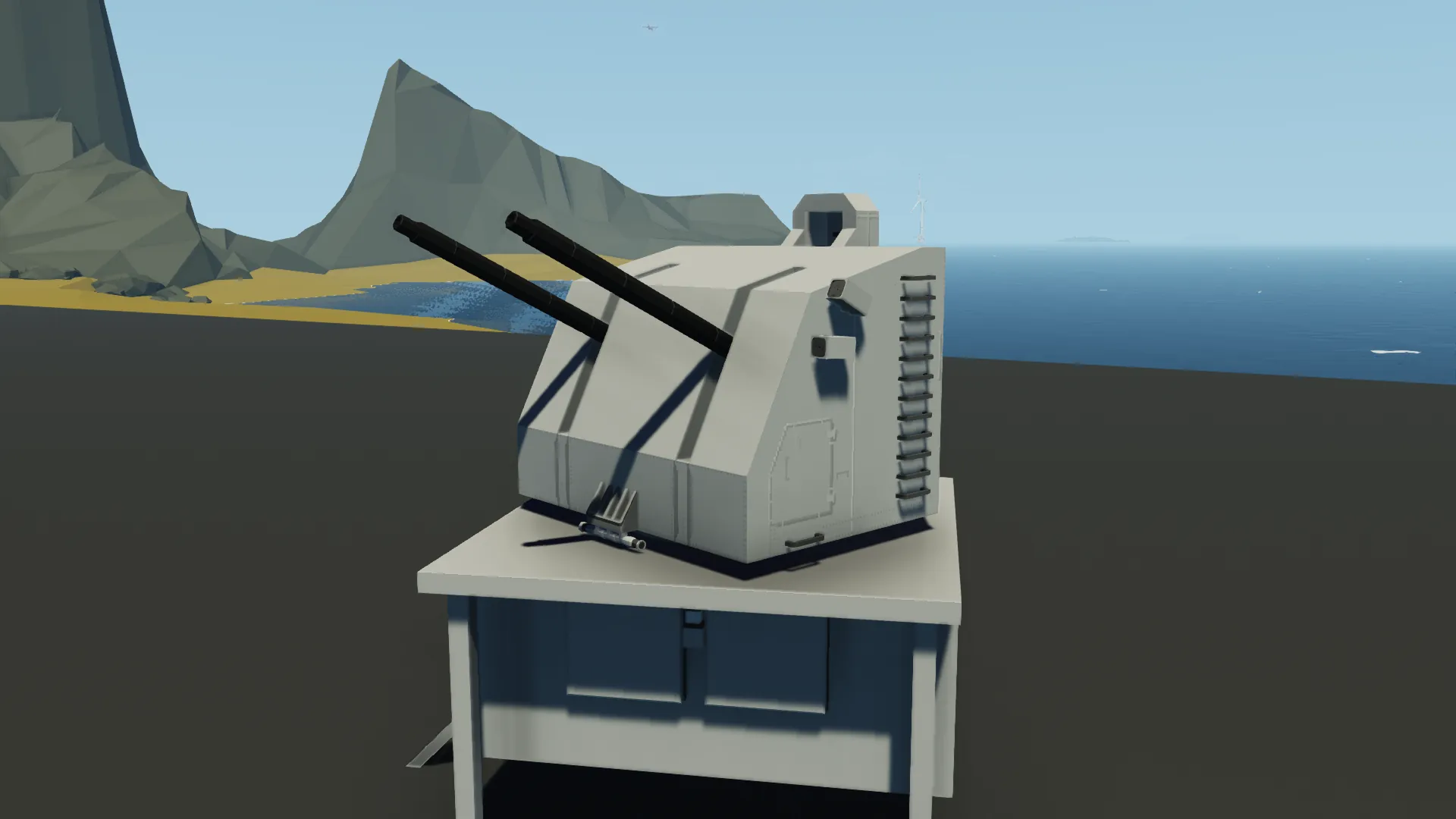
It is an 1:1 gun turret, supposed to be Mk38, but could be redone into Mk28, Mk29 and Mk32, so could be used in Iowa, Atlanta, Allen M. Sumner, Gearing, Essex and a lot more classes (and I hope it would be)
The only differences from the prototype are cameras instead of gunsights and door instead of side entrance hatches
Besides FCS, it can be operated by a single person, but a commander and a loader would be a great addition
HOW TO USE:
EXTERNAL CONTROL
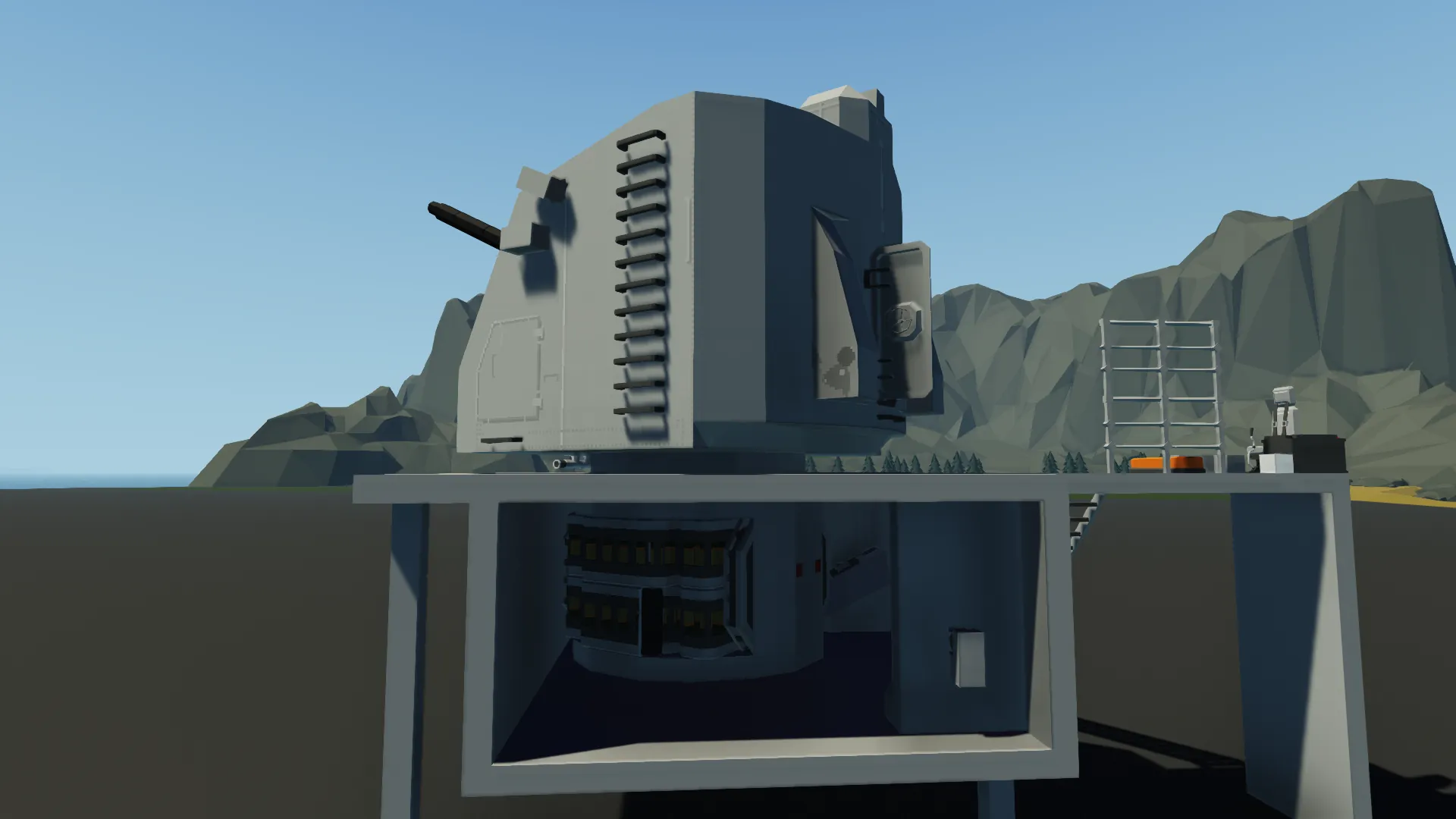
There is an orange MC on a platform. It has 4 nodes: Rotation, Rise, Fire and Reload. That's all the information required. It is supposed to be connected to an FCS (Fire Control System).
There is a relay that provides electricity to all systems, should be connected to a button as well
Note that "Reload" button is there in case of malfunctioning and isn't intended for use under normal conditions
MANUAL CONTROL
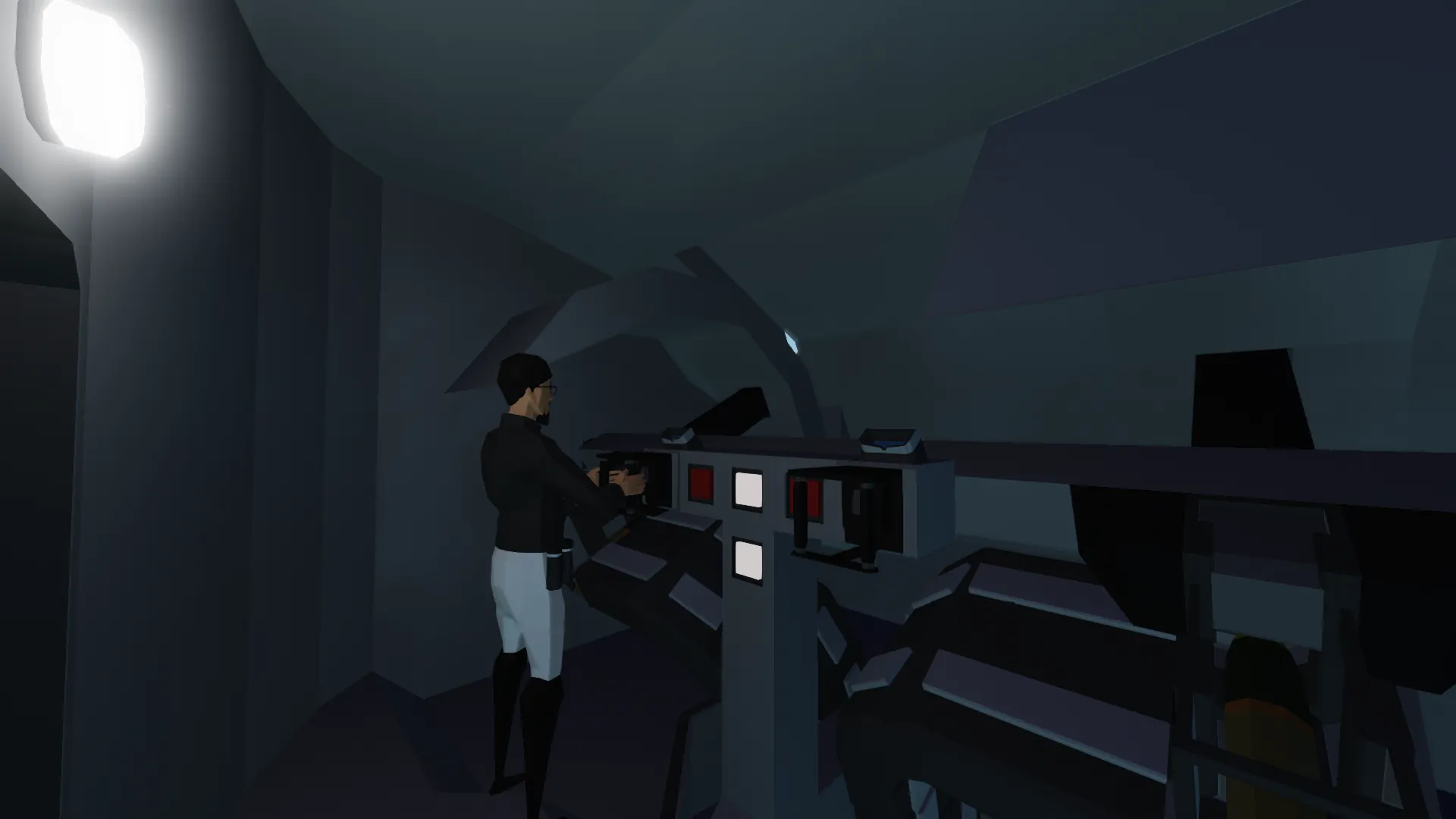
Get in. You will see two control handles: gunner's on the left and commander's on the right. Both have their own sight. Four labelled buttons are between them
Gunner's handle and sight:
1) You can rotate the turret and rise the guns through WASD
2) Left and Right arrows change zoom. The turret rotates slower while in big zoom
3) Up and Down arrows rise the guns but not the camera. This is intended for long range shooting with distance labels.
Be awared of inaccuracies cuz the labels are made empirically, not calculated
4) "Space" button sends a "Fire" command
5) "6" button sends a "Reload" command
Note that "Reload" button is there in case of malfunctioning and isn't intended for use under normal conditions
Commander's handle and sight:
1) You can rotate a wide angle camera through WASD
2) "1" button switches between Commander sight (CS) and Range Finder (RF)
RF guide is just below
RANGE FINDER (optical)
It uses the phenomenon of parallax to calculate the approximate distance to an object (from 3 to 12 km)
USAGE:
1) Press "1" to switch between Commander sight (CS) and Range Finder (RF)
2) Use arrows (of ur keyboard) to look where you want (limited viewing angle included). BTW you can use WASD to look where you want through CS
3) When found your target in RF, press and hold "space" to switch to another cam
4) Try to bring together your target in both images using "left", "right" and rapidly pressing "space"
5) Final distance would be displayed
6) Don't forget to reset RF with "2". Good manners!
BTW it's 21 blocks wide and 18 (30 including barrels) blocks long. Also it has 110 shots in the first stage ammo (and one free slot due to impossibility to preload a shot in gun's breech)
It has two main MC's that operate the entire turret. They could be used with any other turrets with similar handling principles. Left one could be connected to 3 guns simultaneously
NOTES:
- I've found a collision problem. This happens in some situations when you fully raise and lower the guns. However I haven't found a reason and I believe it is a Stormworks bug
- I would be sincerely grateful for your feedback in comments 😋
- There is a major update leading to more realism and historical accuracy. I'm sure there will be someone who won't like that, so I've uploaded the old version separately
[url=https://steamcommunity.com/sharedfiles/filedetails/?id=3642002757]https://steamcommunity.com/sharedfiles/filedetails/?id=3642002757[/url]