===================MANDATORY MOD===================
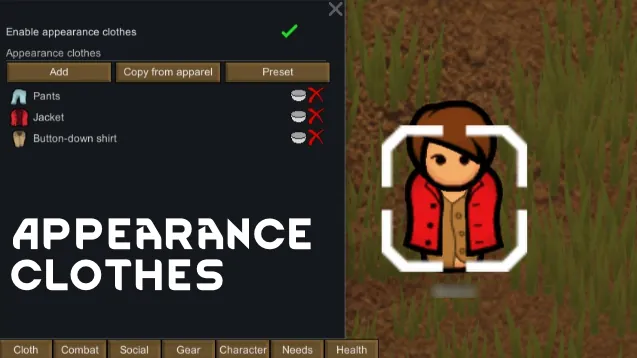
First, you need the Appearance clothes mod by Tammybee.
How to set up the skins?
- After your enter in a game, click on one of your pawn and click on the "Cloth" button in the Tab. Enable the appareance clothes, choose "Thin body" and then you can apply the skins.

- If your "Add clothes" window is empty and can't see the skins. Go to the Mods Settings in the options. Then "Show setting" of Appearance clothes and click on "Show cloth icon adapted to body type in the dialog" to disable it.
I'm currently reworking on all the old skins I've done so far to make them less blurry for HD Pawn Rendering and Camera+ mods user while modifying and adding some details.
For those who use Camera+, I recommend using Pawn Render Patch for HD instead of HD Pawn Rendering because the latter makes the skins too pixelated when zoomed out. Put "the current Zoom Target Value" at ~24 in the mod option.
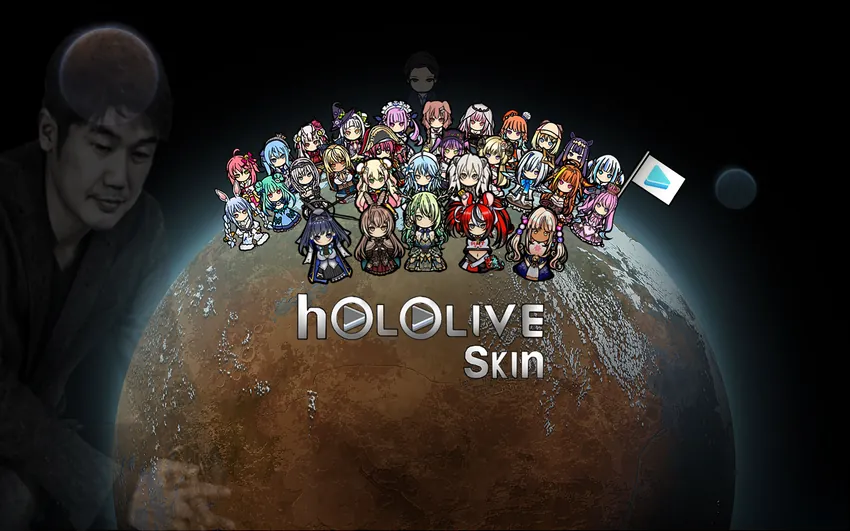
YAGOO (not a definitive version, may change later):

Hololive Generation 0:

Hololive 1st Generation:

Hololive 2nd Generation:

Hololive -Gamers-:

Hololive 3rd Generation:

Hololive 4th Generation:

Hololive 5th Generation:

Hololive -Myth-:

Hololive -Council-: