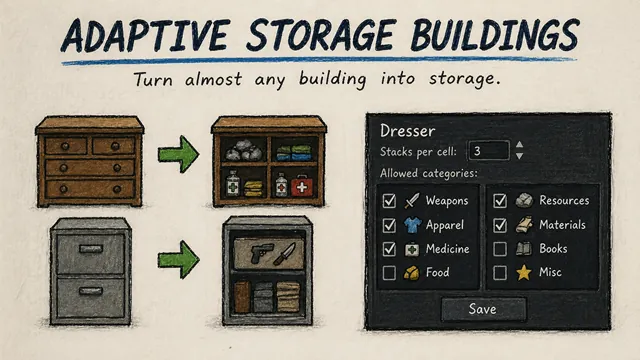
Adaptive Storage Buildings allows you to turn almost any building in the game into storage, powered by Adaptive Storage Framework.
How it works:
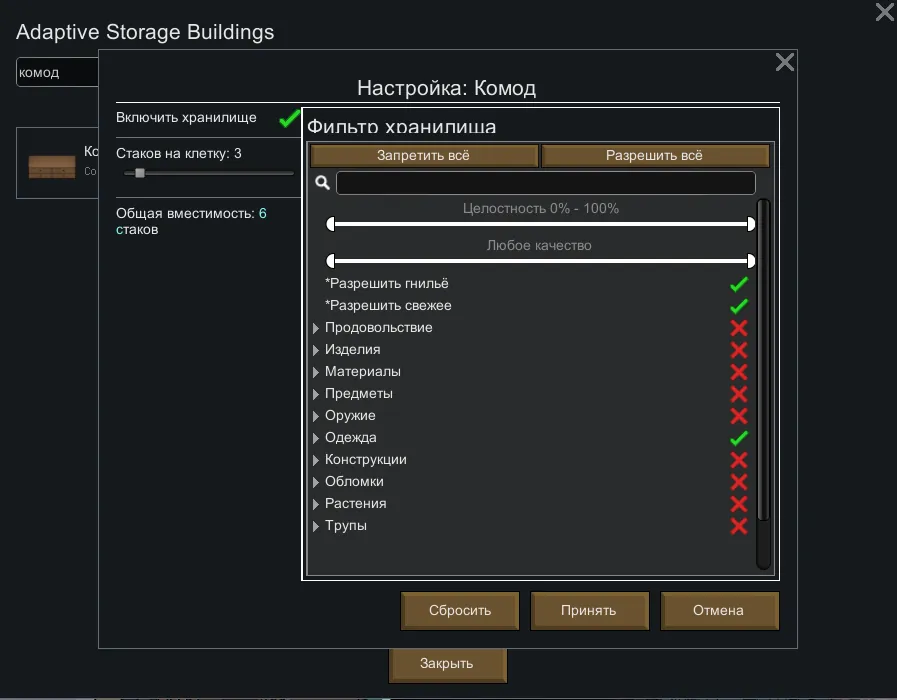
Open the mod settings and you'll see a list of all buildings from the game and installed mods. Find what you need — a dresser, nightstand, filing cabinet, workbench. Click on it and configure: how many stacks per cell it can hold and what categories of items are allowed — weapons, apparel, food, medicine, resources, and so on.
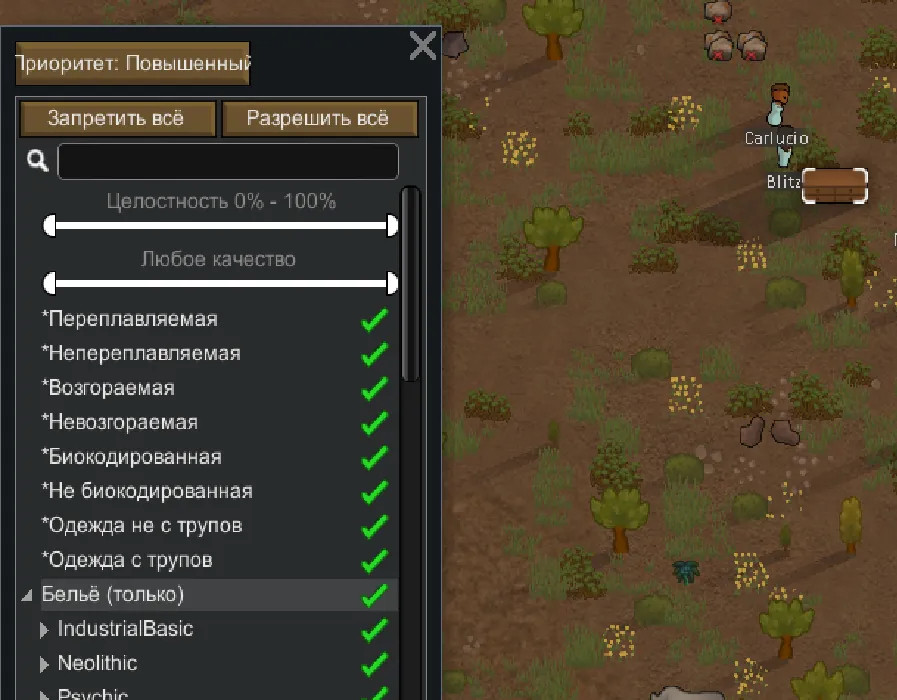
The categories you choose are the only ones that will appear in the "Storage" tab for that building. If you only allowed weapons and apparel — the player will only see those and can filter items within those categories. No extra sections that you didn't enable.
After the next save reload, all existing buildings of this type will work as storage. Newly built ones use the settings immediately.
Requires Adaptive Storage Framework.
https://github.com/CreeeesP/AdaptiveStorageBuildings/tree/main