This is a complete rewrite using the original Home Inventory as reference.
Originally posted by maraganina:
Looted the 14th pipe wrench because you forgot you already had 13? Didn't take that sledgehammer because you already had one but now you realized that was on your previous character? This mod allows you to designate zones in your home(s) or base(s). A list of all items in those zones will be displayed in the new Home Inventory tab, available in the Character Info panel (Health screen) by clicking a new button in the sidebar.
Safe to add/remove mid campaign; doesn't overwrite any game files.
...
The Home Inventory mod allows the player to create and manage custom zones: "home" zones; similar to how the Animal system works in B42. The items inside home zones are fetched and saved, and can be seen as a list in a new tab panel called "Home Inventory" located in the Character Info panel (the heart icon). Home zones can cover multiple bases, and can also cover different areas of each base. It's up to you to decide how you will organize your bases and the items inside them.
The list of items is only fetched when you add or remove zones, or when you click the "Home Inventory" tab "Manage" button, so the mod has virtually no effect on performance.
If you are too far from a zone, their tiles will not be loaded, and the game will think your items don't exist. To prevent this, the mod saves the items of each zone to a cache, so you can keep checking your home inventory while you are away.
What's new?
This mod adds many extra features in addition to the currently existing ones in the original mod, which includes:
- Vehicles Storage: Any items in a vehicle or trailer inside a zone should now be accounted for. (since 0.7.0) (thanks for the idea, @Sophia (Sophel) and @Crystalmancer!)
[list]
- After a long drive, you can open the items list and hit refresh to show your newly acquired loots.
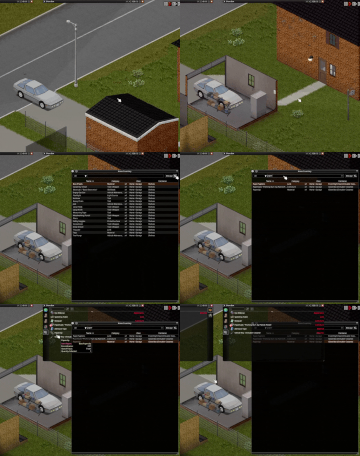
- The name of vehicle is displayed alongside its specific part for easier search.

[*] Improved UI (again, hopefully) (since 0.6.0)
- The Zone panel can now be resized, and it's also made more compact.
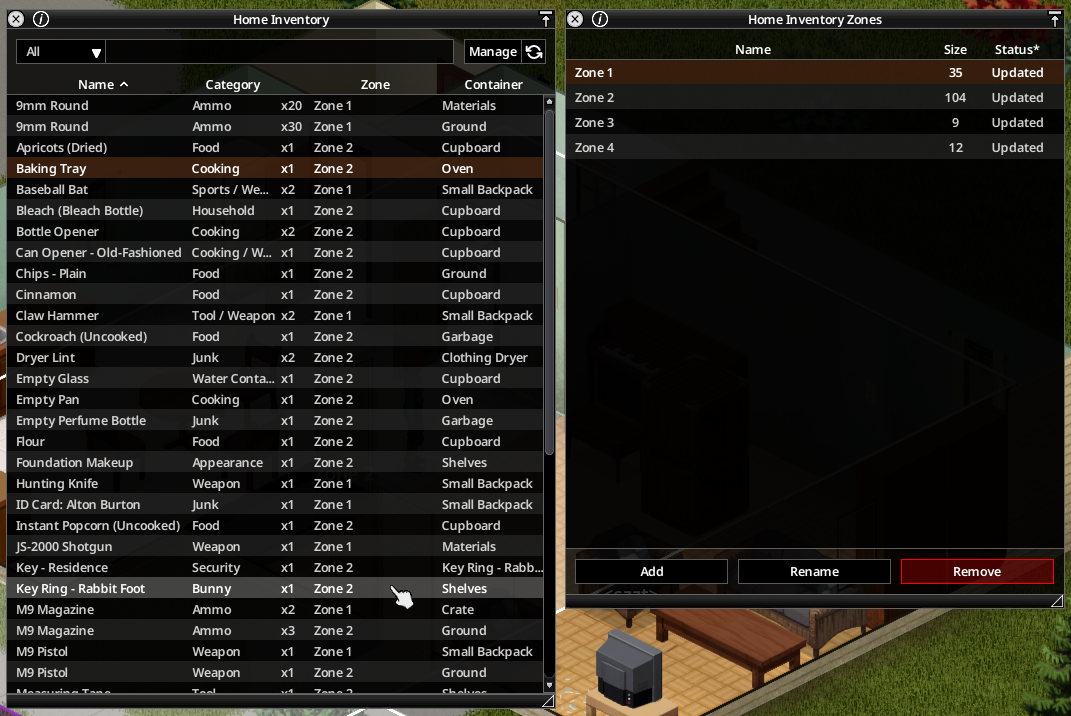
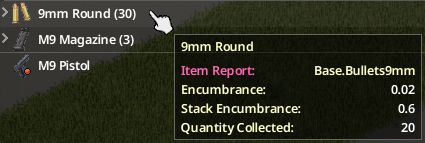
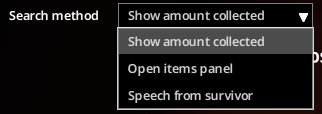
[*] Quick Search: Right-click on an item will show whether you have collected that item and the current amount stored in your Home Inventory. (since 0.4.0)
- NOTE: The amount of items collected for the default option is now placed in the tooltip of an item, visible when hovered. (since 0.5.0)
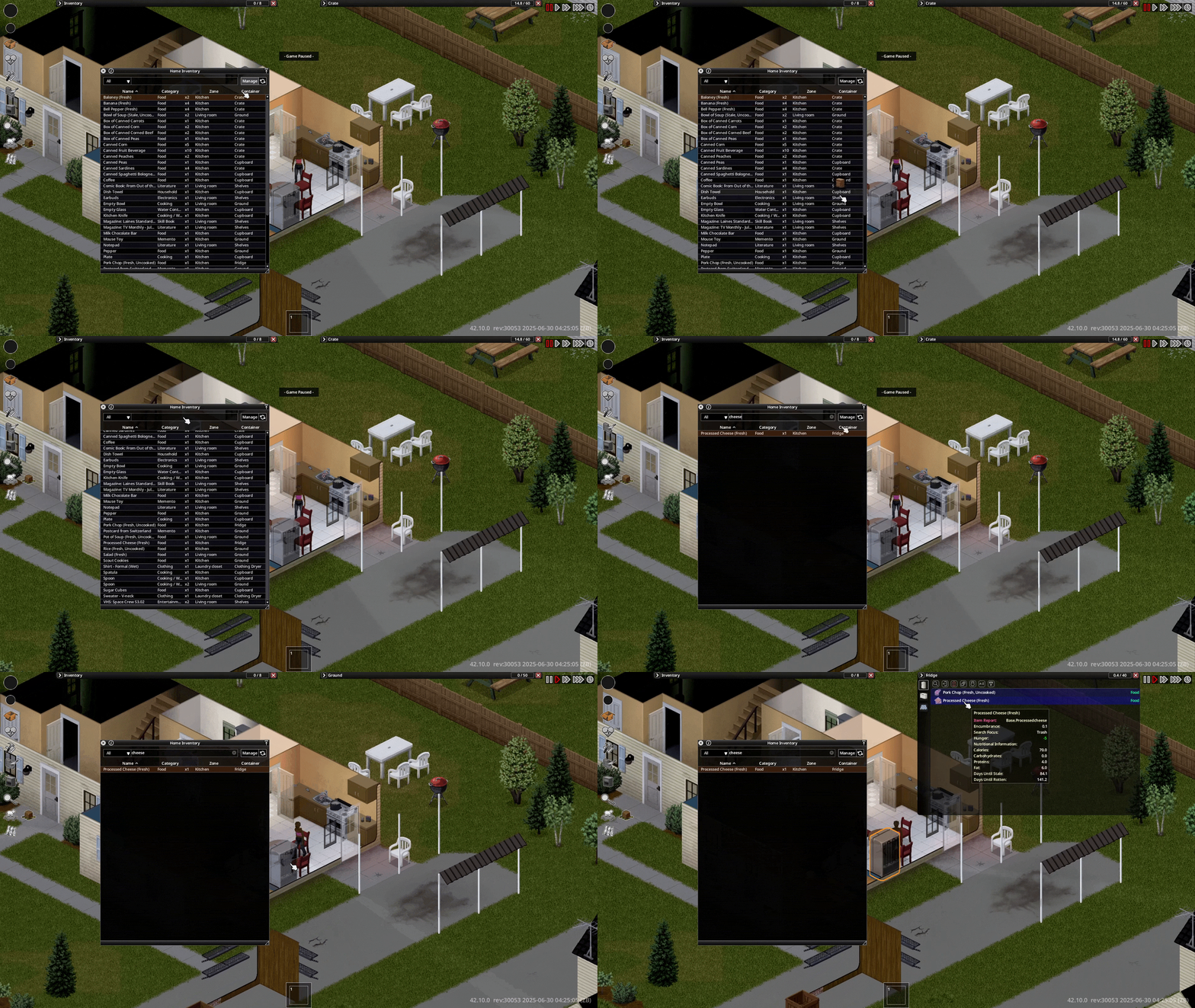
[*] Container Tooltip: Hover over the container name of an item to show its inventory icon. (since 0.3.0)
[*] Integration with Smarter Storage (since 0.3.0) (Thanks for the idea, @ivmakk!)
- The "Container" column will now display the custom name set by the mod if it exists.
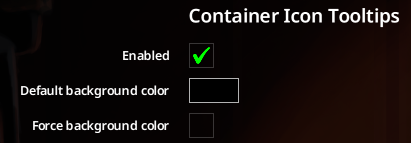
- The custom icon and background will be used in the container tooltip when hovered.
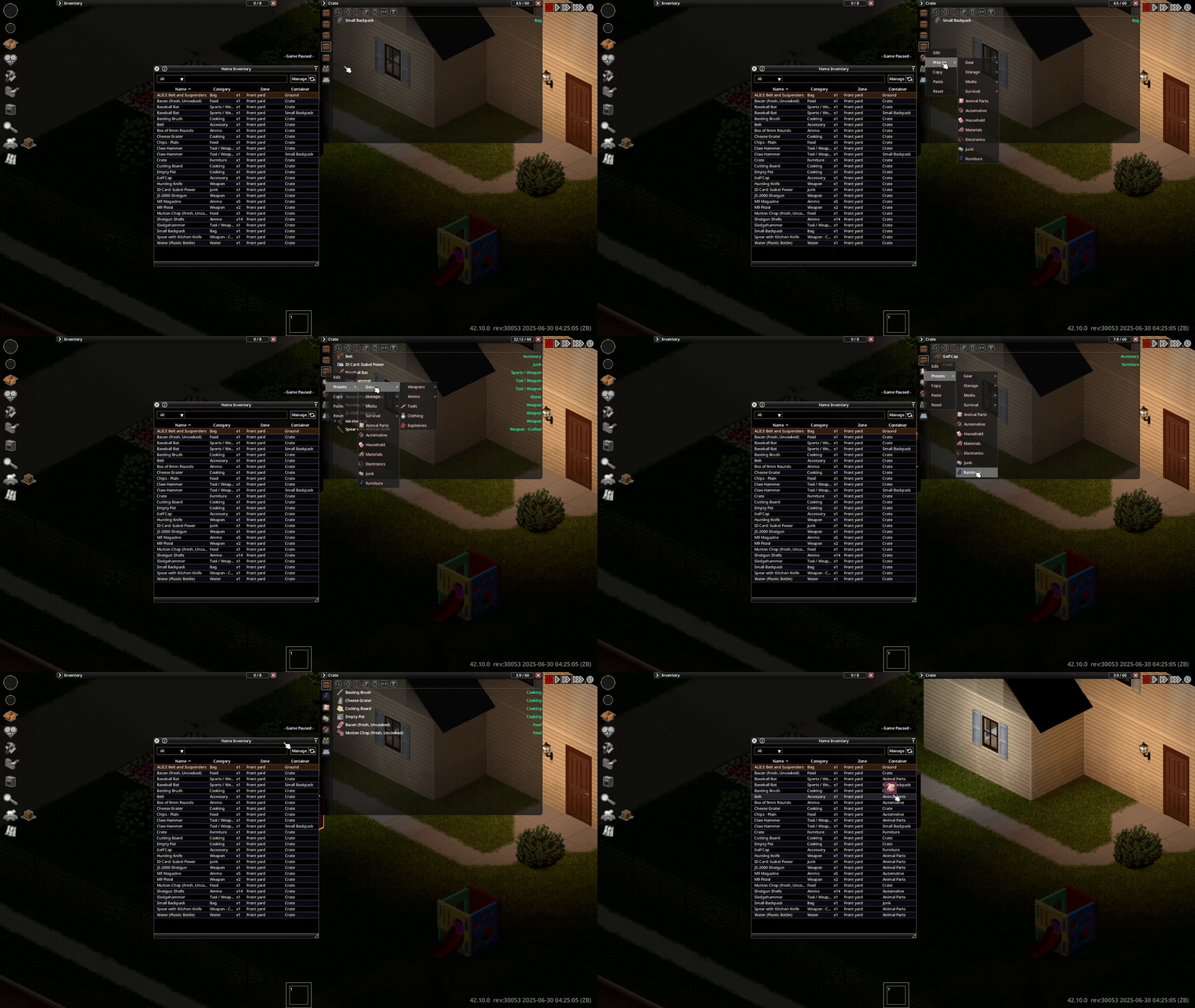
[*] Improved UI (since 0.2.0)
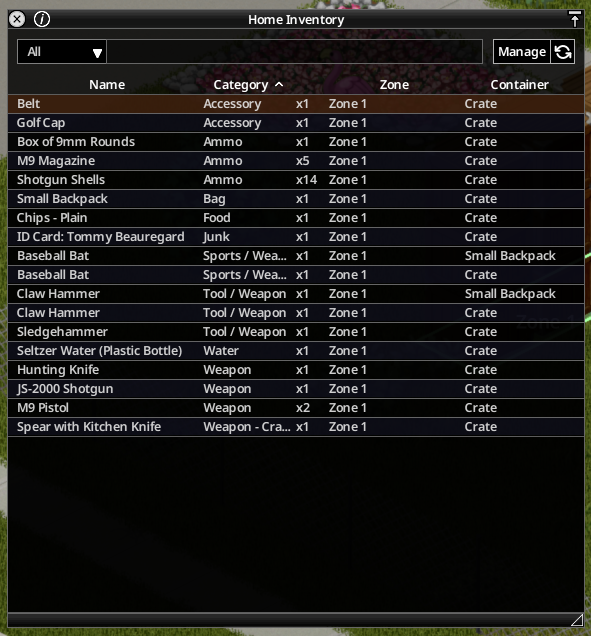
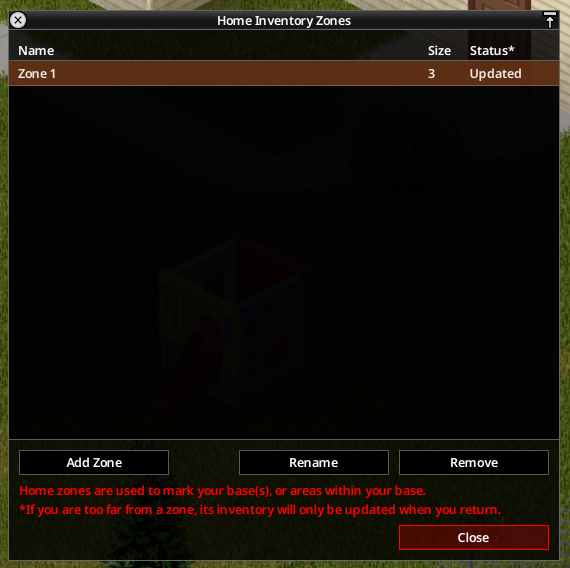
- The items panel can now be opened with a new button next to the "Designated Zones" button. (A new custom icon is also used.)
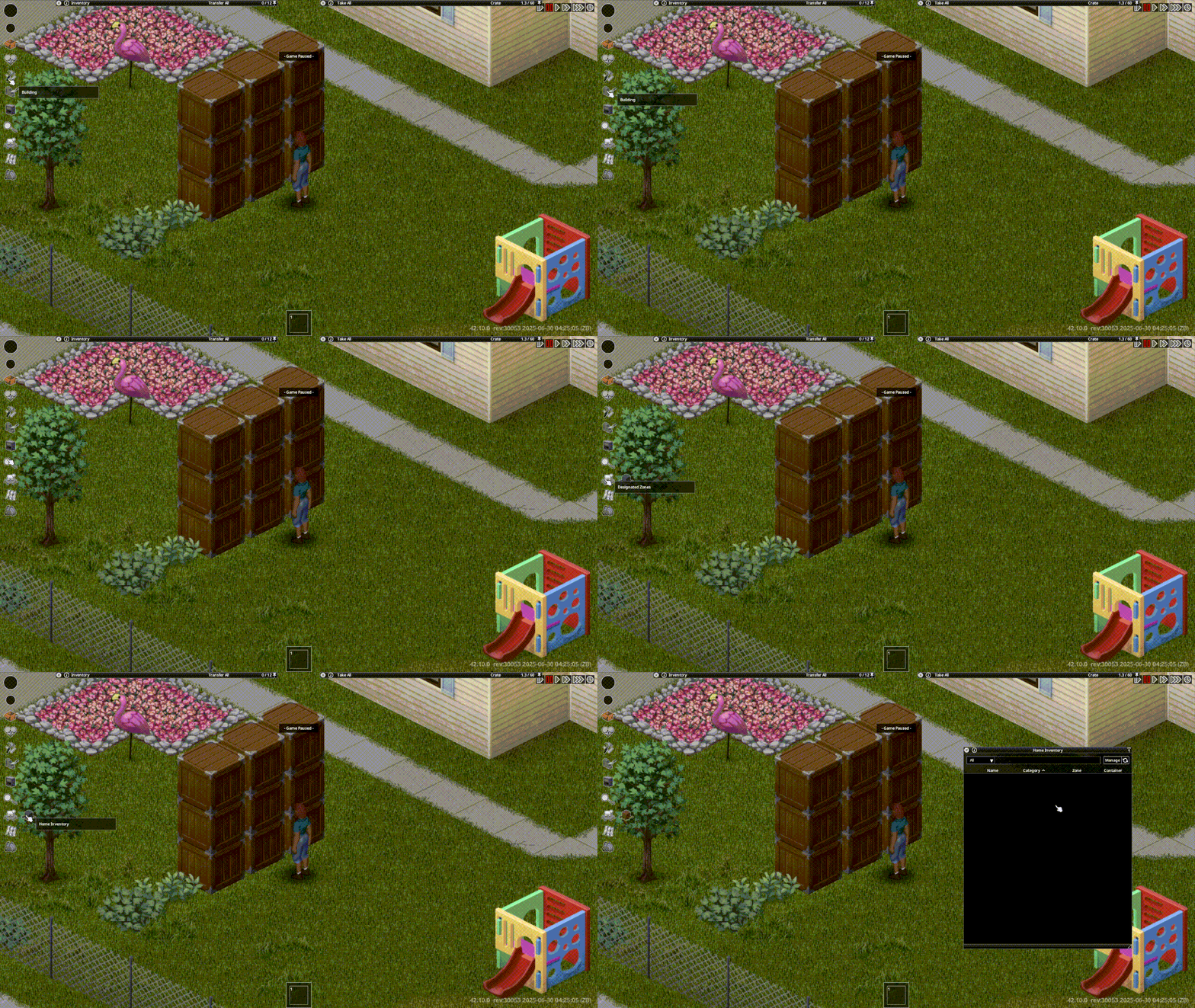
- A refresh button to reload items without needing to re-open/close any panels.
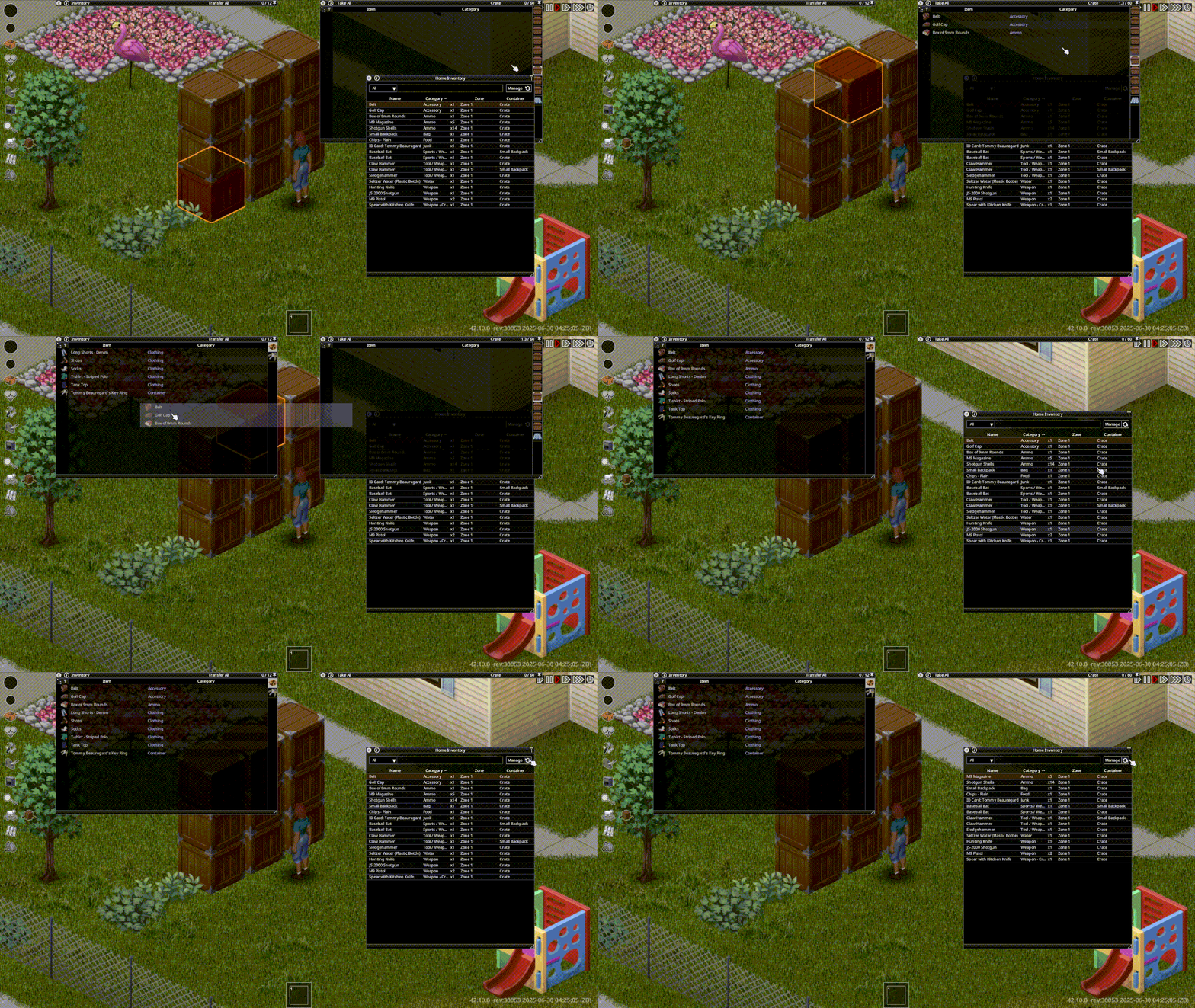
- Items sorting with ascending and descending order by clicking on the header text.
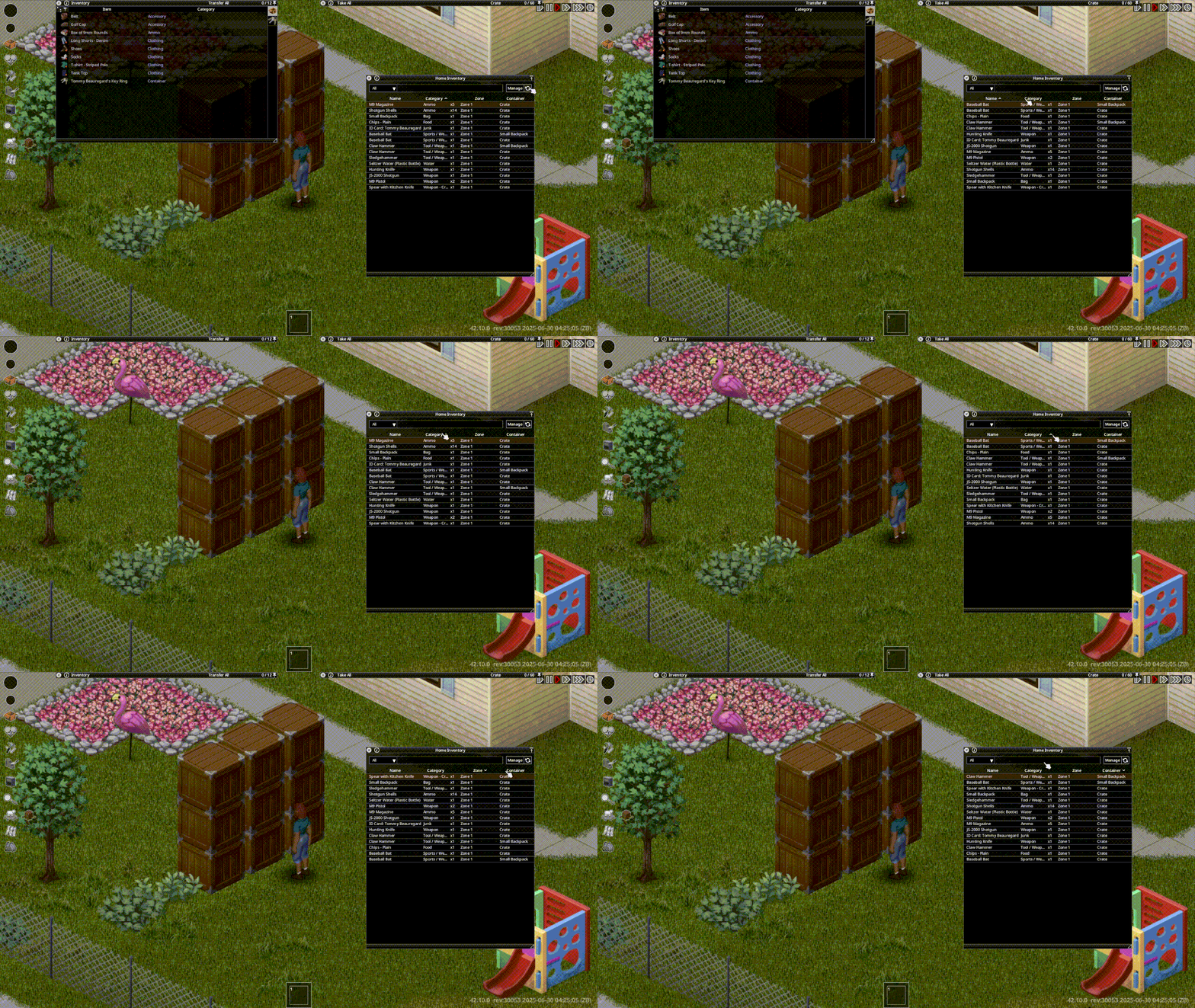
- Selectable filter criteria with a drop-down list next to the search bar.
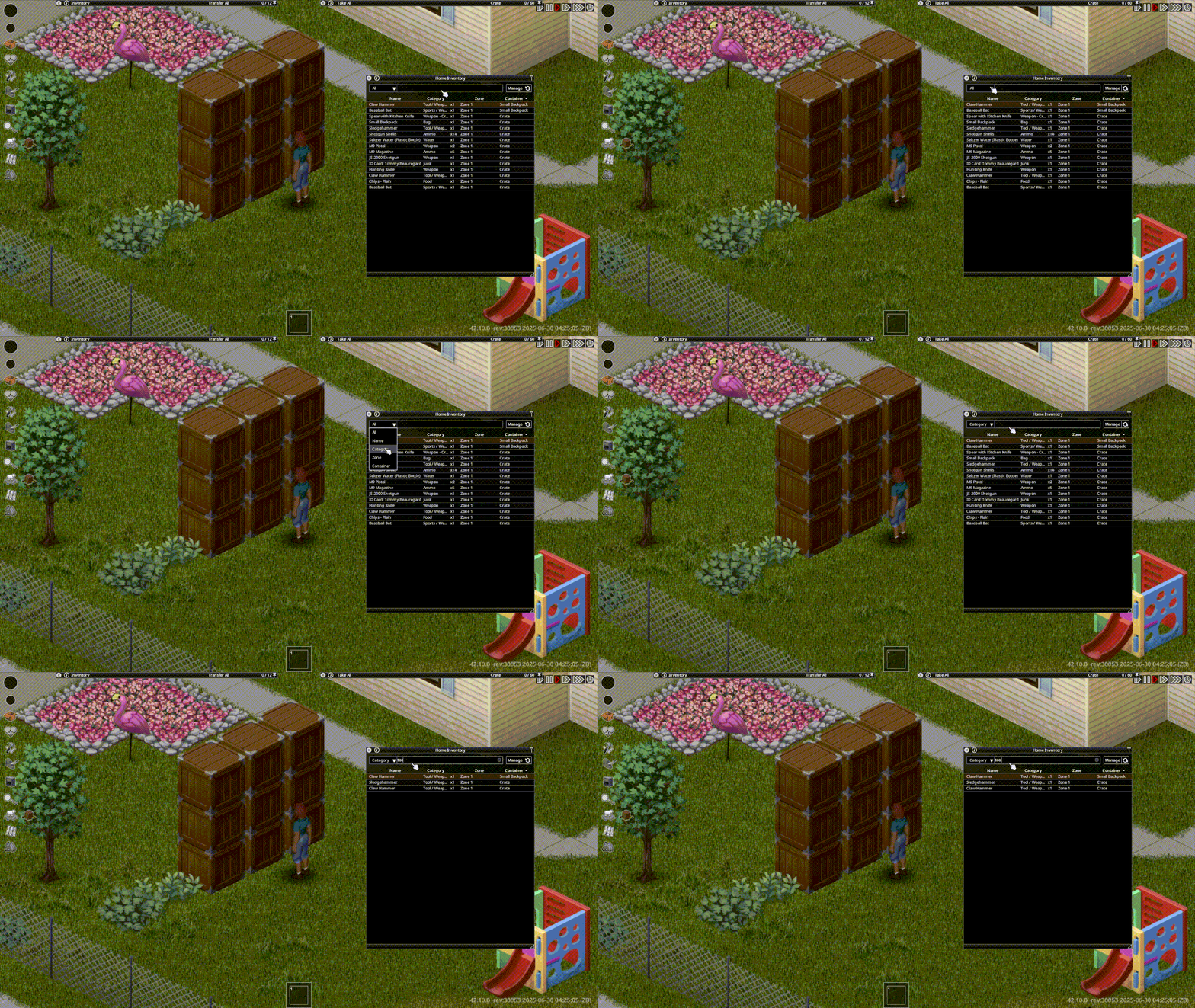
- Resizable panel to expand all truncated texts to your heart's content.
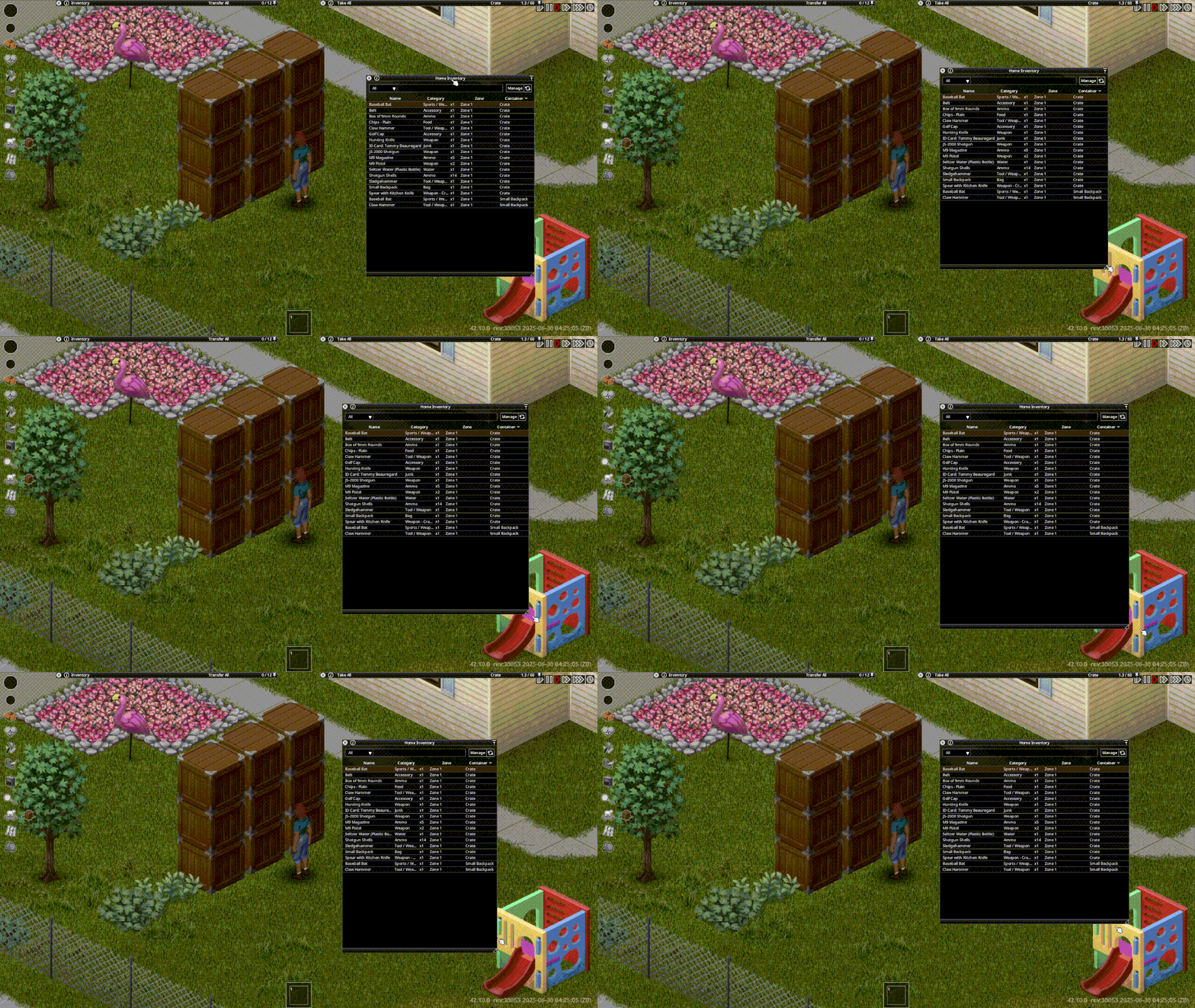
[*] Mod options: some previously hard-coded values (such as zone colors) can be adjusted and all changes made can be applied mid-game. (since 0.2.0)
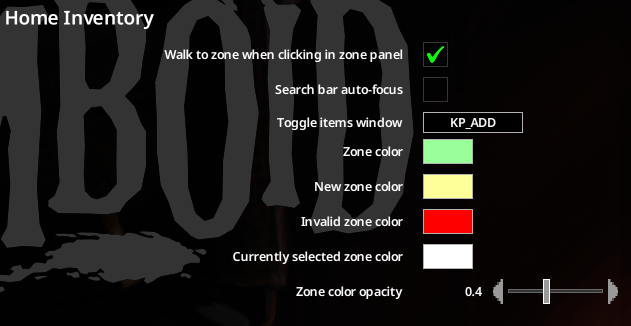
- A key can be set to open/close the items panel (KP_ADD or "Numpad +" by default)
[/list]
A number of bugs in the original mod is also fixed (hopefully):
- Incorrect size reported by the zone manager panel. (A 1-cell zone will show up as 4)
- (might be the same as the previous one) Zones bleeding into each other. (Two non-overlapping zones that are right next to each other will cause an item in one zone to show up in the other as a duplicate entry)
- Interference to the display designated zones for animals. This mod does not hide or show them.
Incompatibilities
This mod only conflicts with the original one, but that's mostly because having 2 different items system is kind of redundant in my opinion.
It is planned that a special function to import mod data from the original mod for migration.
Final notes
A special thanks and all respects to the original mod's creator maraganina, I've been using your mod for a few months now, and it has been a convenience in every run of mine ever since, and of course, this mod would have never existed without your contribution to the Steam Workshop.
For everybody else, if you like this mod, be sure to check out the original one, too!
GLHF and keep on surviving! :3
Workshop ID: 3522009163
Mod ID: cf_home