Mini Health Plus
A modernized and expanded rework of the original Mini Health Panel, designed to give you a clean, compact, and always-accessible overview of your character’s condition without constantly opening the vanilla health panel.
This version is based on Mini Health Panel by Speedy Von Gofast, but has been heavily reworked and extended by TwisTonFire with many interface, usability, and feature improvements.
What this version adds
- Scalable UI
- HD textures
- Always-on-top option
- Improved drag and drop behavior
- Improved detached settings window
- Soft pulse injury animation instead of the old harsh fast blinking
- Adjustable animation speed directly in the built-in settings menu
- Live preview for animation speed changes before saving
- Translations for many languages
- Sandbox options to decide which helper features should be enabled
- Ongoing improvements with more refinements planned over time
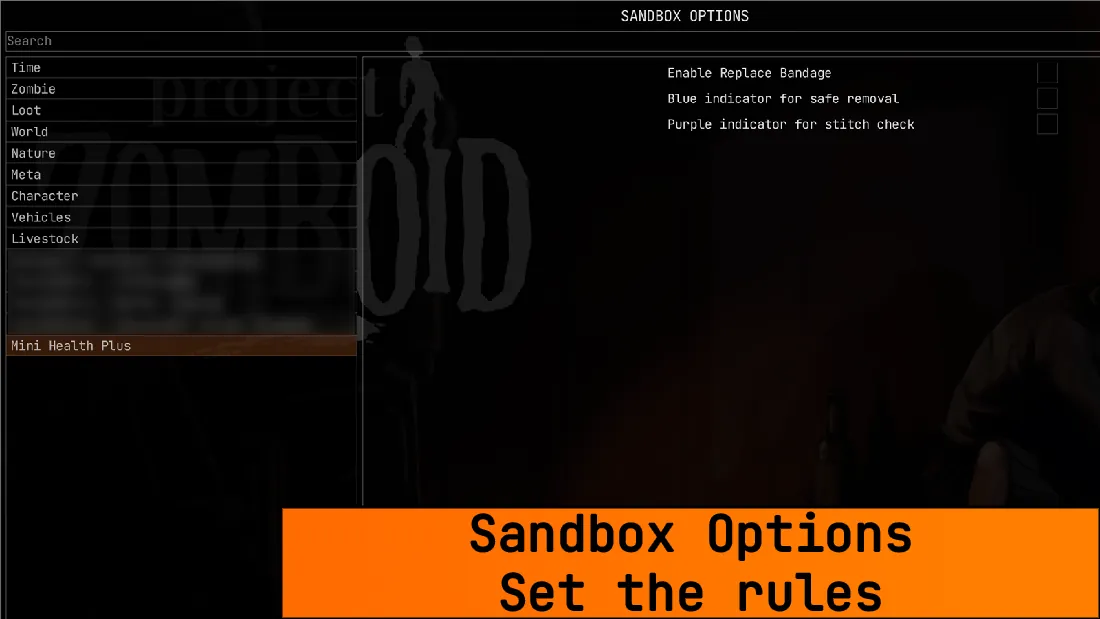
Sandbox Options — You decide the rules
Mini Health Plus now includes sandbox options, allowing world creators and server hosts to decide how much help the UI should provide.
Current sandbox options include:
- Enable Replace Bandage
Adds the Replace Bandage context menu entry for dirty bandages. - Blue indicator for safe removal
Shows when a bandage or splint can likely be removed safely. - Purple indicator for stitch check
Shows when a stitched wound has likely reached the point where it should be checked.

What it does
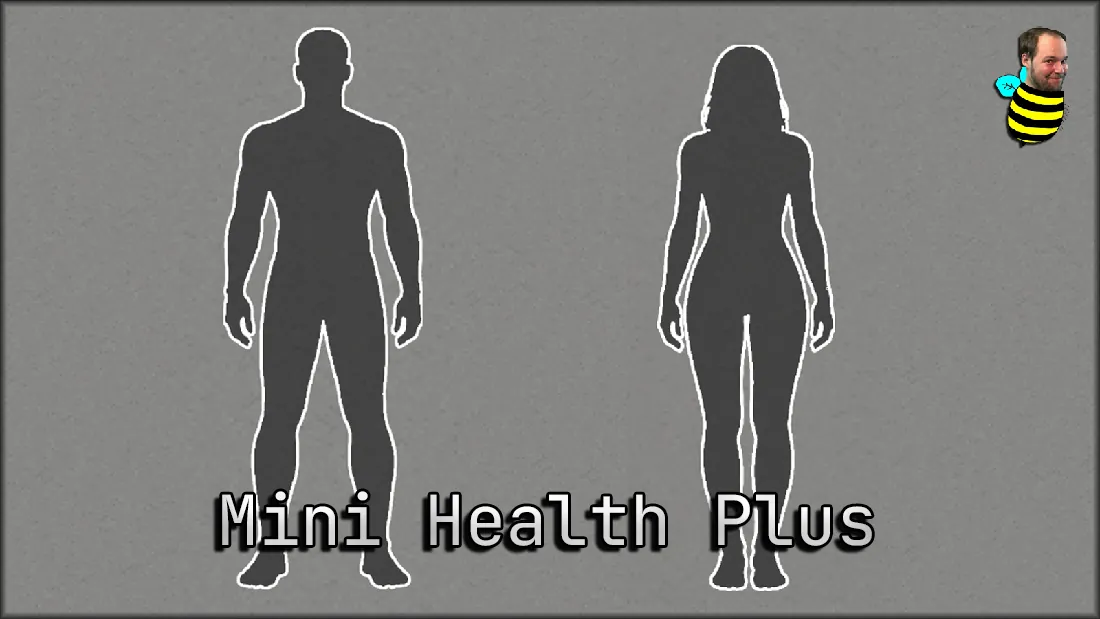
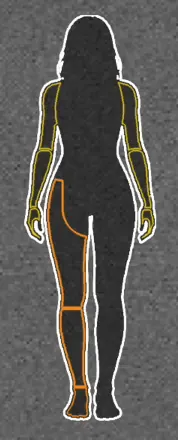
Mini Health Plus provides a permanent overview of your character’s wounds in a compact and minimalistic display.
The silhouette can stay visible at all times, or hide itself when there is nothing that needs attention, depending on your settings.
- Pulsing red means a body part still needs treatment.
- White means the wound is currently bandaged or splinted.
- Sky blue means a bandaged or splinted body part appears fully healed and the treatment can likely be removed safely.
- Orange means the bandage is dirty and should be replaced.
- Purple means a stitched wound has likely reached the point where it is worth checking and removing the stitches. In most cases, only a scratch may remain afterward.
- If a wound is already bandaged but still pulses, it usually means it is not fully treated yet (for example: lodged glass, a deep wound, stitches still needed, etc.).
Muscle Strain
Support for muscle strain indicators.
The strain display becomes more visible as strain increases and changes color from orange to red depending on severity.
If auto-hide is enabled, the silhouette can briefly reveal itself when a strain threshold is reached.
Built-in settings
Mini Health Plus includes its own detached settings window with options such as:
- Always on top
- Always visible
- Health bar
- Muscle strain display
- Window lock
- Hover background
- Animation speed
How to use it
- Left click opens the vanilla health panel.
- Right click opens the Mini Health context menu with available treatment actions and settings.
- Drag and move the panel wherever you want on your screen.
Translations
- English
- Deutsch
- Français
- Español
- Português do Brasil
- Polski
- Русский
- Українська
- Türkçe
- 简体中文
- 繁體中文
- 日本語
- 한국어
Credits
Based on Mini Health Panel by Speedy Von Gofast.
This version has been substantially reworked, expanded, and maintained by TwisTonFire.
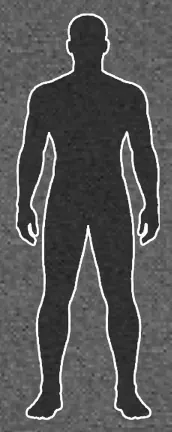
Body Damage:

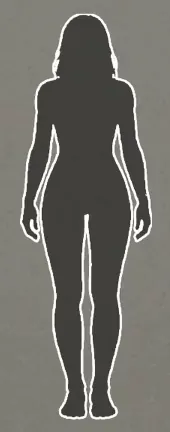
Muscle Strain (optional):
Workshop ID: 3710913197
Mod ID: MiniHealthPlus