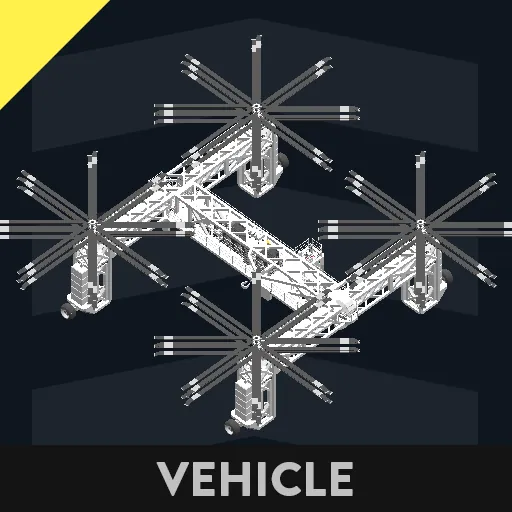
The Stratos Aerospace SC-15 "Cloudlifter" is a quadcopter, produced by Stratos Aerospace Inc.
To operate the helicopter, use the ladder in the back to enter the vehicle, using the arrow button on the ladder to pull it in. Walking via the left walkway, you will see a generator and a little further a battery switch. Switch that and turn on the generator. Next, head to the cockpit. Push the 'Wheels down' button, until the wheels are extended. Make sure to press the 'Lock legs' button, otherwise the legs will sag downwards while taxiing. Next, push the 'Wheel throttle up' button, until you are rolled out of the hangar. Lower the wheel throttle (brakes are applied automatically) and lift the wheels up. next, you have the option to extend the arms and legs. If you do so, make sure to unlock while extending and lock the legs when at the desired position.
Next, start the engines. On the roof are some dials located, with RPS. Make sure these are at 20 before lifting up.
For landing, you might have seen the button on the roof. Click it, and a monitor will pop up. That way you can see the landing perspective.
If you have landed successfully, you can head to the crane operator seat. Adjust the position all you want. Next, activate the winches (releasing them, allowing you to lower them) And lower them until they are at the desired height. Next, head up and go to the ladder, or the small station on the side, where you can lower an operator.
If you notice the Heli has problems lifting the heavy payload, make sure to activate lift mode. This will make the rotors spin at a higher RPM, but comes at the cost of having to wait for the RPS to turn up. The Heli will lift up on its own at around 17 RPS.