Modern Zombie Health Bar
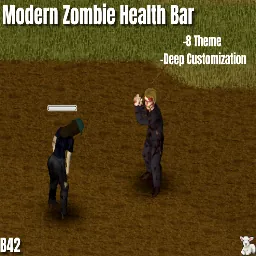
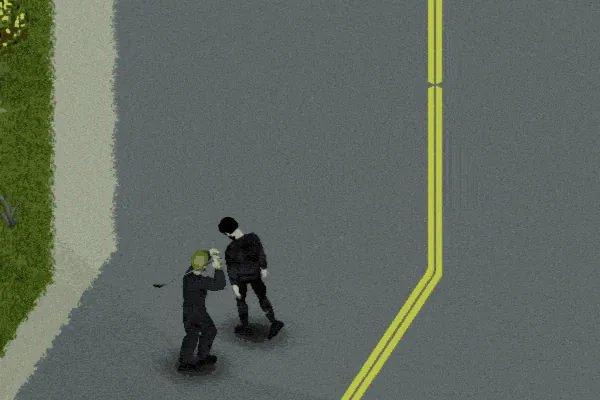
Enhance your combat experience with a highly polished, customizable, and performance-friendly health bar system for your zombie encounters. Whether you want a tactical HUD, a dark gothic aesthetic, or a retro arcade vibe, this mod has it all.
Key Features
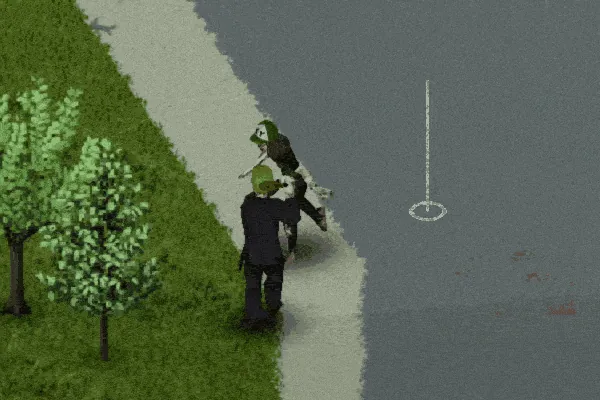
• Dynamic Visibility: Bars appear only when you hit a zombie, when they are within your specified range, or when you hover over them. Configure them to your liking in the mod settings.
• 7+ Unique Visual Themes: Choose from crafted presets or build your own.
• Combat Indicators: Floating damage numbers, critical hit texts (POW! BAM!), and XP gain indicators. You can disable specific ones in the options.
• Smart Memory System: Bars don't stay forever. Set a "Damage Memory" timeout to let bars fade away after a few in-game minutes.
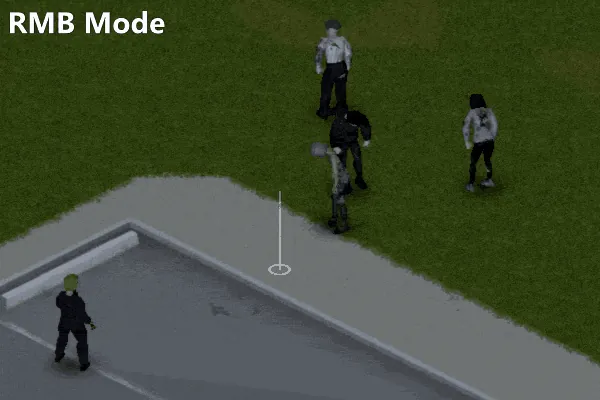
• Inspect Mode: Hold Right Mouse Button (RMB) and hover over a zombie to see their health instantly.
Visual Themes
• Modern (Default): Clean, rounded, and professional.
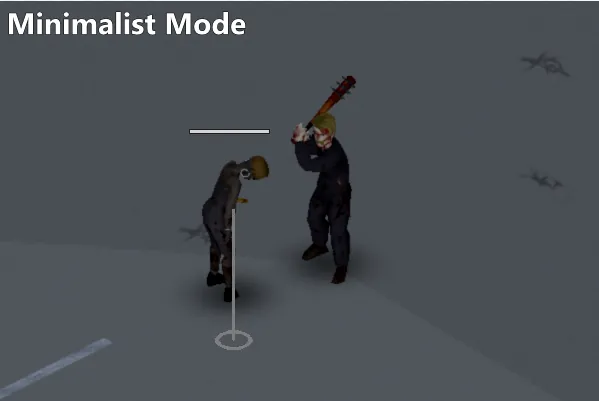
• Minimalist: An ultra-thin, non-intrusive line for the purists.
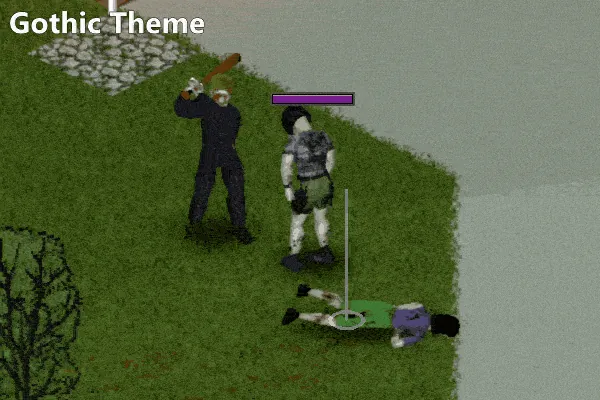
• Gothic: A dark theme fitting for the Gothic aesthetic.
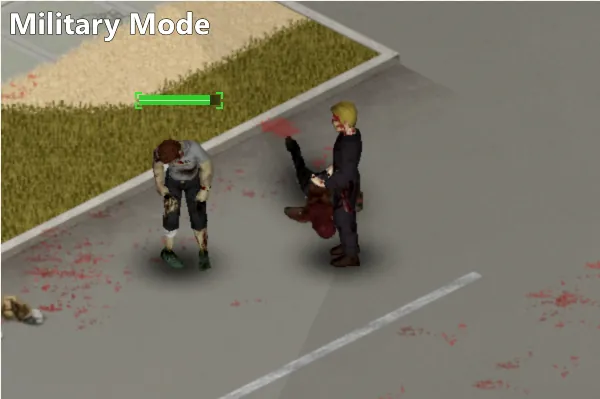
• Military (Drone HUD): Tactical targeting brackets with a digital scanline effect.
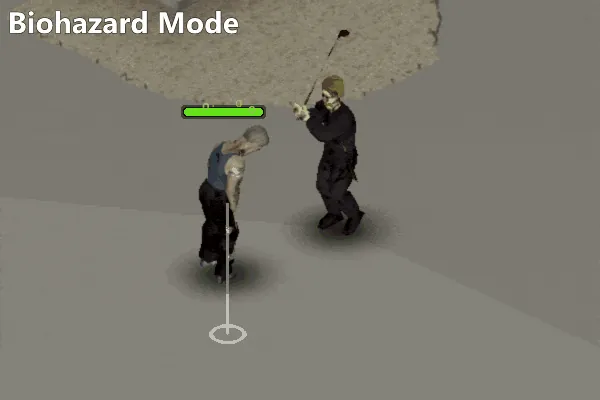
• Biohazard (Toxic): Radioactive green bars with animated rising bubbles.
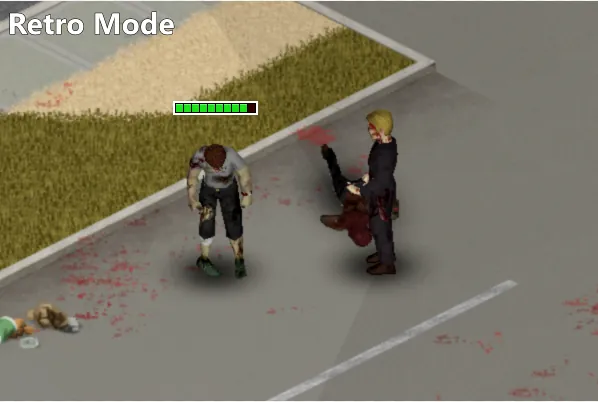
• Retro (8-Bit): Classic arcade style with chunky pixelated segments and drop shadows.
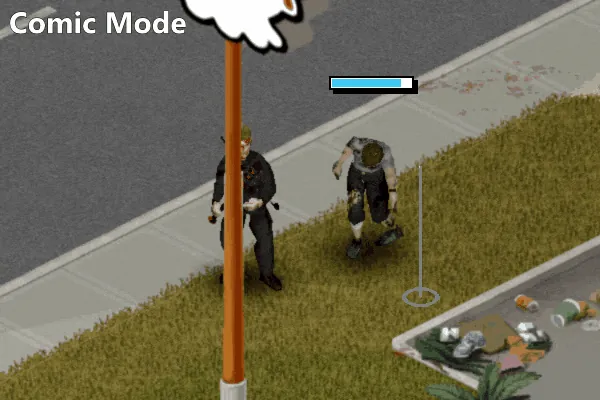
• Comic (Sketch): Bold hand-drawn lines with "BAM!" and "POW!" pop-ups.
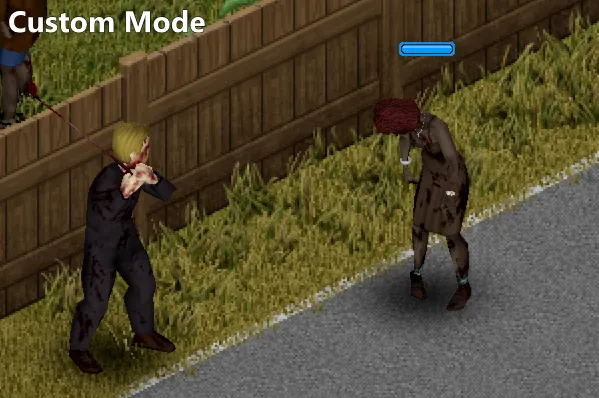
• Custom (DIY): Total freedom. Design your own bar!
Deep Customization
• Color Freedom: Customize the color of the bars, numbers, and texts.
• Scaling: Adjust Width and Height separately to fit your UI perfectly.
• Tri-Color Gradient: Set different colors for High, Mid, and Low health states.
• Custom XP & Damage Colors: Match the floating text colors to your personal preference.
• Distance Settings: Configure exactly how many tiles away you want to see the bars.
Performance & Compatibility
• Optimized Code: No FPS issues were found during my tests. Various settings are available in the mod options for low-end PCs or those seeking maximum performance.
• Build 42: Fully compatible with the latest Project Zomboid versions.
• MP Support: Works seamlessly in Singleplayer. If you try it in Multiplayer, please share your experiences in the comments!
Support
If you like the mod, please don't forget to Rate and Favorite! It helps a lot.
Found a bug? Let me know in the comments.
My Other Mods: https://steamcommunity.com/sharedfiles/filedetails/?id=2795331647
Workshop ID: 3712058499
Mod ID: ModernZombieHealthBar
Workshop ID: 3712058499
Mod ID: ModernZombieHealthBar