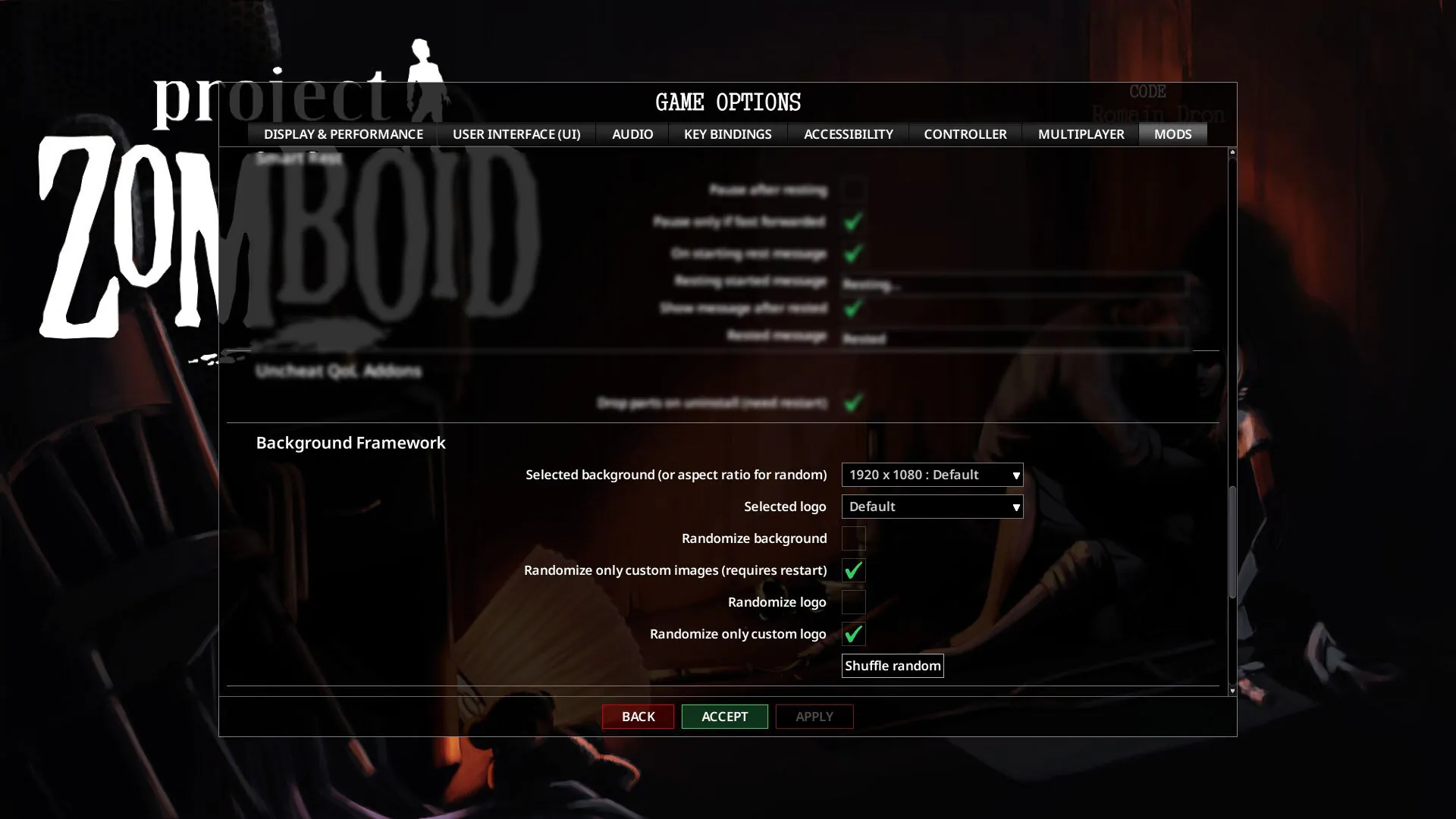
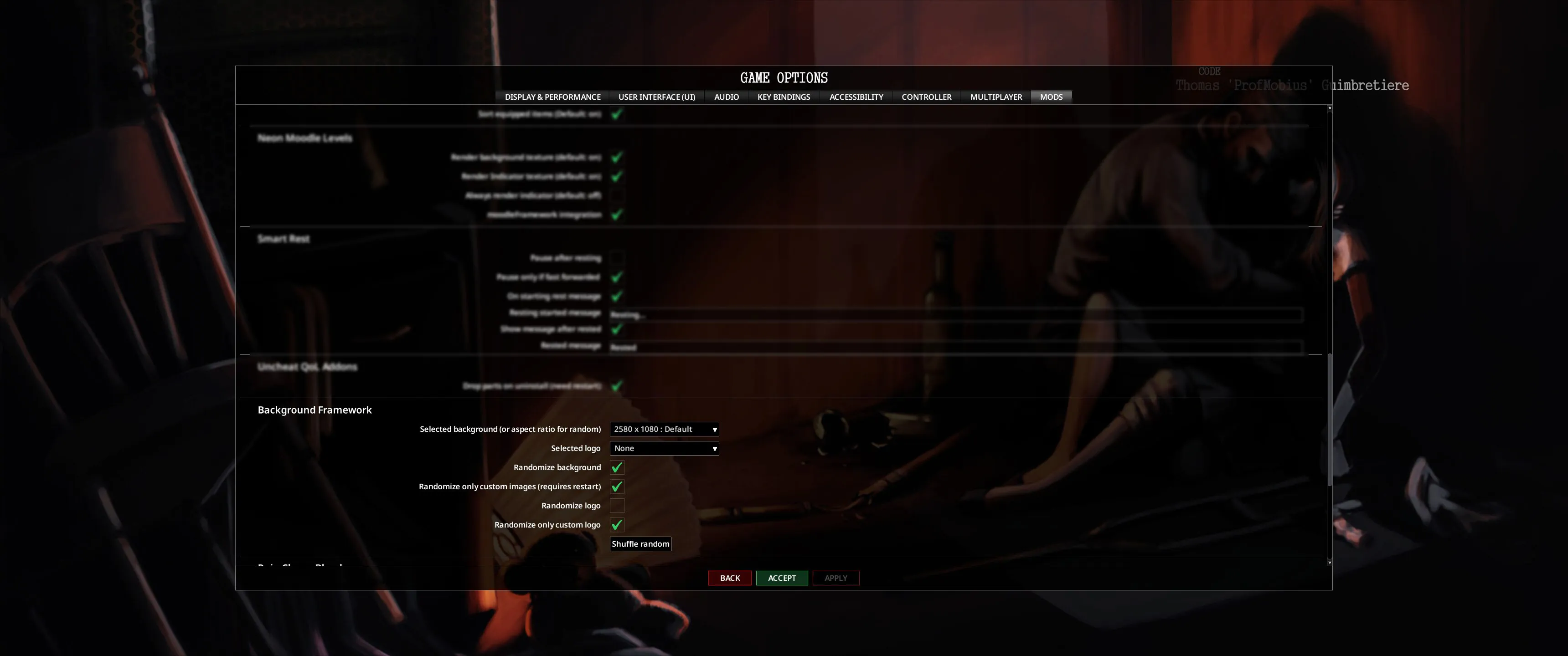
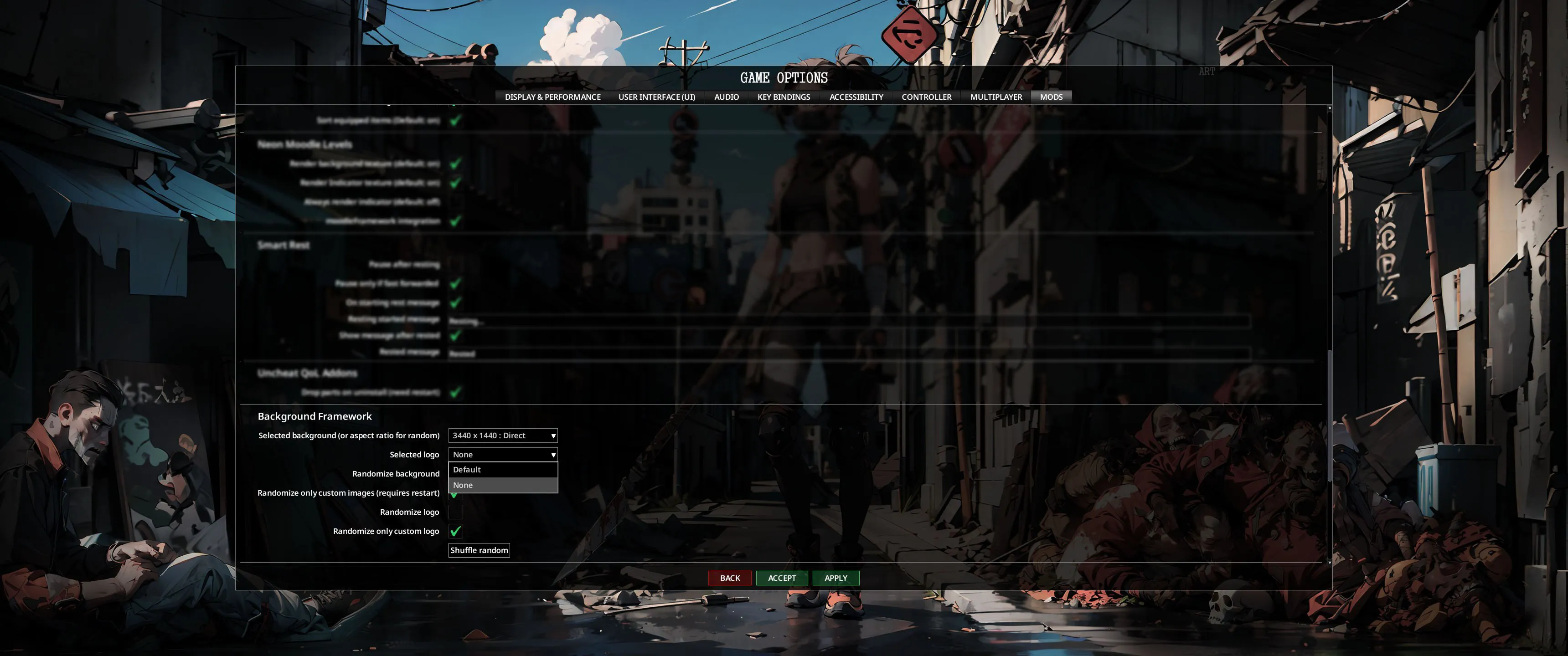
You can open game folder, create folder named "direct" then just drop background.png there and select it from mod options or more...
Main menu Background Framework supports
- Single image (no more need to split image by tiles)
- Images will resize, fit and center perfectly at any resolution
- Any resolution (like ultrawide 3440x1440 or even 4k too)
- Bonus vanilla image for ultrawide resolution (select it from mods options)
- Optional lightning image
- Vanilla like lightning transition (optional, active only if second image provided)
- Mod menu drop list to select background on the fly (select + apply = done)
- Image resolution details on drop list items (easy select by your resolution)
- Possibility to use mulltiple addons to select a background from
- Select logo: default or none (hide logo)
- Optional backgrounds randomize (respects aspect ratio of selected background)
- Optional logo randomize
- Addons can add custom logos on a list
- Direct image feed from ProjectZomboid folder (details below)
Direct image feed
Open ProjectZomboid game folder, create folder named "direct" and copy images into it so framework will find them.
How to open game folder:
Make sure that:
- You created and put files in main game folders /direct sub folder ( ProjectZomboid/direct )
- Images are .png type (format)
- Main image is named: background
- (optional) If you have lightning image you can add image named: background_lightning
- (optional) if you have logo image you can add image named: logo
- Make sure logo image sizes are 697 x 456 or menu could be shifted by logo
- Open Game options -> MODS and select "Direct" image from drop menu
For multiple direct images rules are similar but:
- Name background files with number at the end (example: background1, background2)
- (optional) Name background lightning files with accordingly and number after "background" but before "_lightning" (example: background1_lightning, background2_lightning)
- (optional) Name logo files with number at the end (example: logo1, logo2)
- Note that files are checked by number one by one ...1,...2,...3 if you skip this order by 10 or more further files won't be read (example with names logo1, logo5, logo16: only logo16 won't be found by framework)
Example: Full path example: D:/Steam/steamapps/common/ProjectZomboid/direct/background.png
Addons (for content creators)
Here is an example mod how to add one or multible backgrounds via lua
Background Framework Example
If you copy an example make sure that:
- You changed folders name
- You changed media/lua/client/backgroundFrameworkAddon.lua to another unique name
- You changed mod id and name on 42/mod.info
- You can use your poster.png and preview.png
- Adding lightning image is optional
- Add required item on a steam page
- Put images into media/ui/backgrounds/
- Use unique file names like ModId_something
The lua part for background addons is simple
Backgroundspictures should be on media/ui/backgrounds/
backgroundFramework:addBackground("DisplayName", "PictureFileName", "PictureFileNameForLightning")
-- or if you don't have lightning image variation
backgroundFramework:addBackground("DisplayName", "PictureFileName")
The lua part for logo addons
Logo pictures should be on media/ui/logos/
backgroundFramework:addLogo("DisplayName", "logoFileName")
Addons list
- Girl background [ultawide]
- BM Ultimate Custom Background
- Lily's Journal
- [BFW] Kirok's Backgrounds add-ons
Incommiiing (future plans)
- Video background support (limited by .bik and .bk2 formats game does support)


Workshop ID: 3405199543
Mod ID: backgroundFramework