About
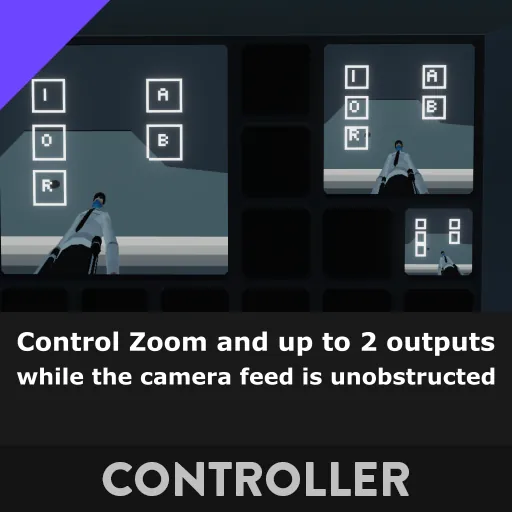
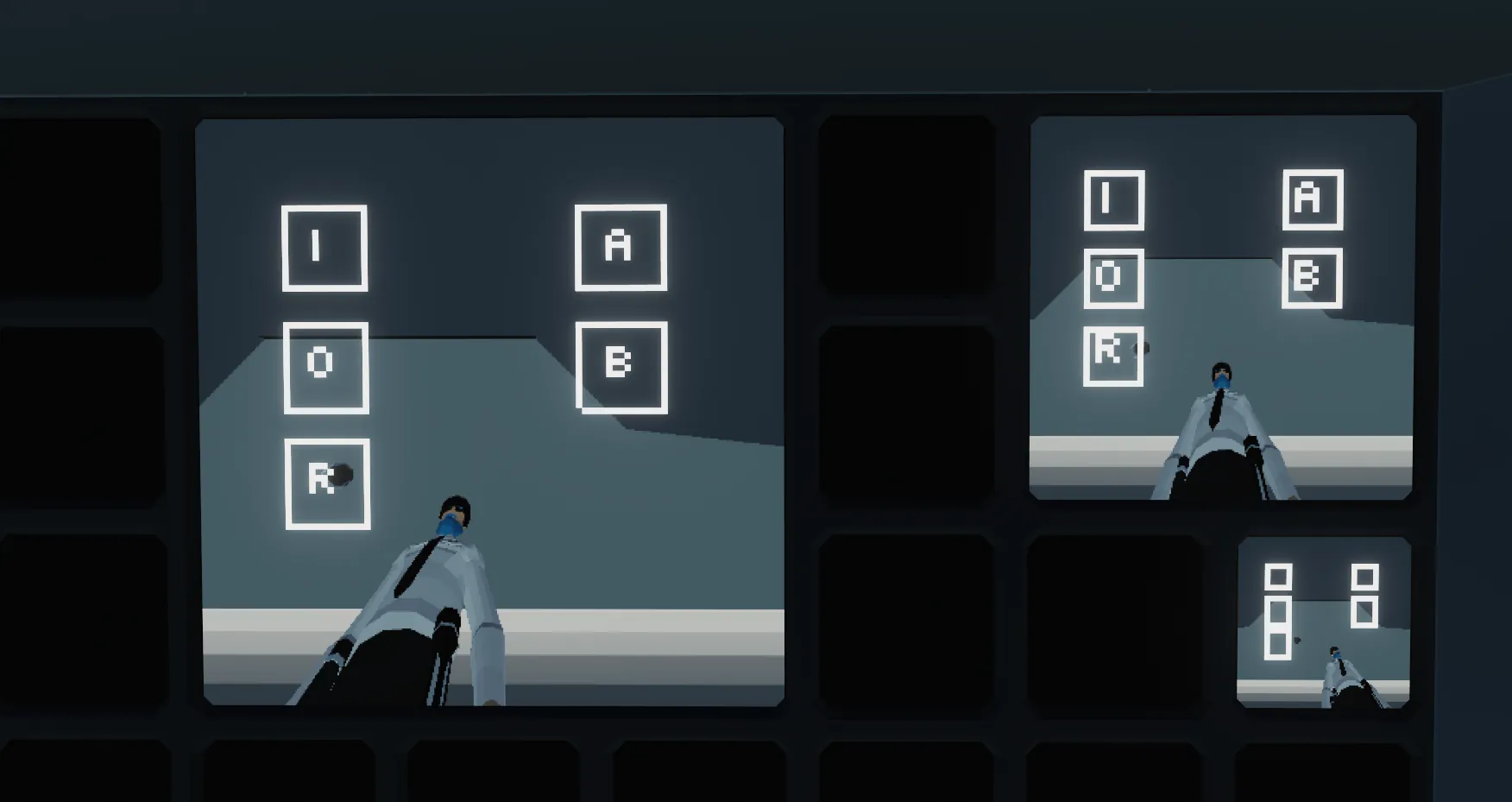
This MC adds a button overlay on square-ratio monitors to control the camera's zoom, along with (optional) 2 configurable on/off outputs.
Setup
- Connect the video out from the camera to the MC
- Connect the video out from the MC to the monitor
- Connect the touch composite from the monitor to the MC
- Connect the number out from the MC to the zoom on the camera (optional)
- Connect the on/off outputs from the MC to anything you would like (optional)
The 2 on/off outputs can be configured independently in the MC's properties.
They can be set to:
- None - the button will not be available.
- Push - the button will act as a push button.
- Toggle - the button will act as a toggle button.
Supported Monitors
All square-ratio monitors and/or HUDs are supported.
This includes 1x1, 2x2, 3x3 monitors, as well as the HUD small and HUD large. (Further testing is required with HUDs)
What should I use the A and B buttons for?
Your choice! You can use them to control the camera's infrared, a light near the camera, the lock for a door the camera's watching, the possibilities are endless.