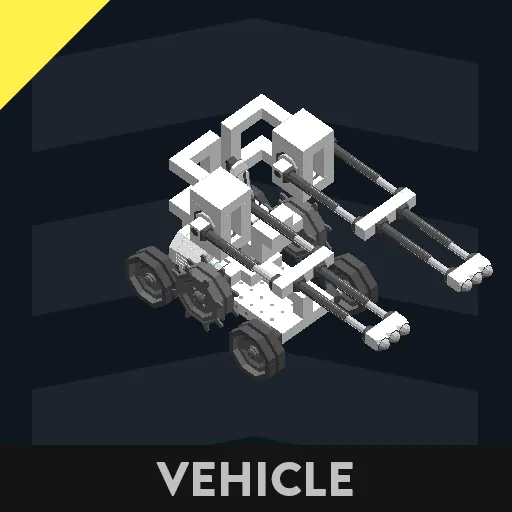
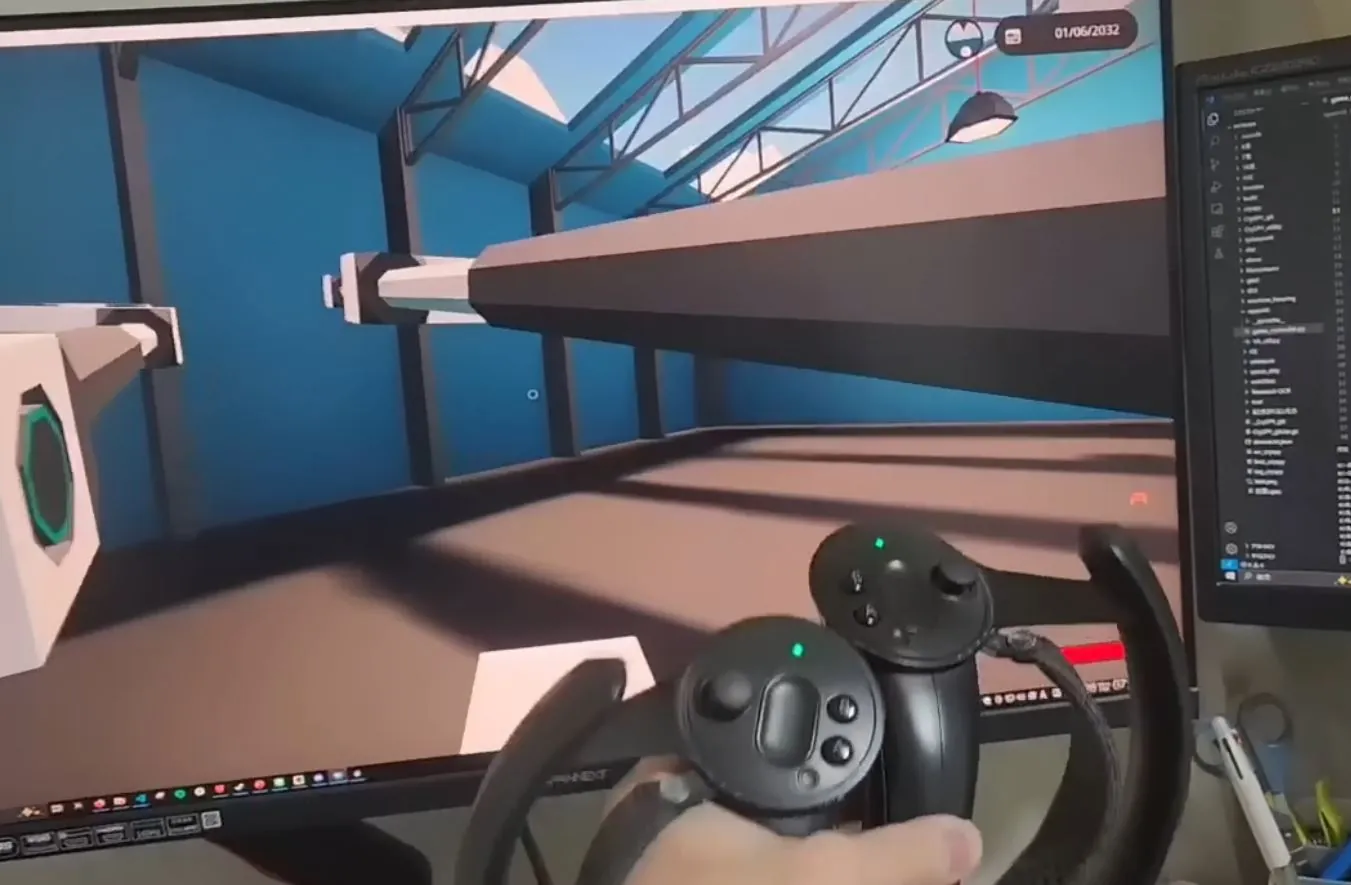
***A program for operating Stormworks' HOTAS seats using a controller that works with SteamVR***
ver1.0
[Caution]
- The procedure for use is complicated, and operation verification has not been sufficient.
[Required]
-stormworks
---Game controller settings required
---Vehicle axis 1 to axis 8 to Pad 1 axis 1 to axis 8
---Hotkeys 1 to 8 to Pad 1 buttons 1 to 8
---Delete all other assignments
-VR equipment that works with steamVR (headset, controller, base station, etc.)
---Tested with HTC vive cosmos elite headset and Valve index controller, not sure if it will work with other models
-Python development environment and program
---https://drive.google.com/file/d/1La9P_Xna8g7PmB3Qdx6n219V0nPiAy_6/view?usp=sharing
---pyvjoy, openvr, mathutils modules must be installed
---Install virtual gamepad software vJoy
[Operation procedure]
-Create an environment where you can operate both the keyboard and VR controller, and place the headset facing you in a suitable location
-Run stormworks_VR.py with steamVR running
-VR Arm on stormworks Get in the vehicle
Bring the VR controller close to your chest and press the A button on one side to reset the controller position
If you extend your arm and move it, it will link with the stormworks arm
If the yew angles of the two arms are misaligned, correct the yew_offset in calculate_yaw_pitch_distance on lines 26 and 27, or fix it with the stormwork circuit
You can turn Magall on and off with the VR controller trigger
Move with the left stick and move the right stick left and right to change the viewpoint