Universal Blueprints - The Ultimate Base Building Tool
I. Four Core Features
1. Built-in Blueprint Browser
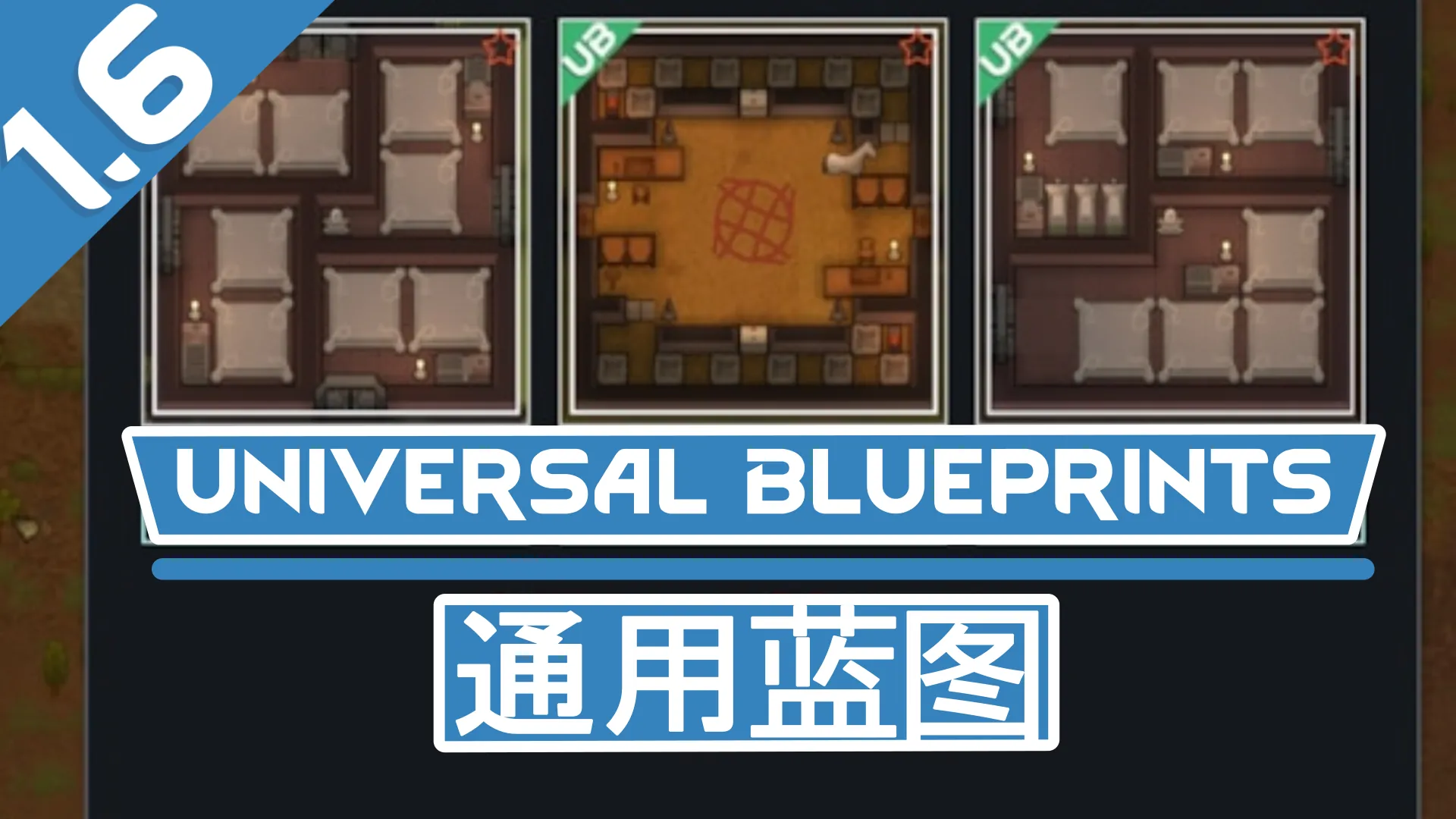
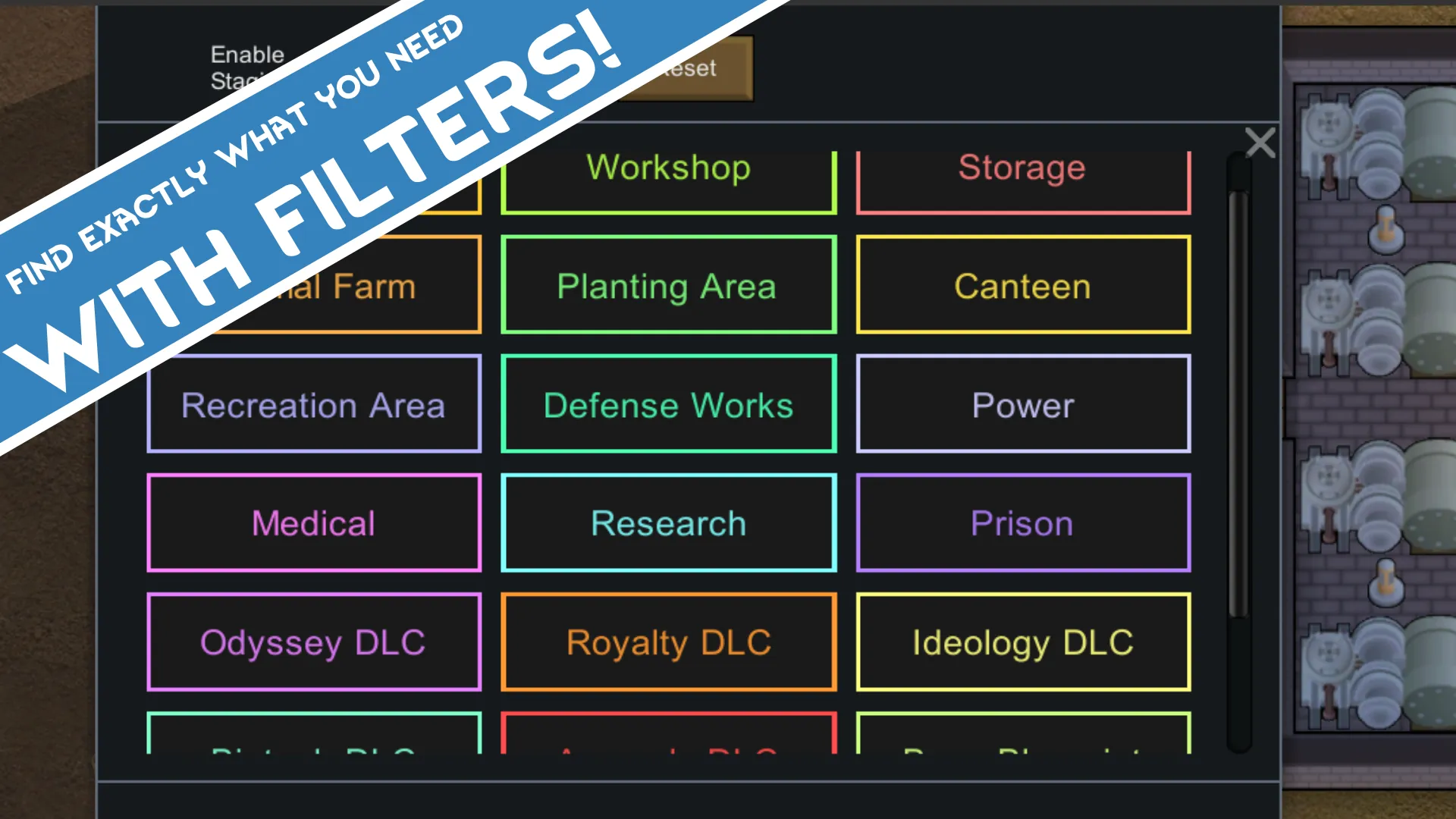
Comes with 101 highly practical blueprints, displayed by category and supported with a favorite function. You can browse blueprint information, check tech requirements, mod dependencies, and material needs, and click on images to zoom in for a closer look.

2. Support Exporting Any Modded Buildings
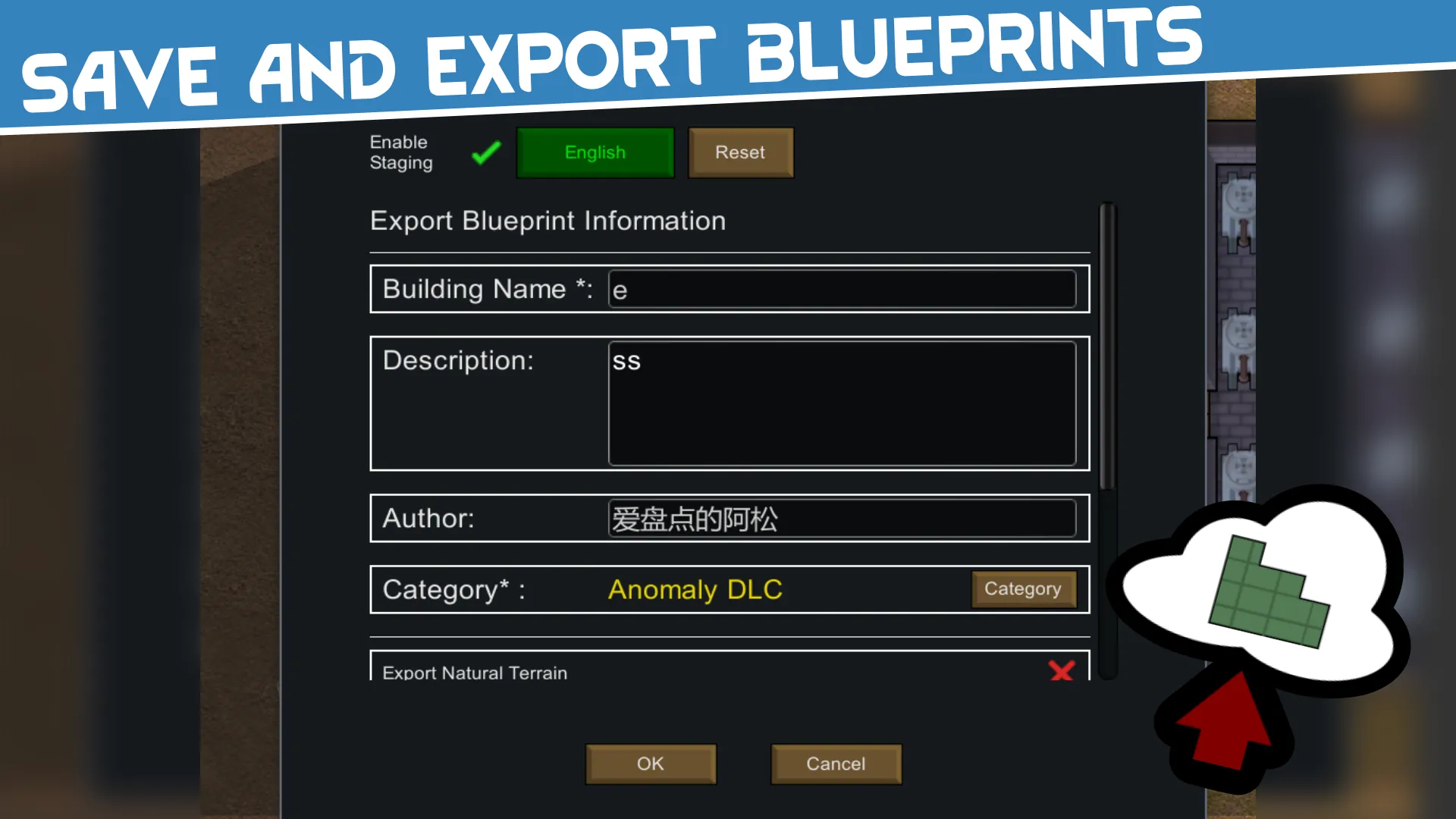
Select an area to export buildings, and export XML data and images simultaneously, merged into a single PNG file for easy sharing. Supports all modded buildings, recording complete data such as 4-layer terrain data, building information, and roof information.

3. Projection Display System
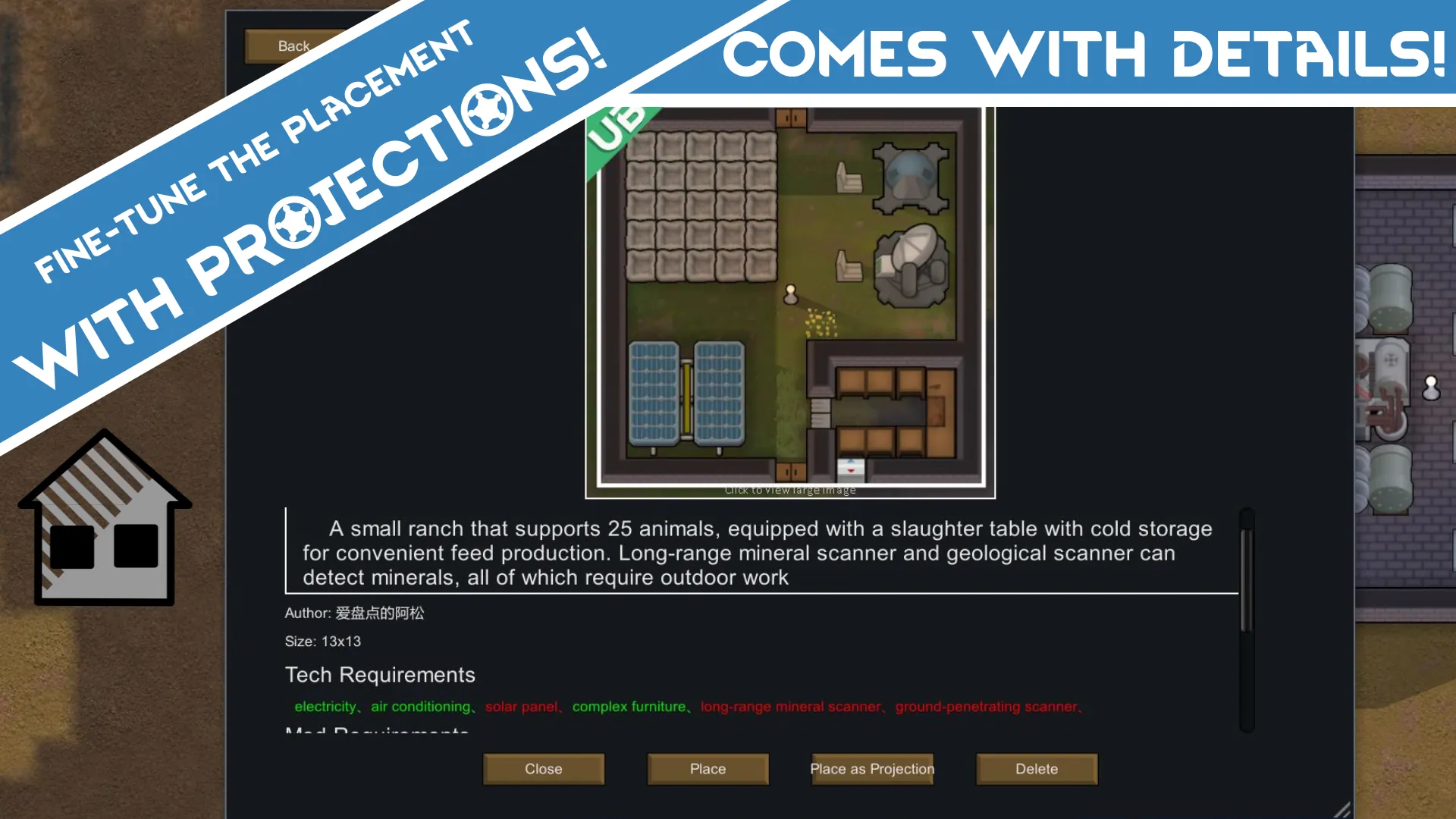
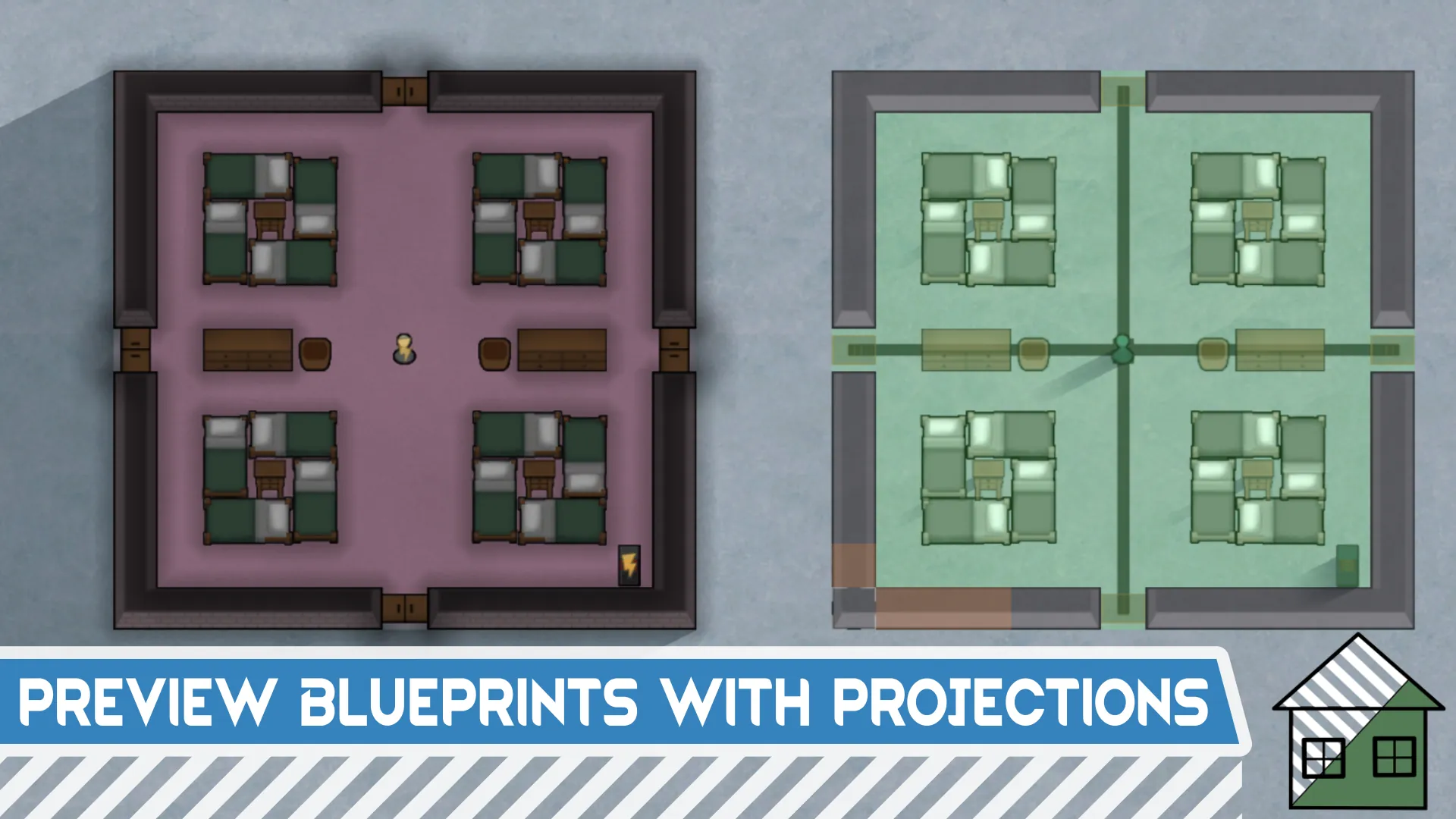
The projection layer is displayed independently without interfering with blueprint placement. You can place multiple projections on the map for planning; projections will show green when overlapping with existing buildings. Supports area-based projection deletion and projection switching.

4. Red Badge Backup & Export Function
In Developer Mode, enabling God Mode will automatically generate physical buildings when placing blueprints. When selecting the "Export All Items" option in Developer Mode, it will export save-level building and item data, including roofs, roof areas, layered terrain, all items (durability, color, stack, quality), building colors, and lamp colors.
When the mod Character Editor is enabled, it additionally exports all character and animal data;
When the mod [KV] Save Storage, Outfit, Crafting, Drug, Operation Settings is enabled, it additionally exports storage areas, all building storage recipes, and all production building crafting recipes.
The red badge indicates full export mode, which exports almost all information and can only place complete buildings in God Mode.

II. Other Featured Functions
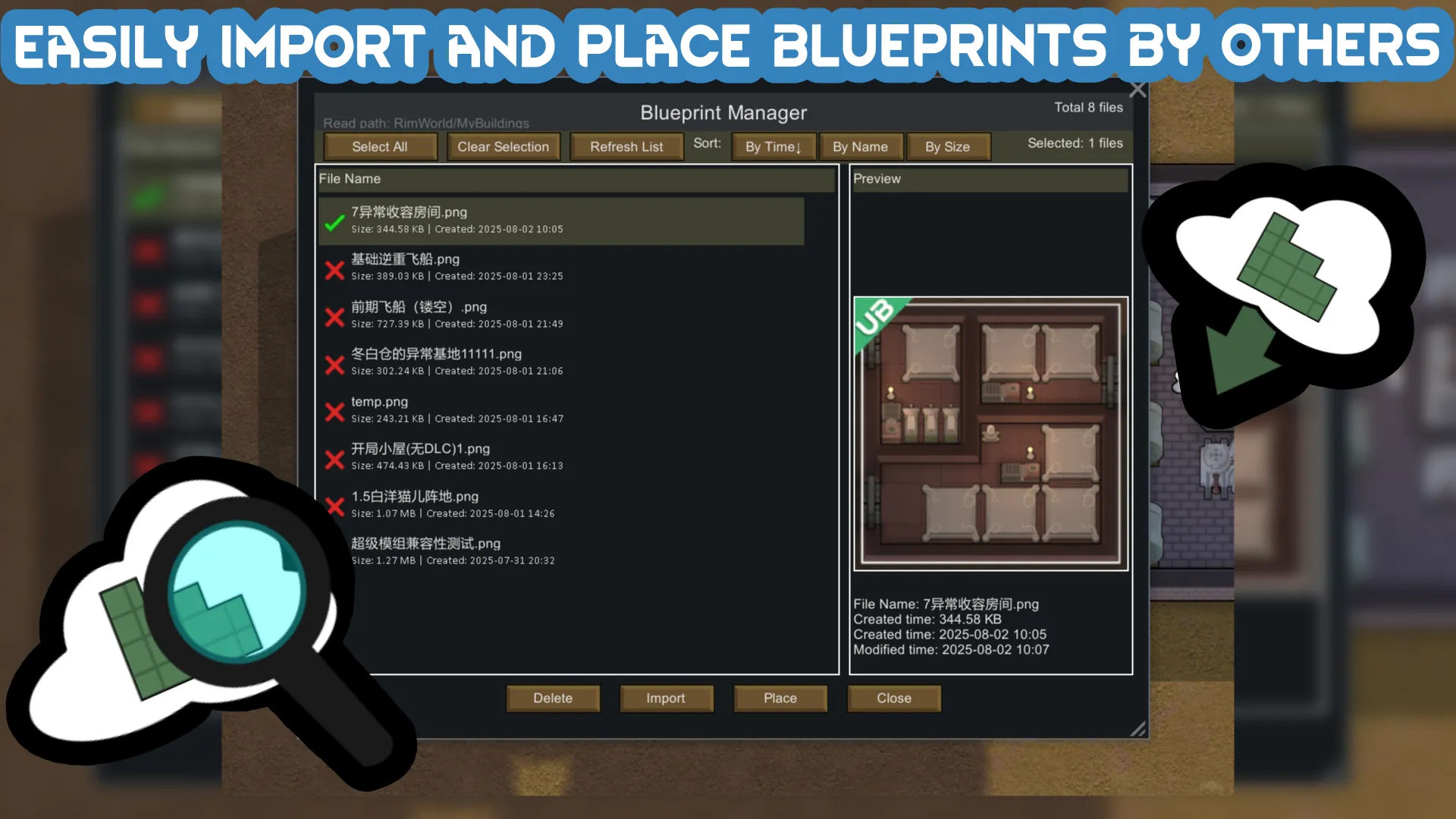
• Unique Import System: Import buildings from images exported by other players' mod shares
• High-Quality Preview & Projection Effect: Projections feature special connection effects that look great
• Custom Placement: Supports Q/E key rotation, custom placement content, wall material settings, and separate export of walls, ground layers, etc.
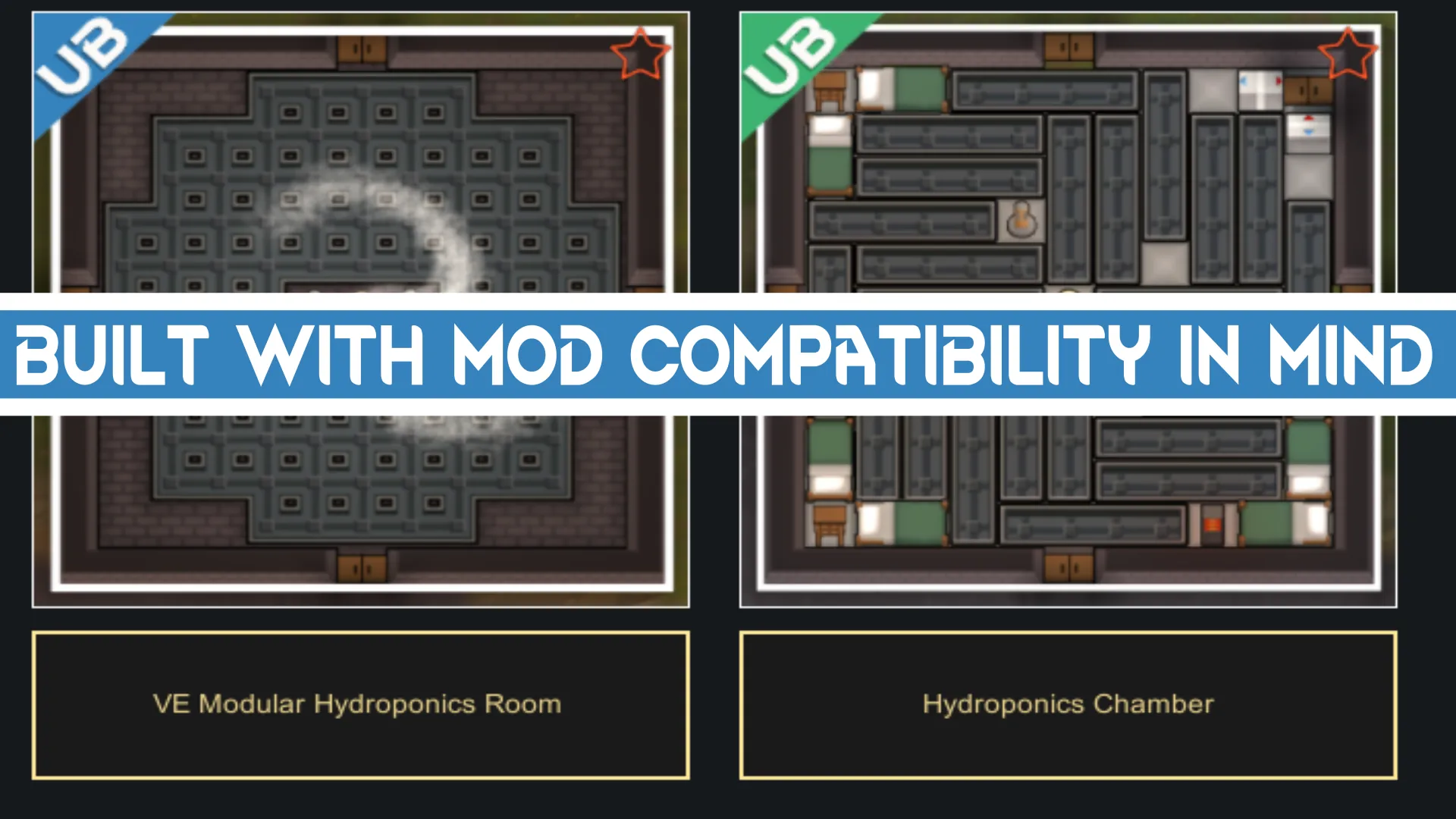
• Mod Compatibility: Other mods can place blueprints in the "Blueprints" folder for automatic import into the browser
• High-Performance Optimization: Supports smooth browsing and placement of tens of thousands of blueprints
III. Usage Guide & Supplementary Notes
1. Basic Usage Steps
1) Use the "Export Rectangular Area" tool, fill in necessary building information, and select the building area to export;
2) View exported blueprints in the "Import Blueprint" tool, select the exported blueprint file, and click "Import" to add it to the blueprint browser;
3) Click "Refresh" in the blueprint browser to update the blueprint cache, then select the corresponding category to view the blueprint;
4) Click the blueprint image to enter the details page, view blueprint details, and choose "Place" (place the blueprint; directly place buildings in God Mode) or "Place Projection" (place the blueprint as a projection).
2. Meanings of Different Badges
- Green: Contains only vanilla game and DLC content
- Blue: Contains modded buildings with fewer than 10 mods
- Yellow: Contains more than 10 mods and DLCs
- Red: Exported with "Export All Items" checked in Developer Mode, including additional information such as items and plants; requires God Mode to place
3. Language Support
Supports Chinese, Traditional Chinese, English, and Russian.
4. Video Guides
一张图片导出建筑,通用蓝图模组上线![www.bilibili.com]
预览效果史诗级提升,通用蓝图模组更新![www.bilibili.com]
IV. Special Thanks
1. Thanks to Blueprints Forked - 1.6 and 新蓝图 for open-source code reference;
2. Some ideas are derived from Bilibili UP主 爱盘点的阿松[www.bilibili.com], thanks for sharing;
3. Thanks to the following Bilibili UP主 for sharing layout designs: 白洋、冬白仓、葱3939、白龍Crazy、绅士灰机君、LJYOTK、纳玆琳、拉比拉比克、Tc97徐哒哒酱菌.
4. Thanks to 他任他强我当吊机王、Tesseract、船头曳桨、1207、曦月,违规名称的布局分享.;
4. Thanks to SteveScriggins for sharing the ship blueprints.
5. Thanks to @[ru] Dyavol_Zlozz♡ for providing Russian translation.
6. Thanks to Kilo for making the icons for me.
7. Thanks to Aelanna from the Discord community for the technical guidance!
V. Communication Platforms
- Join Discord[discord.gg] to share your blueprints!
- 加入QQ群:边缘建造师 432144395 来分享你的蓝图!