Glide // Cargo Delivery System
A complete logistics and cargo delivery system built on the Glide vehicle framework. Provides players with a structured trucking experience: taking contracts, delivering trailers, and earning money. Suitable for Roleplay economy servers or casual multiplayer sessions.
🎮 How to Play
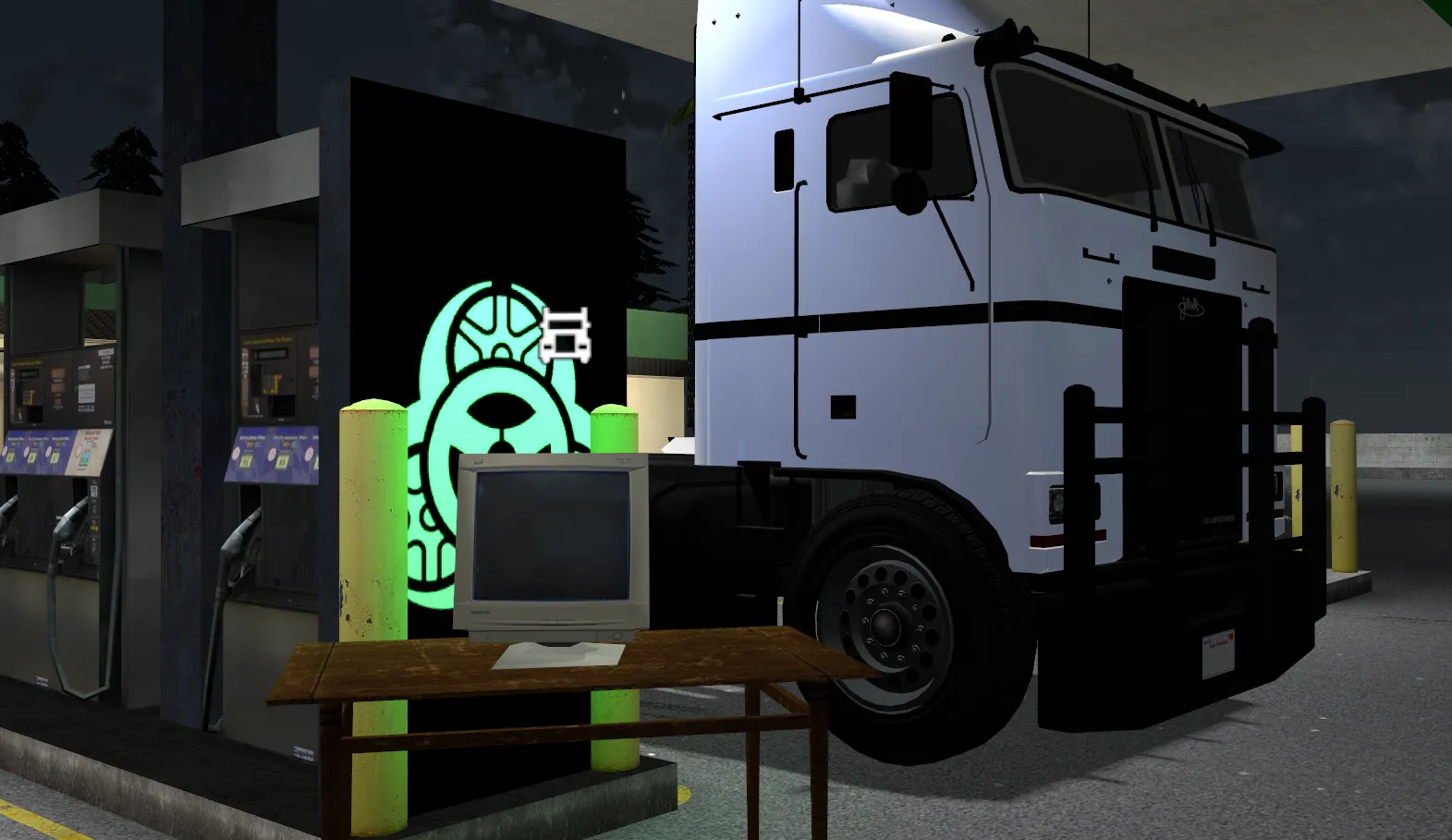
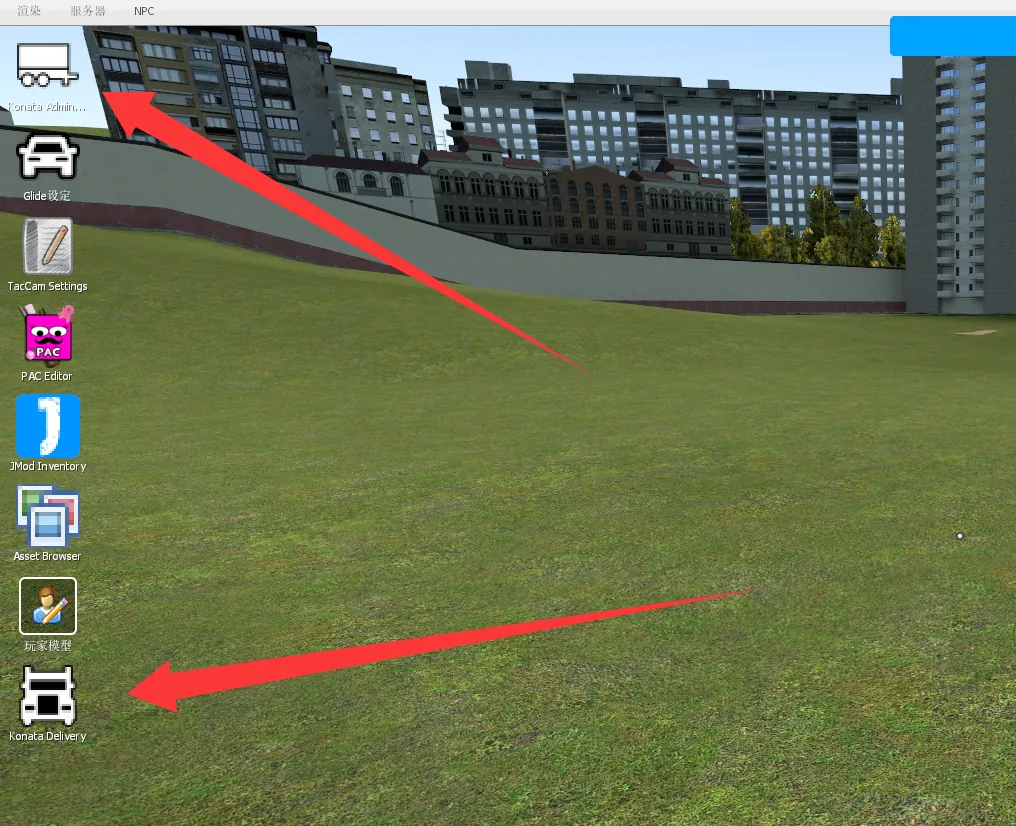
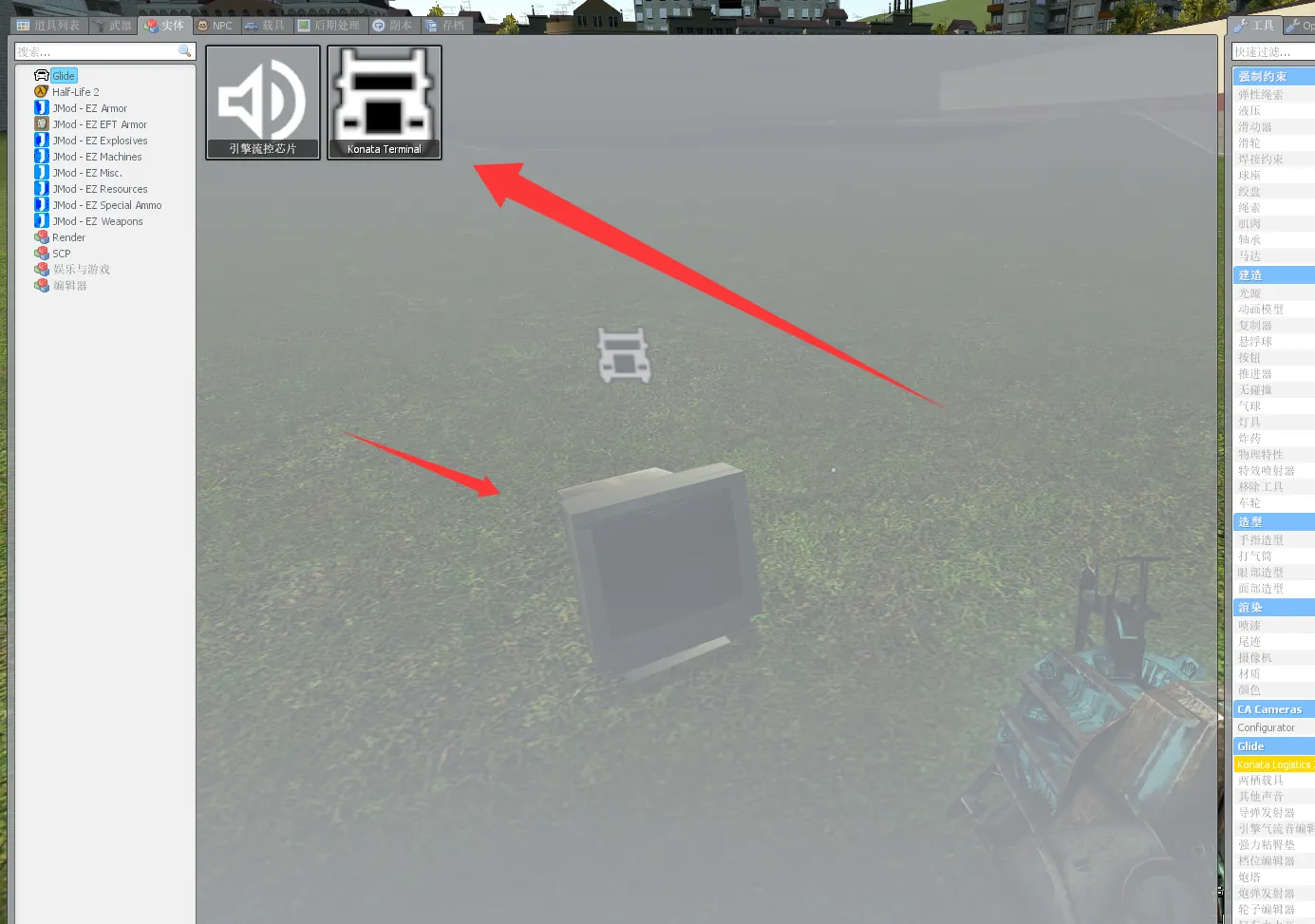
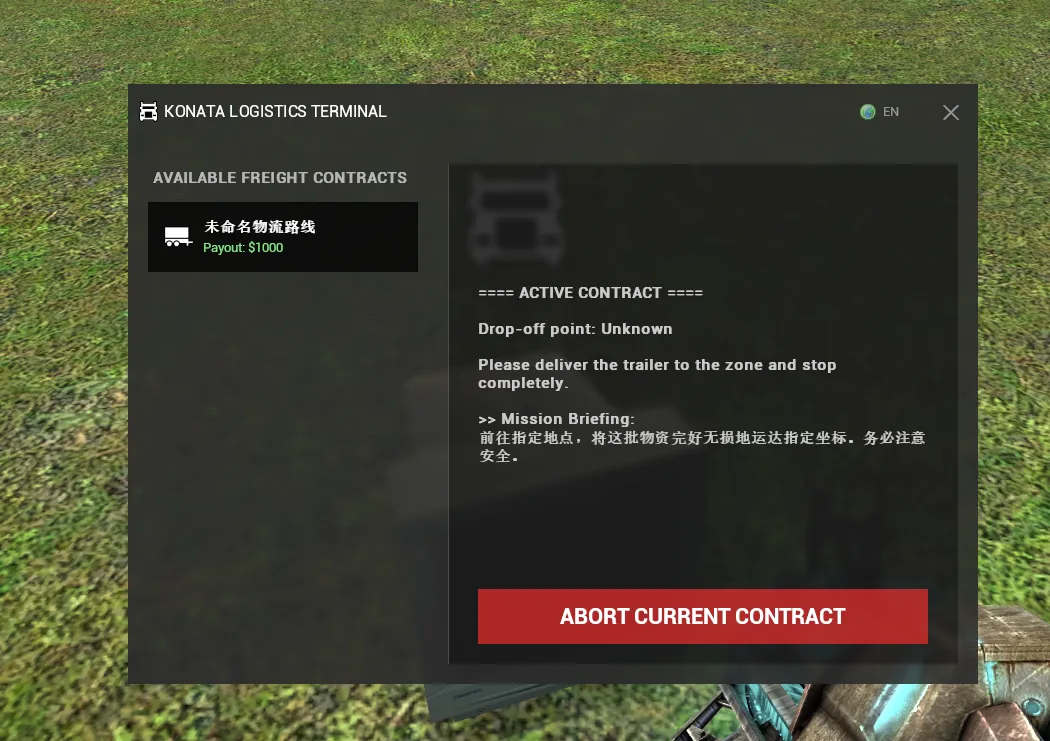
Accept a Contract: Hold the C key to open the Context Menu and click the Konata Delivery icon to open the trucking dashboard (or find it in the Q-Menu Utilities tab).
Choose a Route: Select an available freight contract from the list on the left to review the required cargo type and destination. If it's not on cooldown, click Accept to begin.
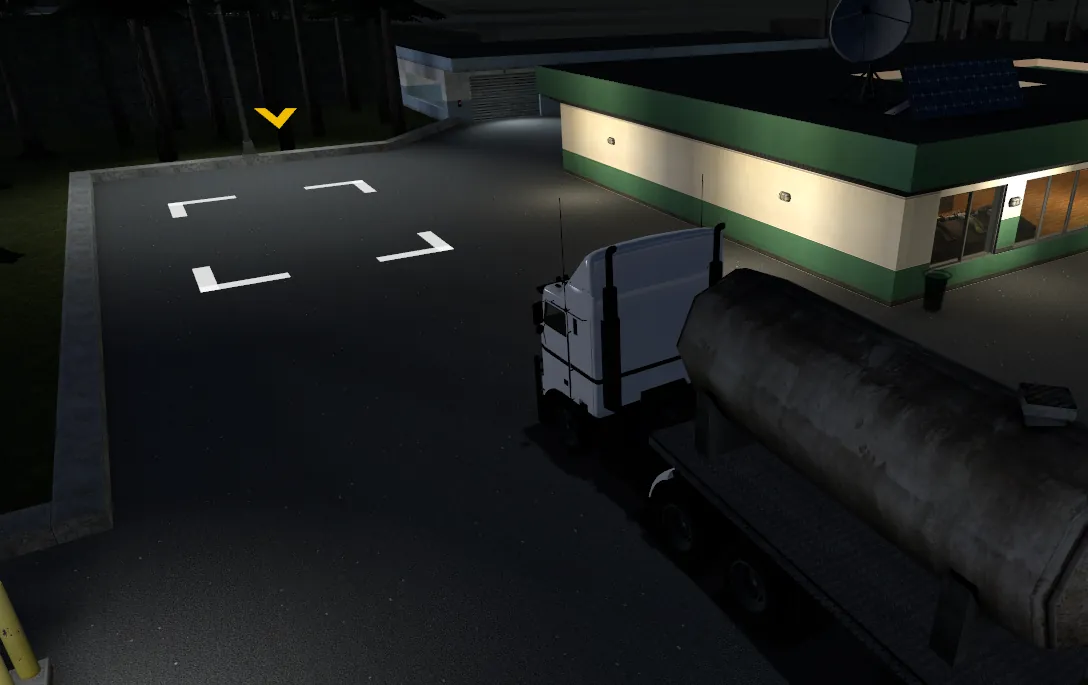
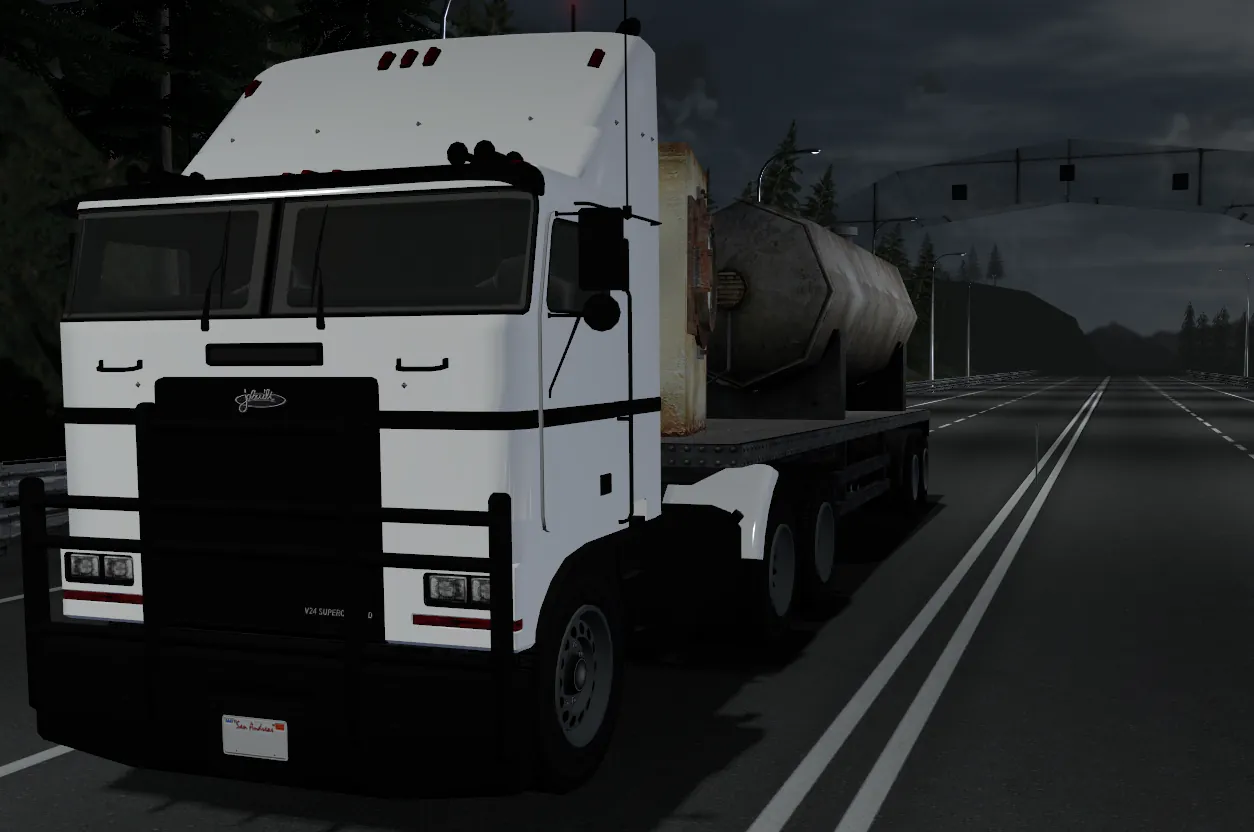
Attach the Trailer: A cargo trailer will spawn at the designated pick-up zone. Drive a compatible Glide truck to the trailer and reverse your semitrailer fifth-wheel into it to automatically couple the chassis.
Deliver & Earn: Drive the trailer safely to the white highlighted destination box. Once you come to a complete stop inside the zone, the system will verify the delivery, remove the trailer, and automatically payout your reward (Supports Sandbox wallet and standard DarkRP economy modes).
⚙️ Admin Setup
All delivery routes are dynamically configured. Server owners and admins can freely set up their own routes on any map.
Step 1: Open the Admin Core Hold the C key and click the Konata Admin Core icon. Here you can edit existing routes or click "+ Create New Contract Route".
Step 2: Configure Route Data In the editor, set the contract name, payout amount, required cargo payload, maximum concurrent players allowed on this route, and the cooldown times.
Step 3: Draw Zones with Toolgun (The Core Step) You need to define where the trailers spawn and where they should be delivered:
Click the "CALIBRATE BOX" button in the admin panel. You will automatically equip the Konata Zone Tool.
Walk to an empty, open area (ensure it's large enough for a truck and trailer) and use Right-Click to draw a rectangular [Trailer Spawn Point].
Walk to the desired drop-off location and use Left-Click to draw the rectangular [Drop-off Zone].
Return to the admin panel and click SAVE CONTRACT. The route will immediately appear in the players' dashboard. (Note: The mod natively supports an in-game bilingual toggle. You can switch between English and Chinese inside the dashboard UI.)
🛠️ Feedback & Support
This is the very first public release (Version 1.0). Some mechanics may still be rough around the edges and it will receive ongoing updates. If you encounter any bugs, physics glitches, or compatibility issues on your server, please leave a detailed comment below and I will try to fix it as soon as possible!