🇬🇧 English | 🇩🇪 Deutsch | 🇪🇸 Español | 🇨🇳 简体中文
🇬🇧
A Darker Way | ReShade Preset
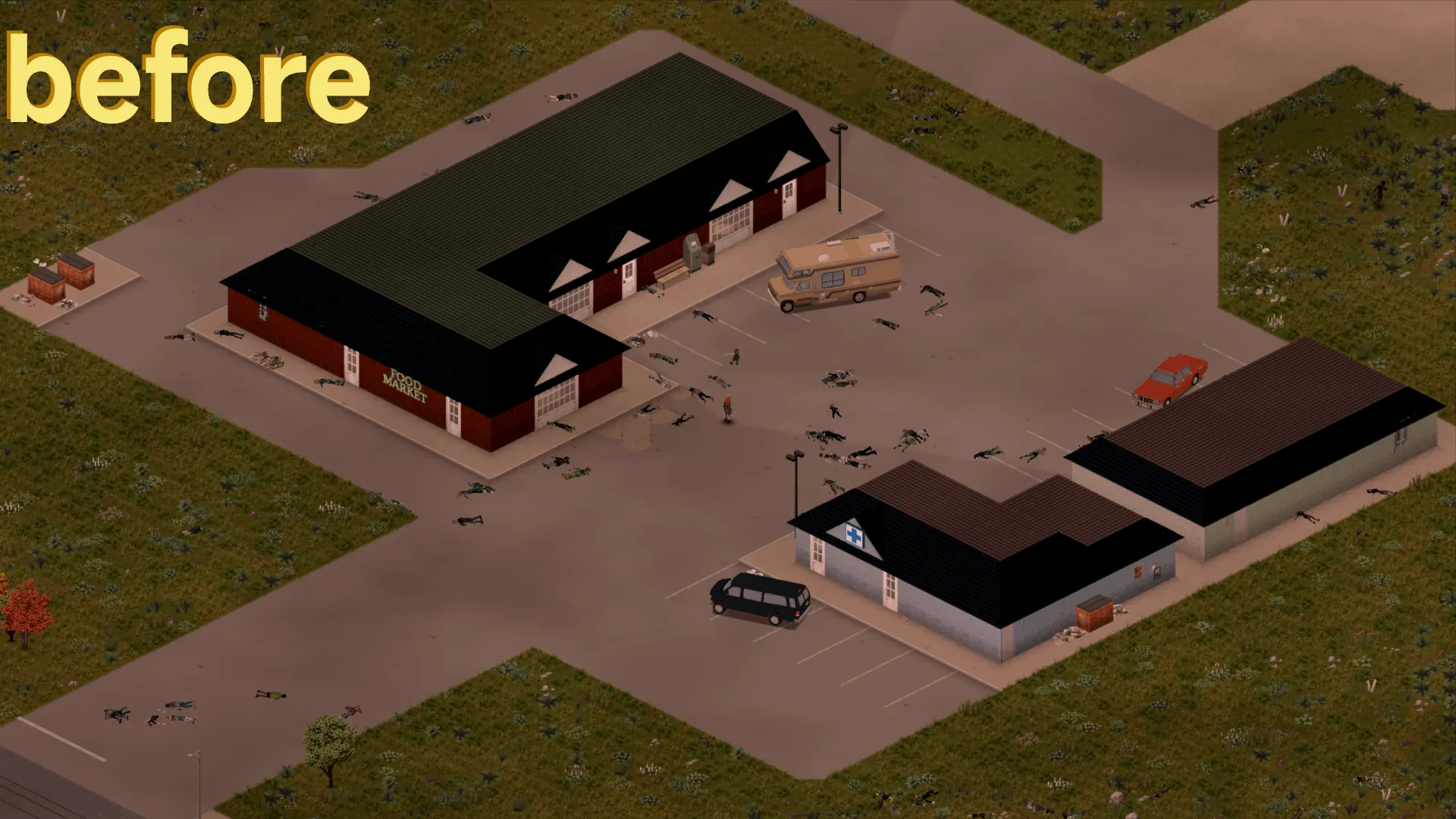
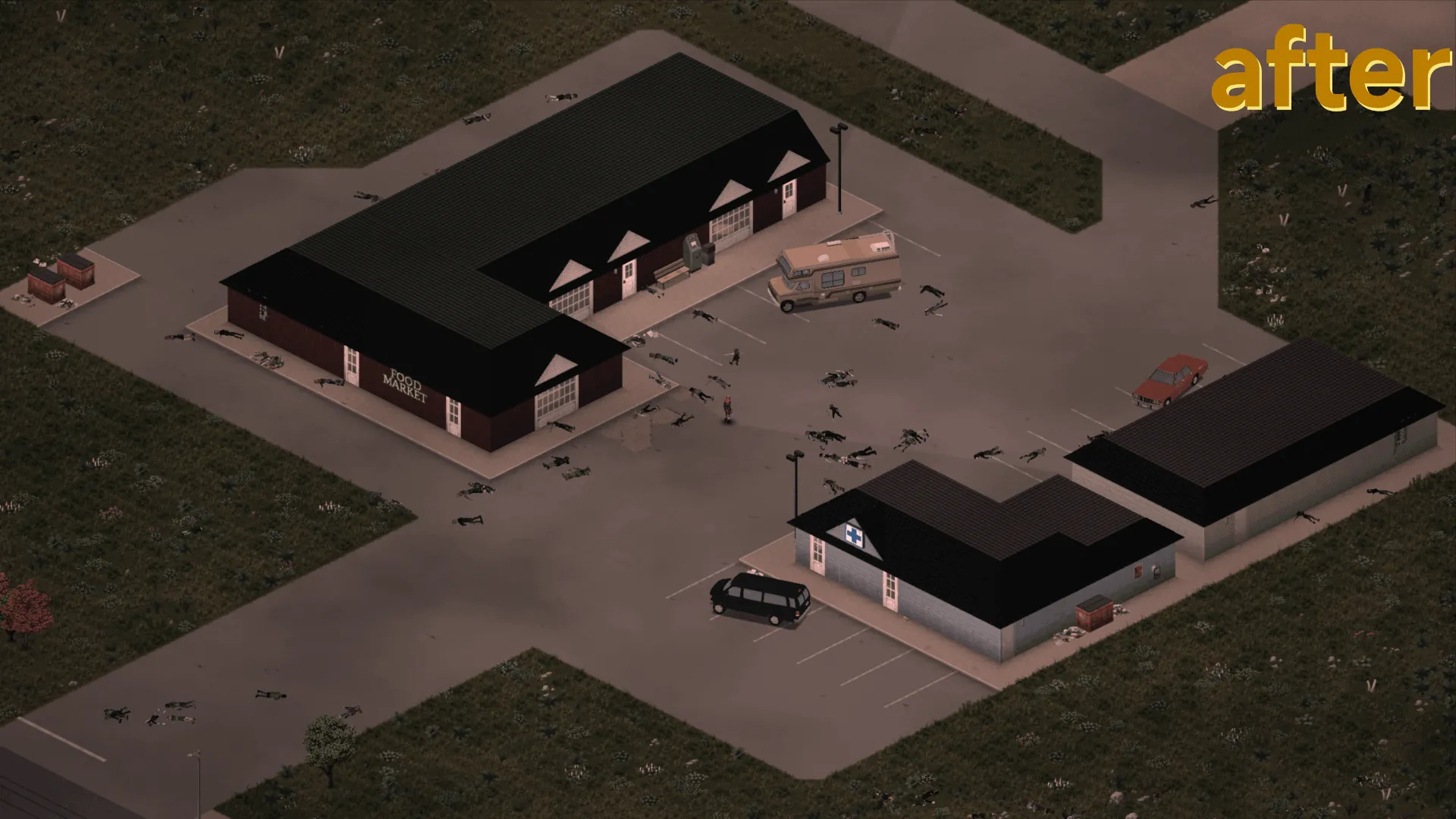
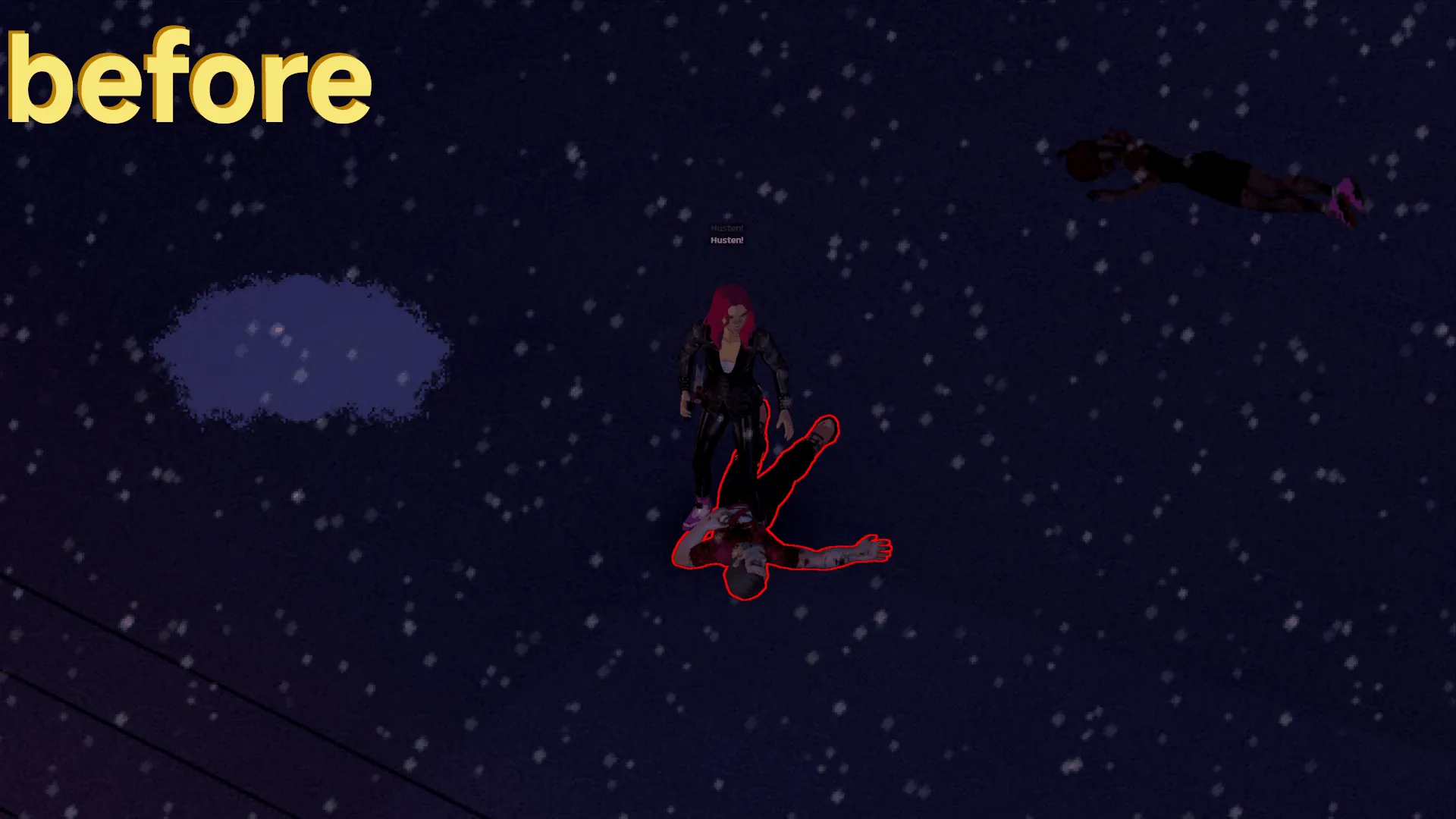
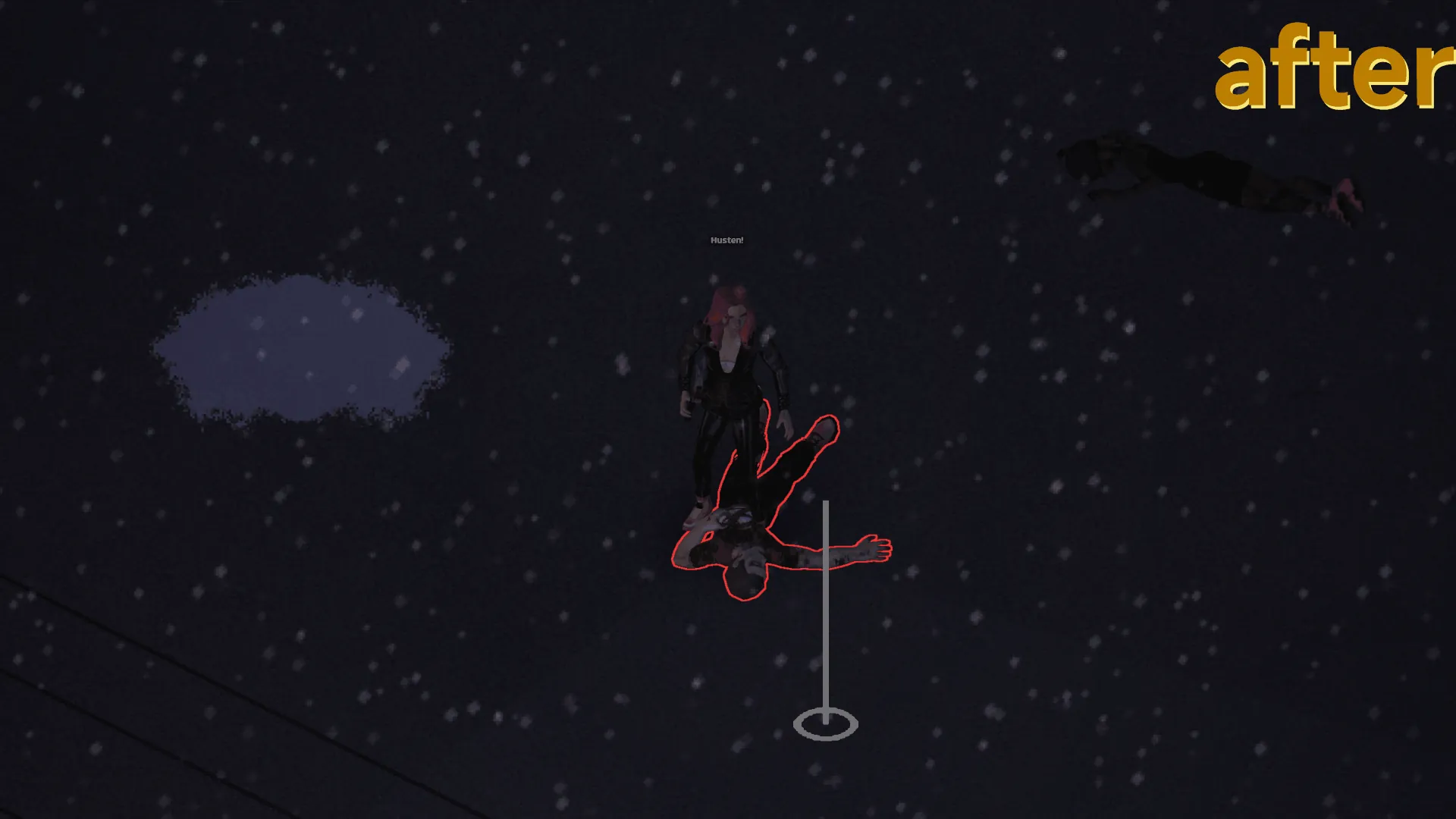
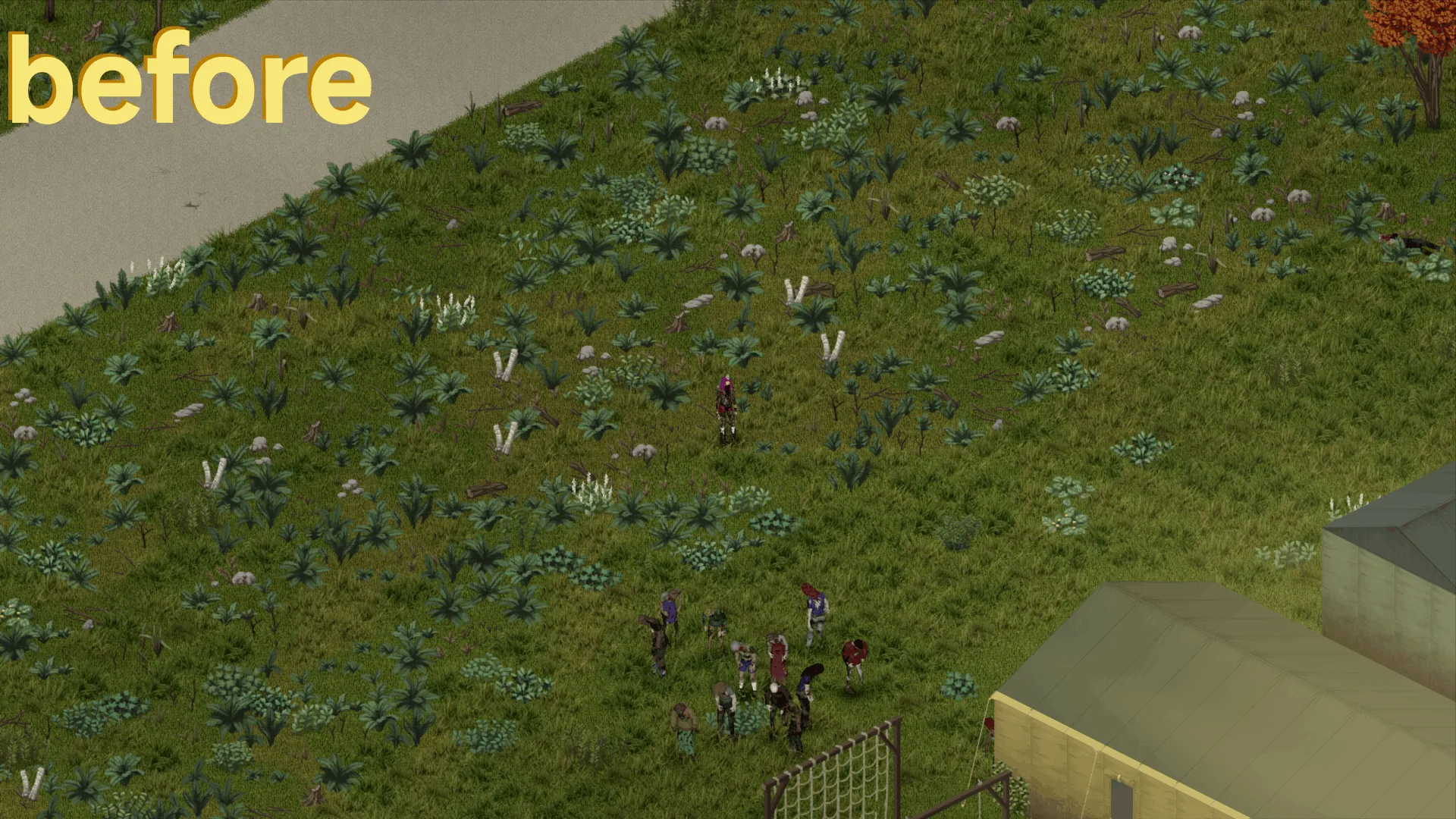
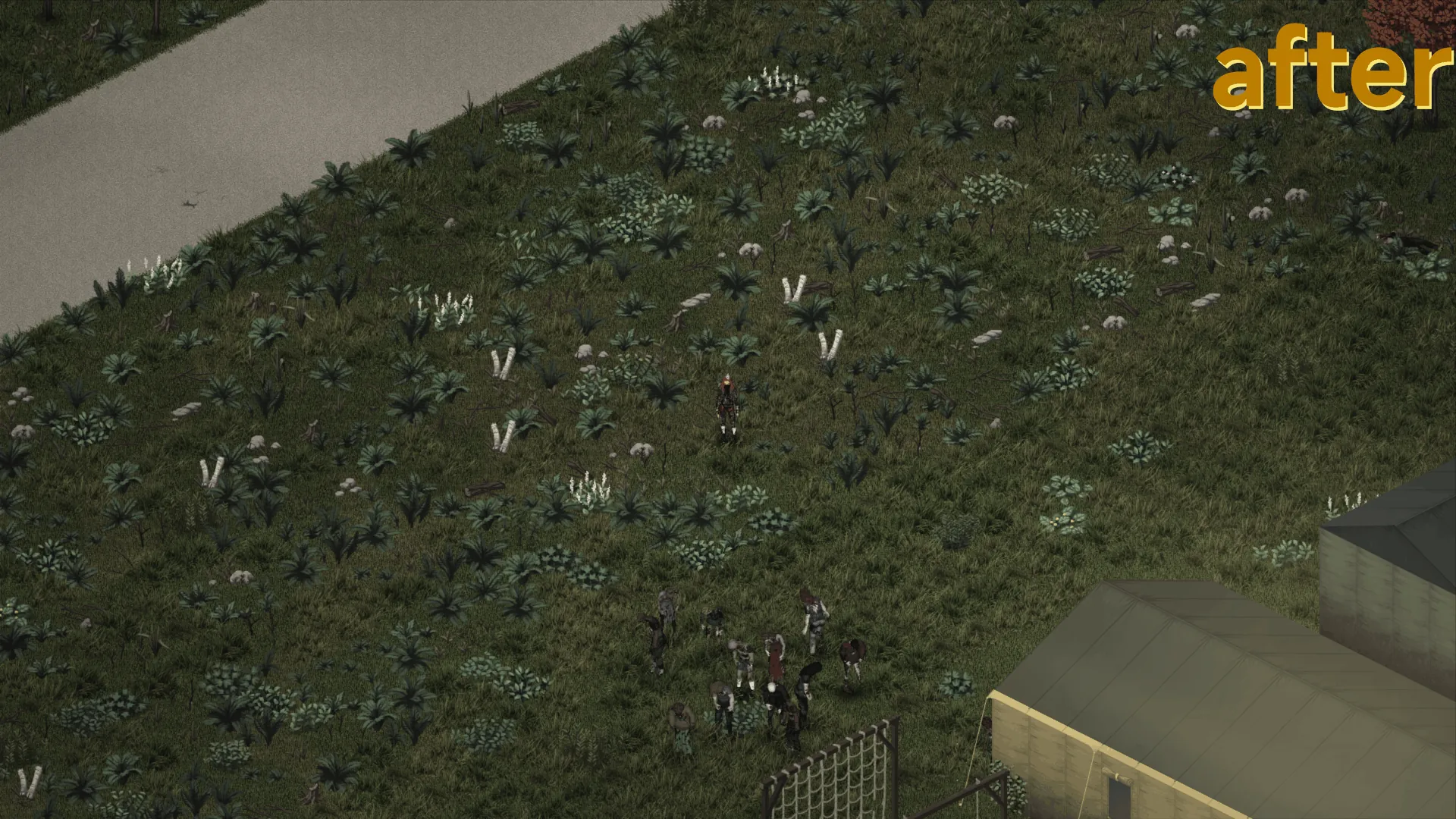
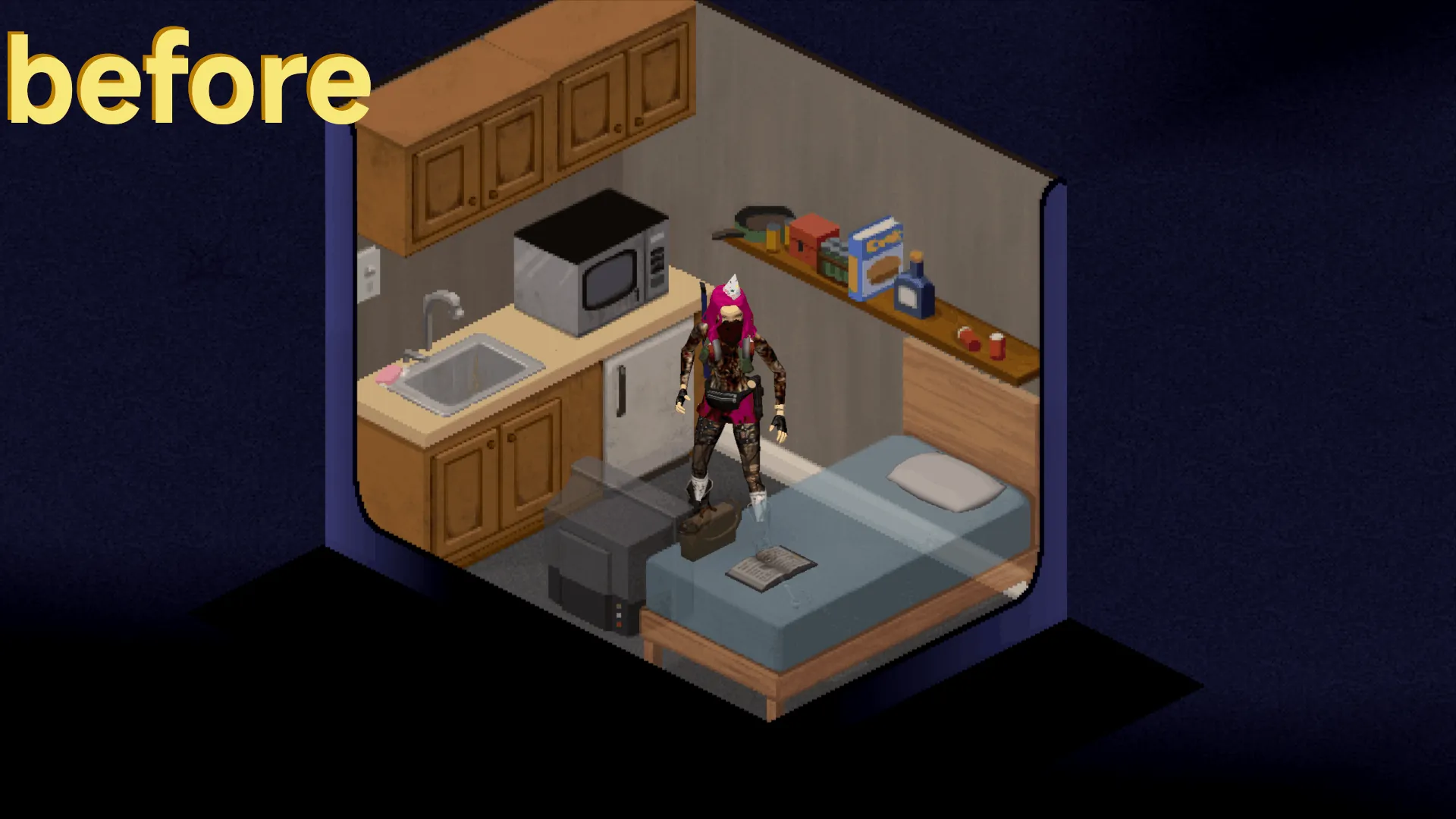
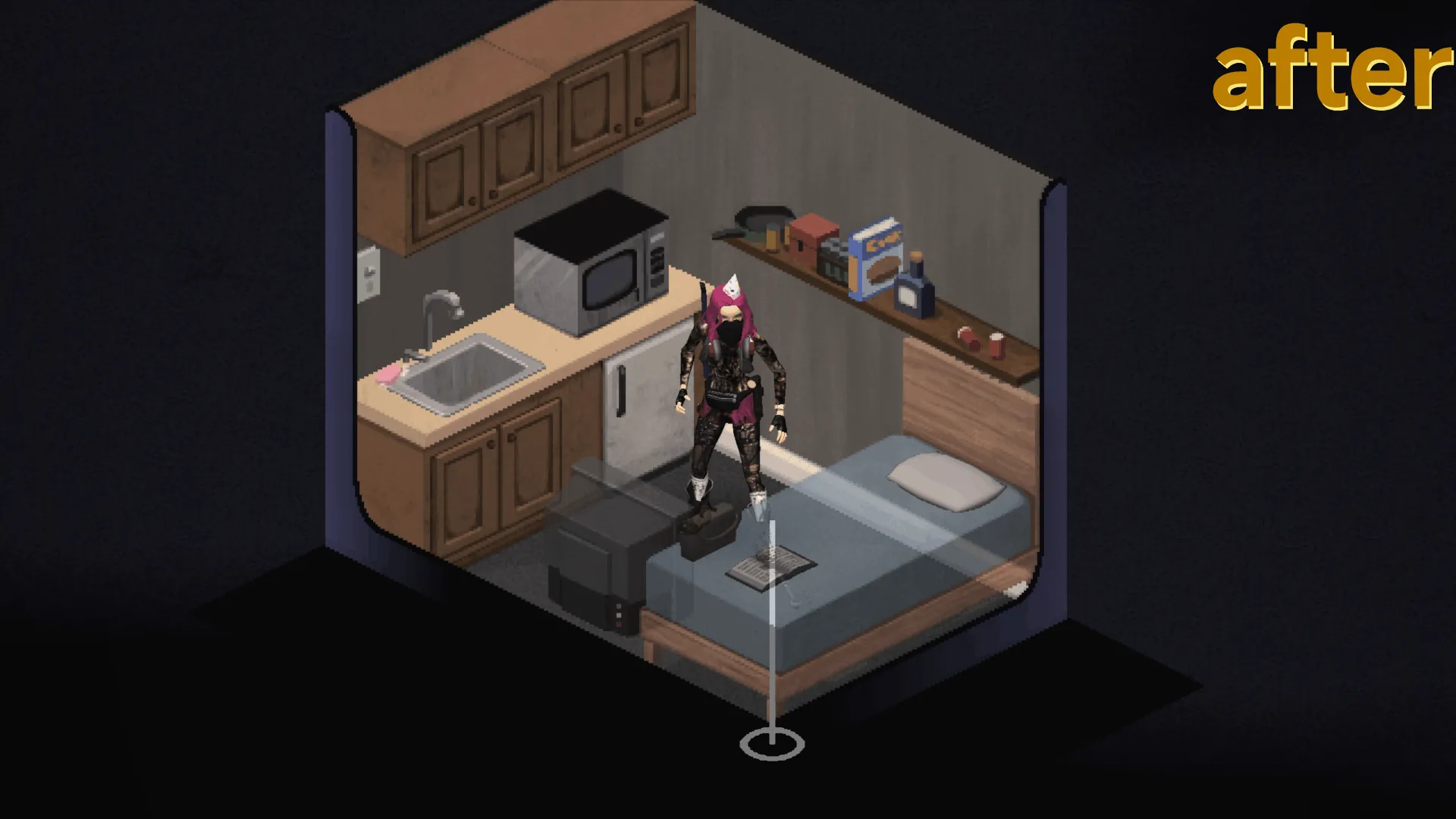
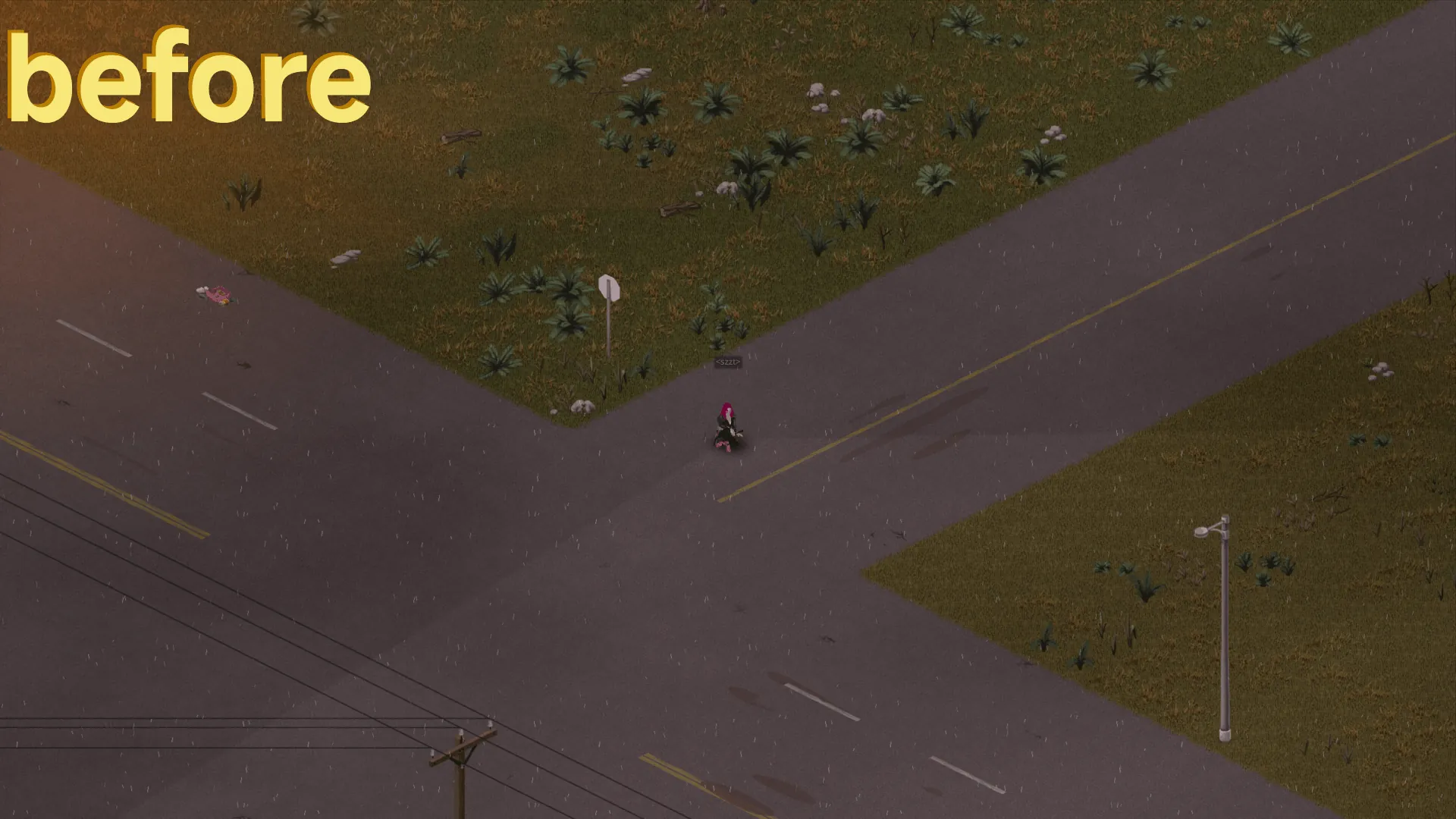
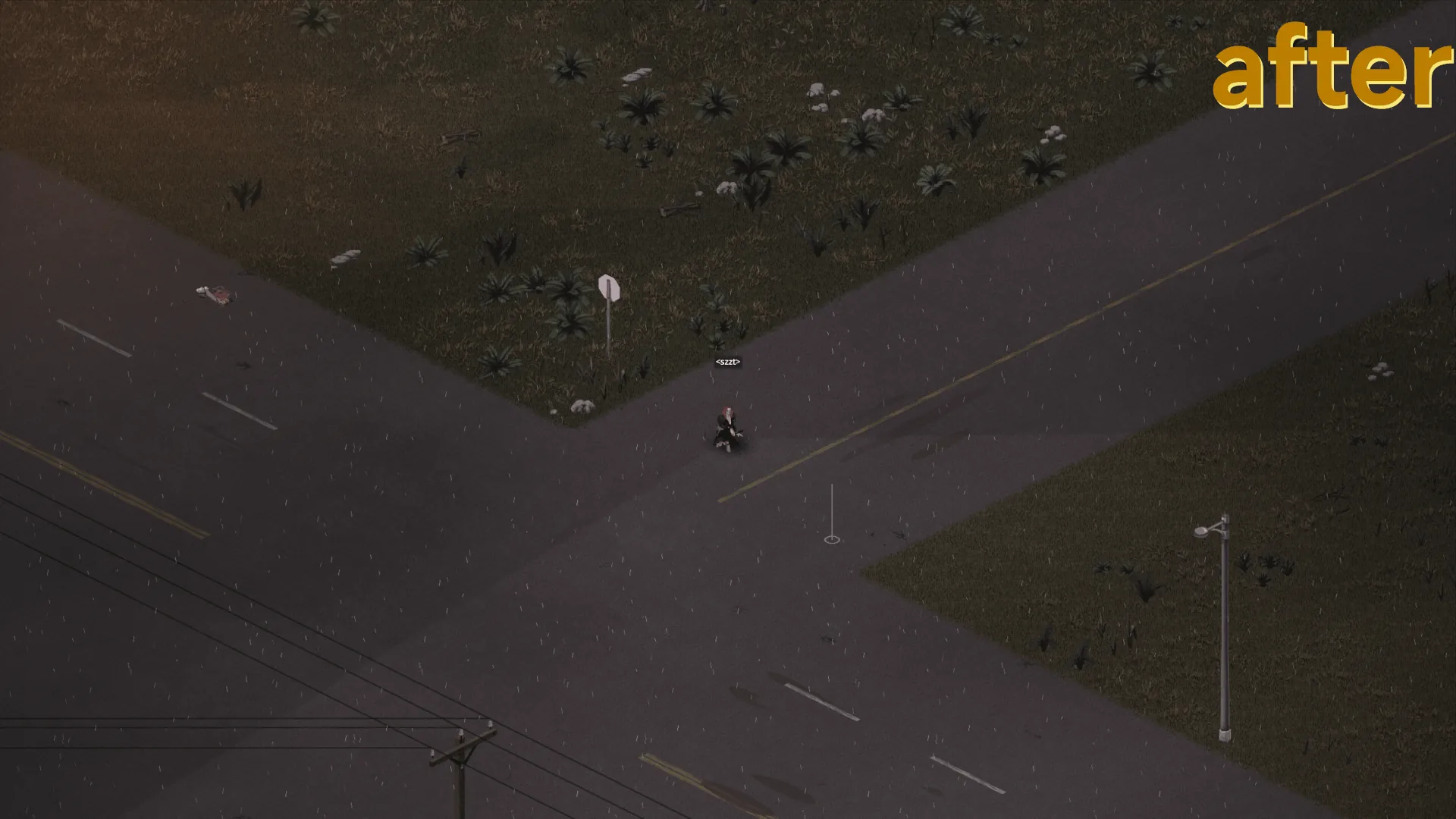
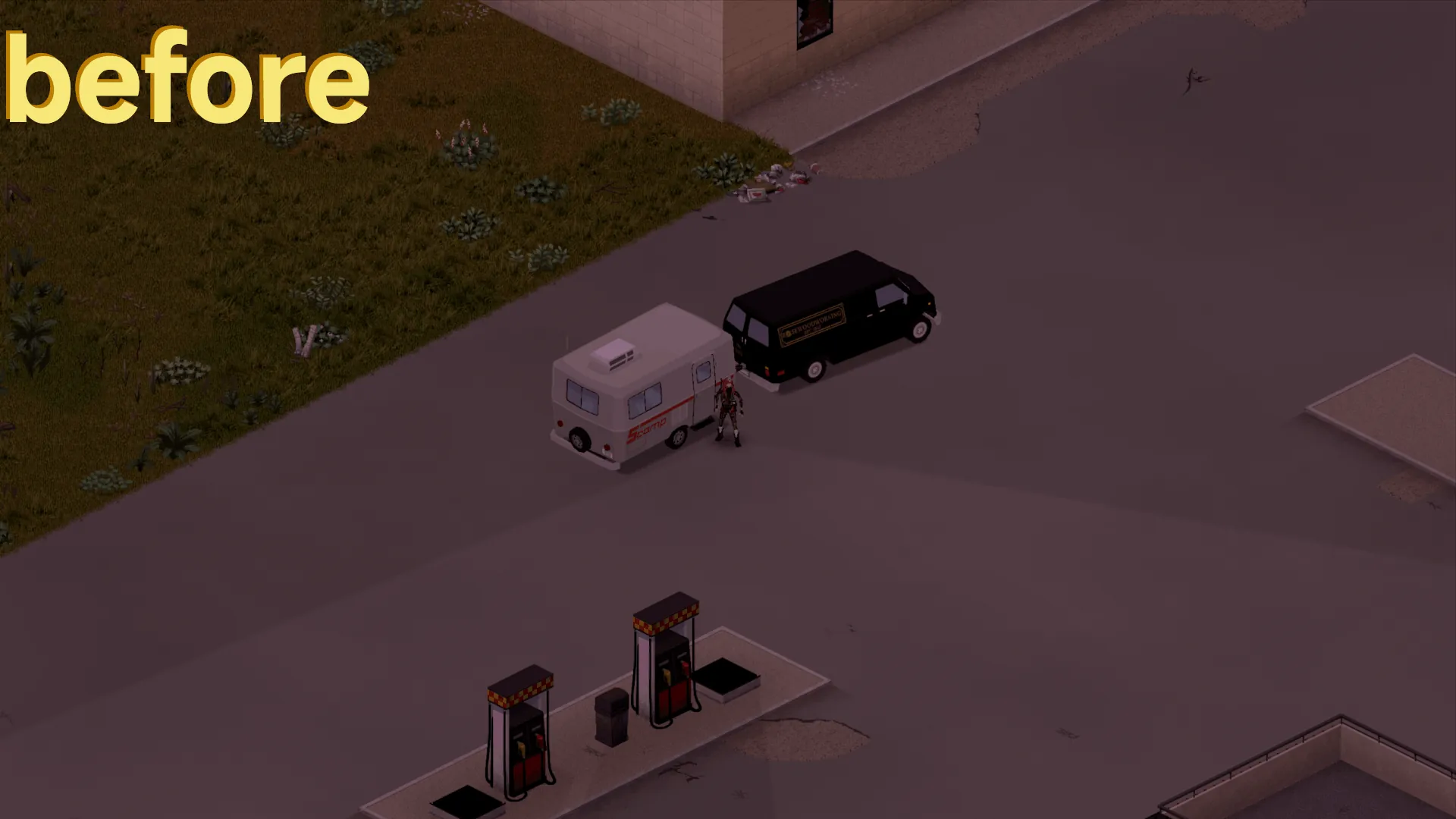
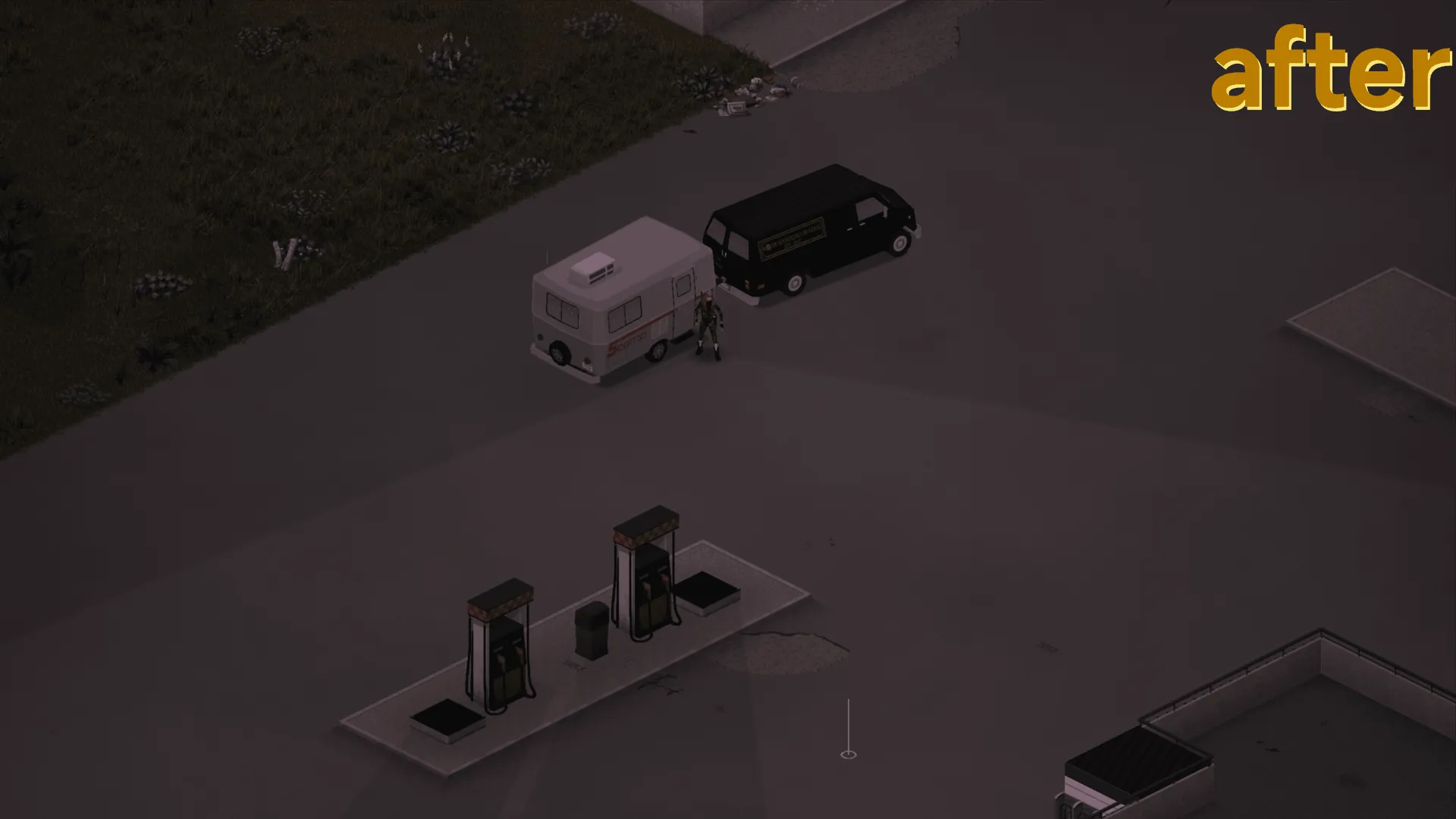
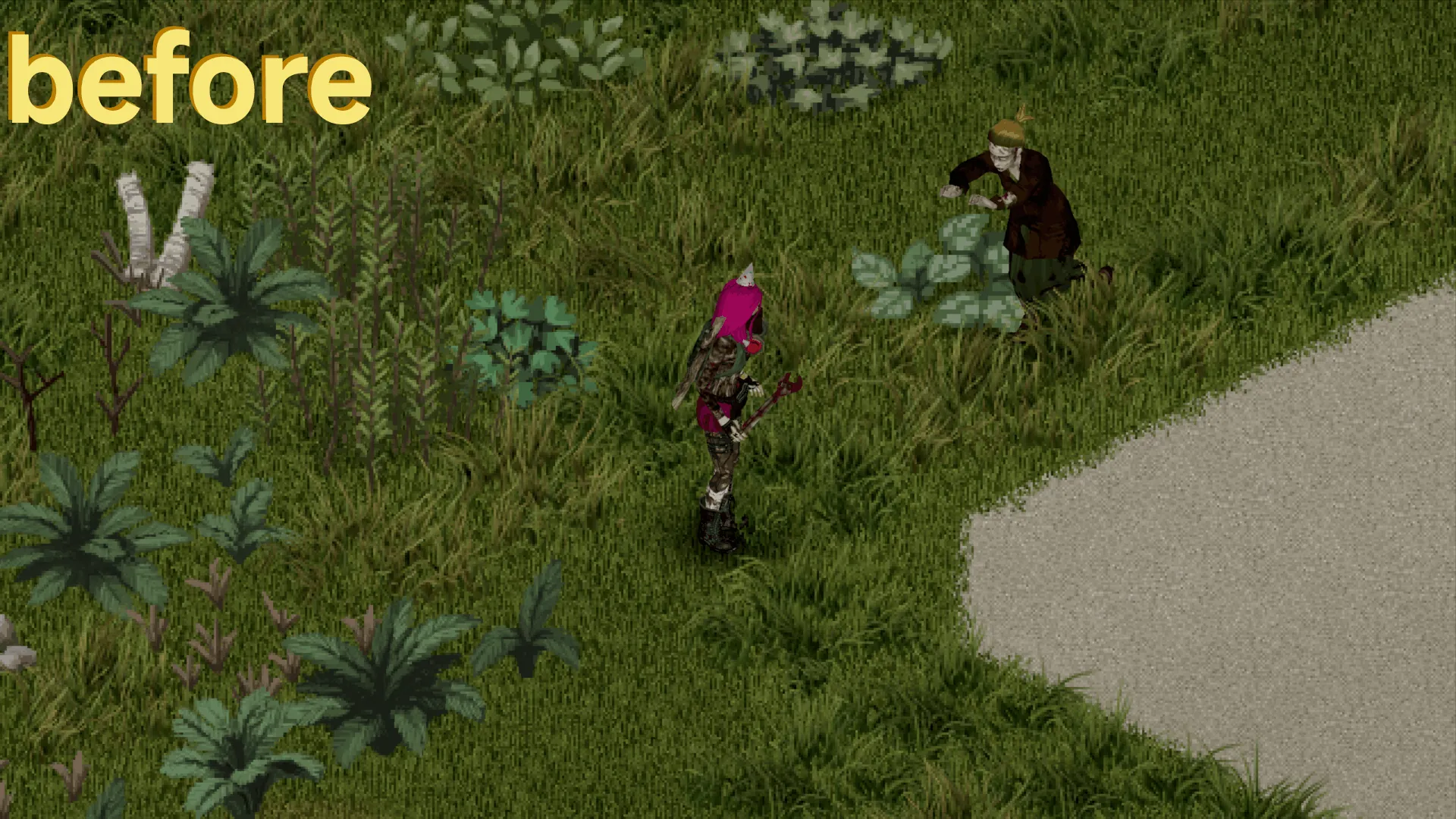
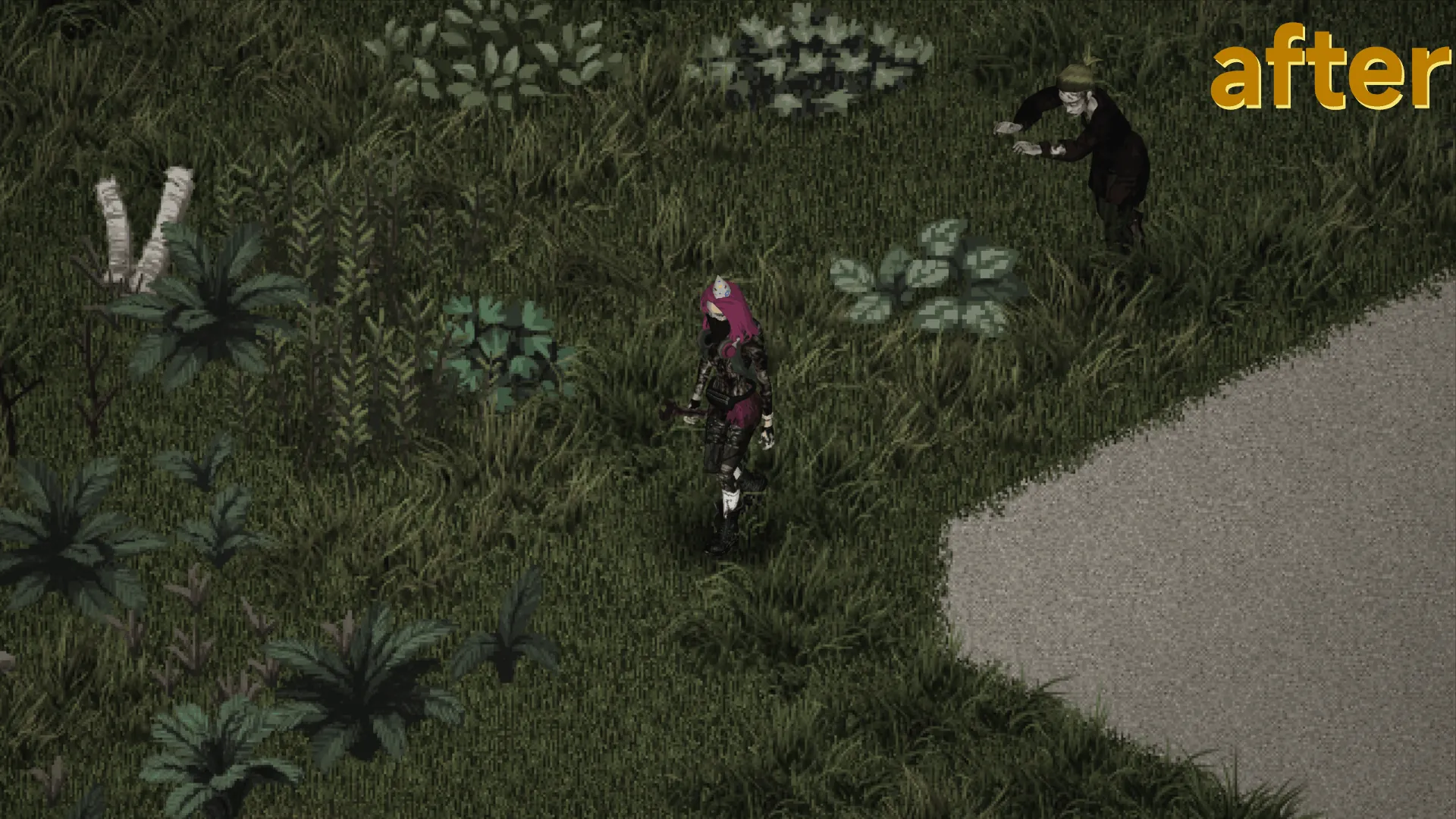
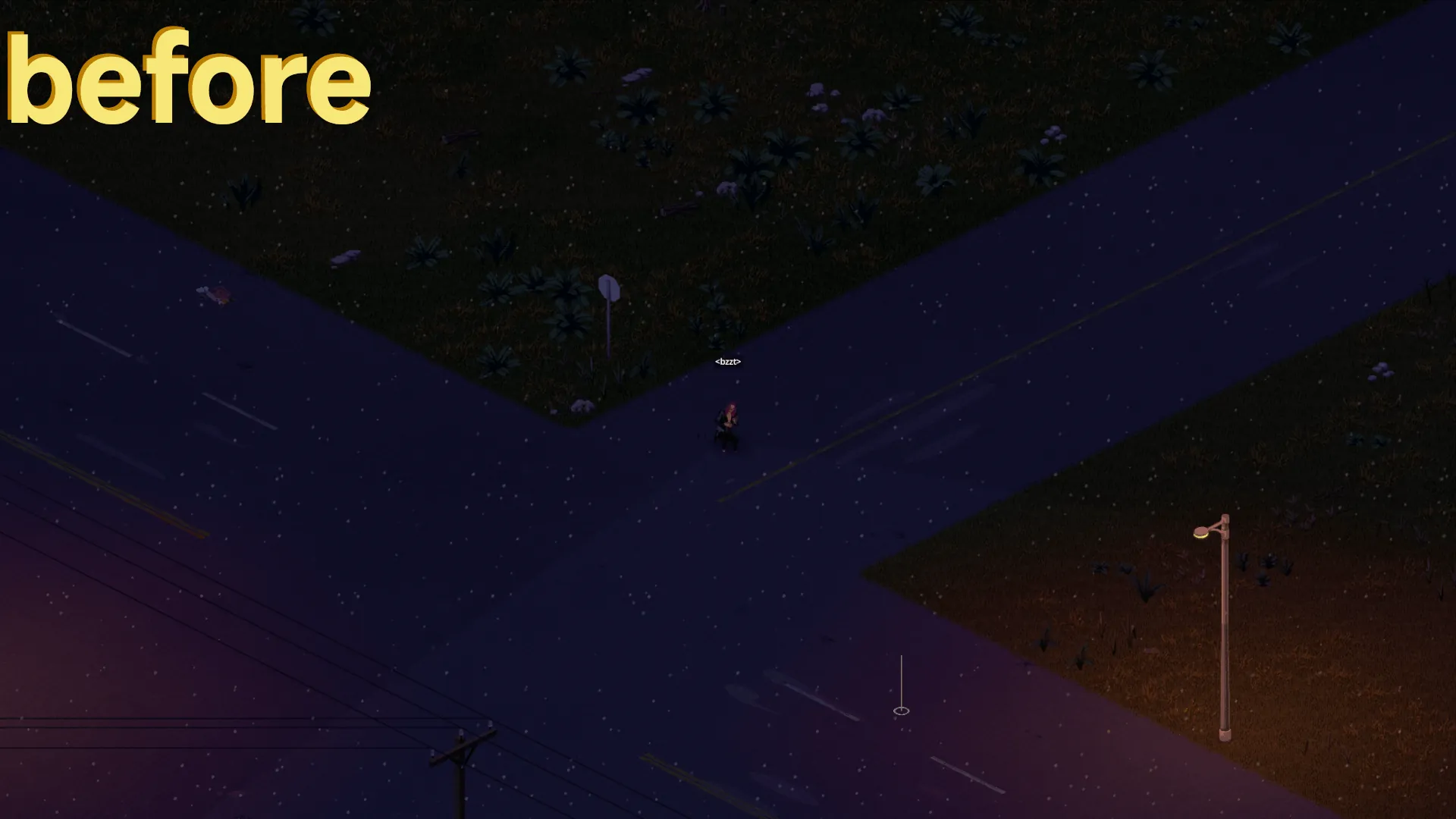
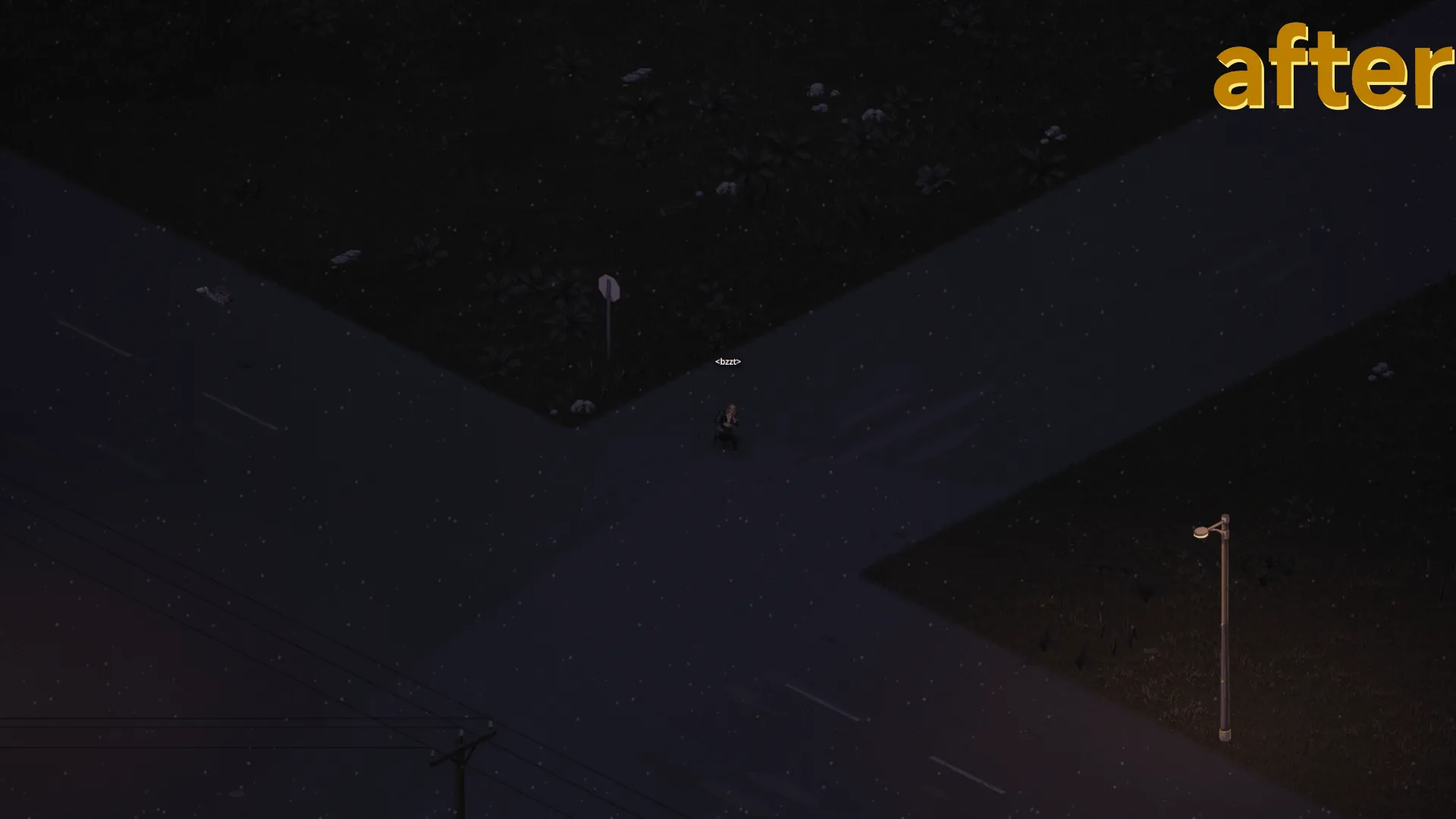
This mod replaces the colorful vanilla look with a grim, desolate atmosphere.
⚠️ MANUAL INSTALLATION REQUIRED
Simply subscribing won't work! Please follow these steps:
- Subscribe to download the preset. You can find the .ini file here:
…\Steam\steamapps\workshop\content\108600\3695752298\mods\ADarkerWayReShade - Download ReShade 5.9.2[www.patreon.com] (highly recommended for stability in PZ) and run the installer.
- Choose ProjectZomboid64.exe and select the OpenGL API.
- When prompted for a preset, select the downloaded .ini file from Step 1. ReShade will automatically download the required effects.
Developed for Build 42 | MP Compatible | Savegame Safe
🇩🇪
A Darker Way | ReShade Preset
Verwandelt das bunte Vanilla-Spiel in eine düstere, völlig trostlose Apokalypse.
⚠️ MANUELLE INSTALLATION ERFORDERLICH
Nur Abonnieren reicht nicht aus! Bitte befolge diese Schritte:
- Abonnieren, um die Preset-Datei herunterzuladen. Du findest die .ini hier:
…\Steam\steamapps\workshop\content\108600\3695752298\mods\ADarkerWayReShade - Lade ReShade 5.9.2[www.patreon.com] herunter (empfohlen für mehr Stabilität in PZ) und starte das Setup.
- Wähle die ProjectZomboid64.exe und danach OpenGL aus.
- Wenn nach einem Preset gefragt wird, wähle die .ini-Datei aus Schritt 1. ReShade lädt die nötigen Effekte automatisch.
Für Build 42 | MP Kompatibel | Savegame Safe
🇪🇸
A Darker Way | ReShade Preset
Este mod transforma el colorido aspecto original en un apocalipsis sombrío y desolador.
⚠️ REQUIERE INSTALACIÓN MANUAL
¡Suscribirse no es suficiente! Sigue estos pasos:
- Suscríbete para descargar el preset. Encontrarás el archivo .ini en esta ruta:
…\Steam\steamapps\workshop\content\108600\3695752298\mods\ADarkerWayReShade - Descarga ReShade 5.9.2[www.patreon.com] (recomendado para mayor estabilidad en PZ) y ejecuta el instalador.
- Selecciona ProjectZomboid64.exe y elige la API OpenGL.
- Cuando pida un preset, selecciona el archivo .ini del Paso 1. ReShade descargará automáticamente los efectos necesarios.
Para Build 42 | Compatible con MP | Seguro para partidas guardadas
🇨🇳
A Darker Way | ReShade 画质预设
将色彩鲜艳的原版画面替换为阴暗、荒凉的末日氛围。
⚠️ 需要手动安装
仅点击订阅是无效的!请遵循以下步骤:
- 订阅以获取预设文件。你可以在以下路径找到 .ini 文件:
…\Steam\steamapps\workshop\content\108600\3695752298\mods\ADarkerWayReShade - 下载 ReShade 5.9.2[www.patreon.com](强烈推荐此版本以确保游戏稳定)并运行安装程序。
- 选择 ProjectZomboid64.exe 并选择 OpenGL API。
- 当提示选择预设 (preset) 时,选择第 1 步中下载的 .ini 文件。ReShade 将自动下载所需的效果。
专为 Build 42 开发 | 支持多人联机 | 存档安全
🧟♂️ "have fun - don´t die" 🧟♂️
Workshop ID: 3695752298
Mod ID: ADarkerWayReShade