Based on Mlies mod
https://steamcommunity.com/sharedfiles/filedetails/?id=2436086611
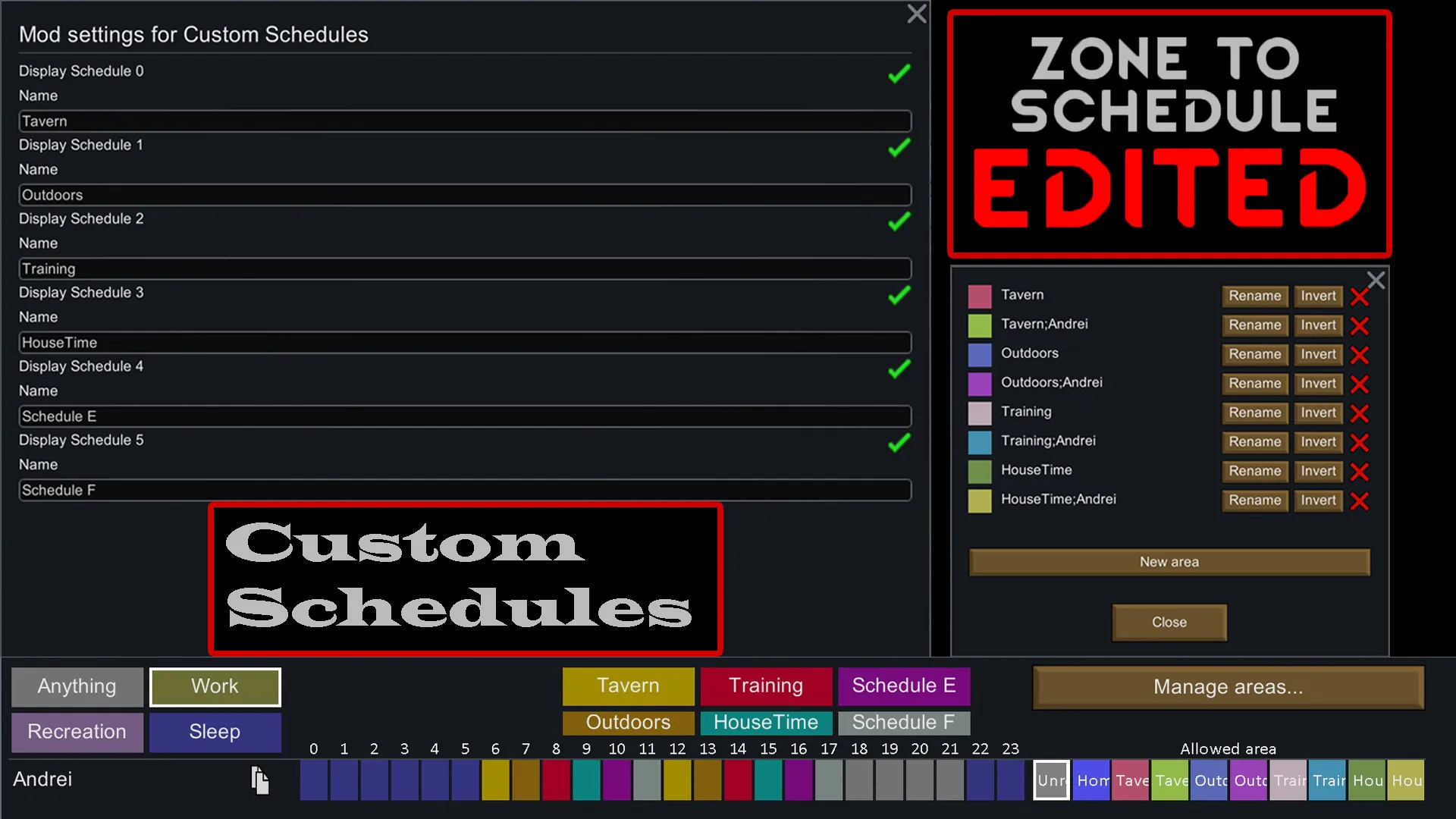
Create Custom Schedules for your pawns, and automatically assign specific Pawns to specific Areas during specific Schedules using the Areas name, and a Pawns name or Job Title.
Features:
1. 6 New Schedules to customize is the mod settings menu.
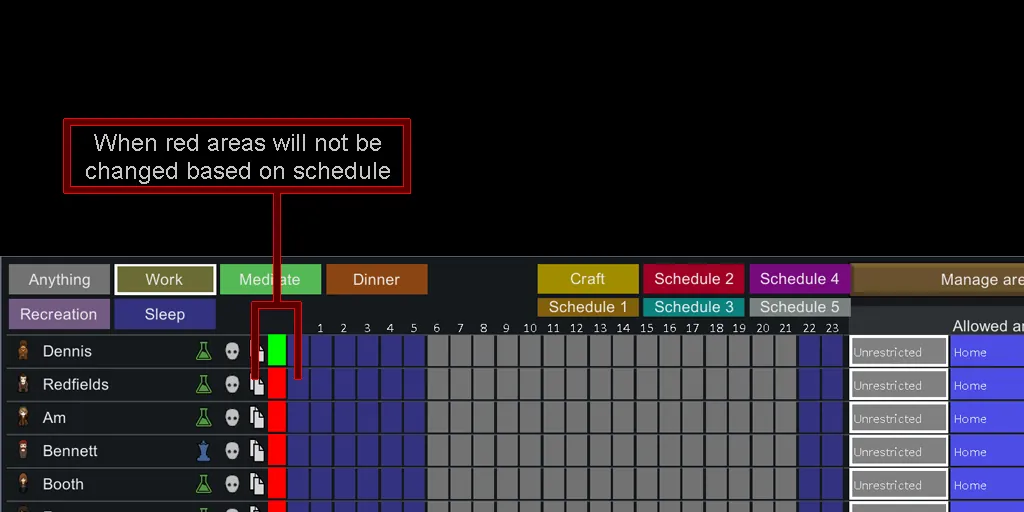
2. Enable and disable which pawns will use Auto Schedule Area Assignments, with Drag Select.
3. When enabled the area the pawn is assigned to is saved. The pawn will default to that area in case no auto areas are found, or when they get disabled from Auto Assignments.
4. If an area is named "Schedule;Pawn Name", the Pawn with that name is assigned that area, multiple names separated with ";" are allowed.
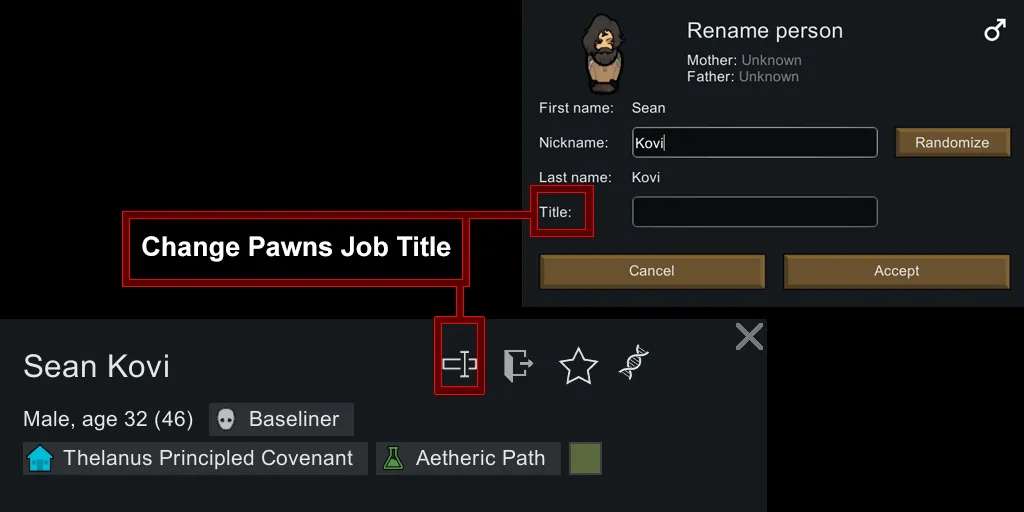
5. If an area is named "Schedule;Job Title", all Pawns with that Job Title are assigned that area, multiple Job Titles separated with ";" are allowed.
6. If an area exists with the same name as a Schedule Assignment, the pawn is assigned that area.
7. All settings saved between saves.
For example, Lets say we have a pawn named "Susan", Susan has the Job Title of Cook, and Has a Schedule of Work.
If you define an area with the name "Work;Susan" then any time the pawn Susan schedule is set to Work, Susan's allowed area will be changed to the Work;Susan area.
If there is no "Work;Susan" Area, then we look for an area with the name "Work;Cook" as a secondary option.
If there is no "Work;Cook" Area, then we look for an area with the name "Work", as a last option.
If no areas are found, we default to the area that was assigned when Auto Assignments were enabled.
To use more than one name or job title it looks like this "Work;Susan;Henry;Jennifer" same with titles "Work;Crafter;Cook;Jailer".
Can mix names and titles also "Work;Susan;Henry;Cook".
If more than one area that can match exists, the first found is used.
For example if "Susan" is processing and we have the Areas: "Work;Susan;Henry;Crafter", and "Work;Jailer;Susan" Susan will be assigned the first Area.
Drafted or uncontrollable pawns will not change their area.
If a pawns area is changed manually, while enabled, it will revert to the Area the pawn was using when the Auto Area was enabled on them. Maybe when manually selecting we make that the new fallback Area?
There are alot of uses for this, and expanded features, like using the time of day for areas, or areas by Xenotype. I'm only worried it will slow the game down using string searches so much. I do believe it is enough as is to get most situations a user would want. Plus its complicated enough to understand.
Let me know what kind of areas you set up in the comments, as well as any feedback would be great!
====================================================================
Based on Mlies mod
https://steamcommunity.com/sharedfiles/filedetails/?id=2436086611
Original Description:
If there is an area that matches a pawns current schedule-type they will automatically be confined to that area.
For example, if you define an area with the name "Work" then any time a pawns schedule is set to Work, their allowed area will be changed to the Work-area.
Drafted or uncontrollable pawns will not change their area.
If a pawns area is changed manually it will remain until the next schedule-type.
At the start of the next schedule item, if there is no matching area, it will try to set it back to the area used before automatic change. If that area does not exist, it will set unrestricted instead.
Idea by: Psyra
====================================================================
Credits:
Mlie - for Zone To Schedule that this mod is based on.