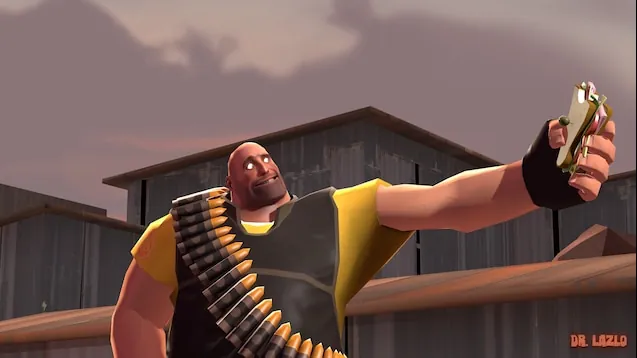
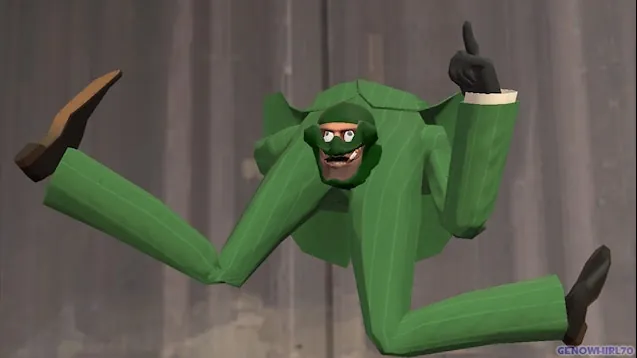
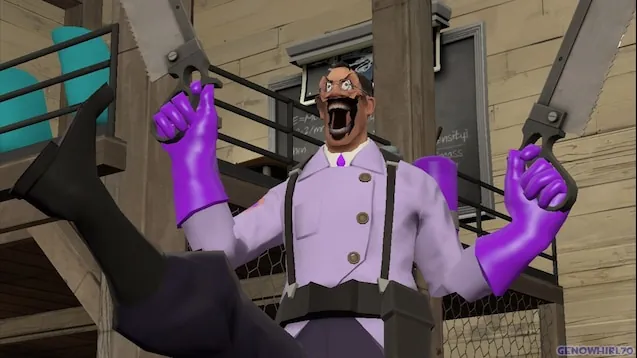
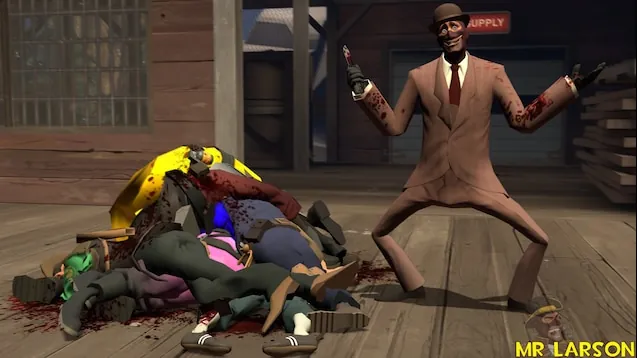
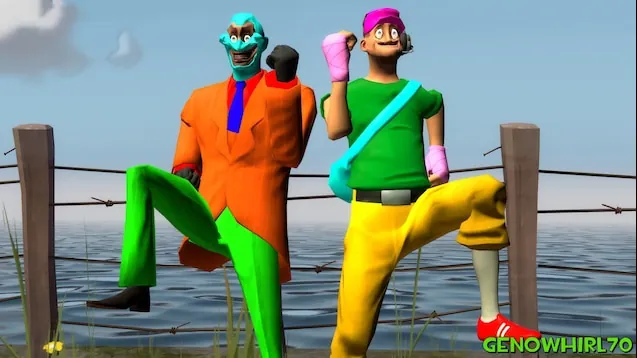
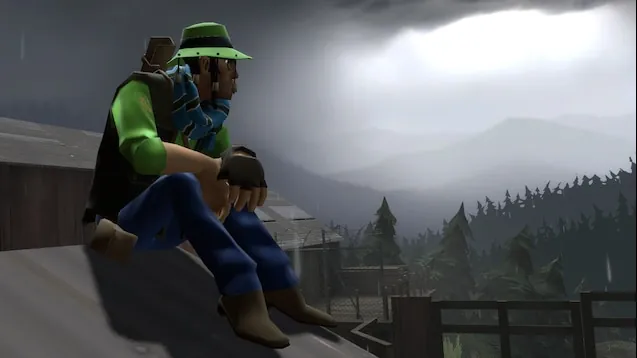
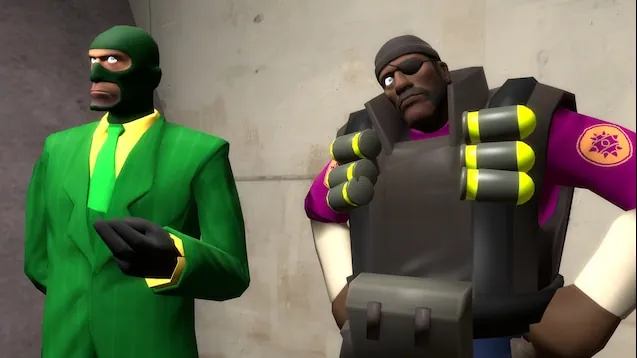
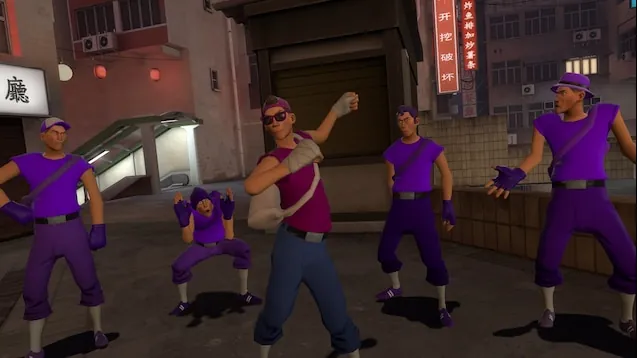
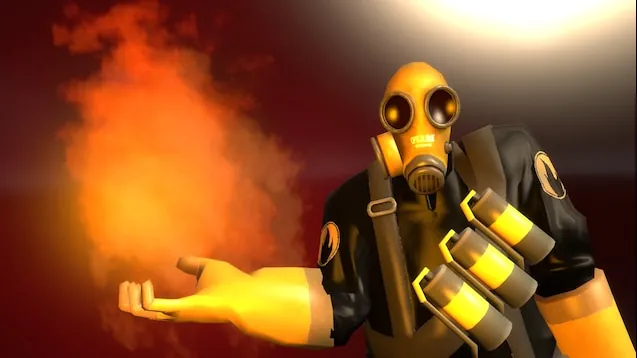
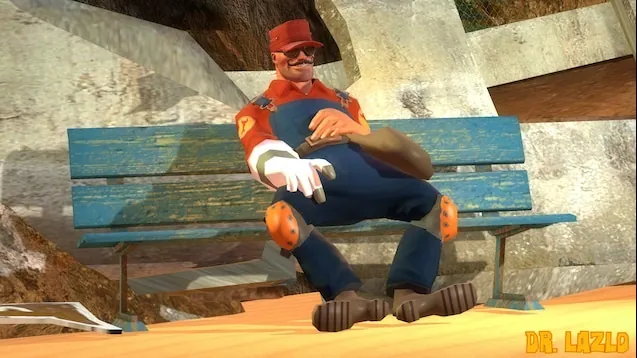
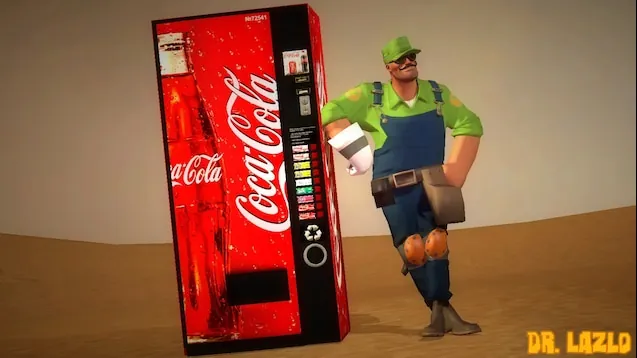
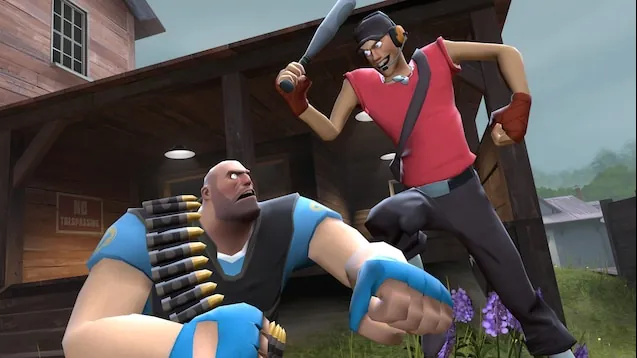
This is just a Re-upload, because the creator deleted them without saying anything. I spoke with him and he explained anything. he doesn't mind any re-upload of his deleted workshop items. so i'll show you screenshots I took while we had the conversation because I asked him if i can share it, and he don't see what's wrong with not sharing.
screenshot that showed I can share the conversation[imgur.com]
the chit-chat we have[imgur.com]

Content
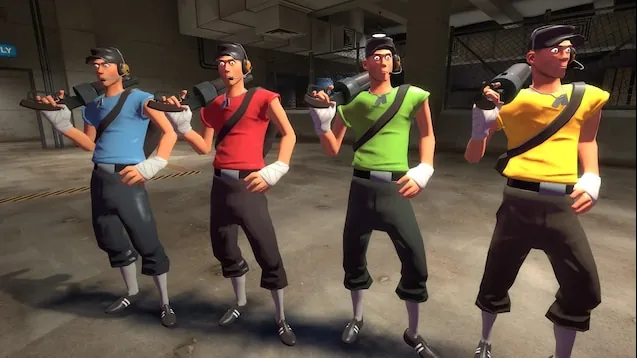
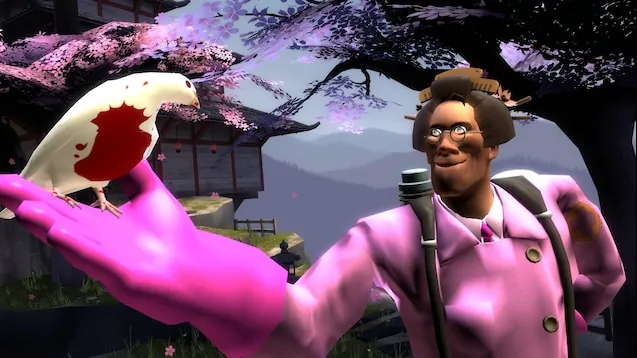
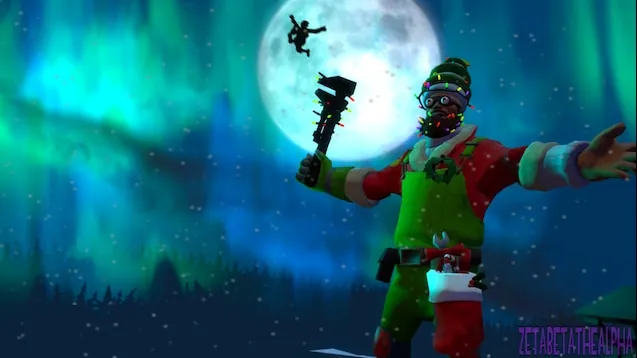
- Scout (includes alternate skin)
- Soldier (includes alternate skin)
- Pyro (includes alternate skin)
- Demoman
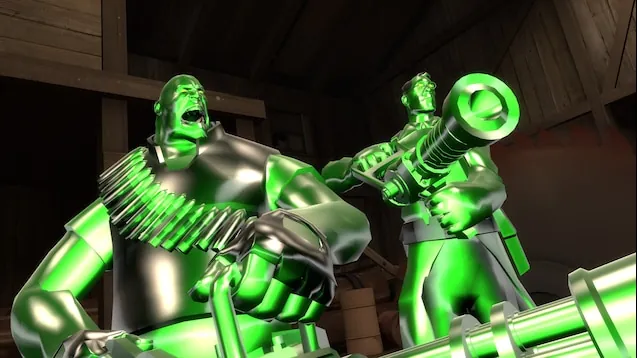
- Heavy
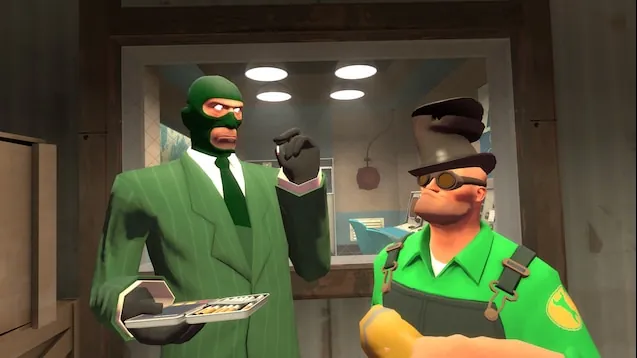
- Engineer (includes alternate skin)
- Medic (includes alternate skin)
- Sniper (includes alternate skin)
- Spy (includes alternate skin)
- 2 Materials (Custom uber, normal and fading version)
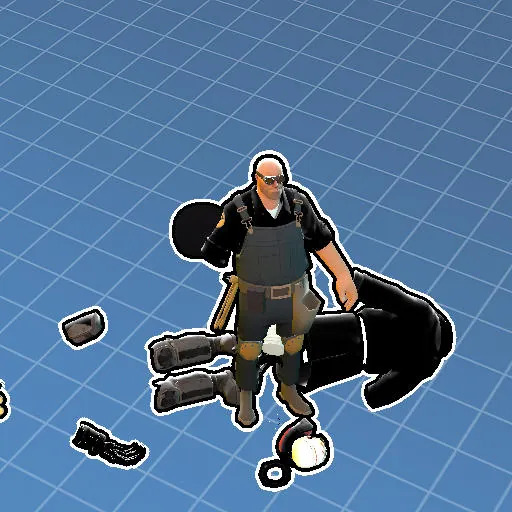
- 43 paintable outfit parts (Mercenaries have 'invisible' skingroup to use these on skingroup 4, Spy uses skingroup 22)
Requirements
Team Fortress 2
Bone Merger Tool
Hat Painter & Crit Glow Tools
Common sense
The entire ragdoll changes color, what do I do?
First, make sure you spawned the ragdoll from the correct spawnlist.
If the mercenary is white, that means it's the correct one.
Try both tools, Garry's Mod's standard color tool, and Hat Painter tool.
If neither tool works correctly, try a fresh re-install on the add-on.
Notable Bugs
- Medic's backpack will not have any textures on Uber variation, this is because the workshop cannot use those materials for some reason.
How to fix it: Use Sub Material tool by Kawoosh64, you can get it here:
http://steamcommunity.com/sharedfiles/filedetails/?id=405793043
Thank you for all your continuing support, and enjoy your brand new mercenaries.