SubMaterial Tool (Improved & Updated)
[EN]
This is a rewritten and optimized version of the SubMaterial Tool. The code has been cleaned up, the Duplicator is fully supported, and a new feature has been added: Self-Application.
🔥 Features:
- Updated Code: Clean, optimized, and stable. No script errors.
- Duplicator Support: Saves and loads your material overrides perfectly.
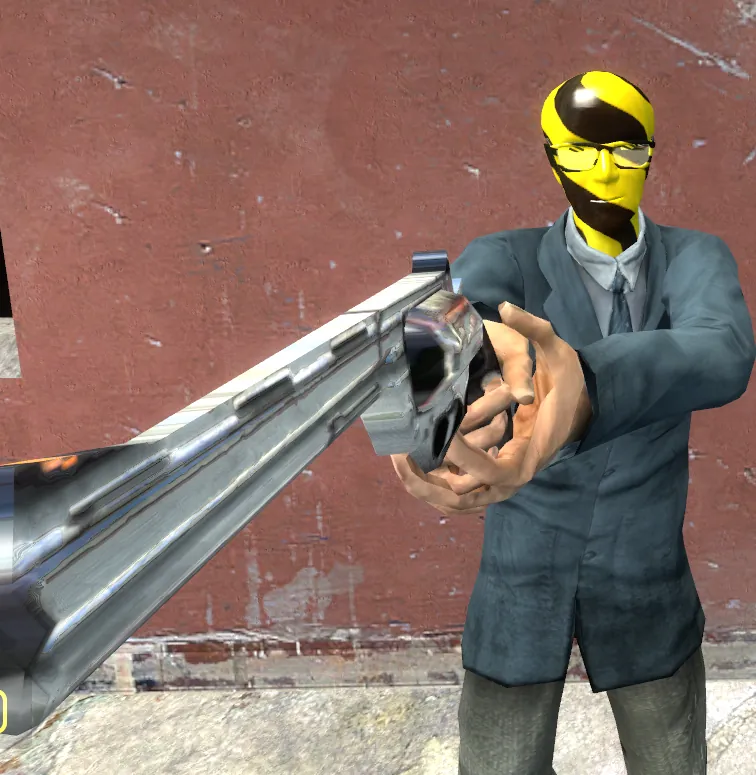
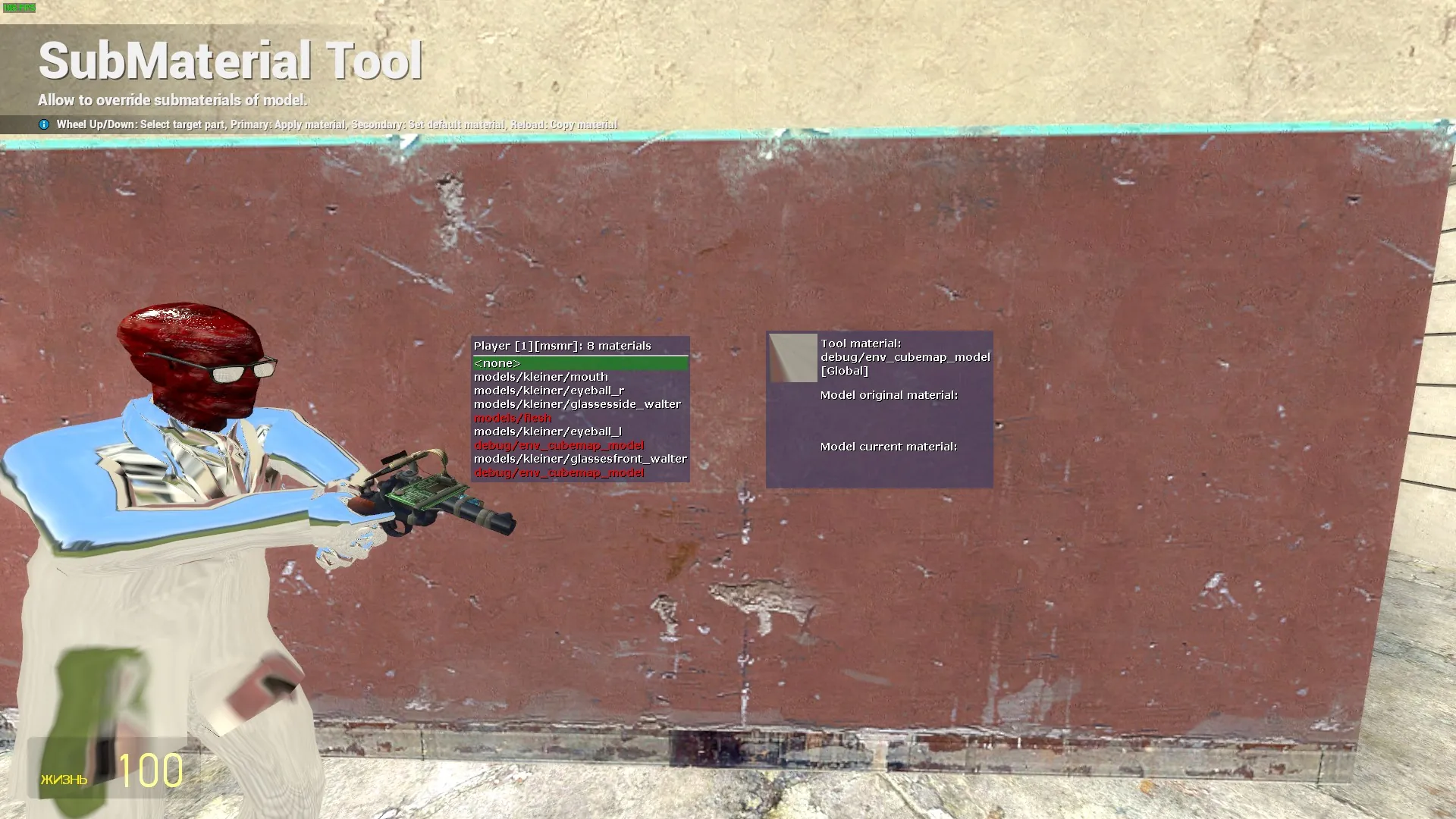
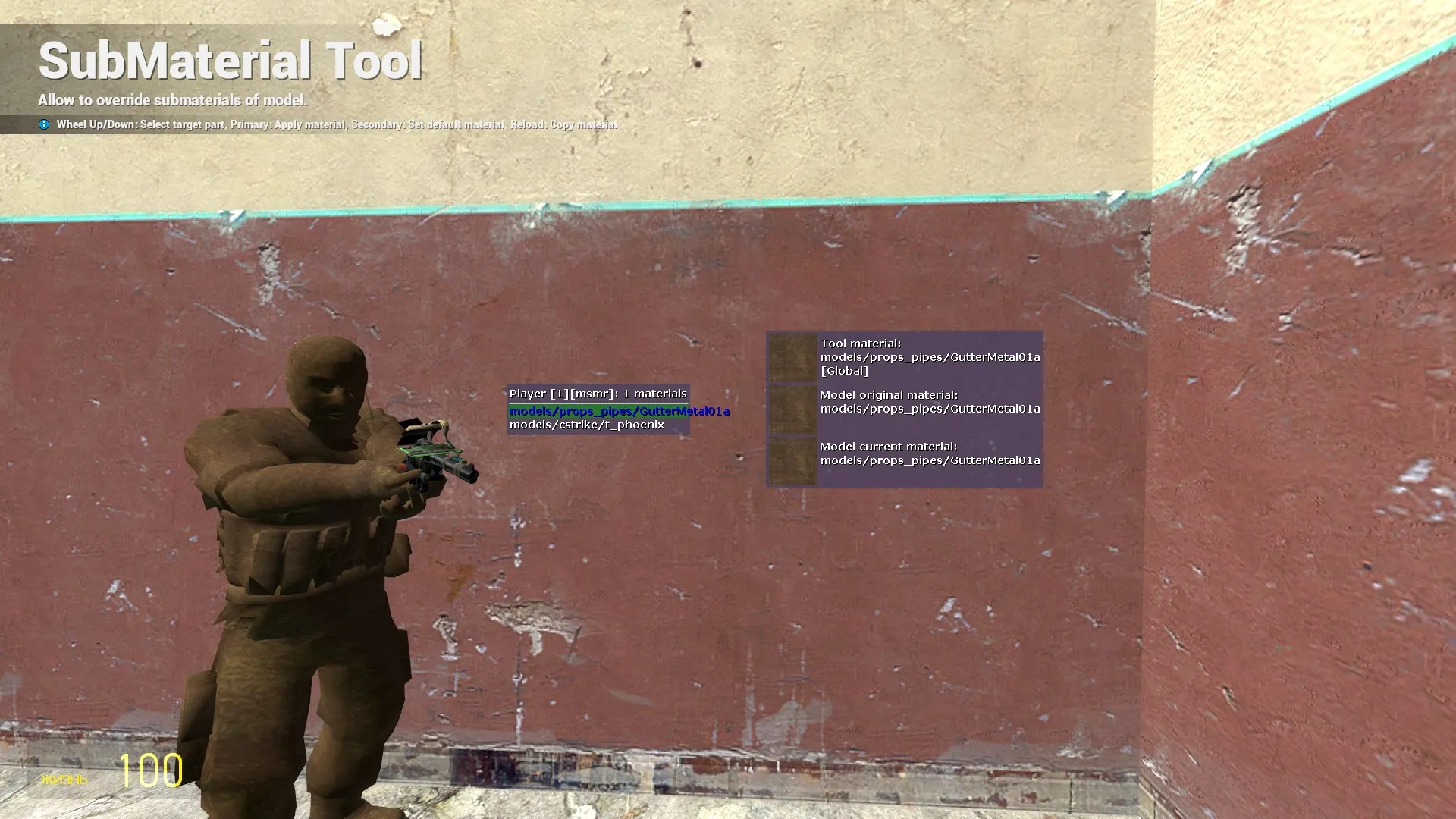
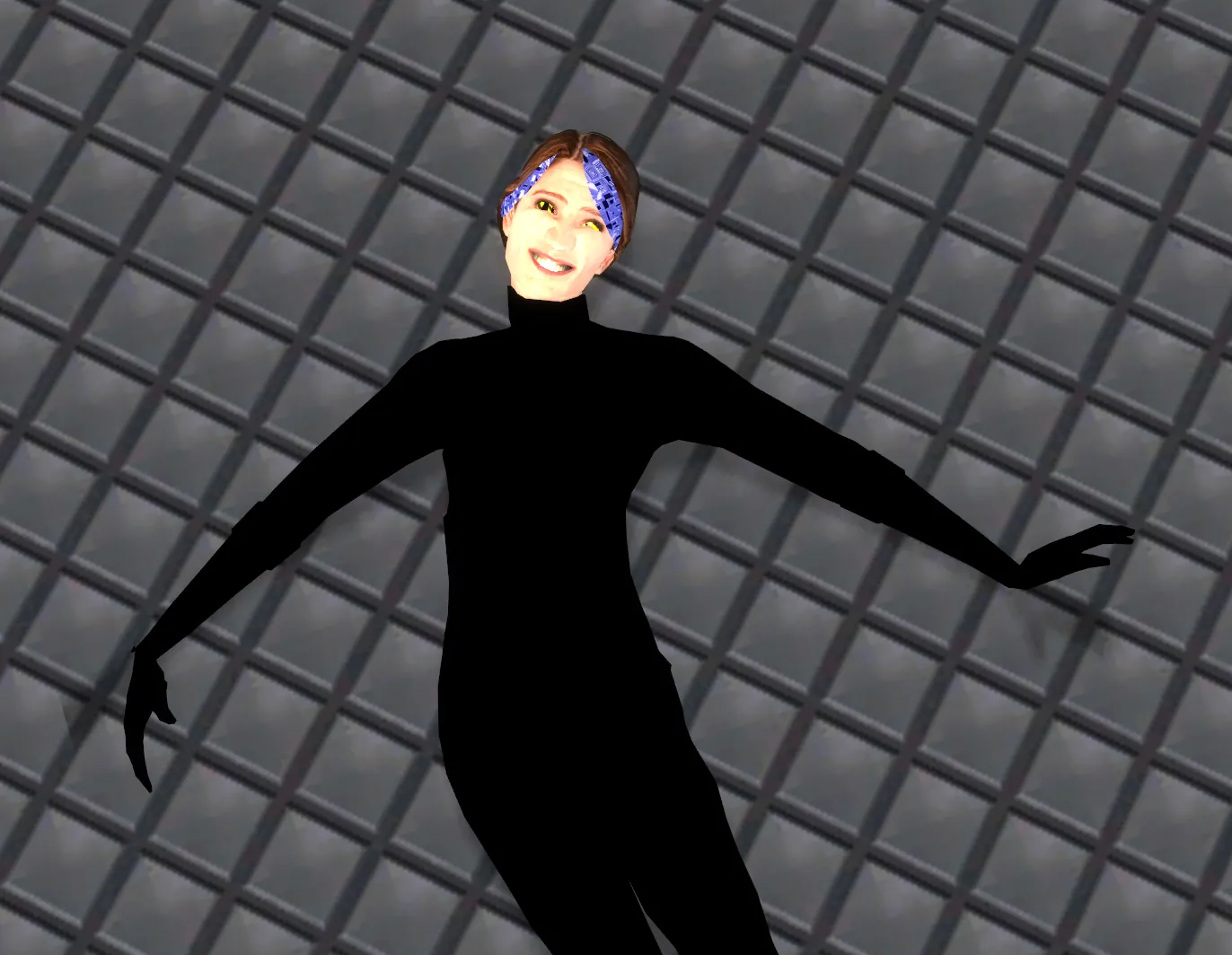
- Self-Application: You can now change materials on your own player model!
- No Conflicts: You don't need to unbind your scroll wheel. It works out of the box.
🎮 How to use:
Standard Mode (Props/Ragdolls):
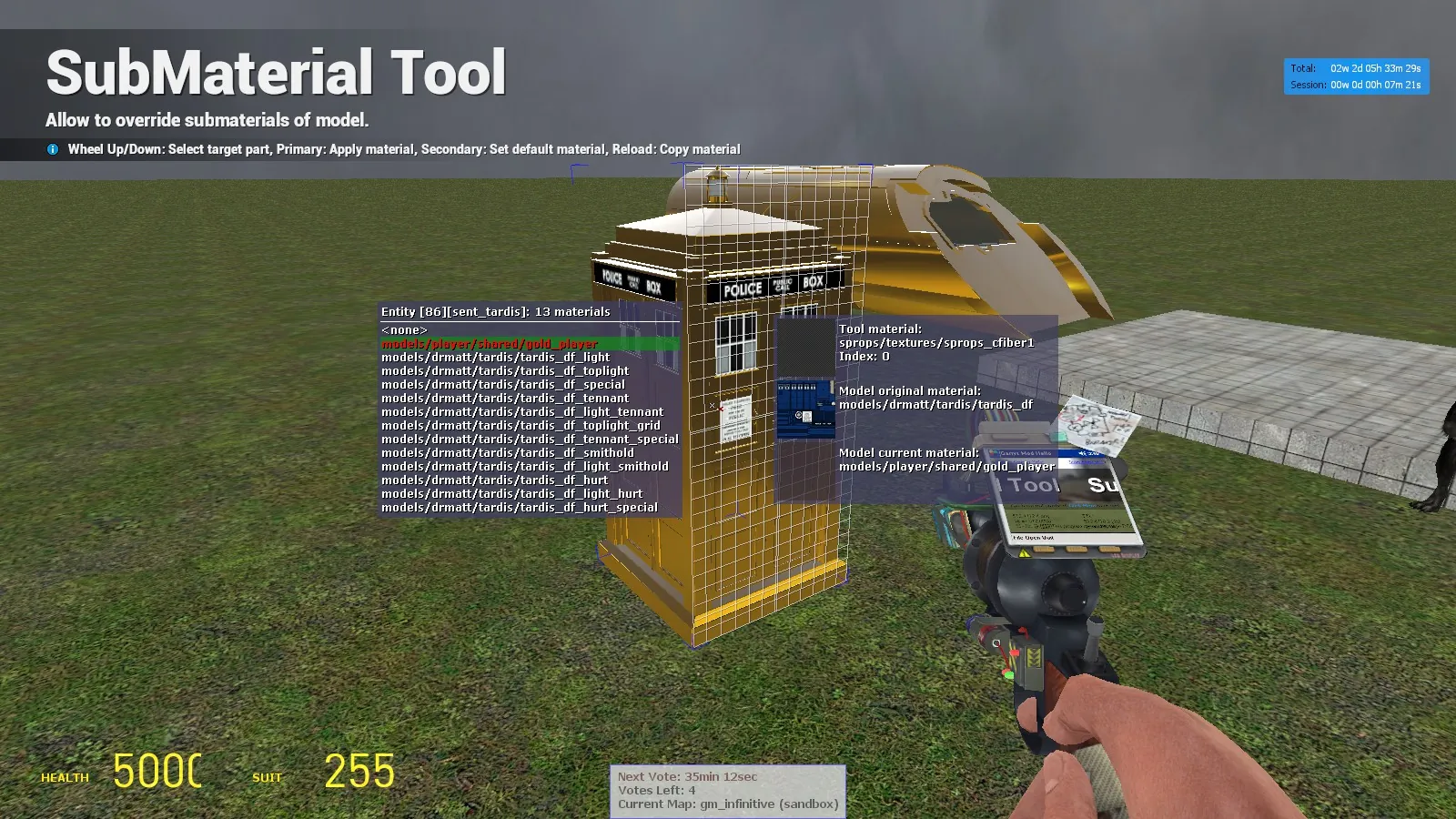
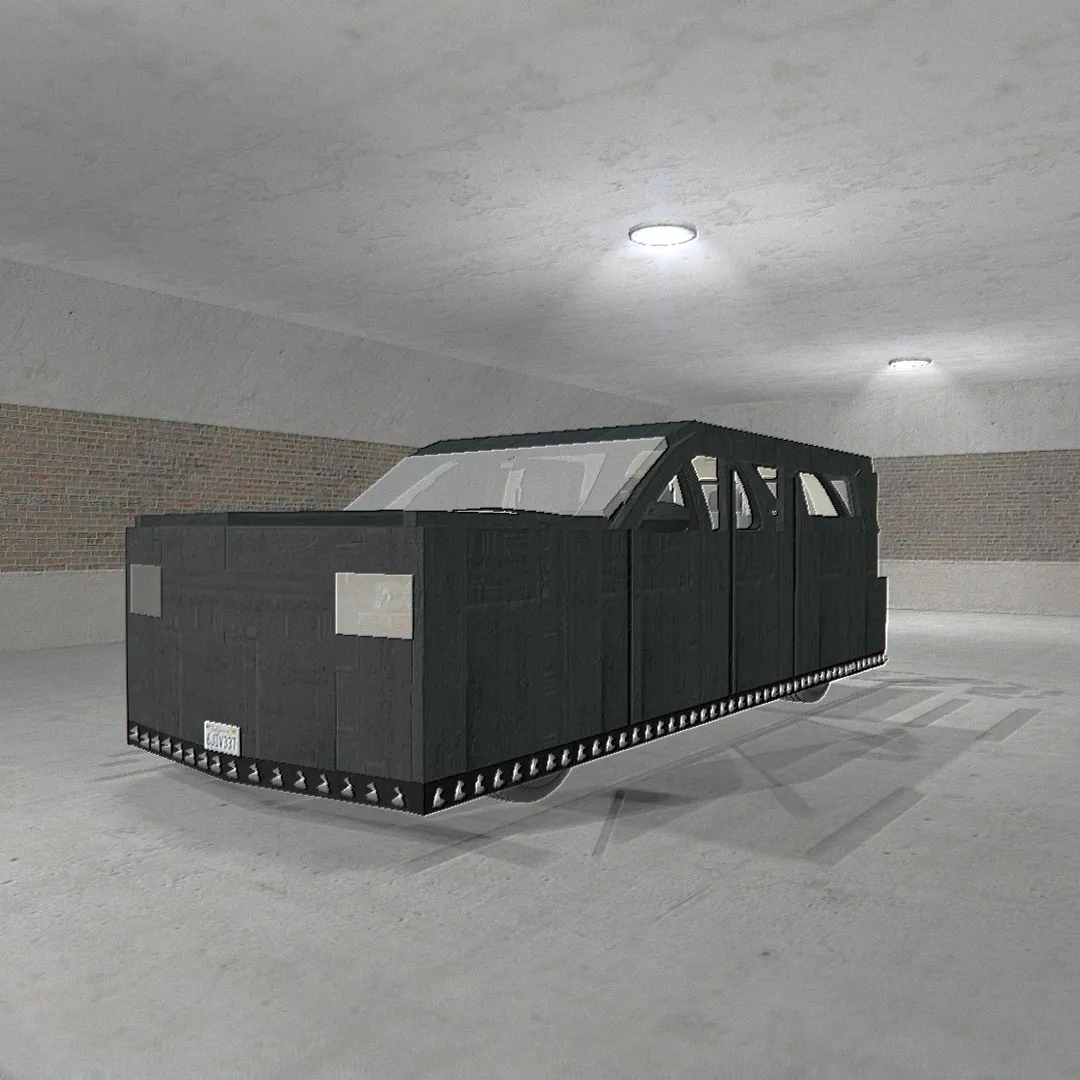
1. Scroll (Mouse Wheel) to select the material index (SubMaterial ID).
2. Select a material from the menu (C menu) or type a path.
3. Left Click to apply the material.
4. Right Click to revert/reset to default.
5. Reload (R): Copy the material from the target model.
Self-Application Mode (Player Model):
1. Press Use (E) + Reload (R) at the same time to target yourself.
2. Follow the standard instructions above (Left Click to apply, Right Click to reset).
⚠️ Important Note on Skins:
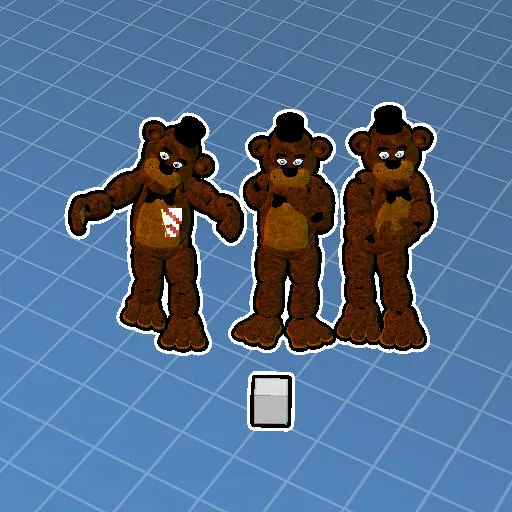
Models with multiple skins often have different material setups. For example, "Material Index 0" on Skin 1 might be a different texture than "Material Index 0" on Skin 2. Keep this in mind when swapping skins on props.
Proof of stability (No bugs):
Watch Video