About
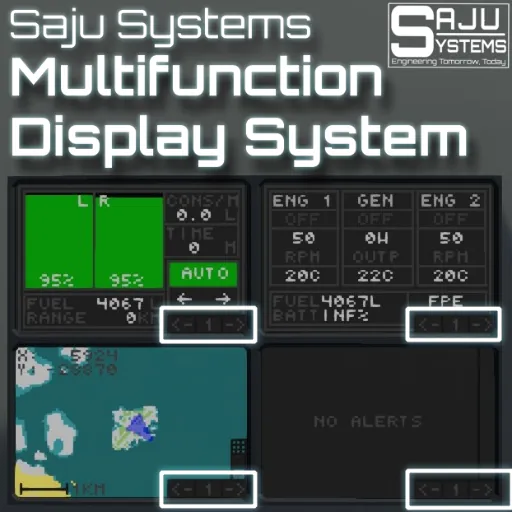
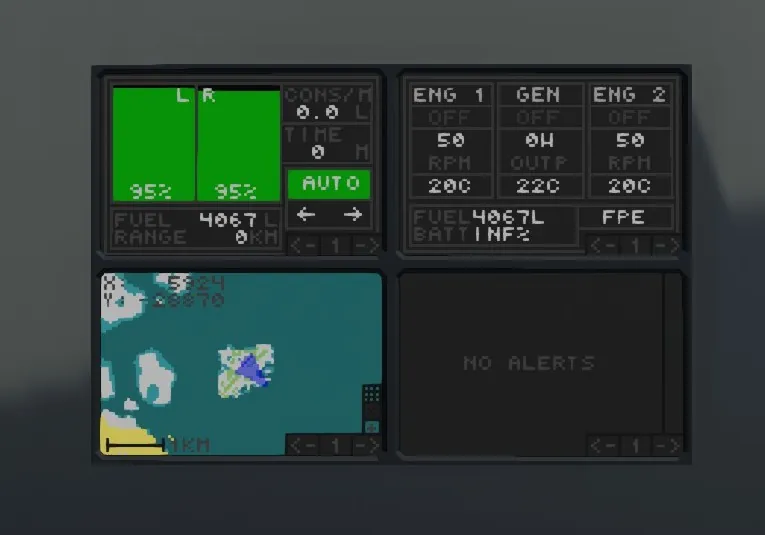
This is the Saju Systems Multifunction Display System! With this you can create a multifunction panel for every monitor size. What is a multifunction display system? A multifunction display system is a system that allows multible controllers/systems be displayed one at a time on a single monitor. Almost every Saju Systems Controller supports this system.
Features
- Maximum of 32 pages.
- Easy to use, fast.
- On/off input to choose a page automatically.
- Supported by almost every Saju Systems Controller
Installation / Setup
Composite: Connect the touch signal to a monitor. Module info: Connect this signal to every controller in the multifunction display setup.
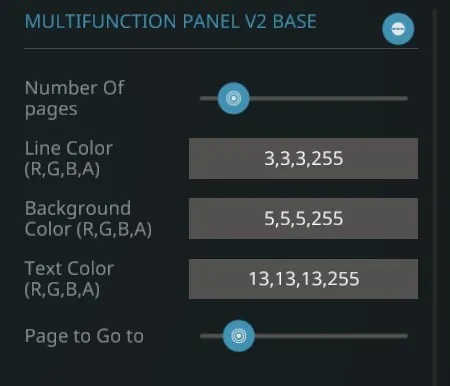
ON/OFF: The "Go to page" signal can be used to switch to a specified screen automatically (Like an alarm panel). You can customise the page in the properties.
The number of pages can be customised in the properties. Remember to change the number to the actual number of controllers you have linked up.
Video paths
This is maybe the most complex part of the setup. The video signals in this system are chained and only one display at a time is rendered.
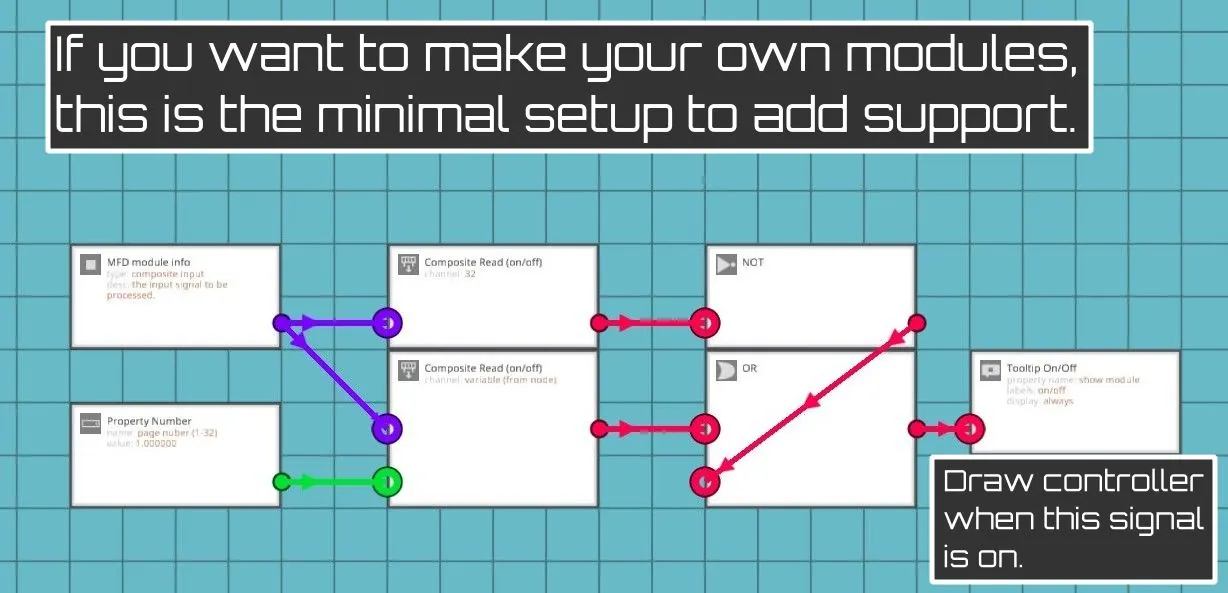
The module info signal tells the controller what page is currently rendered so it is VERY IMPORTANT to set the right page number in the other controllers too (Like map, alarm or fuel panel). There is a property number in these controllers.
This controller should always be the last in the chain (so closest to the monitor). Other controller should be chained together in the order you want.
If you are using the Saju Systems Radar or Sonar Systems you NEED the map to be before the Radar and Sonar controllers, or the map will be drawn on top of the radar.
If you want to see how it is setup: Saka Group SGS 12 uses this system.
Usage
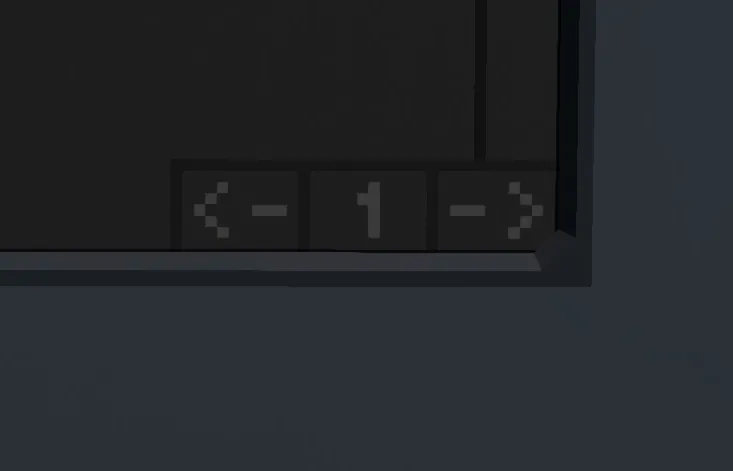
Usage is very simple! Just press the arrow buttons in the bottom right corner of the screen.

If you like this controller check out other Saju Systems Controllers
If you really like the controller, Buy Me a Coffee![buymeacoffee.com]
NOTE! If you use this in your own vehicles please provide a link to this page in the description.
These take a lot of effort so a like would be greatly appreciated!