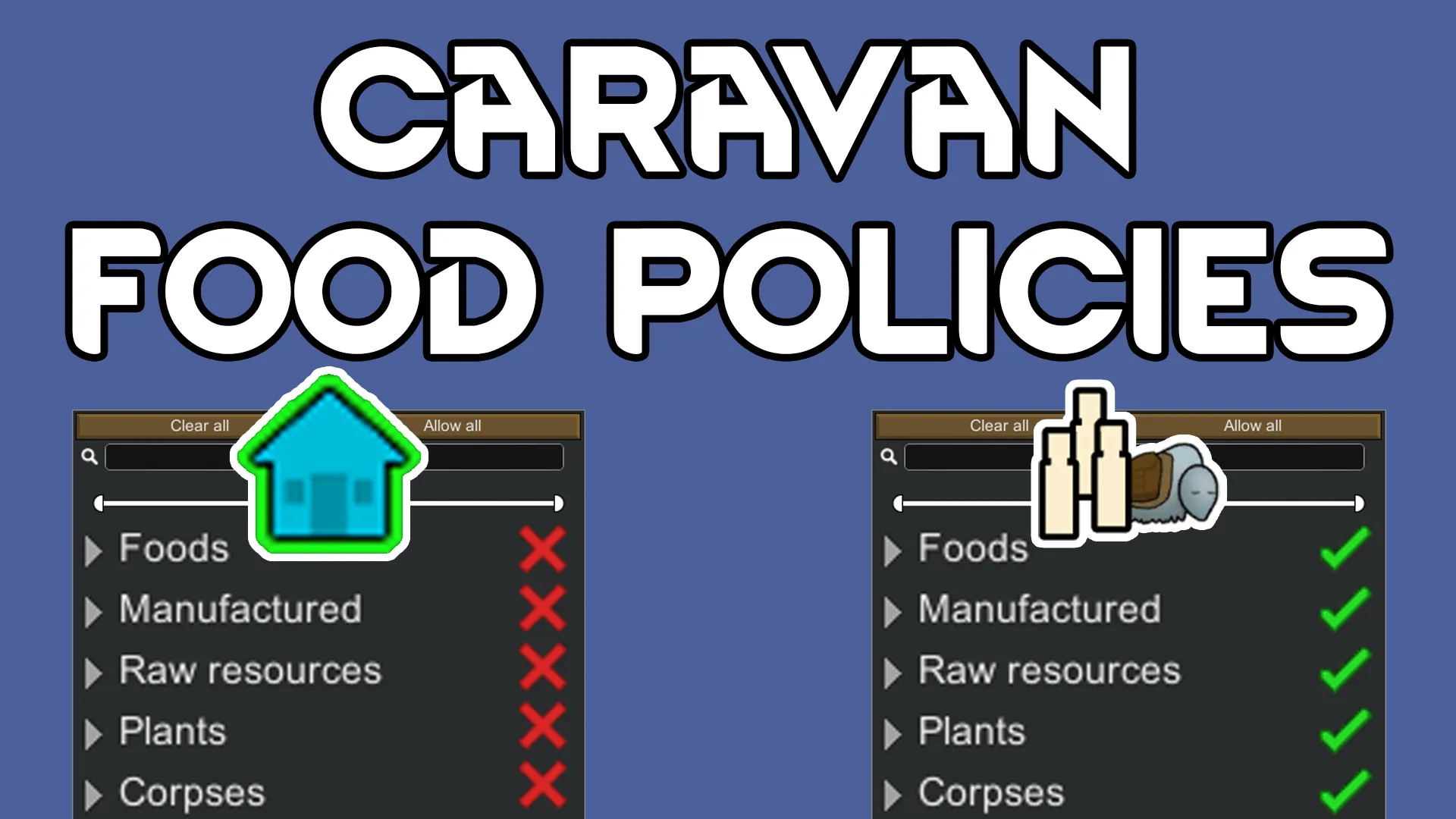
Have you ever wanted to assign your pawns one food policy for when they are home and another food policy for when they are in a caravan?
Description
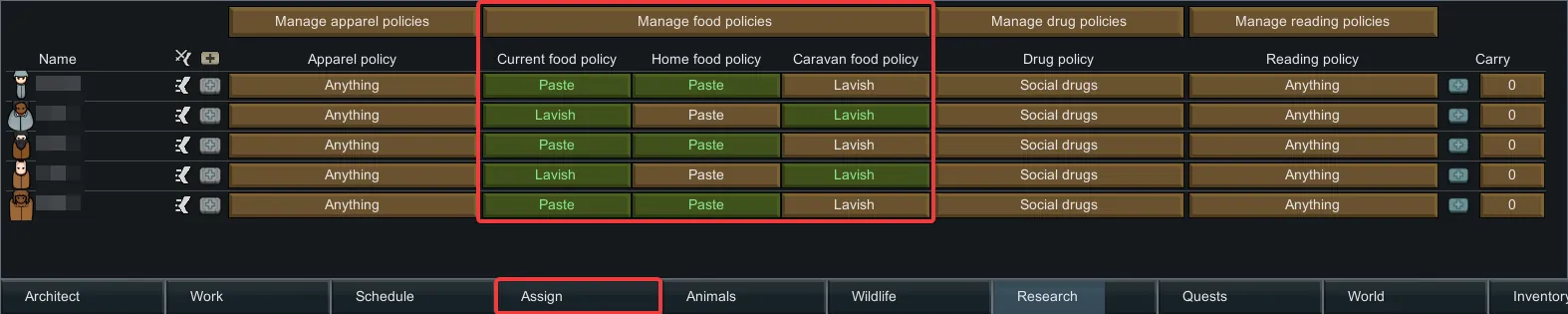
Adds the ability to a pawns current food policy, home food policy, and caravan food policy. Pawns will automatically switch to their caravan food policy when leaving on a caravan and switch to their home food policy when returning. Food policies can be easily managed in the Assign menu.
Features
Overview
- Manage food policies in the Assign menu.
- Existing food policies can be used seamlessly.
- Pawns will automatically have their food policy set to their caravan food policy immediately after departing on a caravan.
- Pawns will automatically have their food policy set to their home food policy immediately after arriving home.
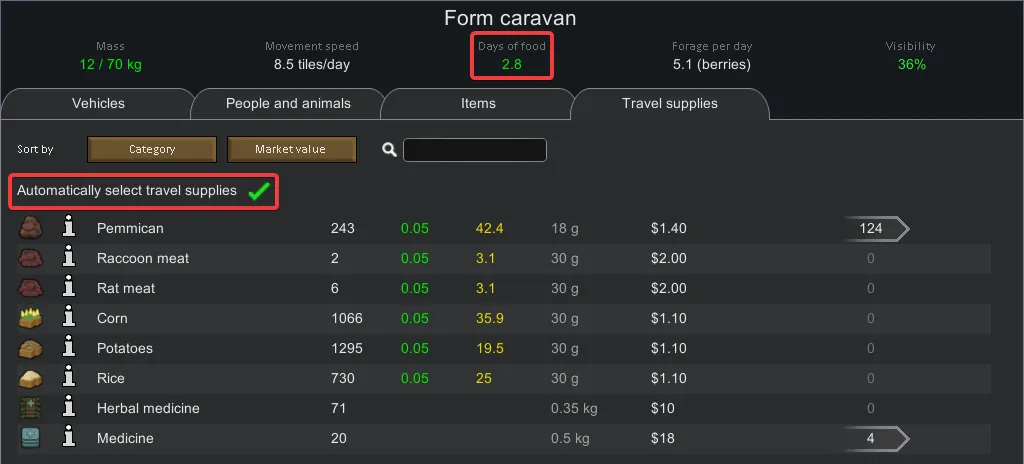
- When forming a caravan and automatically select travel supplies is checked, food will be selected based on the caravan food policies of the pawns in the caravan.
- When forming a caravan, the days of food calculation accounts for the caravan food policies of the pawns in the caravan.
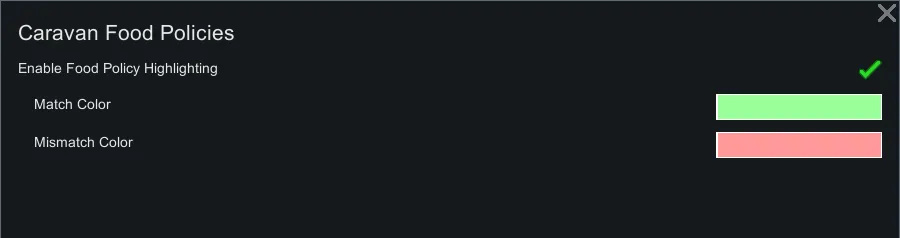
- Mod settings to allow for customization of food policy highlighting.
- Supports localization/translation.
Managing Food Policies
 Left clicks are shown in yellow, and right-clicks in blue
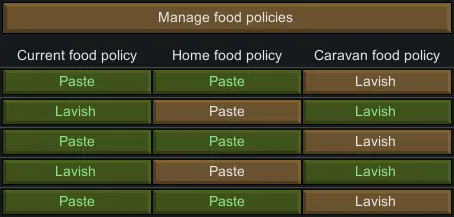
Each pawn now has three food policies:
- Current food policy - this is the food policy currently assigned to this pawn.
- Home food policy - this is the food policy this pawn will revert to when arriving at a player home map.
- Caravan food policy - this is the food policy this pawn will automatically switch to when forming a caravan.
Food policies can be changed by left-clicking its cell and selecting the desired item from the list. Food polices can be managed by selecting Edit… from the list or by clicking Manage food policies at the top.
Pawns' food policies will be colored green or red, determined by if their current food policy matches the food policy of the location that they are in (at home or in a caravan). This provides a simple visual of matched vs. mismatched policies while also having the added benefit of showing which pawns are at home vs. on a caravan. In the above video, it is apparent that pawns #2, #4, and #5 are in a caravan while the others are not.
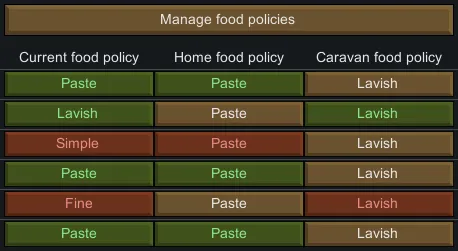
Matched policies will be displayed in green while mismatched ones will show up as red. Having mismatched policies is not an issue, but it indicates that one of them was changed at some point.
Mismatched policies can easily be resolved by right-clicking the cell with the desired food policy. This will resolve the mismatch by setting the other red cell to be the value of the cell that was right-clicked.
Compatibility
- Vehicle Framework's Vehicle Caravans: This mod should work with Vehicle Framework's Vehicle Caravans. I have added code to ensure that pawns' caravan food policies are used where appropriate.
Source code available on GitHub[github.com]
Utilizes Fluffy's ColourPicker[github.com] with fix by CrashM
Based on Caravan Auto Food Restrictions by Yodalorian.