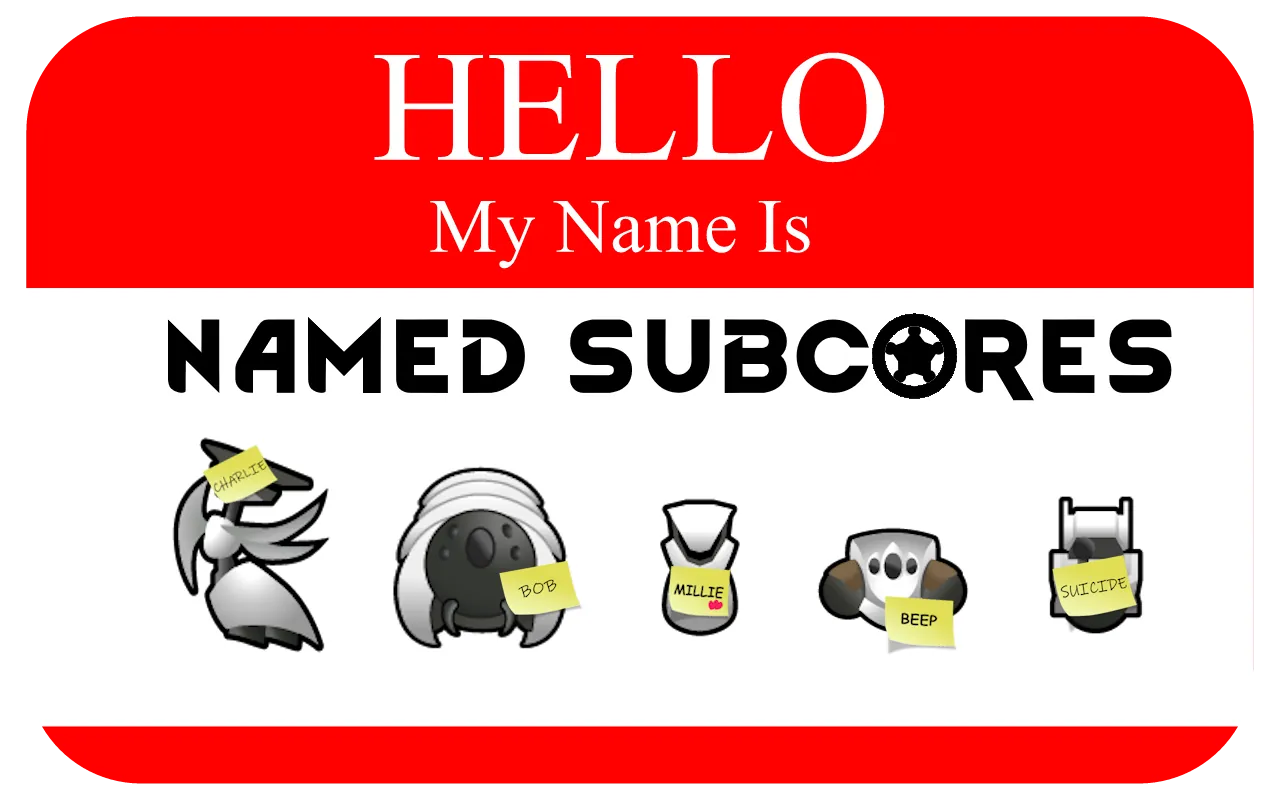
Anthromorphize your mech buddies with names! Friendly mechs have a chance to be named by pawns and High subcores obtain the victim's name through ripscanning. Named subcores will grant that name if used to gestate a new mech.
Features:
Pawns have a chance to name friendly mechanoids
- Naming chance is similar to animal bonding - it should feel rare
[list] - Naming chance is editable in the XML text file - see custom setup
[*] Additionally, naming can occur when an unnamed mechanoid is gestated, resurrected, and being repaired.
[*] Increased naming chance for the mechanitor overseer, pawns with the kind trait, and pawns with high social skill
- Pawns with the Inhuman or Psychopath traits will never name mechanoids
[*] Standard subcore mechanoids (Scyther, Lancer, etc.) have a much rarer chance of being named
[*] Uses the animal name pool by default, or you can add your own names via XML - see custom setup
[/list]
Named subcores
- When a named mechanoid is disassembled, it creates a subcore labeled with their name
- A named subcore can be used to create a new mechanoid that inherits that name
- Respects mechanoids renamed by the player - those names are retained and never overwritten
- Rename a mechanoid back to its default name (e.g. “Lifter 1”) to make it eligible for random naming again
- When a named mechanoid is shredded, the pawn who named it receives a small negative thought
High Subcore Mechanics
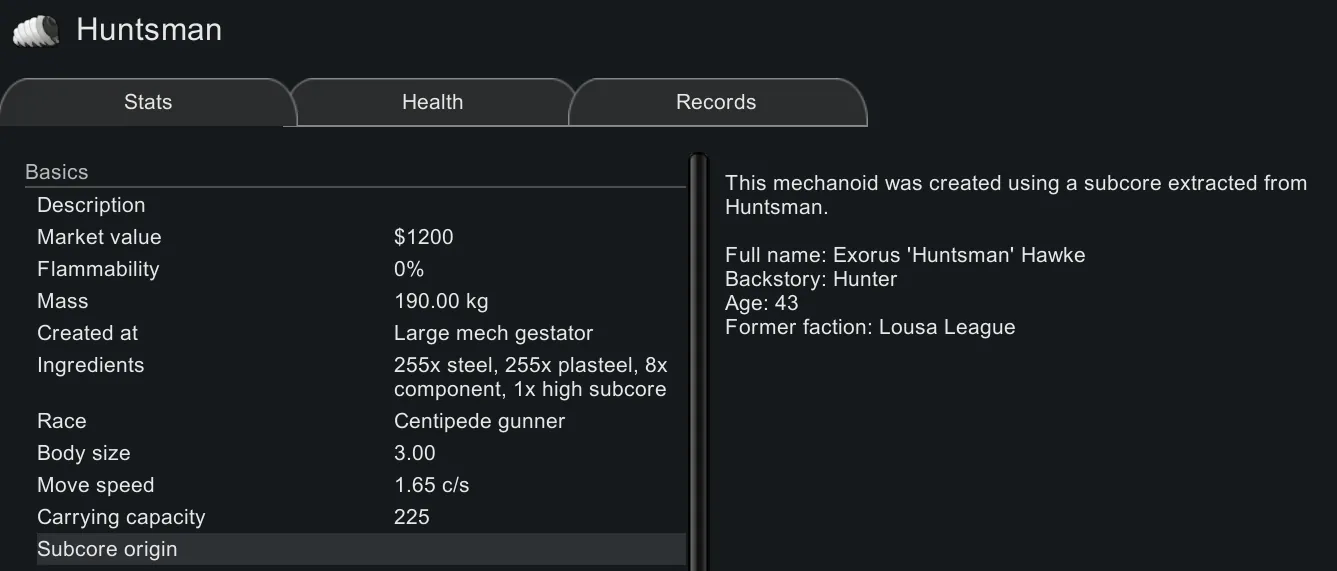
- Mechanoids created with High subcores are automatically named after the victim’s nickname
- Adds inspection information to the mechanoid and subcore:
[list] - Full name
- Age
- Background
- Faction
[*] Mechanoids made with High subcores will never be named by pawns, even if renamed back to a default name
- See custom set up to enable naming for High subcores
[/list]
Scenario Support
- The Mechanitor scenario will automatically name starting mechanoids (similar to animals at game start)
- Should work with any custom scenario that adds friendly mechanoids at the start
Custom Setup
File location (may depend on which drive Steam installs games to):
C:\SteamLibrary\steamapps\workshop\content\294100\3654171519\1.6\Defs
Open 'MechNamingDef.xml' in a text editor and make the changes below. Remember to save the file and reload Rimworld.
- To enable custom names, change to true: <useCustomNames>false</useCustomNames>
- To increase or decrease the naming rate, change: <basicNamingChance> and <standardNamingChance>
- To enable High subcore naming, change: <highNamingChance>0</highNamingChance>