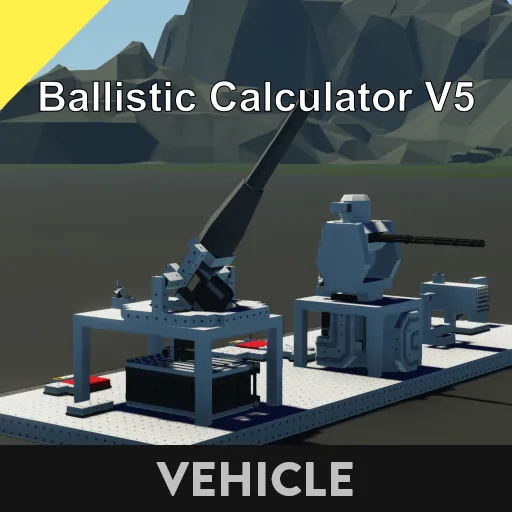
Major Changes
- Improved accuracy for long-range and curved shots
- Reduced calculation load
- Muzzle position adjustment
- Compatible with all pivots
Features
- Inverse ballistic calculator
- Compatible with all weapons
- Compatible with all pivots
- Compatible with both direct and curved shots
- Wind compensation included
- Vehicle speed taken into account
- High-precision stabilizer
- Compatible with ELI1/ELI2/TRD1 input
- Includes FCS Type 7
Description
The ballistic calculation algorithm for Ballistic Calculator V4 has been revamped. Previously, gravity acceleration and air pressure changes due to altitude were taken into account. This dramatically improved the accuracy of long-range and indirect fire. Additionally, the turret is equipped with a Physics Sensor, allowing it to support all pivots. Hinges are also supported.
How to Use
- Turn the power on by turning the key.
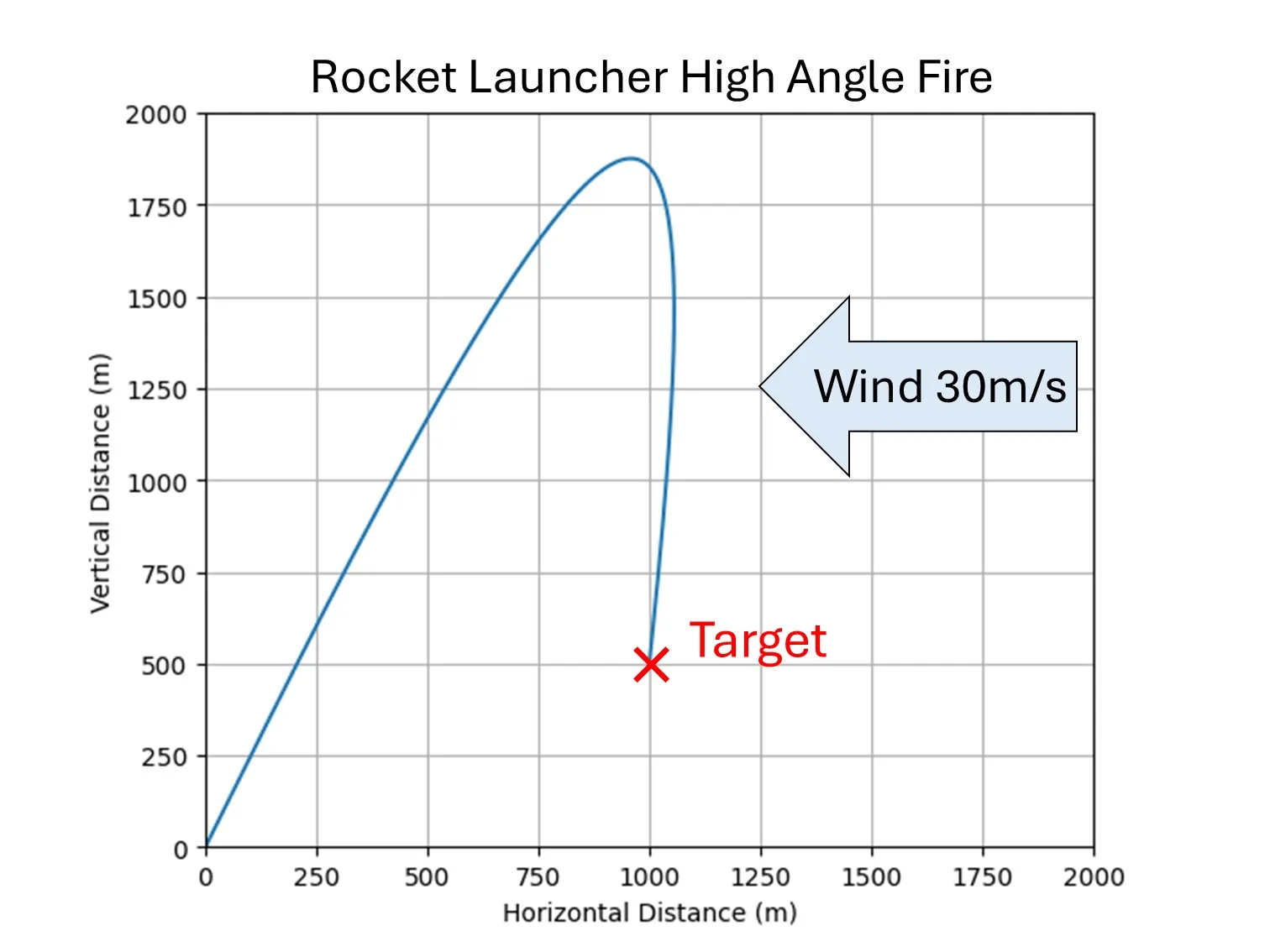
- To fire indirect fire, press the High Angle Fire button.
Due to the ammo loss tic, this only works with battle cannons, artillery cannons, versa cannons, and rocket launchers. - Shootable turns on when firing is possible, so use it in conjunction with an And circuit or similar.
Installation
- Place a Physics Sensor on the same merge as the gun and on the base merge of the turret. The latter Physics Sensor can be placed anywhere.
- Place a Wind Sensor on the base merge of the turret.
- Connect the microcontroller to sensors and pivots.
- Set the microcontroller properties (see below).
Terminal Description
ELI1/ELI2 Input Terminal
Number
Content
1
X coordinate
2
Y coordinate
3
Z coordinate (altitude)
4
X speed [m/tick]
5
Y speed [m/tick]
6
Z speed [m/tick]
Boolean
Contents
1
Target detection
TRD1 input terminal
Number
Contents
1
X coordinate
2
Y coordinate
3
Z coordinate (altitude)
4
X speed [m/tick]
5
Y speed [m/tick]
6
Z speed [m/tick]
7
X acceleration [m/tick^2]
8
Y acceleration [m/tick^2]
9
Z acceleration [m/tick^2]
Boolean
Content
1
Target Detecting
Reload Input Terminal
Sets the elevation angle to 0 while leaving the azimuth unchanged. Use this when reloading. To reset the azimuth to its default position, turn off Power.
Shootable Output Terminal
An on signal is output when the turret is within range and facing a firing position.
Property Description
Property Name
Description
Weapon Type
Select the weapon type.
Standby Yaw Position (degree)
Enter the initial azimuth angle in degrees relative to the pivot zero point. The direction will be set when the power is turned off.
Min Pitch (degree)
Enter the minimum pitch angle in degrees. The pivot zero point is the reference point.
Max Pitch (degree)
Enter the maximum pitch angle in degrees. The pivot zero point is the reference point.
Pitch Swivel Mode
Select whether to limit pitch swivel to minimum and maximum values. "Unlimited" allows swivel regardless of the minimum and maximum values (-90° ~ +90°). "Limited by Fov" limits swivel to the minimum and maximum values. Note that the firing range is always limited by the minimum and maximum values.
Min Yaw (degree)
Enter the minimum yaw swivel angle in degrees. This is based on the Standby Yaw Position.
Max Yaw (degree)
Enter the minimum yaw swivel angle in degrees. This is based on the Standby Yaw Position.
Yaw Swivel Mode
Select whether to limit yaw rotation to minimum and maximum values. "Unlimited" allows rotation regardless of the minimum and maximum values (-180° ~ +180°). "Limited by Fov" limits rotation to the minimum and maximum values. Note that the firing range is always limited by the minimum and maximum values.
Pivot rotation speed gain
This is the turret rotation speed. Increasing the gain allows for faster rotation.
Types of Pitch PIVOT
Select the pivot used for pitch. Hinge can be used with the "Robotic Pivot" setting.
Pitch Gear Ratio
Please select the gear ratio of the pitch pivot.
Types of Yaw PIVOT
Please select the pivot used for yaw.
Yaw Gear Ratio
Please select the gear ratio of the yaw pivot.
Turret phy. offset x (m)
Please enter the X-axis distance between the turret's Physics Sensor and the gun's center of rotation (left-right direction of the vehicle).
Turret phy. offset y (m)
Please enter the Y-axis distance between the turret's Physics Sensor and the gun's center of rotation (front-back direction of the vehicle).
Turret Phy. Offset Z (m)
Enter the Z-axis distance between the turret's Physics Sensor and the gun's center of rotation (vehicle vertical).
Muzzle Offset X (m)
Enter the X-axis distance between the gun's center of rotation and the muzzle (vehicle horizontal).
Muzzle Offset Y (m)
Enter the Y-axis distance between the gun's center of rotation and the muzzle (vehicle horizontal).
Muzzle Offset Z (m)
Enter the Z-axis distance between the gun's center of rotation and the muzzle (vehicle horizontal).