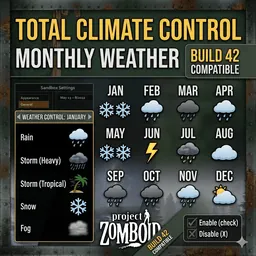
Take full control of weather in Build 42 with month-by-month sandbox settings.
Set how many days of Rain, Thunderstorm, Heavy Storm, Tropical Storm, Snow, and Fog you want for each month, and the mod handles the rest automatically.
How to configure:
1. Open Sandbox Settings.
2. Go to Monthly Weather Control.
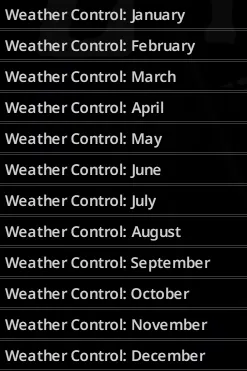
3. Select a month tab (Weather Control: January, Weather Control: February, etc.).
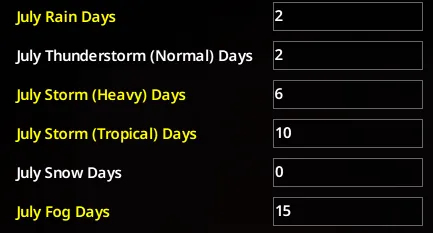
4. Set day values for each weather type.
What each setting does:
- Rain Days: Number of full rain days in that month.
- Thunderstorm Days: Number of normal thunderstorm days.
- Storm (Heavy) Days: Number of heavy storm days.
- Storm (Tropical) Days: Number of tropical storm days.
- Snow Days: Number of snow days.
- Fog Days: Number of fog days (fog intensity is randomized between 0.8 and 1.0 per fog day).
How values affect gameplay:
- 0 = Off for that weather type in that month.
- Greater than 0 = Enabled, with that many full-day weather events.
- Each assigned weather day lasts 24 in-game hours.
- If your total assigned weather days are less than the month length, remaining days use normal default weather.
- If total assigned weather days exceed the month length, values are automatically scaled to fit the real number of days in that month (including shorter months).
Workshop ID: 3701497128
Mod ID: MonthlyWeatherControl