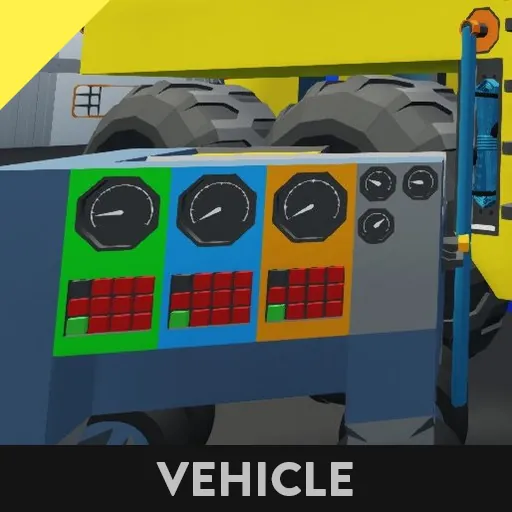
The PIDpro MD3 is a basic mobile tool for tuning PID controllers
It allows real time adjustment of a PID without going back to the work bench or building a tuning panel on the vehicle
How to use the MD3:
1-Place the MD3 nearby or import it straight into the workbench
2- In your vehicle's microcontroller add a composite input called "Data Port In"
3- Read from "Data Port In" number channels 1 (P), 2 (I) and 3 (D) and connect them to your advanced PID controller
4- Place an electrical cable anchor somewhere on the exterior of your vehicle
5- Connect "Data Port In" to the Cable anchor
Optionally you can also read engine diagnostics on the MD3
1- Add a composite output to your ECU called "Data Port Out"
2-Connect the Engine composite output to a write number channel 4, connect RPS to that number, then connect it to "Data Port Out"
3-Connect "Data Port Out" to the Cable anchor
RPS, Temperature and Air-Fuel Ratio will now appear on the MD3
Now Spawn in your vehicle and connect it to the MD3 using an electrical cable.
Set P to a small number to begin with (eg 0.05), start the engine and see how it behaves.
Increase P if it is spluttering, Decrease P if it reaches the desired RPS quickly and then fluctuates aggressively. You can then increase D to a very small number (eg 0.01 or 0.001) to further stabilise the RPS. I recommend you find a PID tuning tutorial such as this one if you need help
https://steamcommunity.com/sharedfiles/filedetails/?id=2788601730
Of course the MD3 can tune PID controllers for any purpose, but I built it with Engine tuning in mind. Other uses will likely need different numbers to what I have suggested here