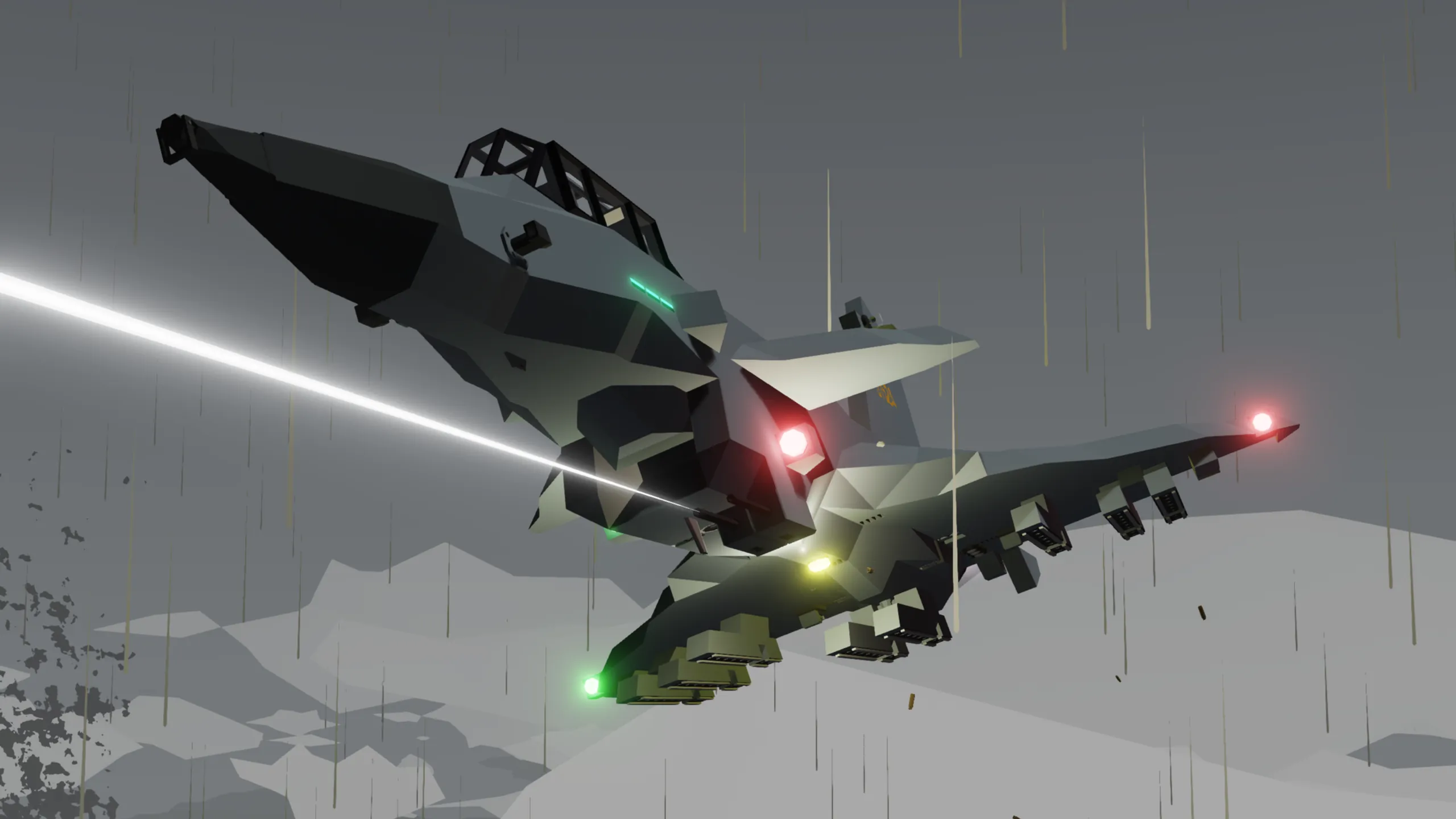
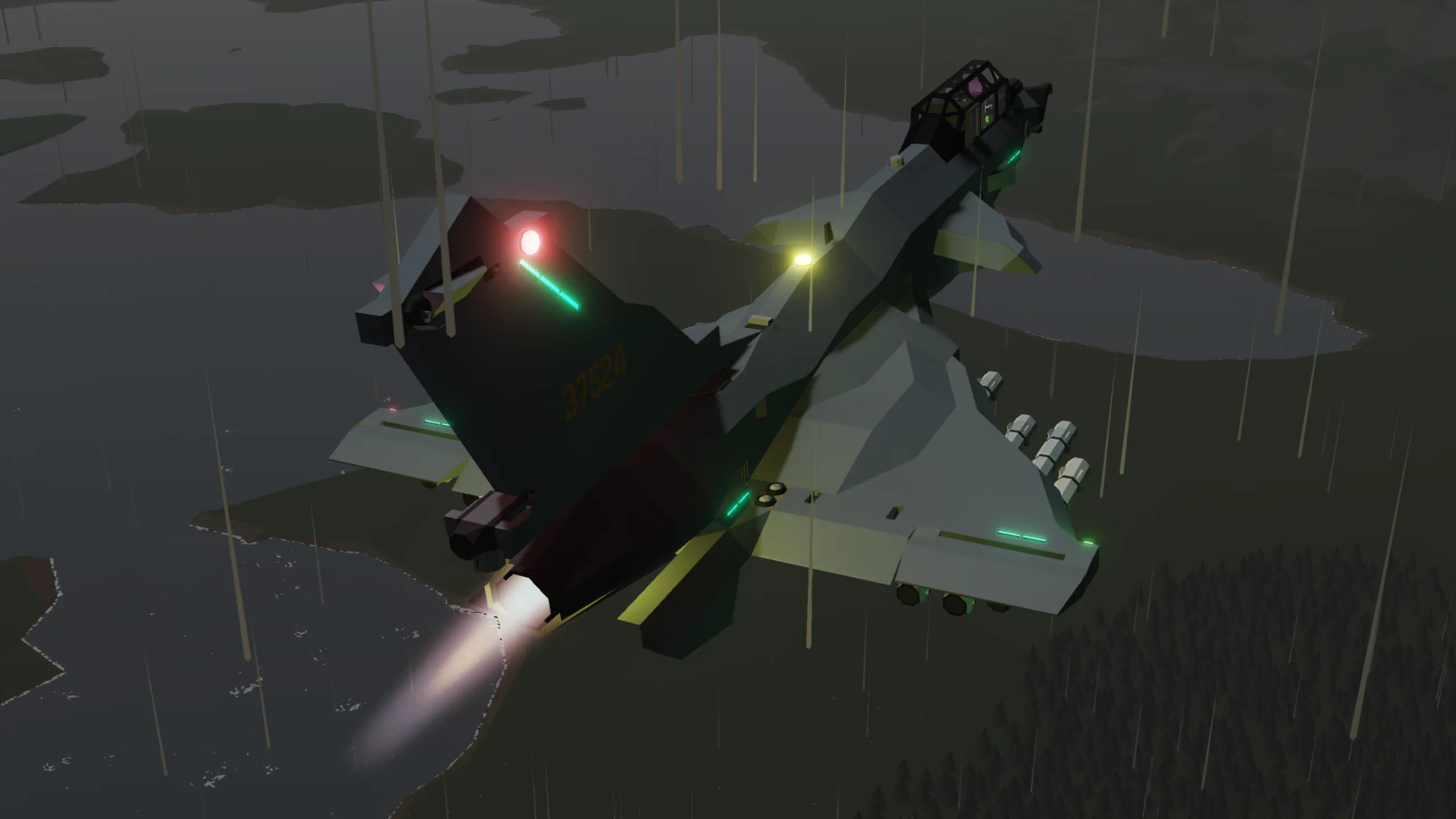
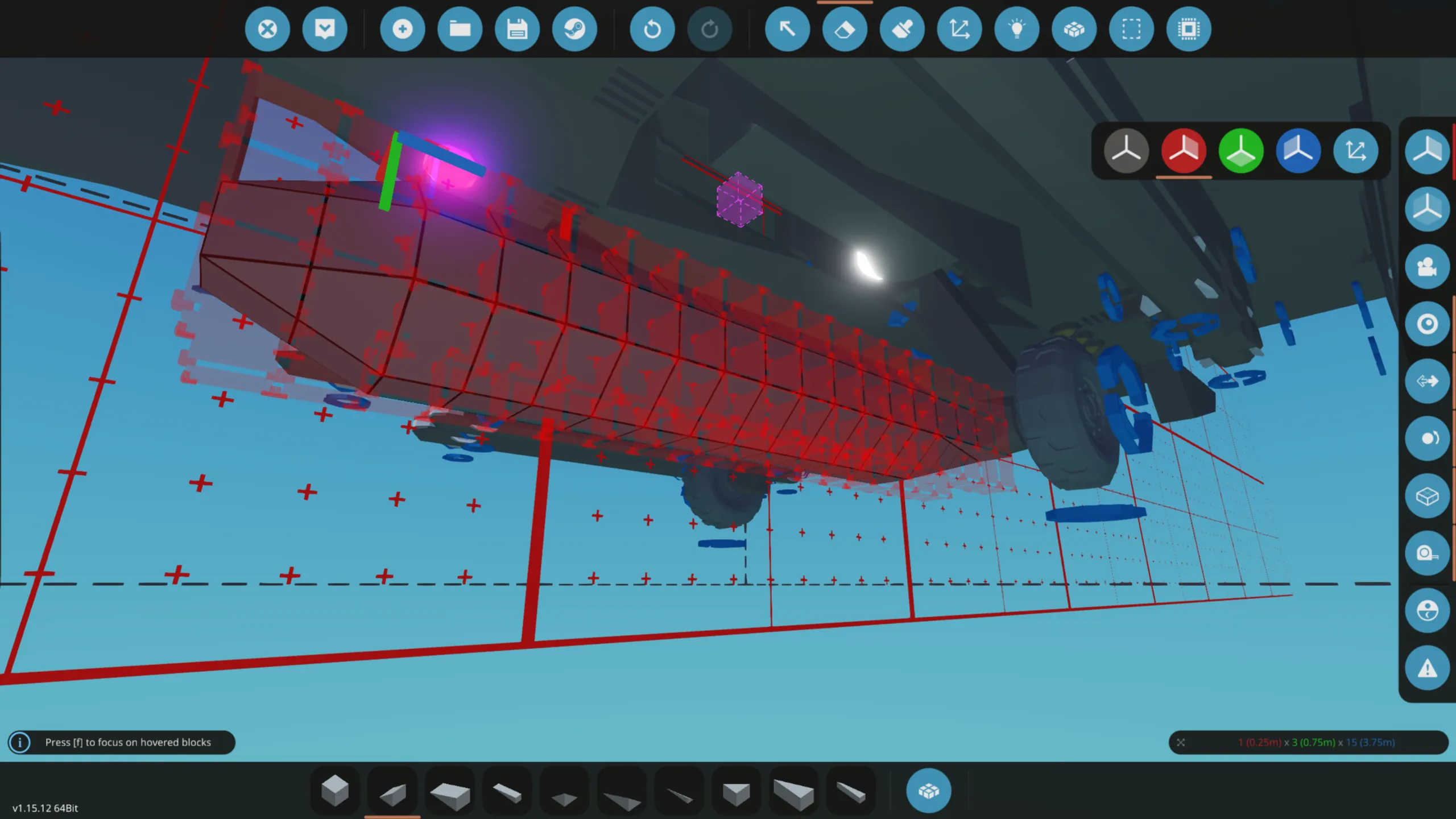
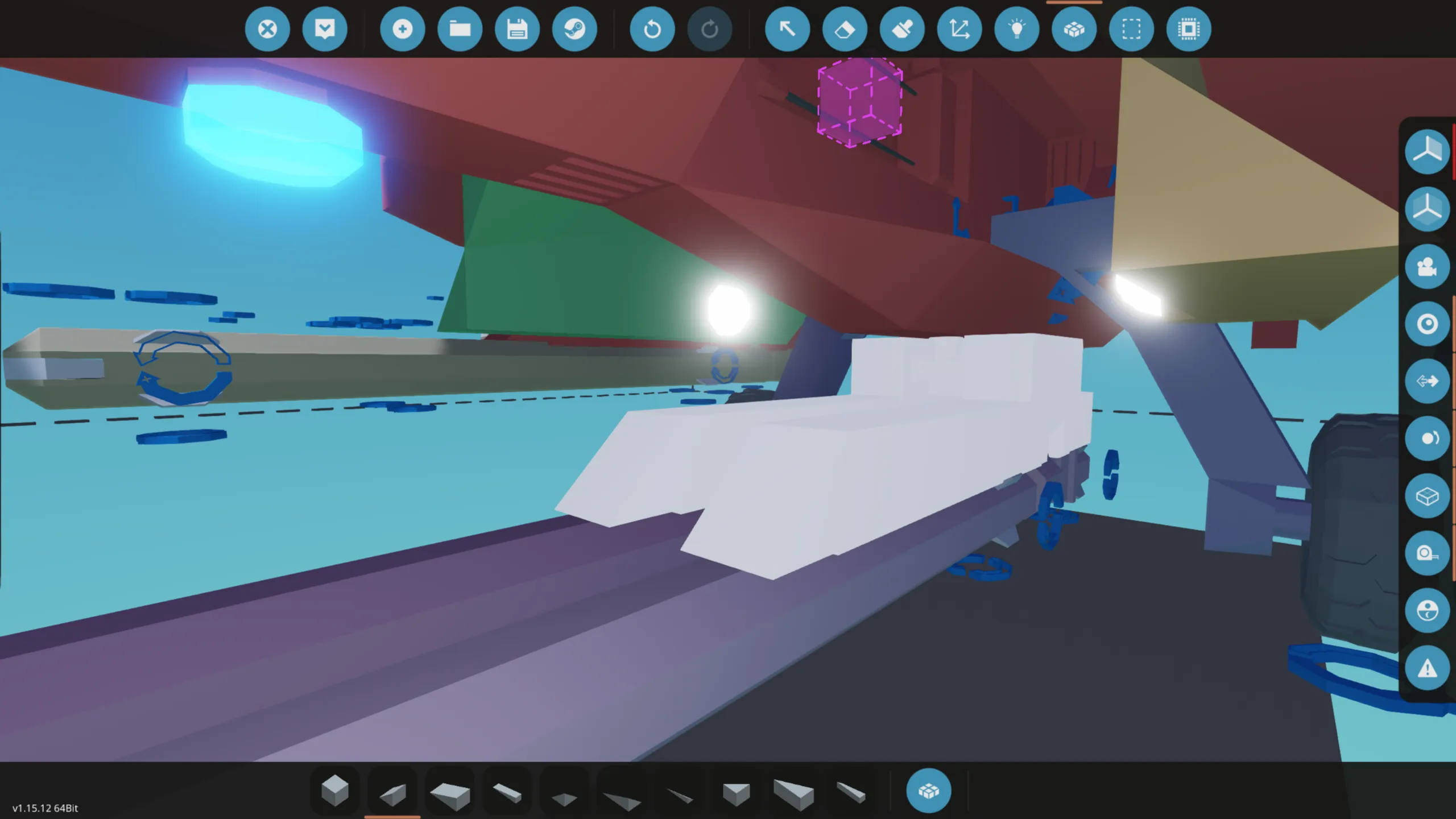
KJ-10C “Flamebird”
This aircraft is designed for air combat multiplayer normal matches on the SJAC server.
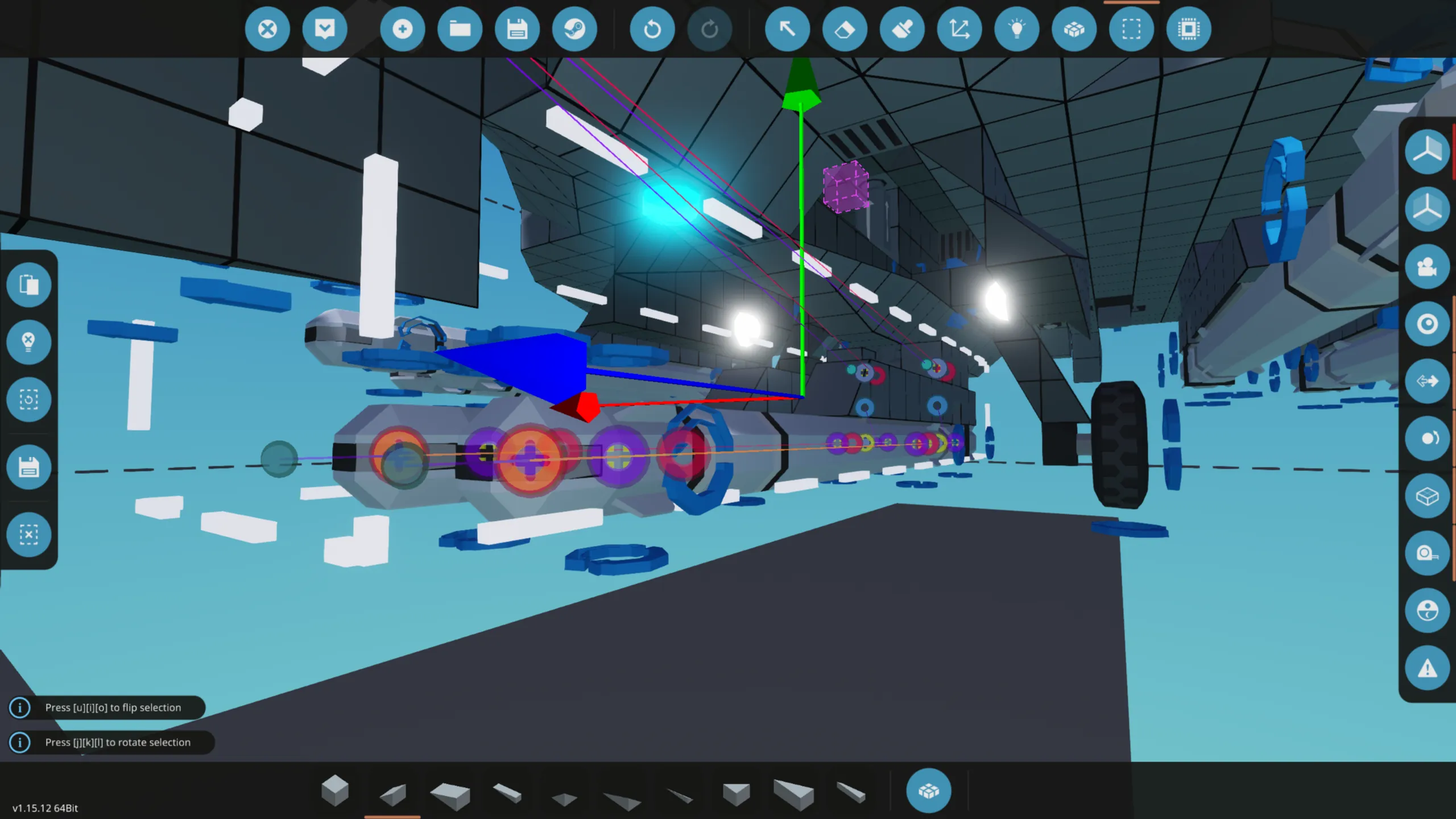
You can configure the rudder and throttle keys in the microcontroller properties.
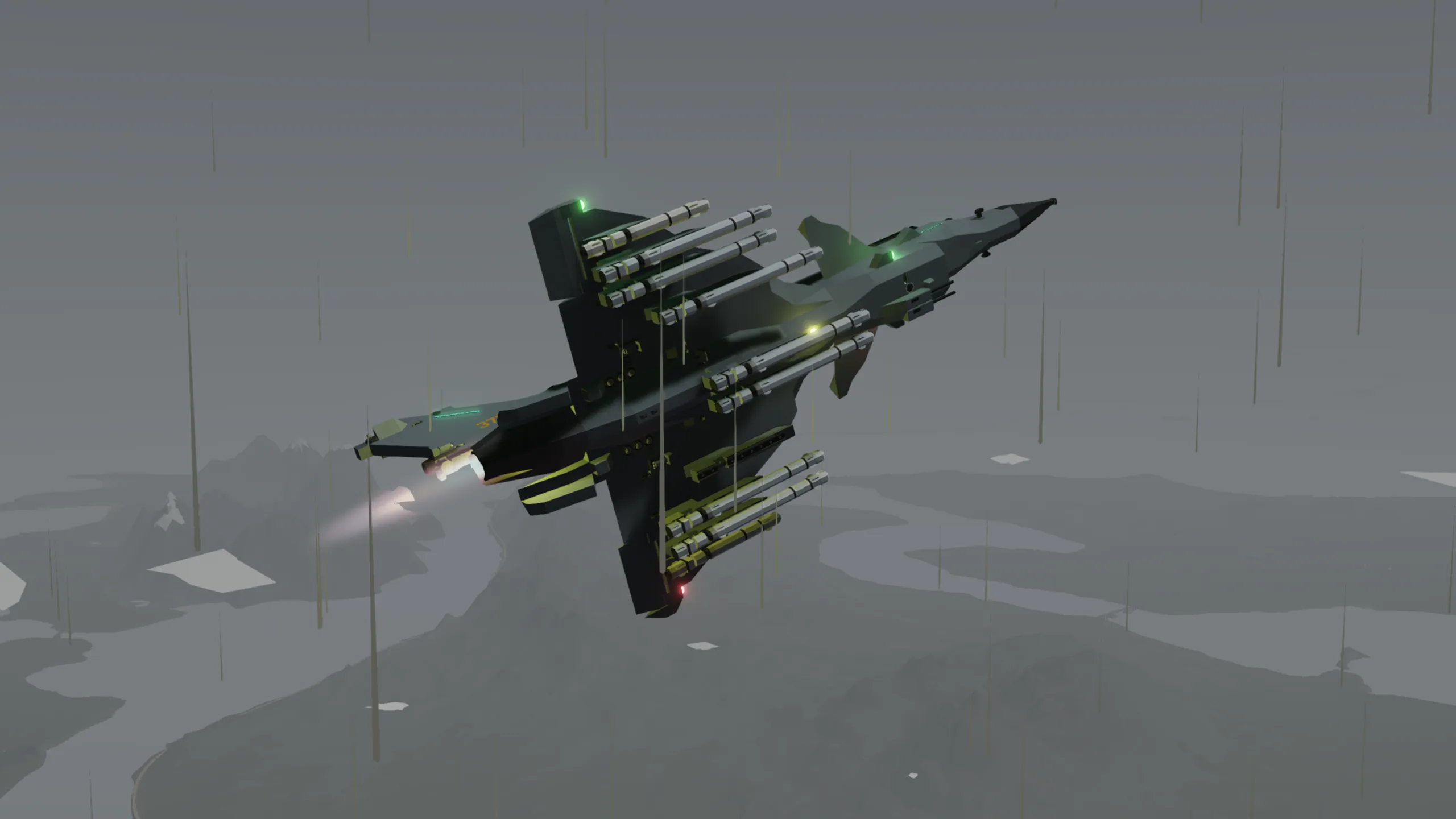
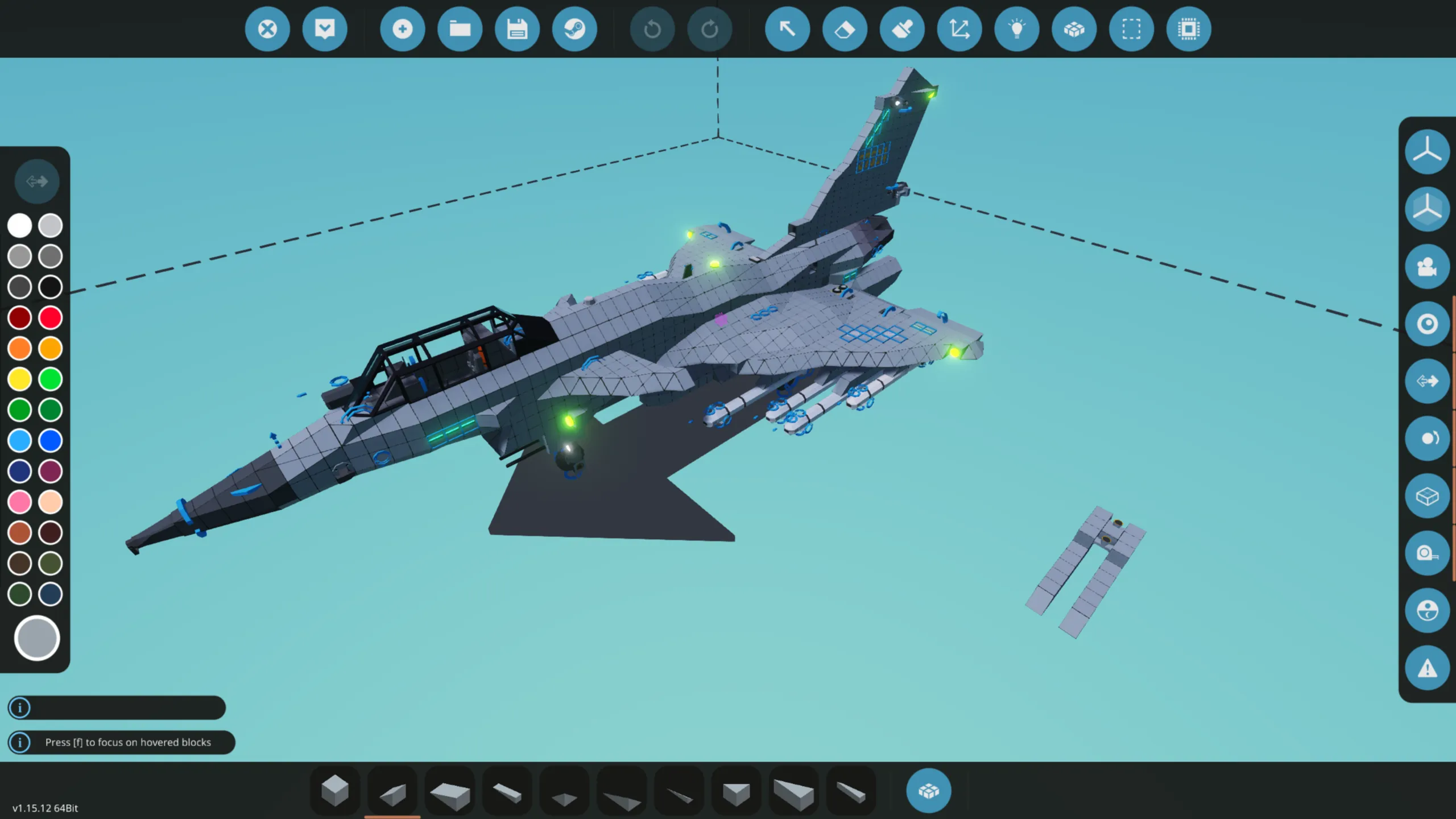
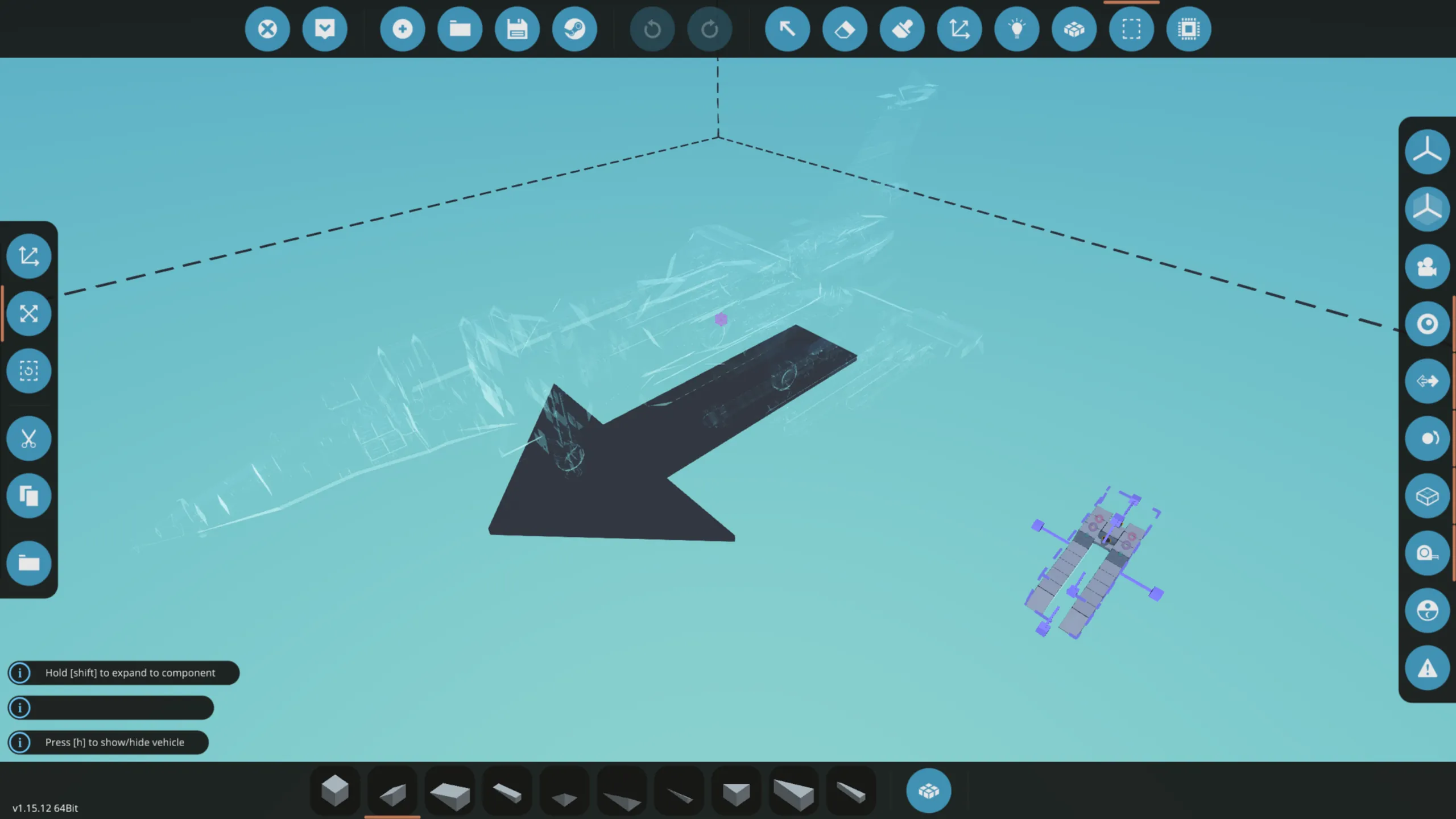
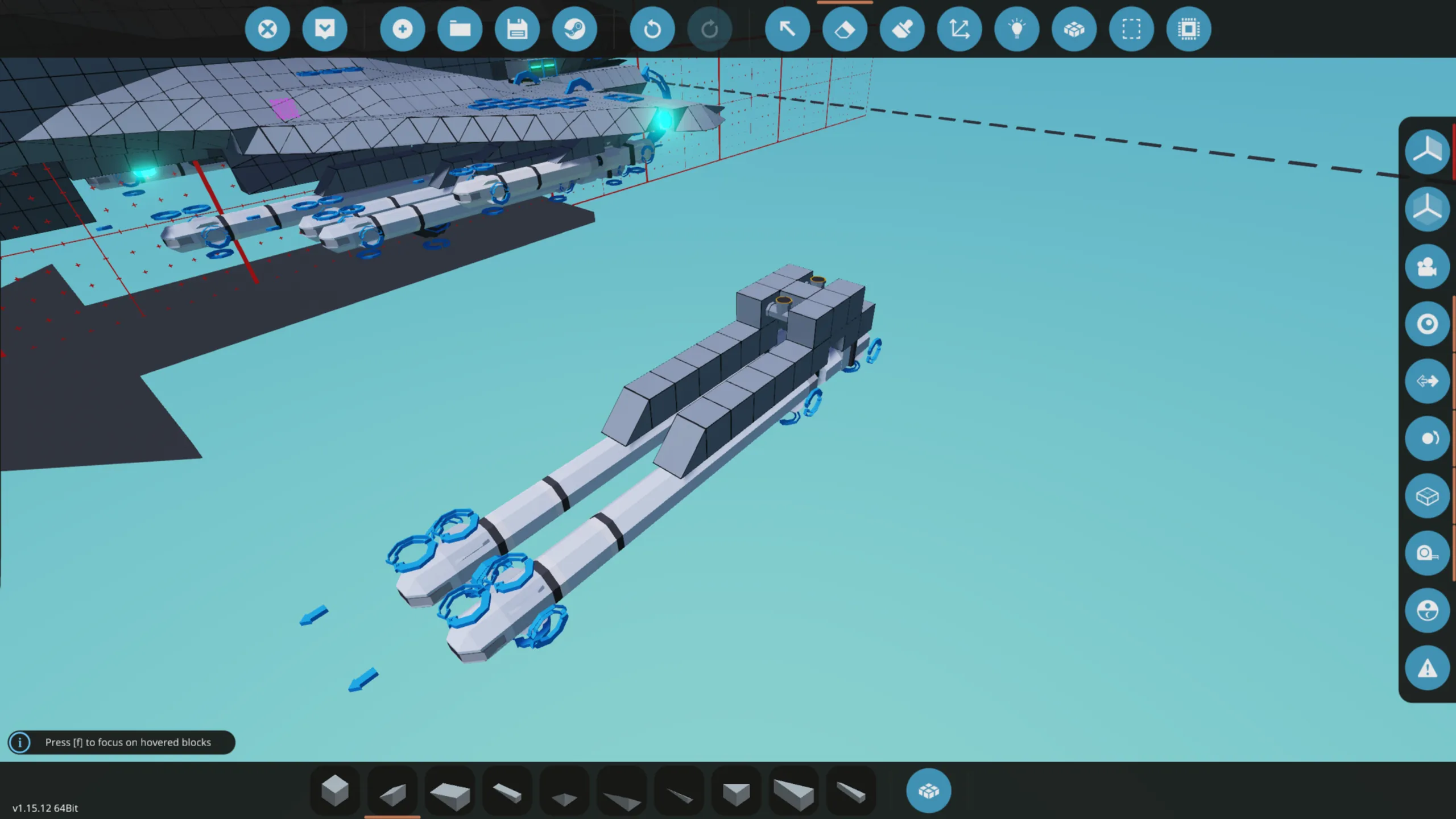
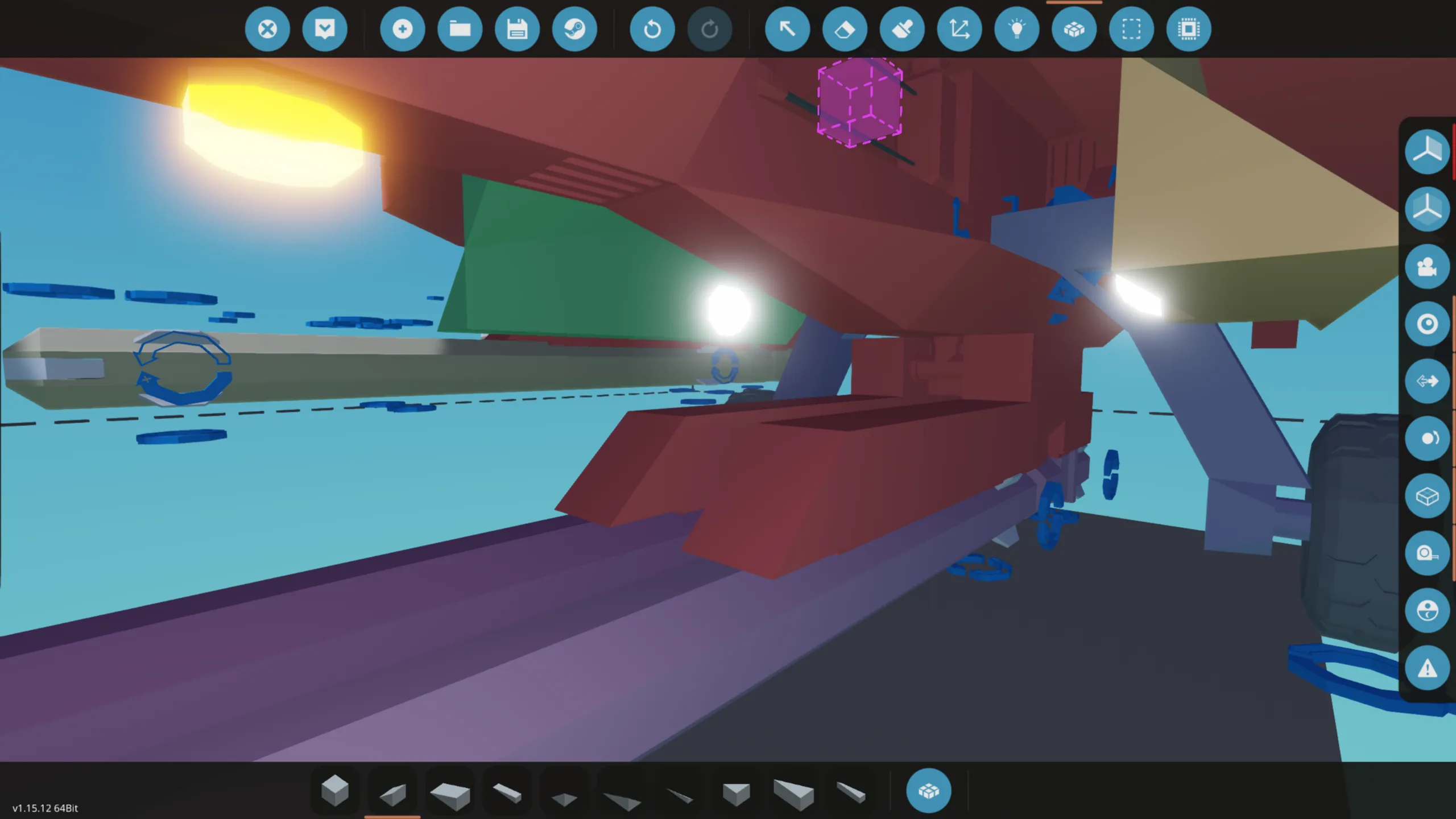
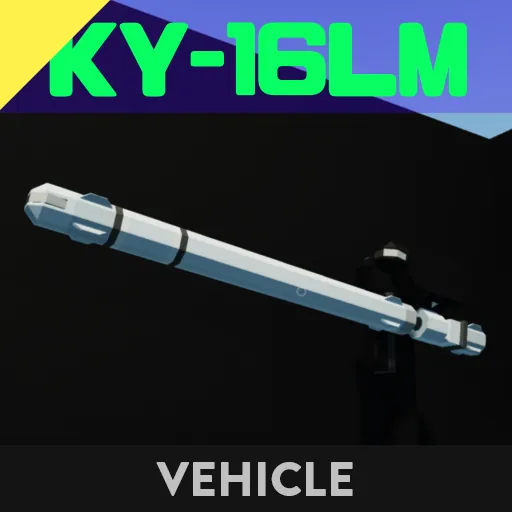
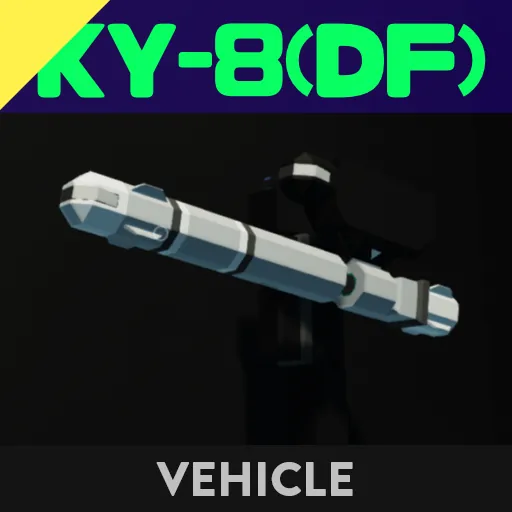
As shown in the image, you can replace the external fuel tanks with missiles by attaching them accordingly.
---
Increasing the throttle (Axis 3 or Hotkey +2) will start the engine.
When using either axis or hotkeys, the throttle will initially stop between 0–100%. Applying input again allows it to reach up to 120%.
---
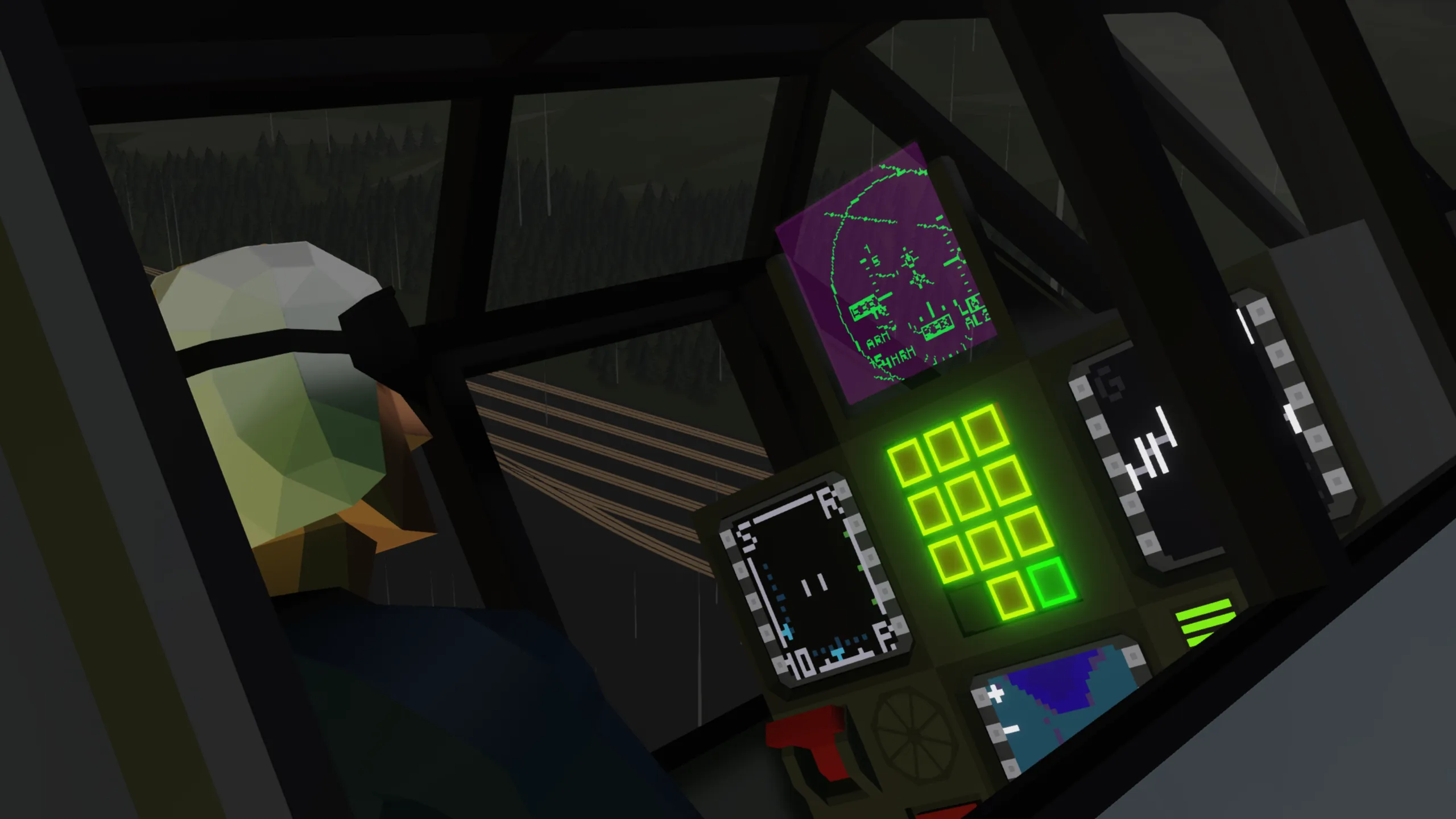
1. Left MFD (Radar Control)
- O = Off
- S = Search
- A = ACM (Air Combat Mode)
Press the top-left MFD button to cycle through these modes.
You can control the radar cursor with Hotkey 4 + Axis 3/4.
In Search mode, lock a target by placing the cursor over the red contact and pressing Hotkey 4 + Hotkey 5.
To unlock, press Hotkey 4 + Hotkey 6 (hold to confirm).
Other buttons are optional—feel free to experiment. They control things like display range, vertical scan angle, and reset functions.
---
2. Right MFD (Weapon Selection)
- M = Medium-range missile
- S = Short-range missile
- G = Gun
- TK = External fuel tank
---
3. Center MFD (Data Link Map)
Press the third button from the top on the left to transmit.
Use the following buttons to select your ID number.
Up to 6 players can be displayed.
---
That’s all—good luck out there.
If you have any questions, feel free to ask.