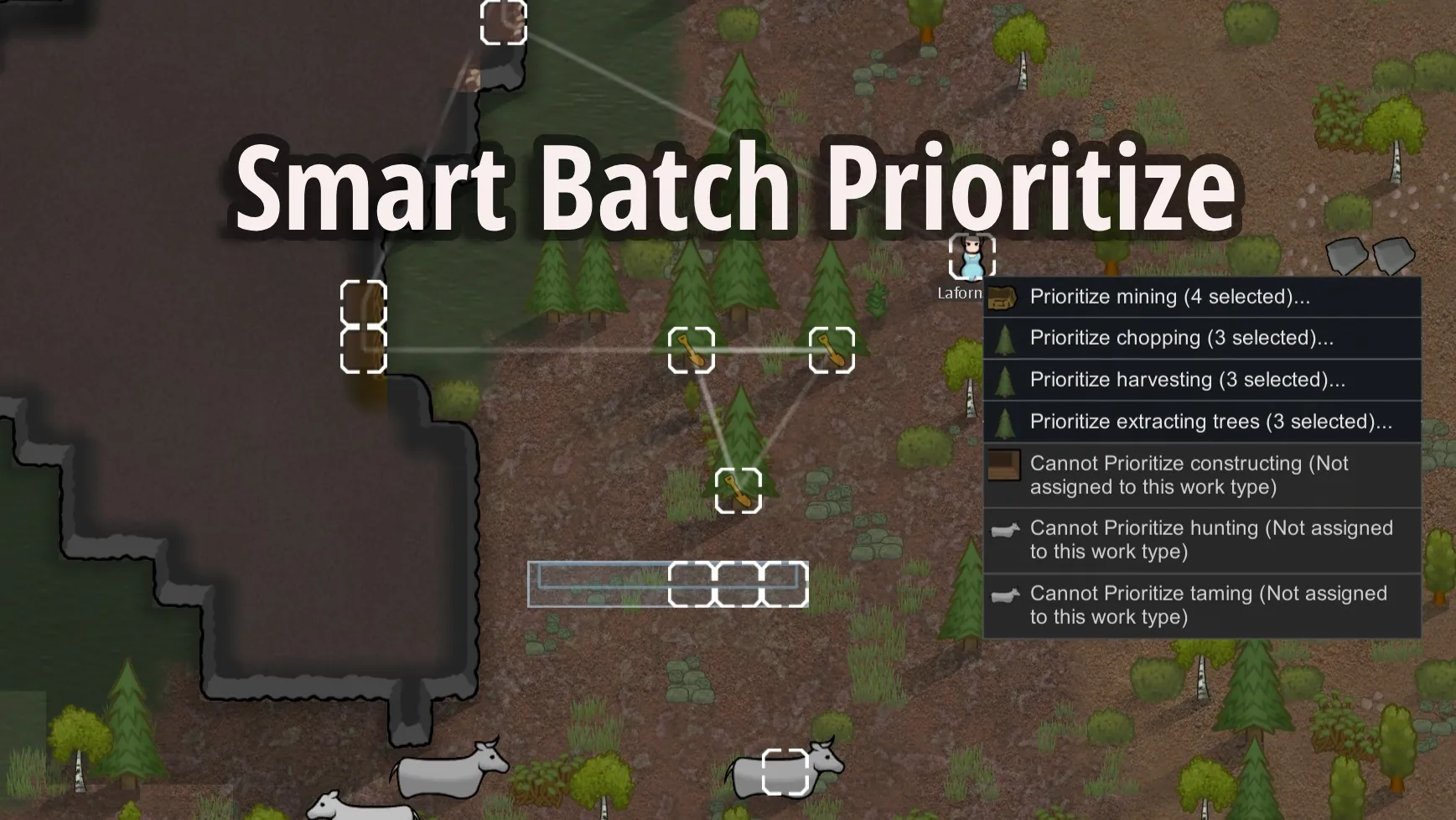
Right-click once. Your pawns handle everything.
Select multiple targets → Right-click → Done.
No more assigning jobs one by one. Your pawns will automatically queue and complete them in order.
Drag and Prioritize Bulk Jobs
Simply drag a selection box over multiple blueprints, trees, rocks, or animals, right-click, and command your pawns to prioritize them all sequentially.
How to Use
- Select specific pawns and multiple work targets simultaneously.
- Alternatively, drag a selection box over a series of work targets first, then right-click to open a list of available pawns (limited to 10, sorted by closest proximity to the job).


Performance
- Smooth & Lag-Free: Even with 40+ pawns and hundreds of targets, right-clicking stays instant and responsive.
Supported Work Types
- Mining
- Chopping
- Harvesting
- Sowing
- Taming
- Hunting
- Constructing
- Deconstructing
- Cooking
- Smithing
- Tailoring
- Crafting
- Art
Planned / In Progress
- More work types and edge-case support.
- Smarter task sorting algorithms for optimal execution order.
- Additional quality-of-life features based on player feedback.
Compatibility
- Safe to add or remove mid-save.
- Highly compatible with almost all mods (uses Harmony prefixes on UI events, does not touch Core AI JobGivers).
Works especially well alongside Allow Tool, Pick Up And Haul, and Replace Stuff — use them to quickly select targets, then assign them efficiently with this mod!
Customizable
Toggle work types and various functions via the mod's settings menu:
- Shift-Key Modifier: Can be configured to only trigger the batch assignment menu when holding the Shift key (prevents misclicks).
- Quick-Assign Closest: Adds a dedicated "★ Closest" button at the top of the menu to instantly assign the nearest available pawn, skipping the sub-menus entirely.