-> Intro
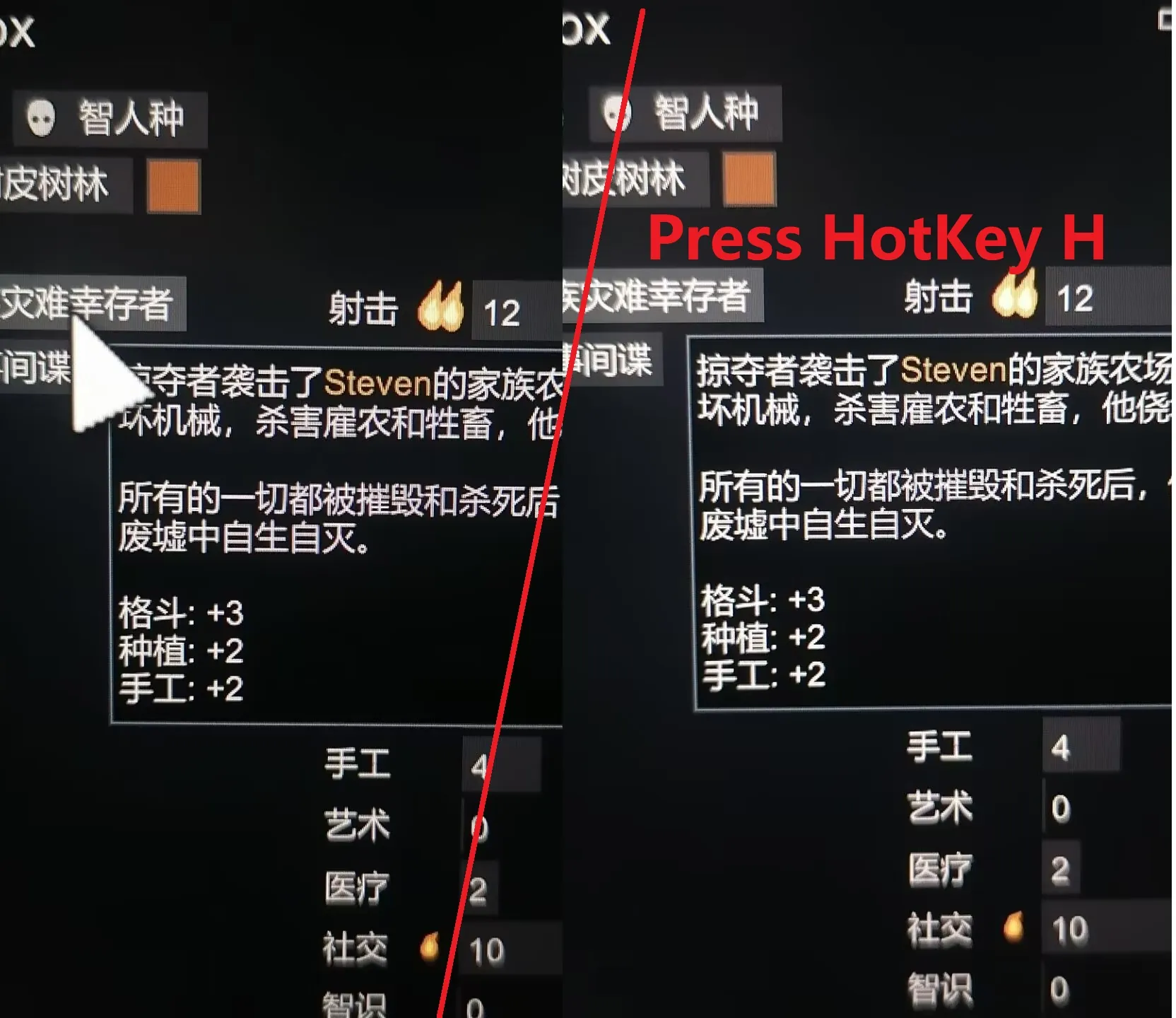
As cursor size in RimWorld is dependent on your original cursor size, for players with large cursors(like me),
the cursor can be quite large and block the view when reading text.
This mod allows you to quickly hide or show the in-game mouse cursor with a hotkey.
Perfect for reading text without the cursor blocking your view and doesn't need to change your original cursor size.
Hotkey: Default H (To change, Open "Options" -> "Controls" -> "Keyboard configuration" -> Find the Hide Cursor HotKey in the last of the menu)
Press again to make cursor back to visable
-> Compatibility ?
Tested in all DLC, should work well for other mods if not about the Cursor object
- incompatible with Perspective Shift, which seems change the cursor in first person mode
-> Mid-add or remove ?
Tested in all DLC, yes
-> Others
Written with assistance from RimSage and GitHub Copilot. Please report any issues to me.
This is my first mod in RimWorld